Dr. Zaius
Well-Known Member
- First Name
- Dennis
- Joined
- Dec 20, 2019
- Threads
- 76
- Messages
- 6,666
- Reaction score
- 40,686
- Location
- Living The Dream
- Vehicle(s)
- 2019 Ranger XLT FX4
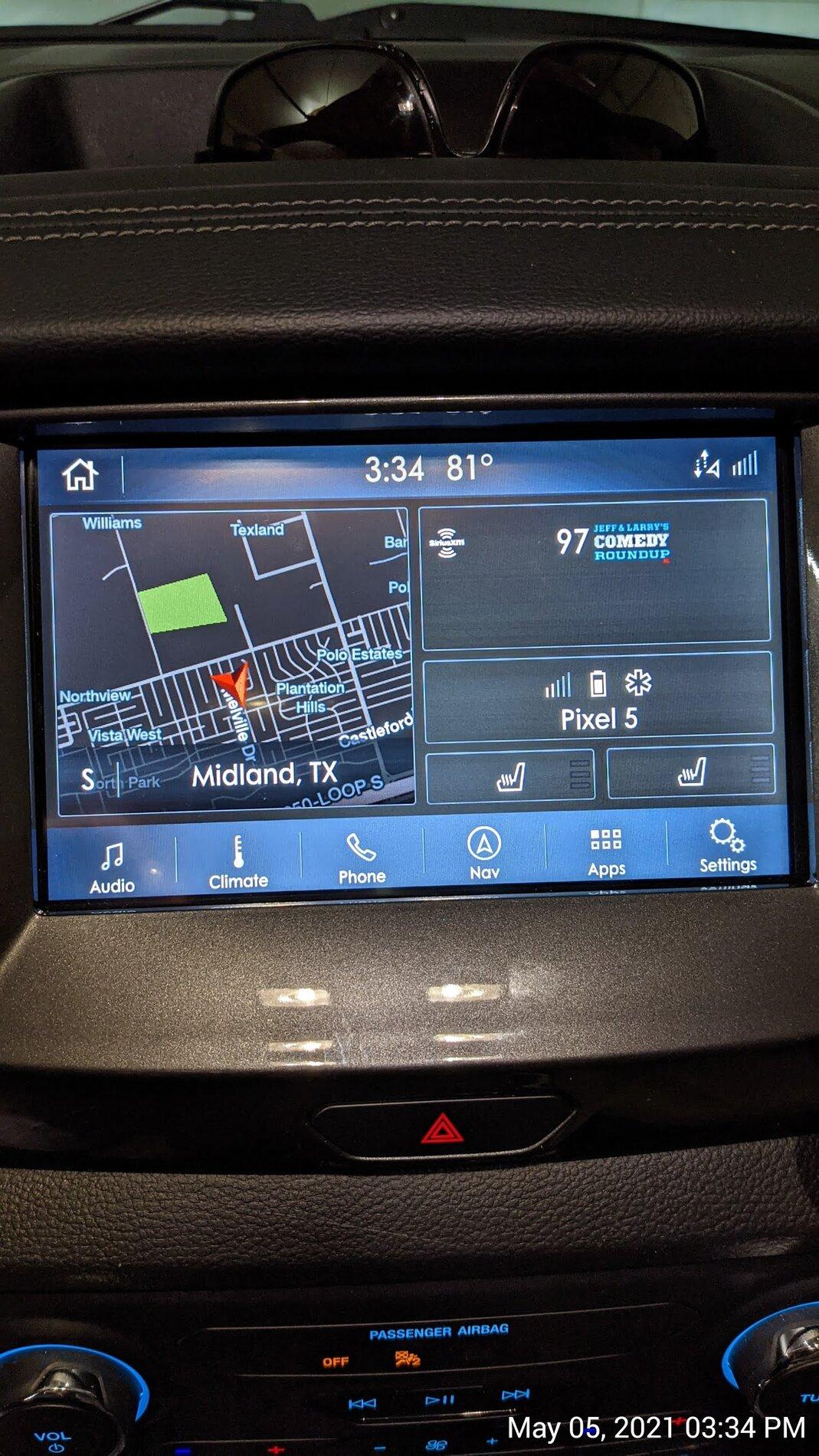
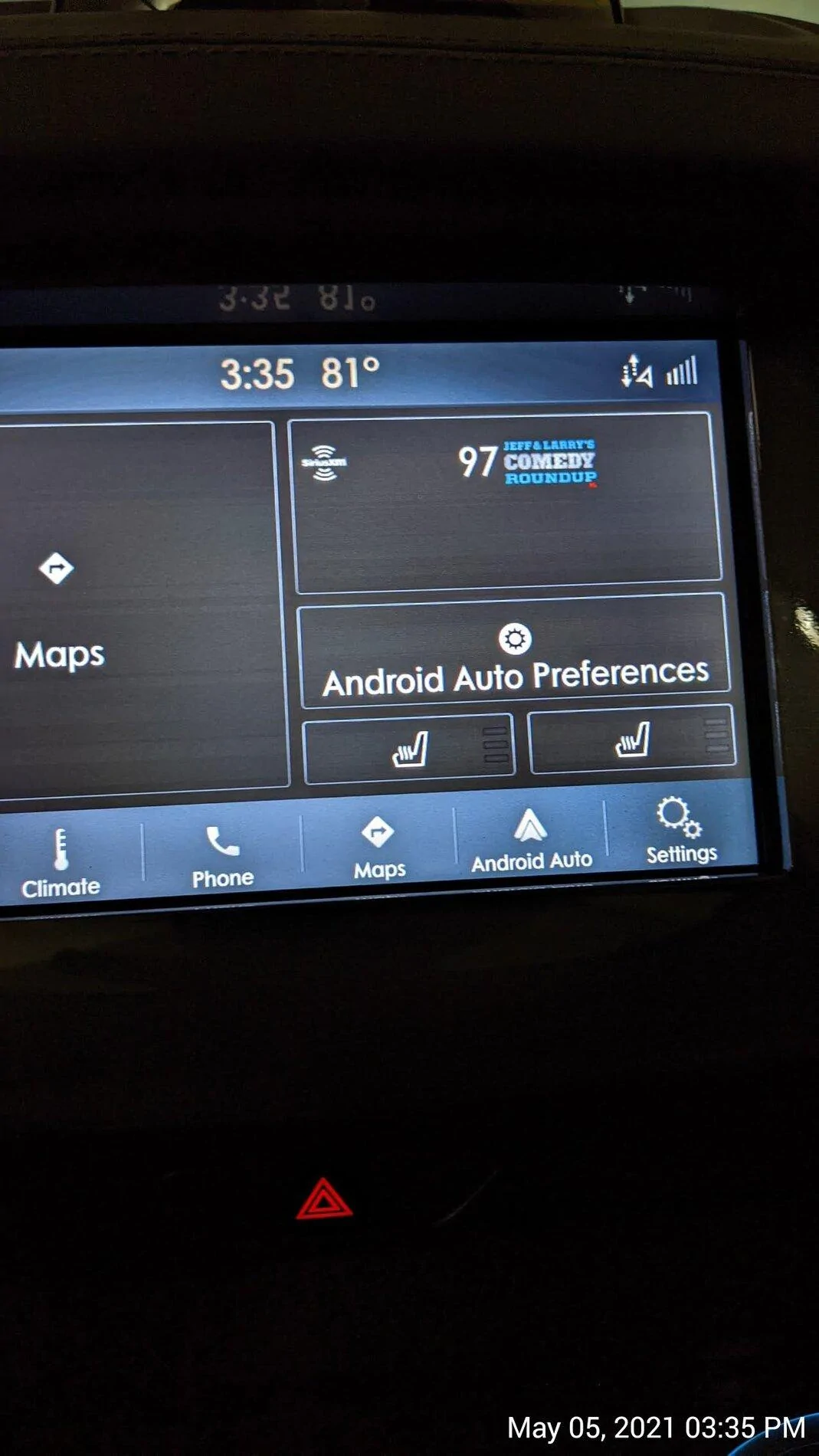
The map split screen works fine with IOS/CarPlay.Every time we get a new Sync3 upgrade, I’m hoping that maybe in THIS version, we will finally be able to display the Android Auto map in the half screen map area of our home screen. I know this is possible, because it displays the phone’s map in that area of the home screen on my wife’s Lincoln Nautilus with the same version of Sync.
Maybe I’m missing something? Has anyone else been able to get the Google map to show up here? If so, how do you make it happen?

Mine displays the map on the left, selected music source on bottom right, and turn-by-turn directions in the upper right.
The map app used doesn't matter. It's the same with Waze, Apple Maps, Google Maps, or Gaia.
Sponsored