Sponsored

Sync 3 v3.4 Build 21020

Figarou

Well-Known Member
Joined
Mar 22, 2019
Threads
25
Messages
2,408
Reaction score
13,793
Location
Texas
Vehicle(s)
2022 Ford Edge ST, 2019 Ford Ranger Lariat
How long did you wait?

Did you exit the vehicle for 5 minutes with the key off before restarting?
Yes.

Edit....Ok, it's working now. I wasn't getting a signal.
Sponsored

 
Last edited:

db_tanker

Well-Known Member
First Name
Darrell
Joined
Mar 21, 2020
Threads
33
Messages
446
Reaction score
968
Location
Texas
Vehicle(s)
2019 Ford Ranger / 2018 Honda Civic EX 5 door
Occupation
Process Professional
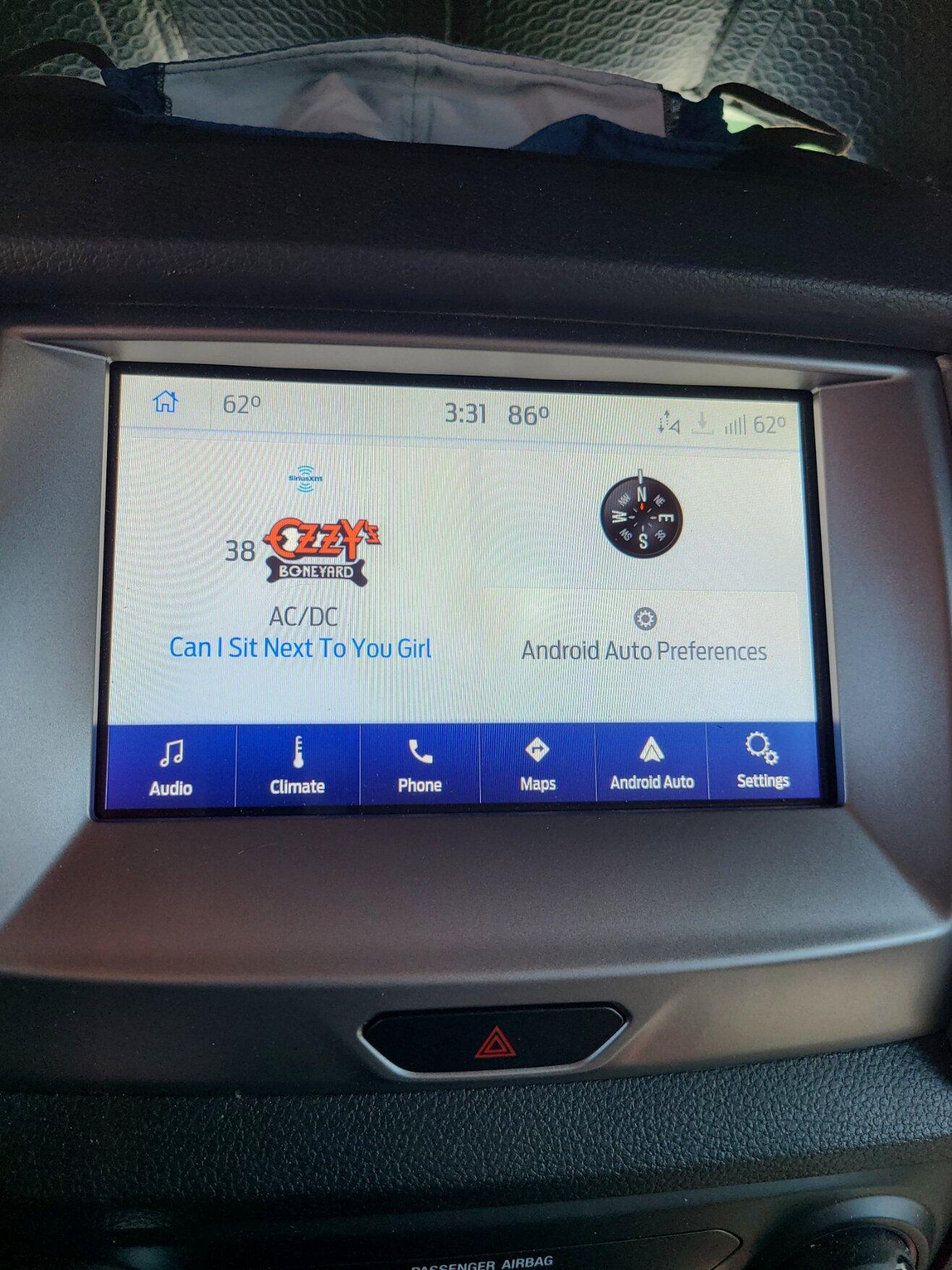
yep took about 30 or so minutes to load into the system. but now its good to go and sirius is up and running as well. android auto is good to go and all functions are there that I normally use.

20210502_153141.jpg
 

Bsqrd

Well-Known Member
Joined
Oct 17, 2018
Threads
4
Messages
126
Reaction score
164
Location
Arizona
Vehicle(s)
2020 Ford Ranger SuperCrew Lariat FX4
What version of Windows?

I assume your USB flash drive is formatted for ExFat, not FAT32.

Windows 10: After downloading the zip file, right-click on the zip file>Open With>Windows Explorer
Yep. Used it before. Not a problem with loading just unzipping the file. Fails on the same file, with both downloads. Think the source is corrupt.
 

GregsFX2Ranger

Well-Known Member
First Name
Greg
Joined
Mar 19, 2021
Threads
8
Messages
557
Reaction score
773
Location
Tennessee
Vehicle(s)
2021 XLT 302A 4x2 Rapid Red Black Appear Package
Occupation
Management
Applied the update. All went well. Requested update via wifi and stated it was up to date.
Sirius didn't operate for a minute or two, but a message flashed stating "Sirius XM Updated".

Doesn't look any different than the previous version. Probably bug updates.


Rp930

Well-Known Member
First Name
Rick
Joined
Nov 19, 2018
Threads
20
Messages
1,794
Reaction score
3,514
Location
Denver
Vehicle(s)
‘19 Ford Ranger Lariat, ‘23 Macan,’21 Shelby GT500
Occupation
Retired
I’m on number 4.
 

BGDOGY

Well-Known Member
First Name
Tommy
Joined
Oct 5, 2019
Threads
4
Messages
113
Reaction score
216
Location
virginia
Vehicle(s)
2019 Ford Ranger Lariat 4x4 crew cab
Did my main update via USB, started it and drove for over an hour. Updating system message disappeared from screen and I had gotten to my destination, so I turned it off. Checked system and it still had the old version showing. Started it again after I got home, took about 15 minutes, said it was done and it would be ready after next restart. Once it was restarted, did the automatic wifi update of the maps, so it's at NA 2 20 now. The maps took about another hour from start to finish. Everything is working, nothing lost, guess it's good to go.
 

Bsqrd

Well-Known Member
Joined
Oct 17, 2018
Threads
4
Messages
126
Reaction score
164
Location
Arizona
Vehicle(s)
2020 Ford Ranger SuperCrew Lariat FX4
What version of Windows?

I assume your USB flash drive is formatted for ExFat, not FAT32.

Windows 10: After downloading the zip file, right-click on the zip file>Open With>Windows Explorer

Ok, as they say " Third time's the charm". Downloaded the file the third time and it unzipped and updated. Now Ford won't accept the XML file. Crazy system.
 

GregsFX2Ranger

Well-Known Member
First Name
Greg
Joined
Mar 19, 2021
Threads
8
Messages
557
Reaction score
773
Location
Tennessee
Vehicle(s)
2021 XLT 302A 4x2 Rapid Red Black Appear Package
Occupation
Management
Ok, as they say " Third time's the charm". Downloaded the file the third time and it unzipped and updated. Now Ford won't accept the XML file. Crazy system.
If you have WIFI at your location, connect SYNC to it, then Search for Updates, it will say its up to date and report the successful update to FORD.

 

huckleberry

Member
Joined
Apr 11, 2020
Threads
0
Messages
23
Reaction score
42
Location
North America
Vehicle(s)
2019 Ford Ranger Lariat Screw FX4
not even certain how many nav updates i've kicked off now; maybe 5. it's currently installing 'ced'.
 

Bsqrd

Well-Known Member
Joined
Oct 17, 2018
Threads
4
Messages
126
Reaction score
164
Location
Arizona
Vehicle(s)
2020 Ford Ranger SuperCrew Lariat FX4
If you have WIFI at your location, connect SYNC to it, then Search for Updates, it will say its up to date and report the successful update to FORD.
Finally got WIFI working on my home network. Reported I was up to date. It appears that if 802.11r is enabled Sync will not connect via WIFI. When I turned it off on my access point, it connected with no problem. I think I saw an article somewhere about this issue with Ford not adopting 802.11r.
 

Tom_C

Well-Known Member
First Name
Tom
Joined
Apr 17, 2021
Threads
35
Messages
1,972
Reaction score
4,389
Location
Virginia, USA
Vehicle(s)
2020 Ranger Lariat SuperCab FX4
Occupation
System Admin, Retired
I connected mine with 2.4G, mainly because I have a guest network for my wifi home network that is not connected to my internal network. Won't tell anyone what to do, but I don't have anything 'not trusted' on my internal network.
Sponsored


Top