UofMEngineer
Well-Known Member
Not available via Wi-Fi yet.Has anyone tried to get the update over the wifi auto updater?
Sponsored

Not available via Wi-Fi yet.Has anyone tried to get the update over the wifi auto updater?
that explains why it wouldn't workNot available via Wi-Fi yet.
Keep getting " An error occurred. Please try again". Hasn't changed in a week.i finally saw 3.4 was available on the website for my truck, so i downloaded to a USB.
i was going for a long drive today so i figured it was a good time to load it.
an hour and a half later it said it was still updating....and i had to run into a store to buy my retirement lottery savings ticket and shut the truck off...
oops.
it went black screen and stayed that way. nothing.
after starting the truck again when i got home and leaving it running, it finally came back in about 10 minutes and said the update was completed, remove the USB.
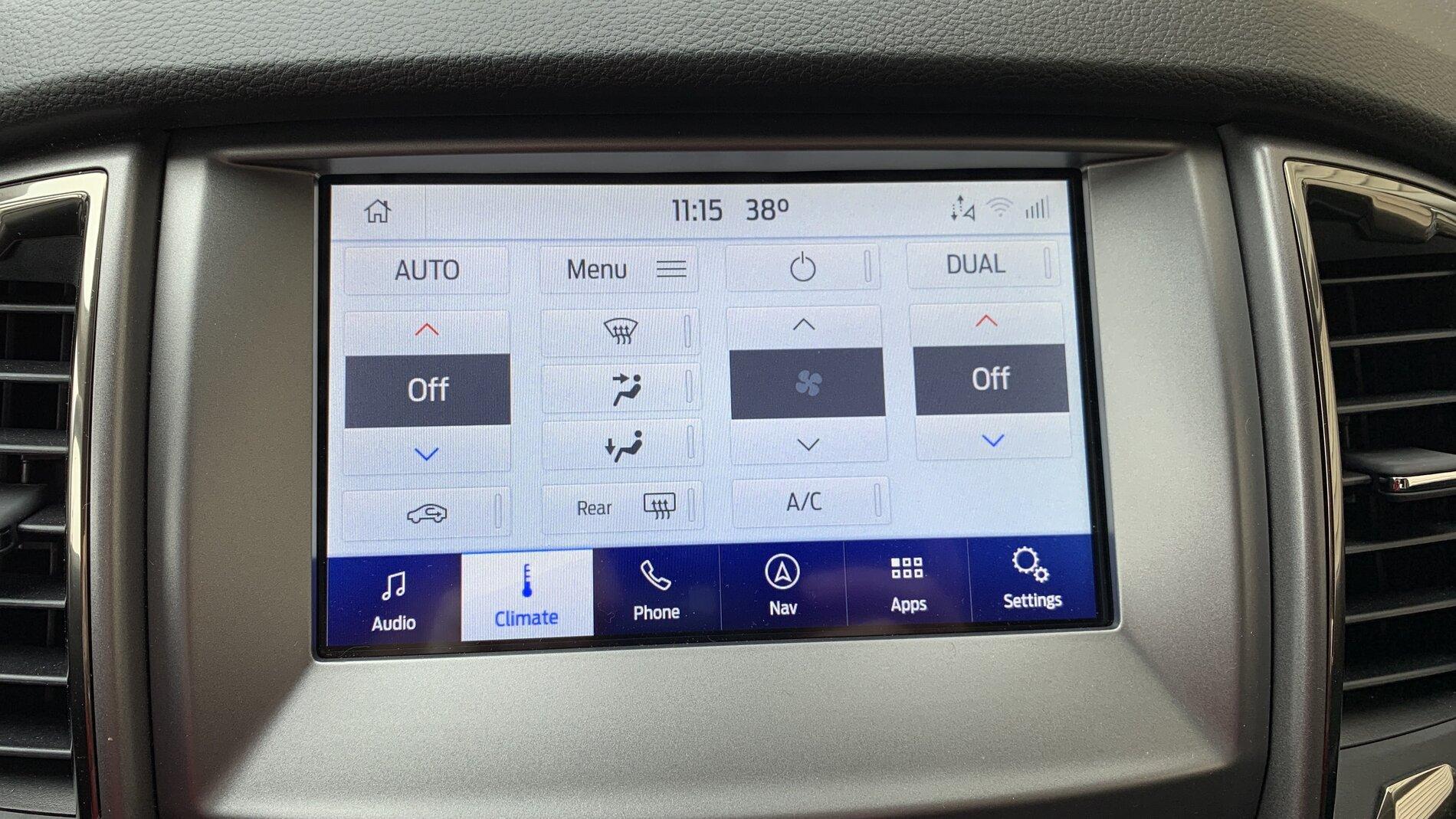
it looks much more like the 2020 escapes screen, so I'm happy with that, but I havent done anything further to see if everything functions or not....
is the timeline on that right? should it have been that long downloading to the truck?

This may be worth a shot.... Try clearing the cache in your browser or try another browser.Keep getting " An error occurred. Please try again". Hasn't changed in a week.
No joy. Tried different browsers and different operating systems.This may be worth a shot.... Try clearing the cache in your browser or try another browser.
That‘s actually good to hear... thought I was doing something wrong!Not available via Wi-Fi yet.

When exactly are you getting this error, sounds like an issue with Fords servers, if your getting it when trying to download.Keep getting " An error occurred. Please try again". Hasn't changed in a week.
Right after I enter my Vin.When exactly are you getting this error, sounds like an issue with Fords servers, if your getting it when trying to download.
Yup, server issues on Ford s end.Right after I enter my Vin.
NavAre you nav or non nav


I have the NAV file for my F150 the file names for my ranger and f150 are the same and the file says for nav and non NAV does not mention model So one can assume the F150 Nav file and the Ranger Nav file are the same as I have used them on both in the past. If you PM me your email I will share the Nav file from my F150.