Mark W
Well-Known Member
- First Name
- Mark
- Joined
- Dec 11, 2018
- Threads
- 34
- Messages
- 199
- Reaction score
- 177
- Location
- Woodbury Mn
- Vehicle(s)
- 2012 Jeep Grand Cherokee
- Thread starter
- #1
I am beyond frustrated on updating my sync. For those who did not read my prior post, I have been having the same issues as everyone else on the older sync version. Was recommended by everyone to just update to latest version. I'm no tech genius on this stuff and I knew I would have issues but I've done it before and knew I could do it again. Or so I thought. HEre is what I ahve done and where I'm at. I need your help again to get this fixed.
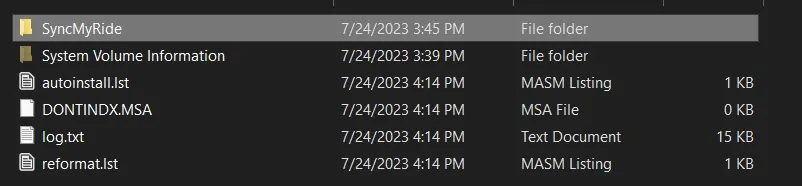
1. Used a known good 32GB USB stick. Formatted to the proper format (xFAT32 or something like that). Formatted bth quick formatting and long formatting.
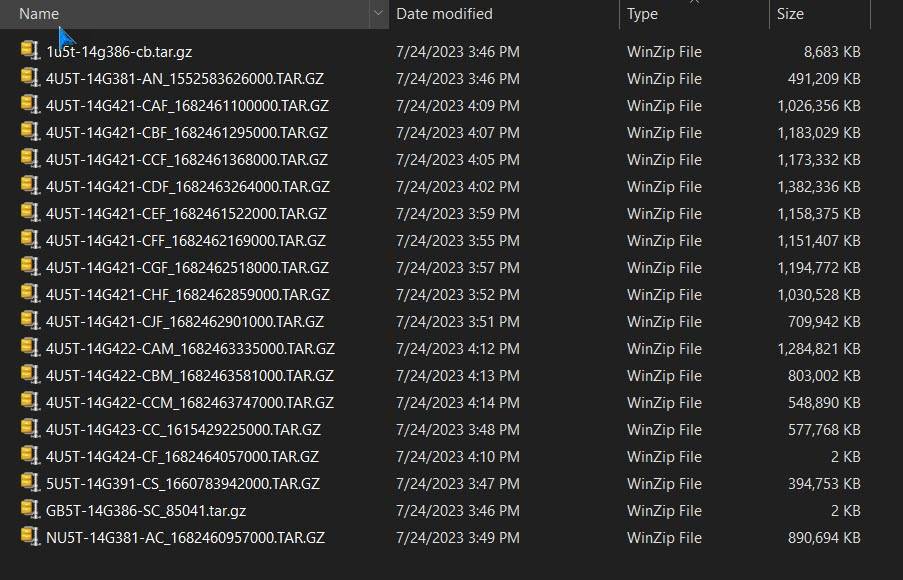
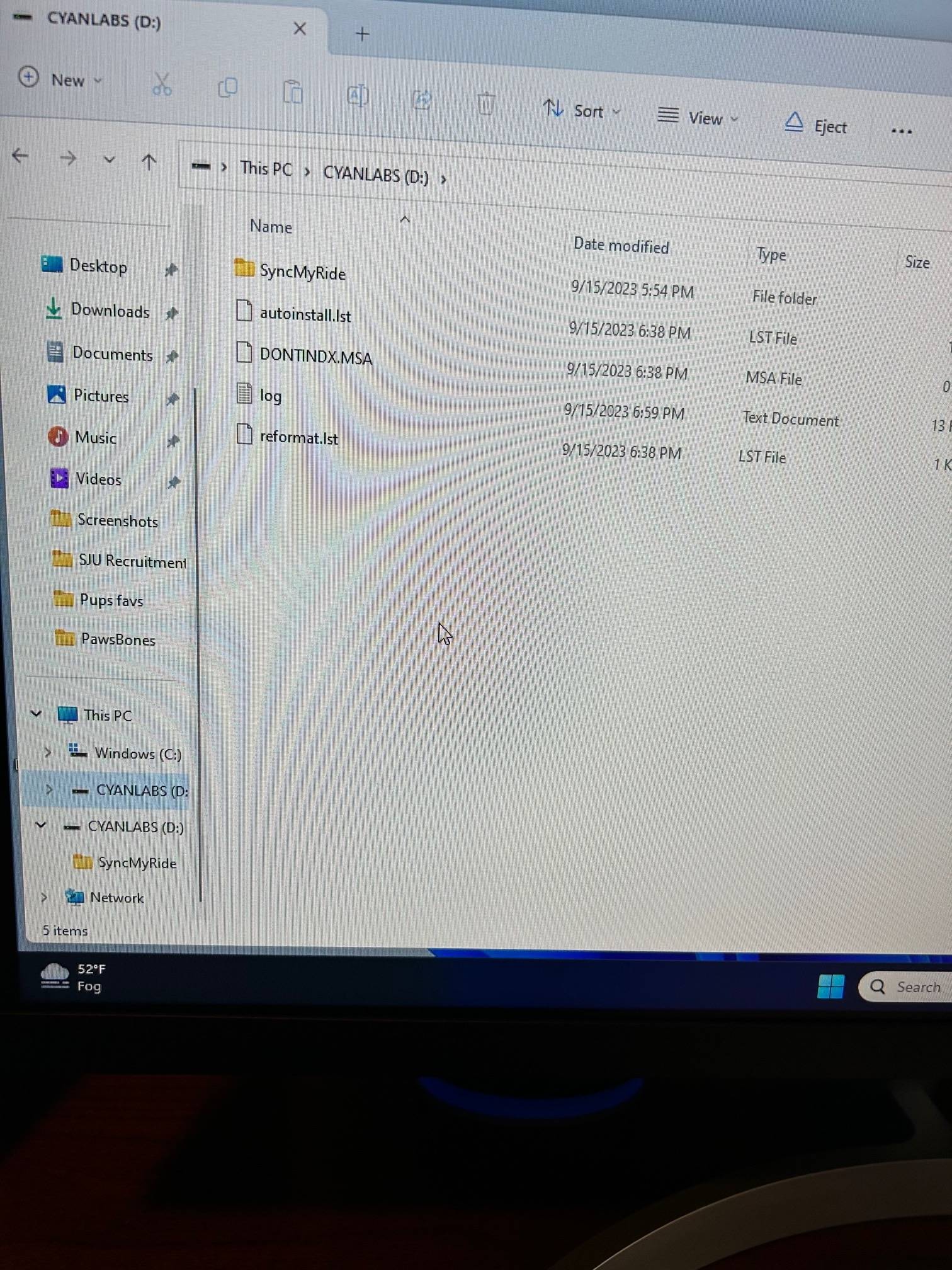
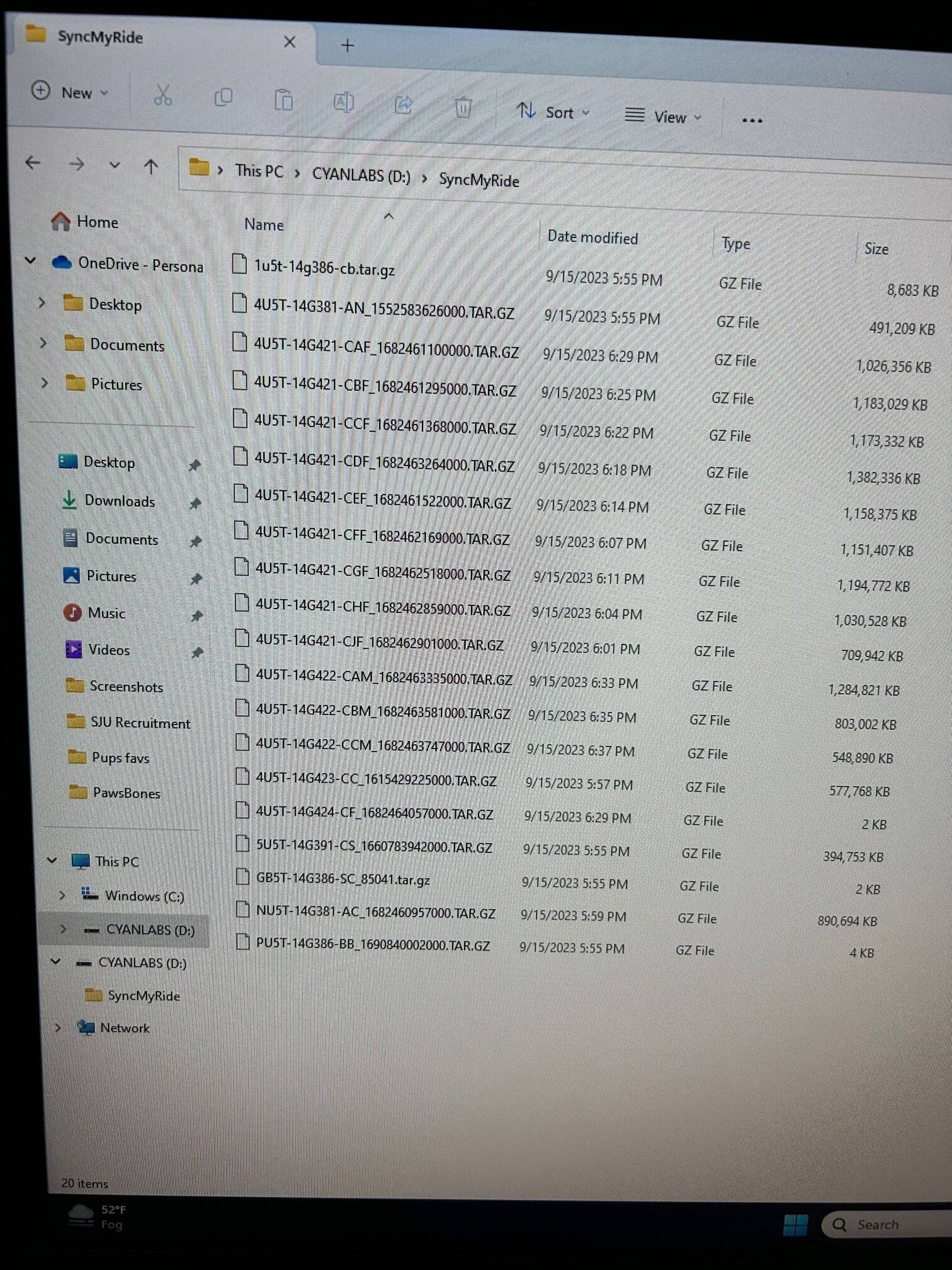
2. Went to Ford site and followed their instructions to a "T" on downloading files onto computuer, using Windows Explorer to ind the files and them transfer them to my USB. Everything fineup to here.
3. WEnt to truck and conducted 2 soft resets. No issues
4. Tried to do a Master Reset and when I hit continue, nothing happened except the screen froze. Tried multiple times same result
5. Did a couple more soft resets.
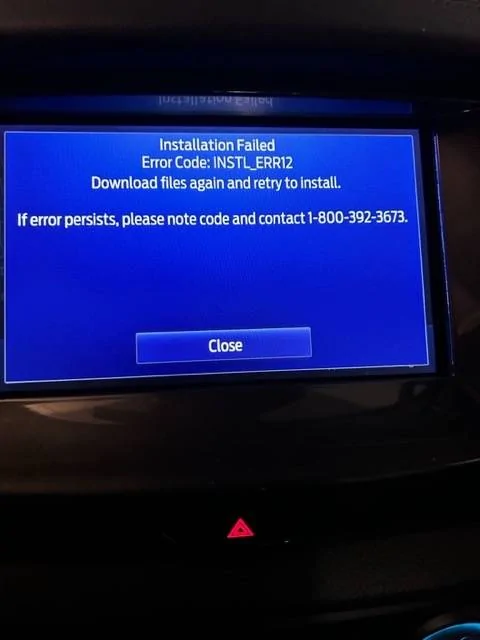
6. Inserted USB into USB drive and got the following error below.
7. Repeated process with same results a couple of times.
8. Went to cyan labs and tried their method. Followed directions to a "T" again. First time I downloaded both the map and other updates. Took forever.
9. WEnt to truck and did soft and master reset with same results.
10. Inserted USB stick in USB drive and got the same error code.
11. WEnt back to Cyan Labs and just downloaded software update with no maps.
12. Repeated same process with same error code.
Really need help. My sync is geting worse and I use it everyday. All suggestions are welcome as always. Thank you

1. Used a known good 32GB USB stick. Formatted to the proper format (xFAT32 or something like that). Formatted bth quick formatting and long formatting.
2. Went to Ford site and followed their instructions to a "T" on downloading files onto computuer, using Windows Explorer to ind the files and them transfer them to my USB. Everything fineup to here.
3. WEnt to truck and conducted 2 soft resets. No issues
4. Tried to do a Master Reset and when I hit continue, nothing happened except the screen froze. Tried multiple times same result
5. Did a couple more soft resets.
6. Inserted USB into USB drive and got the following error below.
7. Repeated process with same results a couple of times.
8. Went to cyan labs and tried their method. Followed directions to a "T" again. First time I downloaded both the map and other updates. Took forever.
9. WEnt to truck and did soft and master reset with same results.
10. Inserted USB stick in USB drive and got the same error code.
11. WEnt back to Cyan Labs and just downloaded software update with no maps.
12. Repeated same process with same error code.
Really need help. My sync is geting worse and I use it everyday. All suggestions are welcome as always. Thank you
Sponsored