Sponsored

Update on Updating Sync

subquark

Well-Known Member
First Name
David
Joined
Jan 28, 2022
Threads
11
Messages
4,544
Reaction score
23,071
Location
Portsmouth, NH
Website
subQuark.com
Vehicle(s)
Soupie! Race Red '22 XL 101A Scab 4X2 w/steelies
Occupation
game publisher
Just the 2 cents of a really base XL (101A) and my Sync experience.

I have the smallest screen, just one step up from the screen that doesn't display the backup cam. So I have no apps, no maps, and only phone functions through my tiny screen.

I've never been able to get updates via wi-fi, even though it "sees" my home fiber optic connection. So I do my updates with the USB (and I only have one USB port in Soupie).

The USB is fast and takes less than 10 minutes (done 2 updates in the 16 months of owneship).

However, the confirmation file always fail to upload to Ford.com and this is an issue that many people have.

from May 1st, '23
1695396442185.webp
Sponsored


Alaska Wolf

Well-Known Member
First Name
Gary
Joined
Feb 20, 2023
Threads
3
Messages
54
Reaction score
44
Location
Meridian, ID
Vehicle(s)
2023 Ford Ranger Lariat FX4 Jungle Splash
Occupation
Retired
I myself am still leaning toward the Ford servers databases not being updated properly theory. They gave me a case number a few days ago and asked when is the best time to get ahold of me. I doubt I will hear from them.
Lol! Actually before we got sidetracked on how Ford processes may or may not work, and being zen and waiting for things that obviously are not going to happen, that was the point I was trying to make. I firmly believe that the error code we code about our vehicles being built prior to 2010 (pre Sync era) is the reason we aren't seeing updates, and we can be zen until the cows come home. I've now got several Service Managers, and Ford Engineering people, that think my theory that the servers can't update our vehicles because they are regarded as being pre-Sync could actually be at the heart of the issue. And apparently there aren't just two or three of us, and it apparently isn't impacting only Rangers.
 

JACKSMYDOG

Well-Known Member
First Name
Jay
Joined
May 8, 2021
Threads
36
Messages
2,012
Reaction score
6,194
Location
Ontario
Vehicle(s)
2020 Ranger Lariat FX4 Black
Occupation
Retired
I did the wifi thing too. I keep auto updates turned off in general, but turned it on and it started quickly. I left, came back twenty minutes later the truck was turned off. Turned it back on the DL continued. I came back 10 minutes later and it was re-booting, update complete. Went back in and turned off auto updates again.
 

Trigganometry

Well-Known Member
First Name
Rick
Joined
Dec 4, 2020
Threads
153
Messages
5,833
Reaction score
25,359
Location
Massachusetts
Vehicle(s)
20 XLT scab 301A/tow 4X4 magnetic w/sport blackout
Occupation
Engineering
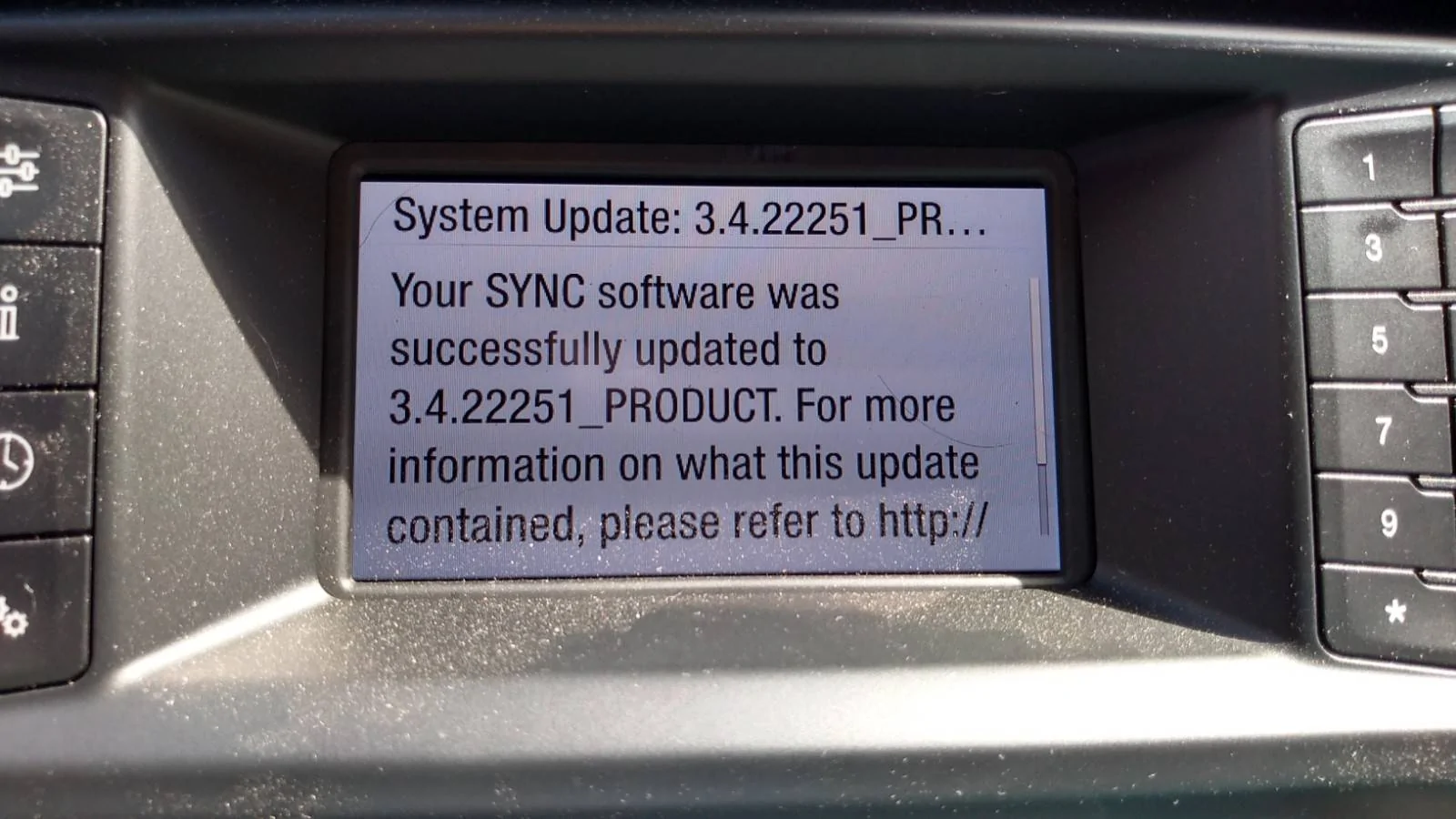
Just used Cyanlabs and updated to Sync 3.4.23188 NA from Version: 3.4.22251. First impression is dark screen stays where I set it now. Time will tell on the rest but I got a good feeling about this one!
 

IdahoRanger

Well-Known Member
First Name
Steve
Joined
Sep 26, 2019
Threads
12
Messages
4,329
Reaction score
21,512
Location
Idaho
Vehicle(s)
2019 Lariat SuperCrew FX4
Occupation
RETIRED
Finally got the guts to update using the USB method. Took just over 20 minutes. Expected the worst but looks like it worked.
 
Last edited:

Radioman

Well-Known Member
First Name
Kent
Joined
Sep 18, 2019
Threads
7
Messages
1,827
Reaction score
8,914
Location
Roseville, CA
Vehicle(s)
2017 Toyota Highlander, 2020 Ranger Lariat 4x2, 2025 JL Jeep Rubicon
Occupation
Retired RF Telecommications Manager


Top