CLopey
Well-Known Member
- First Name
- Christian
- Joined
- Mar 29, 2024
- Threads
- 17
- Messages
- 83
- Reaction score
- 89
- Location
- Los Angeles
- Vehicle(s)
- 2019 Ford Ranger XLT
- Occupation
- Coach
- Thread starter
- #1
Hey all,
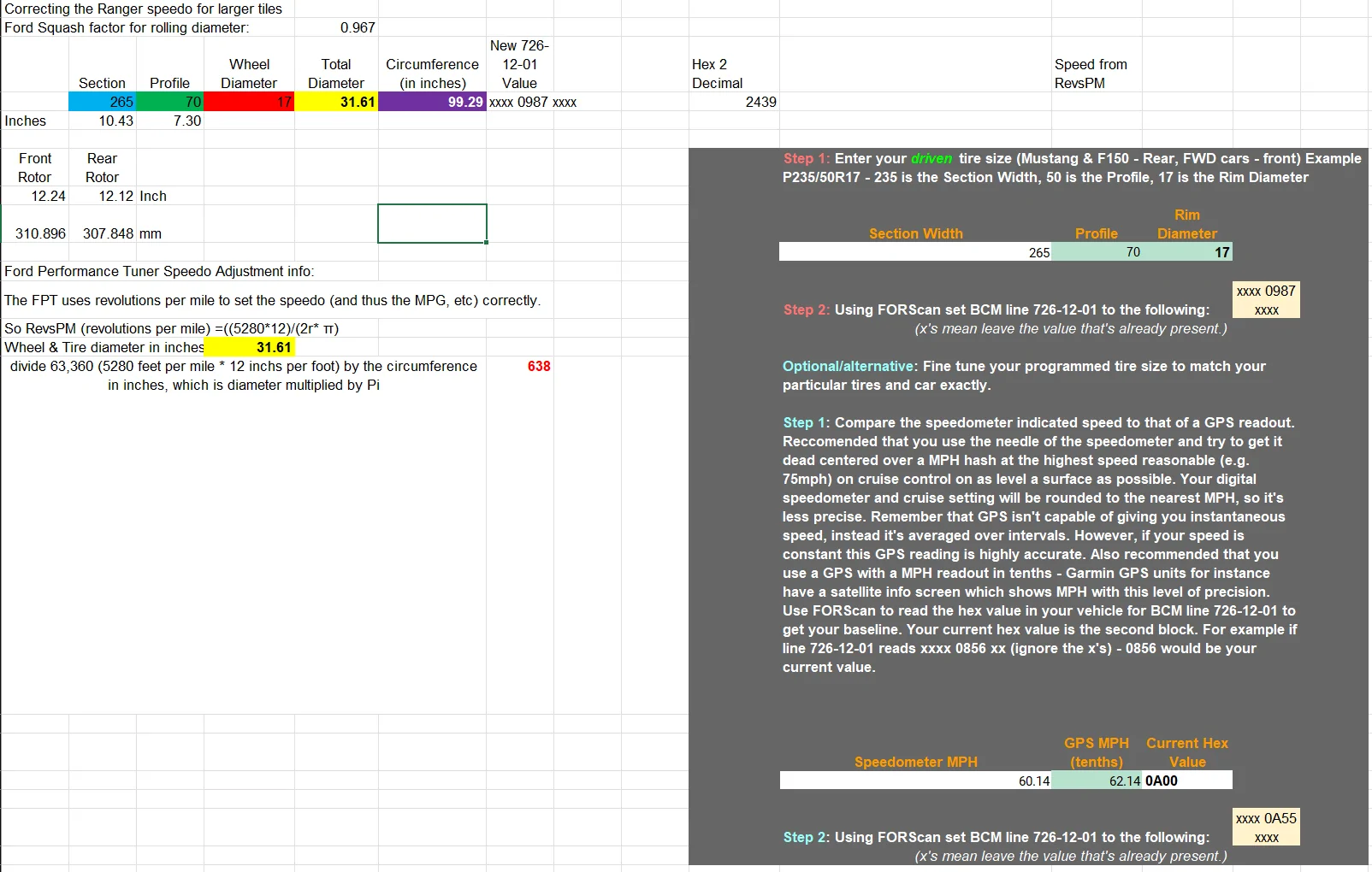
Just fiddled around with Forscan for the first time. I mainly did it to calibrate my speedometer/odometer to my new tire size. I have 265/70/17 BFG Trail Terrains which are supposedly 31.6”. Gemini AI suggested I change my tire circumference to 2463mm. Is this right?? I now notice that my MPH are about 2-3 OVER what the Google Maps GPS is reading. Google says this is how the trucks normally come from the factory. Help please!
While you’re here, any other mods I should consider?
I did Bambi mode, disabled auto start/stop, changed the battery state of charge to 90%, and changed the Sync screen to the Ford Performance with the cobra (pretty cool!)
I tried doing global windows to roll the windows down with the key fob (didn’t work) and I tried to change the blinkers to blink 5x instead of 3 for a lane change (didn’t work).
Thanks as always!
Just fiddled around with Forscan for the first time. I mainly did it to calibrate my speedometer/odometer to my new tire size. I have 265/70/17 BFG Trail Terrains which are supposedly 31.6”. Gemini AI suggested I change my tire circumference to 2463mm. Is this right?? I now notice that my MPH are about 2-3 OVER what the Google Maps GPS is reading. Google says this is how the trucks normally come from the factory. Help please!
While you’re here, any other mods I should consider?
I did Bambi mode, disabled auto start/stop, changed the battery state of charge to 90%, and changed the Sync screen to the Ford Performance with the cobra (pretty cool!)
I tried doing global windows to roll the windows down with the key fob (didn’t work) and I tried to change the blinkers to blink 5x instead of 3 for a lane change (didn’t work).
Thanks as always!
Sponsored