NotBudule2
Well-Known Member

Sponsored


I had to write a novel and post a video. No one ever said Duke was short on words and didn’t provide pics to back up his claims.
LOL, Duke grab another cup of coffee and take the rest of the day off!Thanks Ranger5g community - for the insights, pointing me in the right direction, helping me think outside the box, and of course for the laughs and jabs - this forum never disappoints!
@airline tech and @Figarou both mentioned something that was really narrowing it down for me. This led me to do more troubleshooting this morning - I wanted to do it last night after Figarou’s post but Mrs. DukeCanBuildit already thinks I’m nuts and the neighbours must think the same. What, with all the repetitive backing out of and driving into the garage and all the leaf bag testing in the driveway, etc.
The normal course of events for the screen is as follows…
Figarou and airline tech both suggested it closed a screen. They were referencing the backup camera screen and the forward screen closes on its own so I wasn’t thinking of that functionality.
- Truck approaches an object
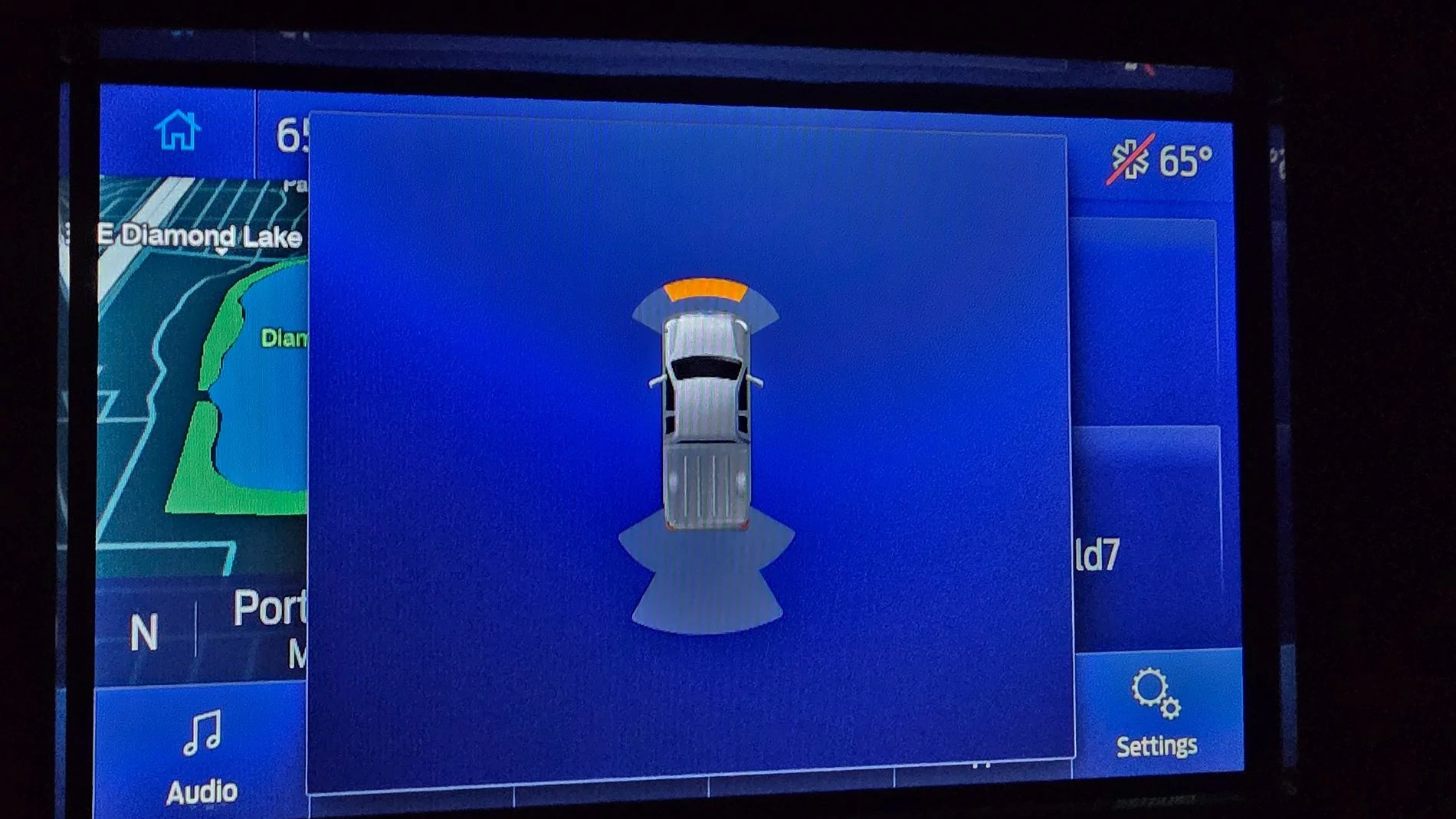
- Forward Parking Aid screen is displayed
- Brakes are applied - truck comes to a stop
- The screen automatically closes after one or two seconds or if the gear selector is moved to “Park”
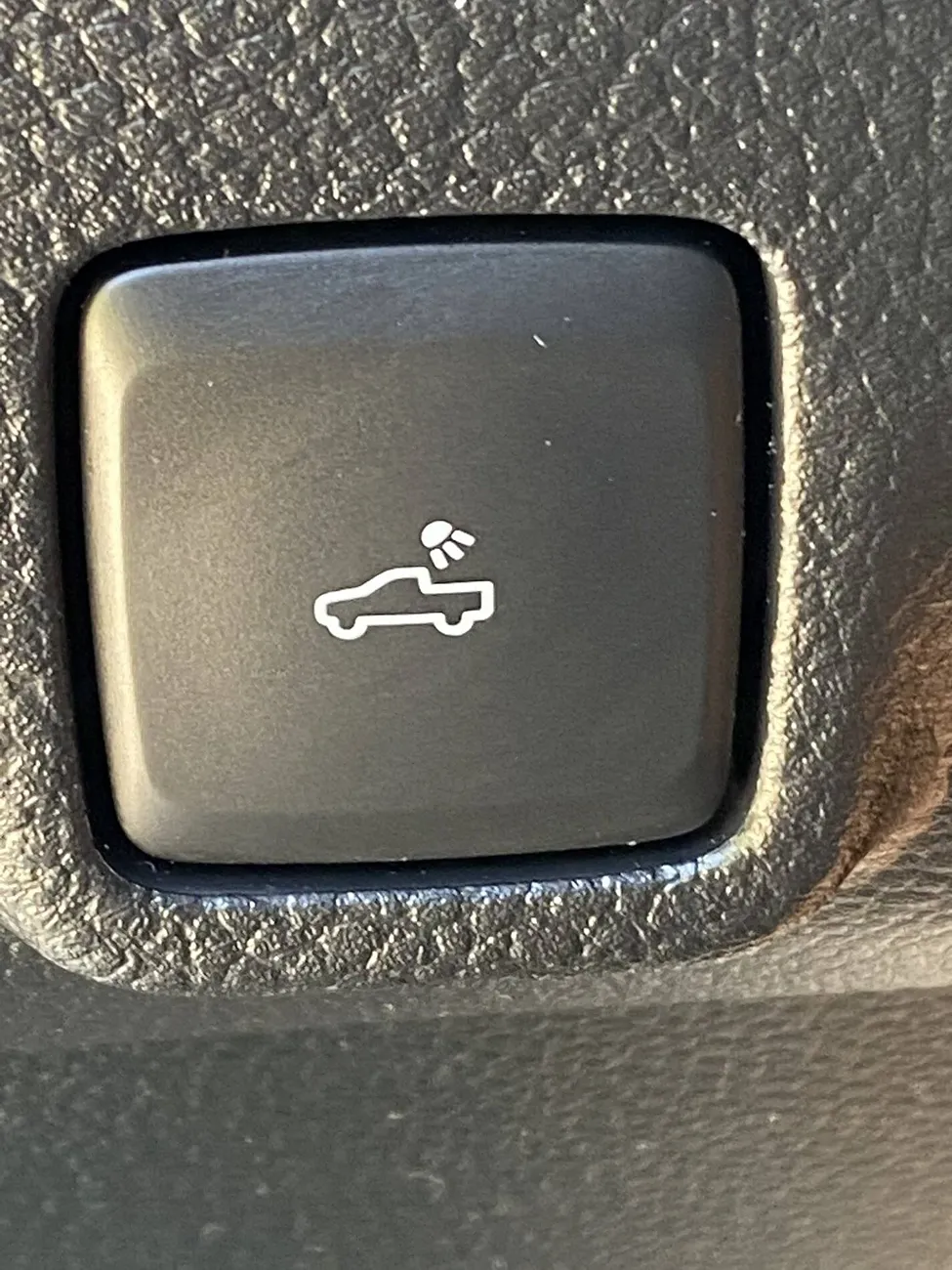
HOWEVER, what if there are times when the Forward Parking Aid screen does not automatically close? It would be nice to turn it off and that icon does look like it stands for “Close Screen”.
So, there I was…out in my garage again this morning…..back and forth, back and forth…..in and out of my driveway, until the screen did not automatically turn off. I didn’t have full missile lock but I had a solid tone for a second - the tone stopped but the screen was not closing. Pressing the OK button closed the screen.
Nothing fun, super helpful or informative like on the backup screen - just a way to close the screen for those times when it doesn’t close on its own and you’re not putting it in Park. I was hoping for so much more.
Now, to figure out what the conditions are that prevent the screen from closing automatically.
Somebody sayWe should get @Blue Streak to bring more candles.
 ?
?
Now, imagine wondering why you see squids launching when you press this button.Thanks Ranger5g community - for the insights, pointing me in the right direction, helping me think outside the box, and of course for the laughs and jabs - this forum never disappoints!
@airline tech and @Figarou both mentioned something that was really narrowing it down for me. This led me to do more troubleshooting this morning - I wanted to do it last night after Figarou’s post but Mrs. DukeCanBuildit already thinks I’m nuts and the neighbours must think the same. What, with all the repetitive backing out of and driving into the garage and all the leaf bag testing in the driveway, etc.
The normal course of events for the screen is as follows…
Figarou and airline tech both suggested it closed a screen. They were referencing the backup camera screen and the forward screen closes on its own so I wasn’t thinking of that functionality.
- Truck approaches an object
- Forward Parking Aid screen is displayed
- Brakes are applied - truck comes to a stop
- The screen automatically closes after one or two seconds or if the gear selector is moved to “Park”
HOWEVER, what if there are times when the Forward Parking Aid screen does not automatically close? It would be nice to turn it off and that icon does look like it stands for “Close Screen”.
So, there I was…out in my garage again this morning…..back and forth, back and forth…..in and out of my driveway, until the screen did not automatically turn off. I didn’t have full missile lock but I had a solid tone for a second - the tone stopped but the screen was not closing. Pressing the OK button closed the screen.
Nothing fun, super helpful or informative like on the backup screen - just a way to close the screen for those times when it doesn’t close on its own and you’re not putting it in Park. I was hoping for so much more.
Now, to figure out what the conditions are that prevent the screen from closing automatically.

 ... I changed up my little "xbox" also last nite and put this on the door,
 she will get the hint ?
Chicka Bow Wow!Nice !!! Glad you got it

Think


I'm not sure how or who@DukeCanBuildit and @airline tech ... let me try again... 2019 Lariat FX4 with the Bose audio system (if that matters). No front camera, only on tailgate. (was a front camera an option??)
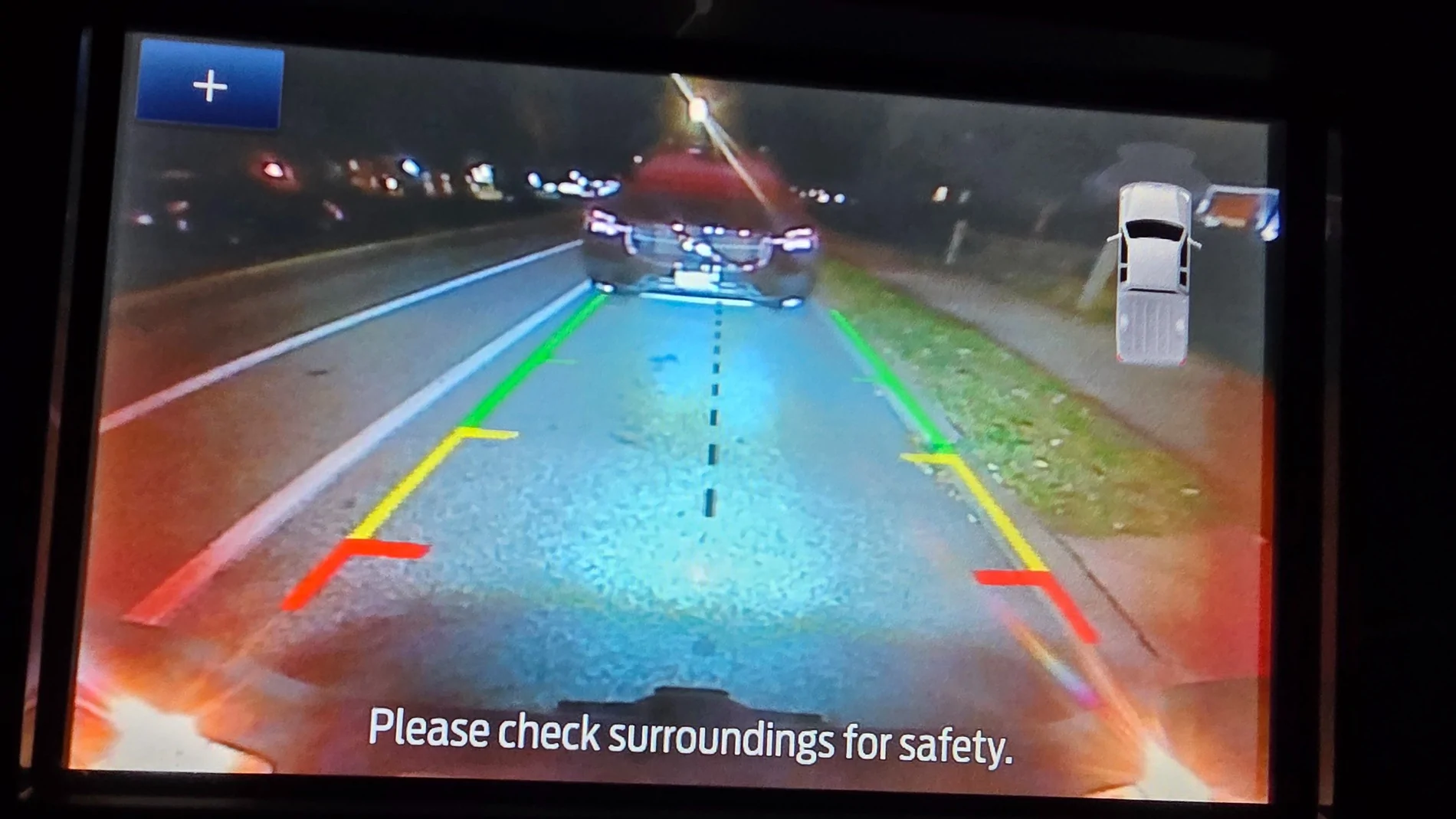
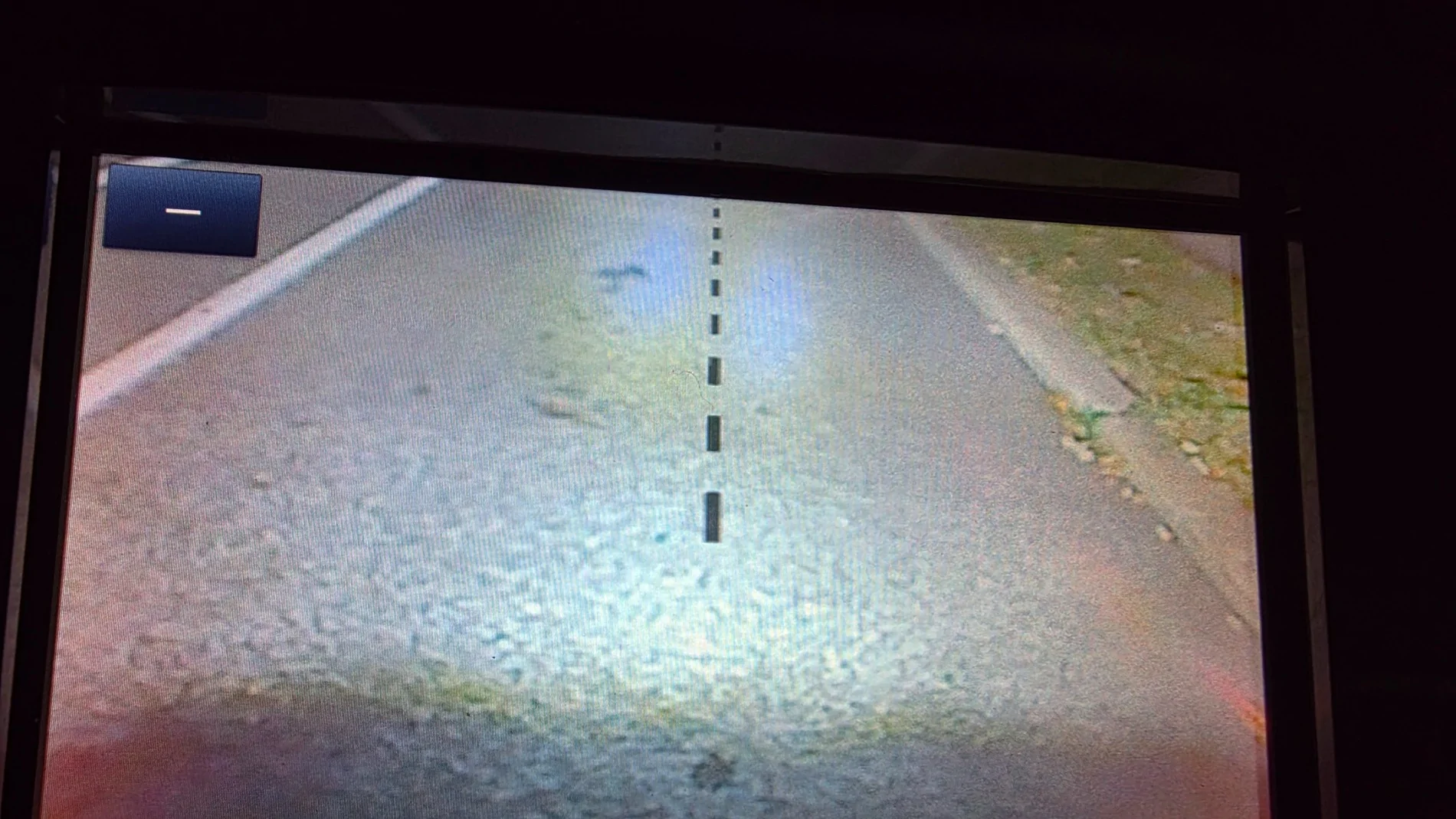
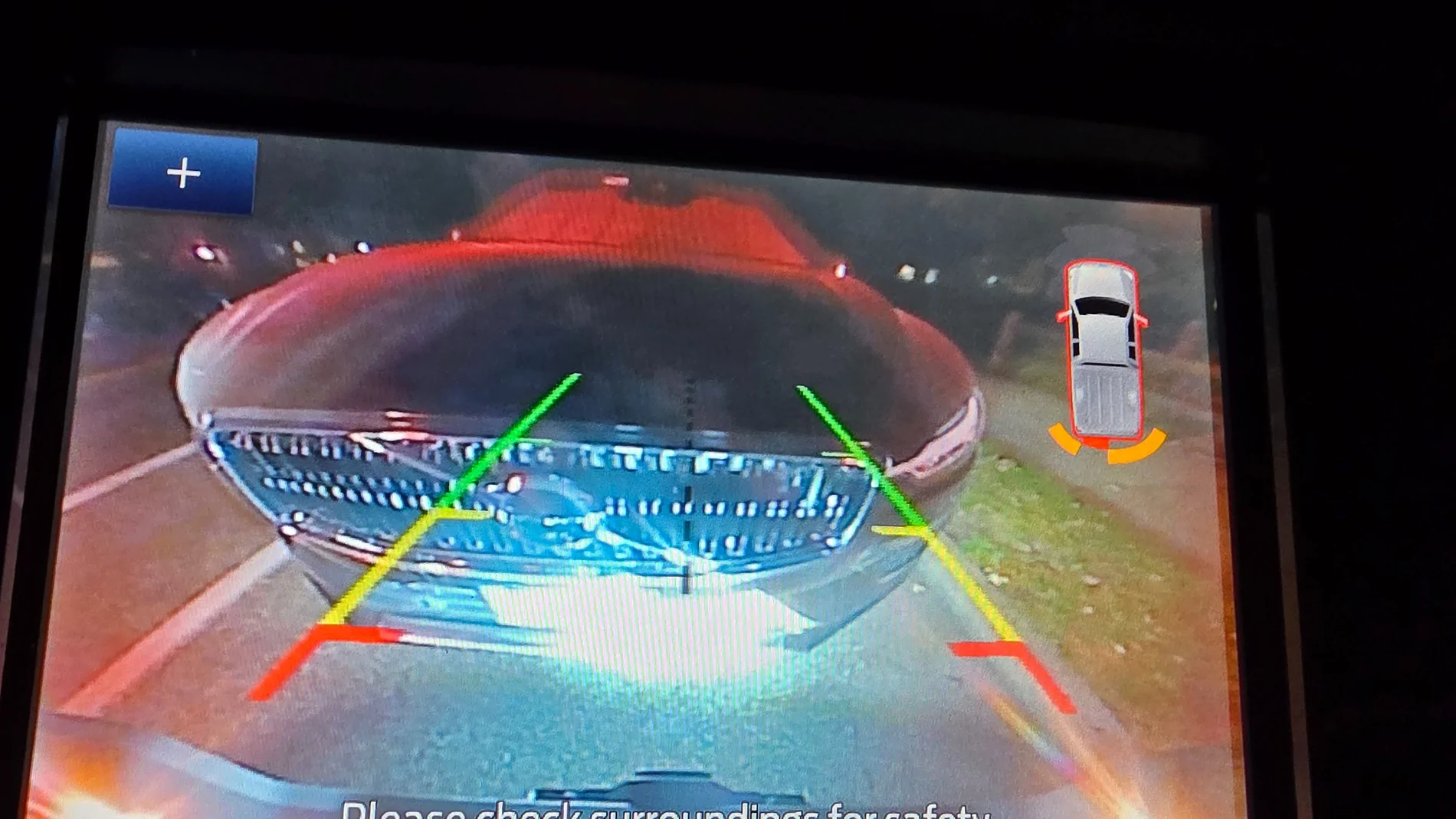
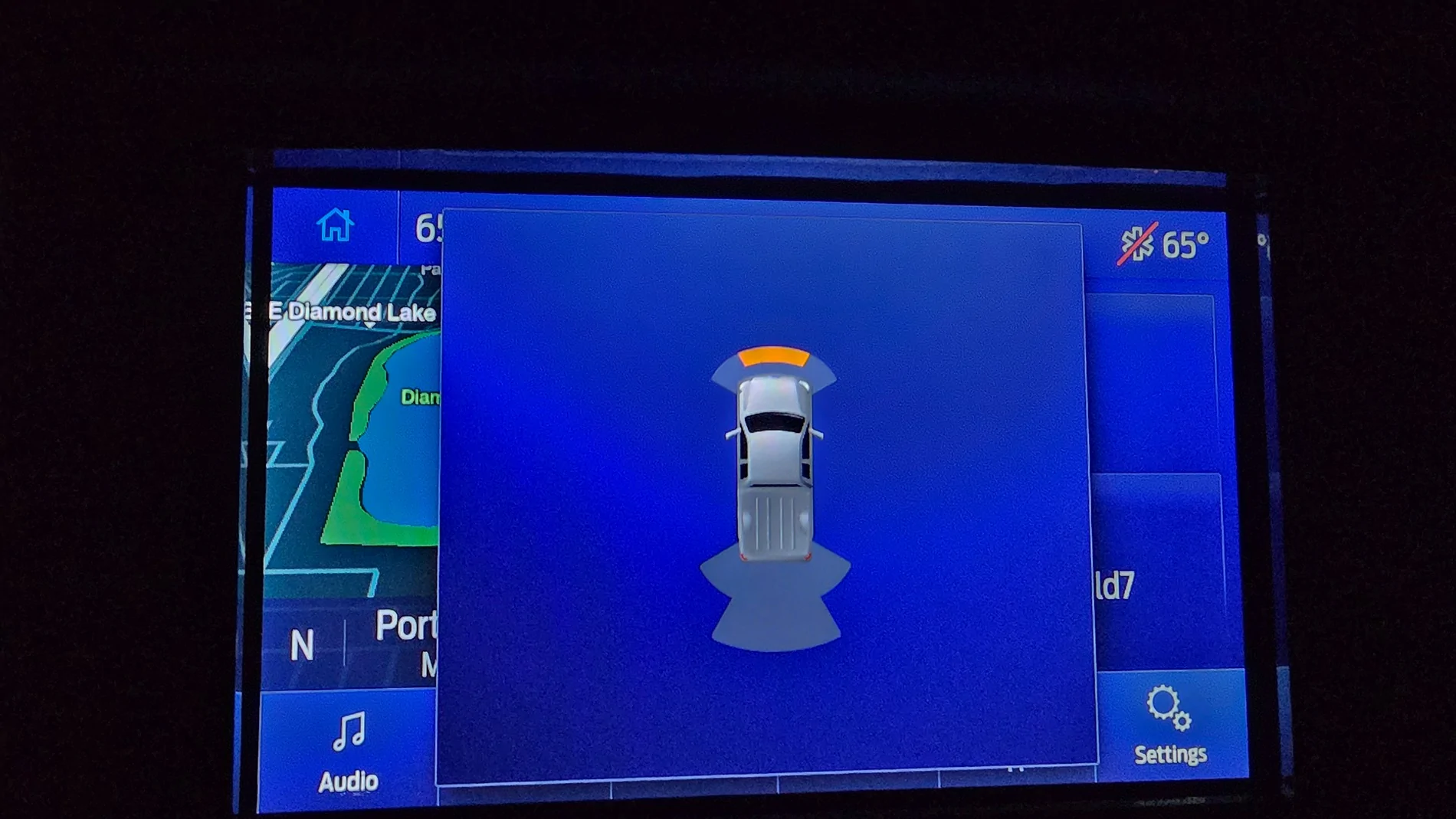
Photos in order taken:
Plan revise - nothing close:

In reverse and pressed the + in the top left corner of the previous photo:
Backed up and got closed to my wife's SUV:
Drove forward to get close to the car in front: Some beeping till I stopped and a few seconds the notice went away.
Drove forward to get even closer to the car in front: More intense beeping till I stopped and a few seconds the notice went away. No real change in display message however (like the orange turning to red and such).
So the 4" display does have significantly different messages.
you know for you to get a Bose stereo 
 ) stereo
  🫢
🫢 


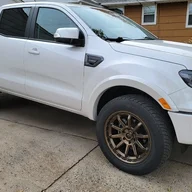
Your right... brain fart on my part... thinking B&O (Bang & Olufsen... always wanted one of their setups, now I do in the Ranger... LOL) was Bose (as my headphones and stereo are Bose)...I'm not sure how or who
I was only able to get a lousy B & O (not the railroad
I think I got the short end of the draw
FIFYI'm not sure how or who
I was only able to get a lousy B & O (the railroad
I think I got the Short Line of the draw

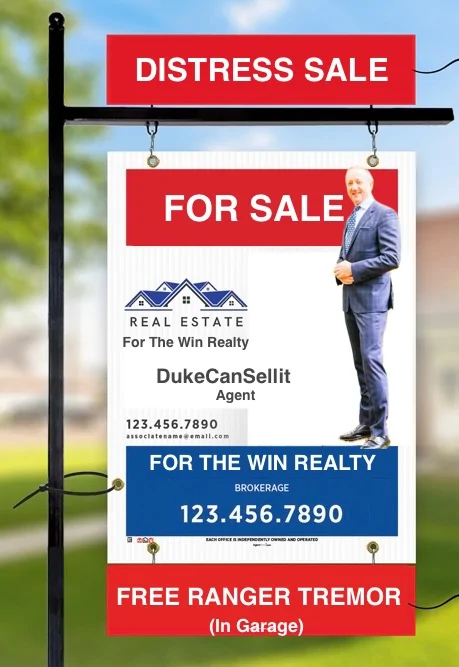
Sorry, Chris, that's above my pay-grade. You have to be a moderator or administrator to set up anything financial on this forum. Maybe @AzScorpion or @RedlandRanger can answer this question for you?Is there to be a "go fund me" also? That trash in my garage is costing me $80 a freaking day.
Dave’s busy packing, or at least he should be. We’re having an Open House next weekend and the staging company is coming in on Thursday to set up furniture and we need Dave’s stuff outta there.Sorry, Chris, that's above my pay-grade. You have to be a moderator or administrator to set up anything financial on this forum. Maybe @AzScorpion or @RedlandRanger can answer this question for you?


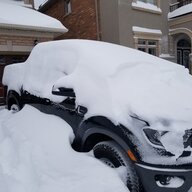
17° ?!?!? OMG! (I'm in So Cal...)Thanks Ranger5g community - for the insights, pointing me in the right direction, helping me think outside the box, and of course for the laughs and jabs - this forum never disappoints!
@airline tech and @Figarou both mentioned something that was really narrowing it down for me. This led me to do more troubleshooting this morning - I wanted to do it last night after Figarou’s post but Mrs. DukeCanBuildit already thinks I’m nuts and the neighbours must think the same. What, with all the repetitive backing out of and driving into the garage and all the leaf bag testing in the driveway, etc.
The normal course of events for the screen is as follows…
Figarou and airline tech both suggested it closed a screen. They were referencing the backup camera screen and the forward screen closes on its own so I wasn’t thinking of that functionality.
- Truck approaches an object
- Forward Parking Aid screen is displayed
- Brakes are applied - truck comes to a stop
- The screen automatically closes after one or two seconds or if the gear selector is moved to “Park”
HOWEVER, what if there are times when the Forward Parking Aid screen does not automatically close? It would be nice to turn it off and that icon does look like it stands for “Close Screen”.
So, there I was…out in my garage again this morning…..back and forth, back and forth…..in and out of my driveway, until the screen did not automatically turn off. I didn’t have full missile lock but I had a solid tone for a second - the tone stopped but the screen was not closing. Pressing the OK button closed the screen.
Nothing fun, super helpful or informative like on the backup screen - just a way to close the screen for those times when it doesn’t close on its own and you’re not putting it in Park. I was hoping for so much more.
Now, to figure out what the conditions are that prevent the screen from closing automatically.

17 Deg C = 62 Deg F17° ?!?!? OMG! (I'm in So Cal...)