Sponsored

Just updated to Sync 3.4 on my Ranger 2019

UofMEngineer

Well-Known Member
Joined
Apr 19, 2019
Threads
1
Messages
516
Reaction score
334
Location
Michigan
Vehicle(s)
20' Escape Hybrid,18' Fusion Hybrid
I
A system reset/boot should get everything working. That's a simultaneous push of the radio power and fast forward buttons.
Won’t help in this case. It seems to need to re-index to clear it up.
Sponsored


geophb

Well-Known Member
Joined
Aug 3, 2020
Threads
4
Messages
530
Reaction score
750
Location
Wisconsin
Vehicle(s)
2019 Ranger
Occupation
Mechanical Engineer
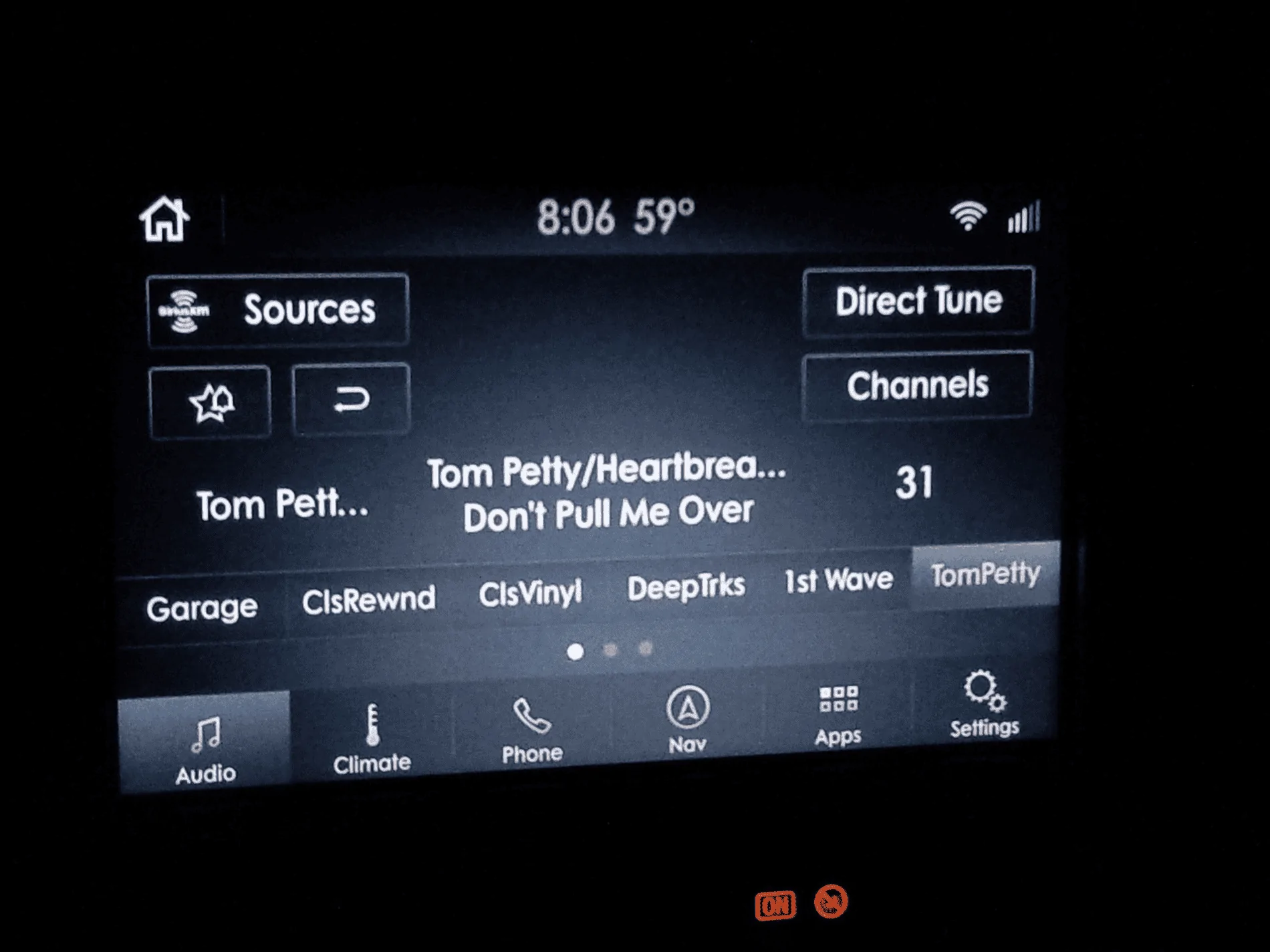
Anybody else like the 3.3 night mode better? 3.4 is just all blue on the night mode.

Lincoln theme goin on this weekend.
 

Ace Holliday

Well-Known Member
First Name
Scott K
Joined
Apr 19, 2020
Threads
5
Messages
405
Reaction score
890
Location
South Kalifornikstan
Vehicle(s)
2019 Ranger XLT Super Crew
Occupation
Aerospace Machinist/CNC Programmer - Retired
Anybody else like the 3.3 night mode better? 3.4 is just all blue on the night mode.

Lincoln theme goin on this weekend.
I switched to the Lincoln theme and selected the darkest option. I turned off “Auto” and run it in “Night” mode all the time. I love it.
 

geophb

Well-Known Member
Joined
Aug 3, 2020
Threads
4
Messages
530
Reaction score
750
Location
Wisconsin
Vehicle(s)
2019 Ranger
Occupation
Mechanical Engineer
I switched to the Lincoln theme and selected the darkest option. I turned off “Auto” and run it in “Night” mode all the time. I love it.
You do it with forscan? Supposedly its different in 3.4, I was going to look into it this weekend.
 

Ace Holliday

Well-Known Member
First Name
Scott K
Joined
Apr 19, 2020
Threads
5
Messages
405
Reaction score
890
Location
South Kalifornikstan
Vehicle(s)
2019 Ranger XLT Super Crew
Occupation
Aerospace Machinist/CNC Programmer - Retired
You do it with forscan? Supposedly its different in 3.4, I was going to look into it this weekend.
Yes, using FORScan. There is a post in this thread, I believe, detailing which option to change. It has been a few days and I can't recall the name. I can check next time I hook up my PC if I need to.


geophb

Well-Known Member
Joined
Aug 3, 2020
Threads
4
Messages
530
Reaction score
750
Location
Wisconsin
Vehicle(s)
2019 Ranger
Occupation
Mechanical Engineer
Yes, using FORScan. There is a post in this thread, I believe, detailing which option to change. It has been a few days and I can't recall the name. I can check next time I hook up my PC if I need to.
I think I found the post (#990). Looks like they didn't have to modify the as-built, they just did it in the module configuration.
 

Ace Holliday

Well-Known Member
First Name
Scott K
Joined
Apr 19, 2020
Threads
5
Messages
405
Reaction score
890
Location
South Kalifornikstan
Vehicle(s)
2019 Ranger XLT Super Crew
Occupation
Aerospace Machinist/CNC Programmer - Retired
I think I found the post (#990). Looks like they didn't have to modify the as-built, they just did it in the module configuration.
Yes. Meant to mention that.
 

RangerFropa

Member
Joined
Sep 21, 2019
Threads
0
Messages
22
Reaction score
15
Location
Northern AL
Vehicle(s)
2019 Ford Ranger Lariat
Anybody else like the 3.3 night mode better? 3.4 is just all blue on the night mode.

Lincoln theme goin on this weekend.
3.3 had better colors all together. The blue looks gaudy with the interior. I may have to buy a forscan adapter and try the Lincoln setup.

Is there anyway to downgrade back to 3.3?
 

gotwheels

Well-Known Member
First Name
Jon
Joined
Jan 15, 2020
Threads
0
Messages
45
Reaction score
90
Location
Bellflower ca.
Vehicle(s)
2019 Ranger
Thanks Clump, reindexing did it.
Any way to search while moving?
on a long drive this won't work.
 

Fastfitzy

Well-Known Member
First Name
Casey
Joined
Aug 4, 2020
Threads
8
Messages
74
Reaction score
56
Location
Colorado Springs, CO
Vehicle(s)
2019 Ranger
depends on how you use it. even before it disappeared, I never used that screen (auto mode + hard buttons sufficed). so for me, it's NBD. if you use that screen a lot I guess you'll need to figure something out.
Yeah, I had only had the truck for two days and I was actually using the climate screen quite a bit. Hopefully I get it fixed before winter, because I want to be able to focus the heat to the floors. Can’t stand warm air in my face even when it’s cold. I’m hoping to find someone in Colorado Springs with FOrscan capabilities to help me fix the climate issue. I reached out to Andy but haven’t heard back yet
 

Jon Olivier

Well-Known Member
First Name
Jon
Joined
Dec 7, 2019
Threads
2
Messages
234
Reaction score
996
Location
Bishop, CA
Vehicle(s)
2019 XLT 4x4 - Hot Pepper Red, 302A, Sport Appearance, FX4, Tow Package,
Occupation
IT Specialist - CA Dept of Transportation
Thanks Clump, reindexing did it.
Any way to search while moving?
on a long drive this won't work.
Voice Control is available while moving.
 

UofMEngineer

Well-Known Member
Joined
Apr 19, 2019
Threads
1
Messages
516
Reaction score
334
Location
Michigan
Vehicle(s)
20' Escape Hybrid,18' Fusion Hybrid
Thanks Clump, reindexing did it.
Any way to search while moving?
on a long drive this won't work.
Not really. While moving, browse gives you the current playlist. You can use voice, but you'll still be limited in the number of pages you can scroll so your mileage may vary on how well that works for you. And, if you hit the back button it'll kick you out of the browse menu.
 

geophb

Well-Known Member
Joined
Aug 3, 2020
Threads
4
Messages
530
Reaction score
750
Location
Wisconsin
Vehicle(s)
2019 Ranger
Occupation
Mechanical Engineer
Please post pics of Lincoln theme.
1598031071534.webp


THis is what it looks like.
I just did it over lunch, much nicer looking. Not my pic, pics werent taking right because of the bright sunlight.
I tried to get the "Black Label" splash screen but couldnt get it configured right. But currently there is not a splash screen, just boots in and out of sync. Which I think I like better.

The default ford bright white and blue is easier to read in direct sunlight, just thought I should point that out.
 

petulantskeptic

Well-Known Member
Joined
May 26, 2019
Threads
1
Messages
48
Reaction score
42
Location
Washington
Vehicle(s)
2019 Ranger Super Crew Lariat
Does anyone know how to change the default screen when Sync loads after updating to 3.4?

In 3.3 it would default back to whatever screen it had been on when turned off. I almost always have it on the nav screen, since my media info is in the right dash screen. Now on 3.4 it defaults to home every time I start up the truck and I have to click "nav" which is annoying.

If there's no factory option for this, is there a FORScan one?
Sponsored


Top