thejeg
Member
- Thread starter
- #1
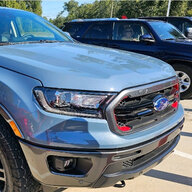
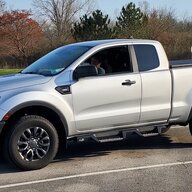
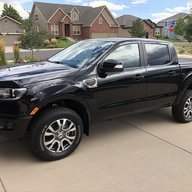
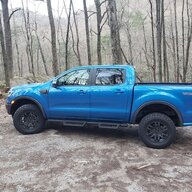
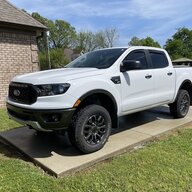
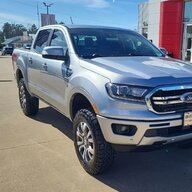
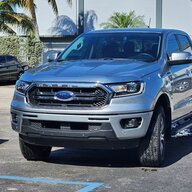
I recently tried to connect my 2021 Ford Ranger to my android phone so I could use Google voice to turn it on and more, unfortunately Google had disabled this capability. I thought and researched about many other ways and thought I should look into Alexa instead. I can now start my car every morning by just talking to my Alexa devices throughout my home!!!!! "Alexa start car" and done. I've been using it daily. I have Alexa devices throughout my home so either if I am in the kitchen, bedroom, bathroom, or even around my Ecobee thermostat I can just say it, and Alexa makes it happen. You can also say things like "Alexa, Use Ford Pass to Unlock Car" etc and the command is also received.
What you can do:
Start Engine
“Alexa, ask FordPass to start my car with PIN 1234.”
Stop Engine
“Alexa, tell FordPass to stop the engine.”
Lock Vehicle
“Alexa, ask FordPass to lock my vehicle.”
Unlock Vehicle
“Alexa, tell FordPass to unlock my car.”
Last Command Status (used after lock/unlock and start/stop commands)
“Alexa, what is the status of my last command using FordPass?”
Vehicle Mileage
“Alexa, ask FordPass the odometer reading.”
Vehicle Range
“Alexa, ask FordPass what is my range?”
Tire Pressure
“Alexa, ask FordPass is my tire pressure low?”
Selected Vehicle
“Alexa, ask FordPass what is my primary vehicle?”
List Vehicles
“Alexa, tell FordPass to list all cars on the account.”
Switch Selected Vehicle
“Alexa, switch my primary vehicle using FordPass.”
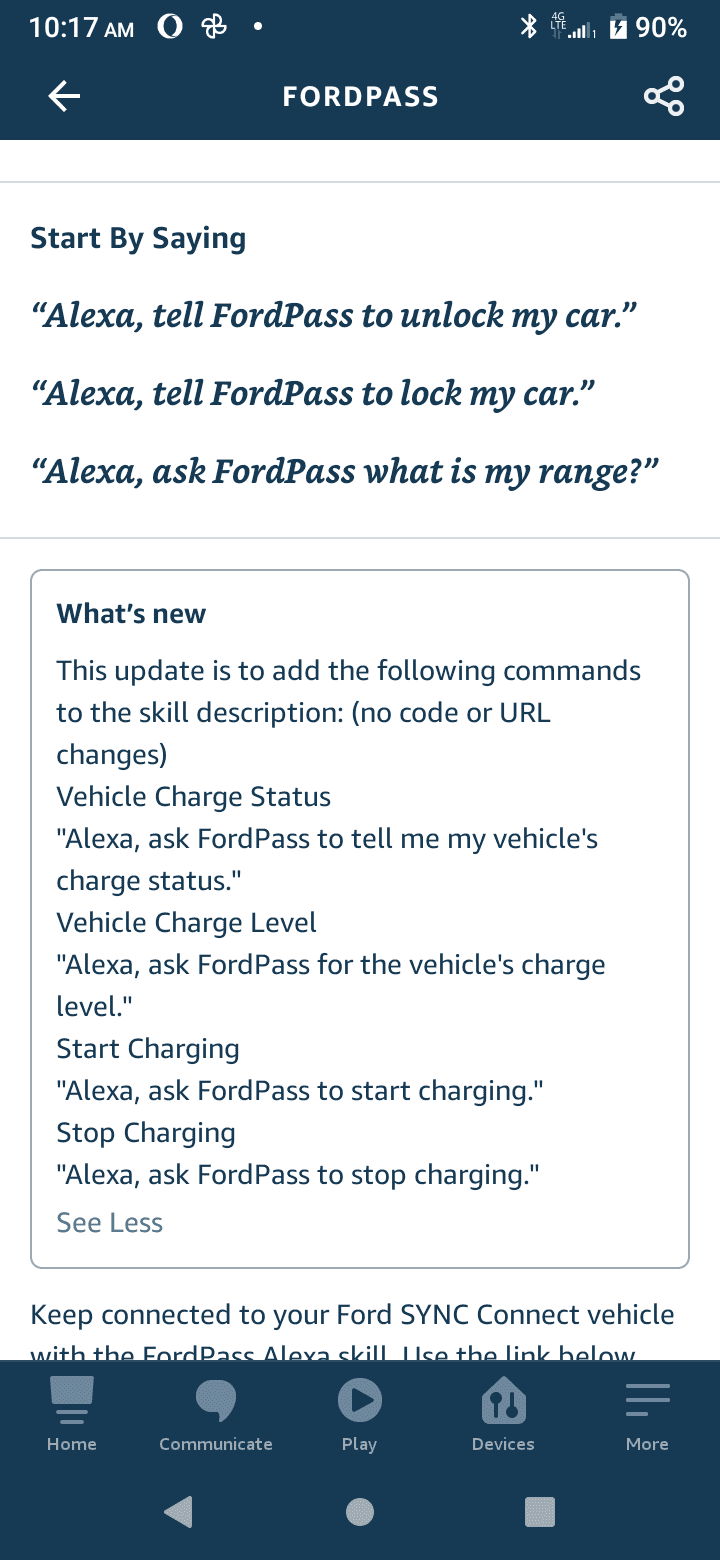
Start Charging (only available for compatible electric vehicles)
"Alexa, ask FordPass to start charging my car."
Stop Charging (only available for compatible electric vehicles)
"Alexa, ask FordPass to stop charging my car."
Vehicle Charge Level (only available for compatible electric vehicles)
"Alexa, ask FordPass for my vehicle's charge level."
Vehicle Charge Status (only available for compatible electric vehicles)
"Alexa, ask FordPass to tell me my vehicle's charge status."
Some details to help you set it up if interested:
Must have:
- Phone
- Amazon Account (Free, no membership required)
- Ford Pass App on Phone with vehicle already registered
Apple: https://apps.apple.com/us/app/fordpass/id1095418609
Android: https://play.google.com/store/apps/details?id=com.ford.fordpass&hl=en&gl=US
- FordPass Alexa Skill (LINK: https://www.amazon.com/Ford-Motor-Company-FordPass/dp/B077Y1FK9D)
To use this skill:
· Enable the FordPass skill
· Log in to your FordPass account within the Alexa mobile app using your FordPass username and password
· Set a PIN to help protect access to certain features when using the skill
· Select your vehicle that you want to interact with
· To get help at any time, just say “Alexa, ask FordPass for help.”
DONE
Additional Tips:
To shorten the command into something simple like "Start Car" you can use the Alexa "Routine" section of the app, you can state the phrase you would like to say, and then write out the longer command from the list above such as "Alexa, ask FordPass to start my car with PIN 1234.” This way its shorter and just happens, can make a routine for every one of the commands if you like. You can name the command anything "Alexa, Start Batmobile" or "Alexa, Let's Ride" haha
To create routine:
Open the Alexa app .
Open More and select Routines.
Select Plus
Select When this happens, and follow the steps in the app to choose what starts your routine.
Select Add action, and follow the steps in the app to choose the action of your routine.
You can select multiple actions for the same routine.
Select Save.
PS: Tips, if any issues recognizing commands about the app vs the phone, if you have a phone contact that's called "Ford" it may try to call them instead, I removed them and abbreviated as Frd. Also, for me, I am limited to 2 uses per day with the start car action, based on the agreement of Alexa with Ford I believe.
Good Luck and Enjoy! I love it!

What you can do:
Start Engine
“Alexa, ask FordPass to start my car with PIN 1234.”
Stop Engine
“Alexa, tell FordPass to stop the engine.”
Lock Vehicle
“Alexa, ask FordPass to lock my vehicle.”
Unlock Vehicle
“Alexa, tell FordPass to unlock my car.”
Last Command Status (used after lock/unlock and start/stop commands)
“Alexa, what is the status of my last command using FordPass?”
Vehicle Mileage
“Alexa, ask FordPass the odometer reading.”
Vehicle Range
“Alexa, ask FordPass what is my range?”
Tire Pressure
“Alexa, ask FordPass is my tire pressure low?”
Selected Vehicle
“Alexa, ask FordPass what is my primary vehicle?”
List Vehicles
“Alexa, tell FordPass to list all cars on the account.”
Switch Selected Vehicle
“Alexa, switch my primary vehicle using FordPass.”
Start Charging (only available for compatible electric vehicles)
"Alexa, ask FordPass to start charging my car."
Stop Charging (only available for compatible electric vehicles)
"Alexa, ask FordPass to stop charging my car."
Vehicle Charge Level (only available for compatible electric vehicles)
"Alexa, ask FordPass for my vehicle's charge level."
Vehicle Charge Status (only available for compatible electric vehicles)
"Alexa, ask FordPass to tell me my vehicle's charge status."
Some details to help you set it up if interested:
Must have:
- Phone
- Amazon Account (Free, no membership required)
- Ford Pass App on Phone with vehicle already registered
Apple: https://apps.apple.com/us/app/fordpass/id1095418609
Android: https://play.google.com/store/apps/details?id=com.ford.fordpass&hl=en&gl=US
- FordPass Alexa Skill (LINK: https://www.amazon.com/Ford-Motor-Company-FordPass/dp/B077Y1FK9D)
To use this skill:
· Enable the FordPass skill
· Log in to your FordPass account within the Alexa mobile app using your FordPass username and password
· Set a PIN to help protect access to certain features when using the skill
· Select your vehicle that you want to interact with
· To get help at any time, just say “Alexa, ask FordPass for help.”
DONE
Additional Tips:
To shorten the command into something simple like "Start Car" you can use the Alexa "Routine" section of the app, you can state the phrase you would like to say, and then write out the longer command from the list above such as "Alexa, ask FordPass to start my car with PIN 1234.” This way its shorter and just happens, can make a routine for every one of the commands if you like. You can name the command anything "Alexa, Start Batmobile" or "Alexa, Let's Ride" haha
To create routine:
Open the Alexa app .
Open More and select Routines.
Select Plus
Select When this happens, and follow the steps in the app to choose what starts your routine.
Select Add action, and follow the steps in the app to choose the action of your routine.
You can select multiple actions for the same routine.
Select Save.
PS: Tips, if any issues recognizing commands about the app vs the phone, if you have a phone contact that's called "Ford" it may try to call them instead, I removed them and abbreviated as Frd. Also, for me, I am limited to 2 uses per day with the start car action, based on the agreement of Alexa with Ford I believe.
Good Luck and Enjoy! I love it!
Sponsored