Sponsored

FORScan Modifications

towpro

Well-Known Member
Joined
Jun 4, 2021
Threads
10
Messages
199
Reaction score
307
Location
Central Florida
Vehicle(s)
22 Lariet F150
did you try the trick of plugging in a night light in the back?
Also is it harmful to have the BCM off for this purpose? I am just doing city driving. No towing or off road.
with BCM just turned off the charging system defaults to 13. somthing volts. I like to see mine get up into the 14 v range. My truck might sit for a week at a time before I take the boat 10 miles up the road to launch it.
Sponsored


kieefer

Well-Known Member
First Name
keith
Joined
Dec 26, 2017
Threads
25
Messages
1,059
Reaction score
1,961
Location
Tennessee
Vehicle(s)
2025 F150 King Ranch - 97 BMW M3
Occupation
Retired
I would be glad to help you out if you wanna make the drive to Jackson. I’m a little over two hours away from you. I’ve got it all set up.
Thanks for the offer but I’ll wait and see if anyone closer may be of assistance or wait for a FORScan class at the local community college. ?
 

AdamHarris

Well-Known Member
First Name
Adam
Joined
Feb 26, 2021
Threads
32
Messages
1,740
Reaction score
4,919
Location
Blue Oval City, TN
Vehicle(s)
2020 Ford Ranger XLT FX4 Black Supercrew
Occupation
Collision Repair Instructor
Vehicle Showcase
1
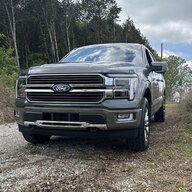
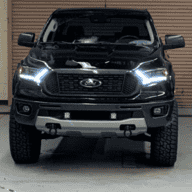
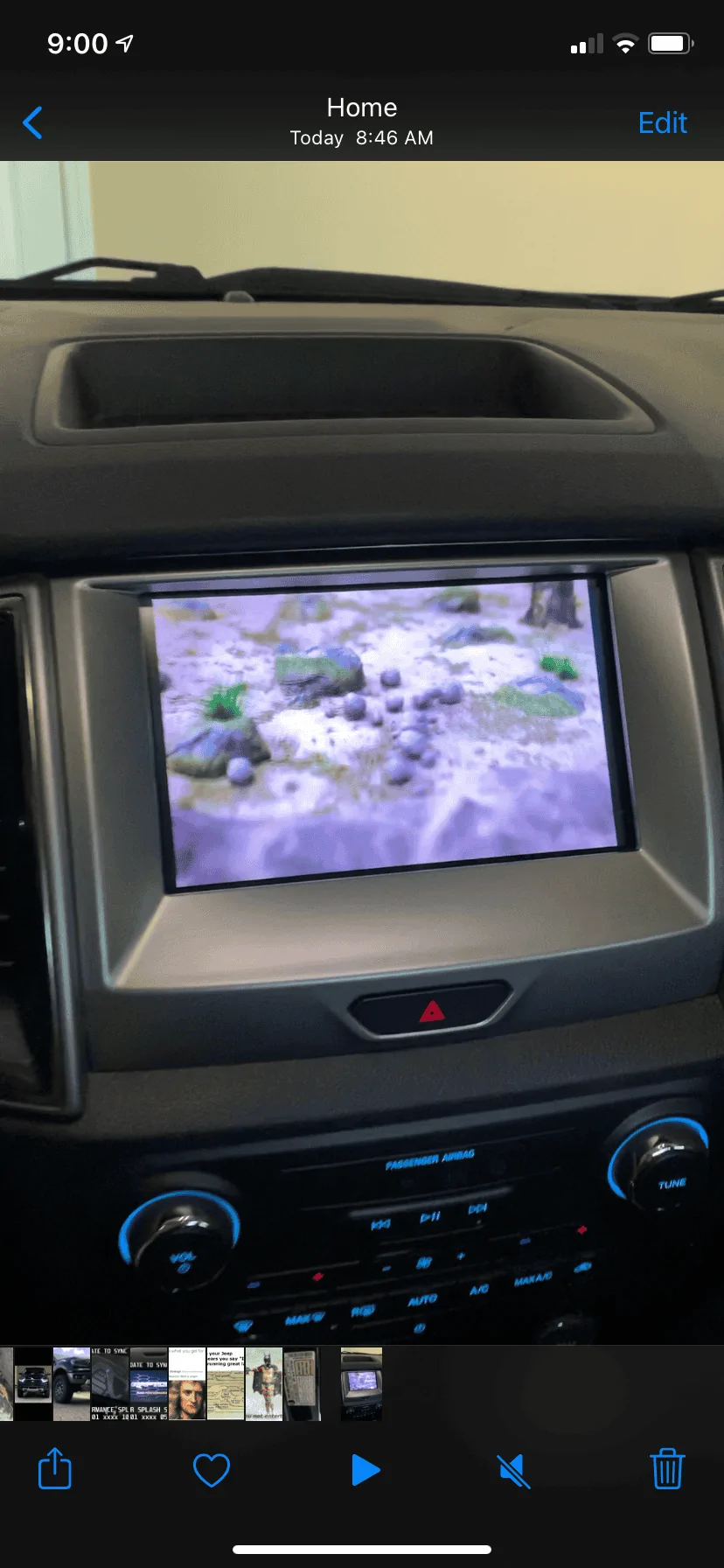
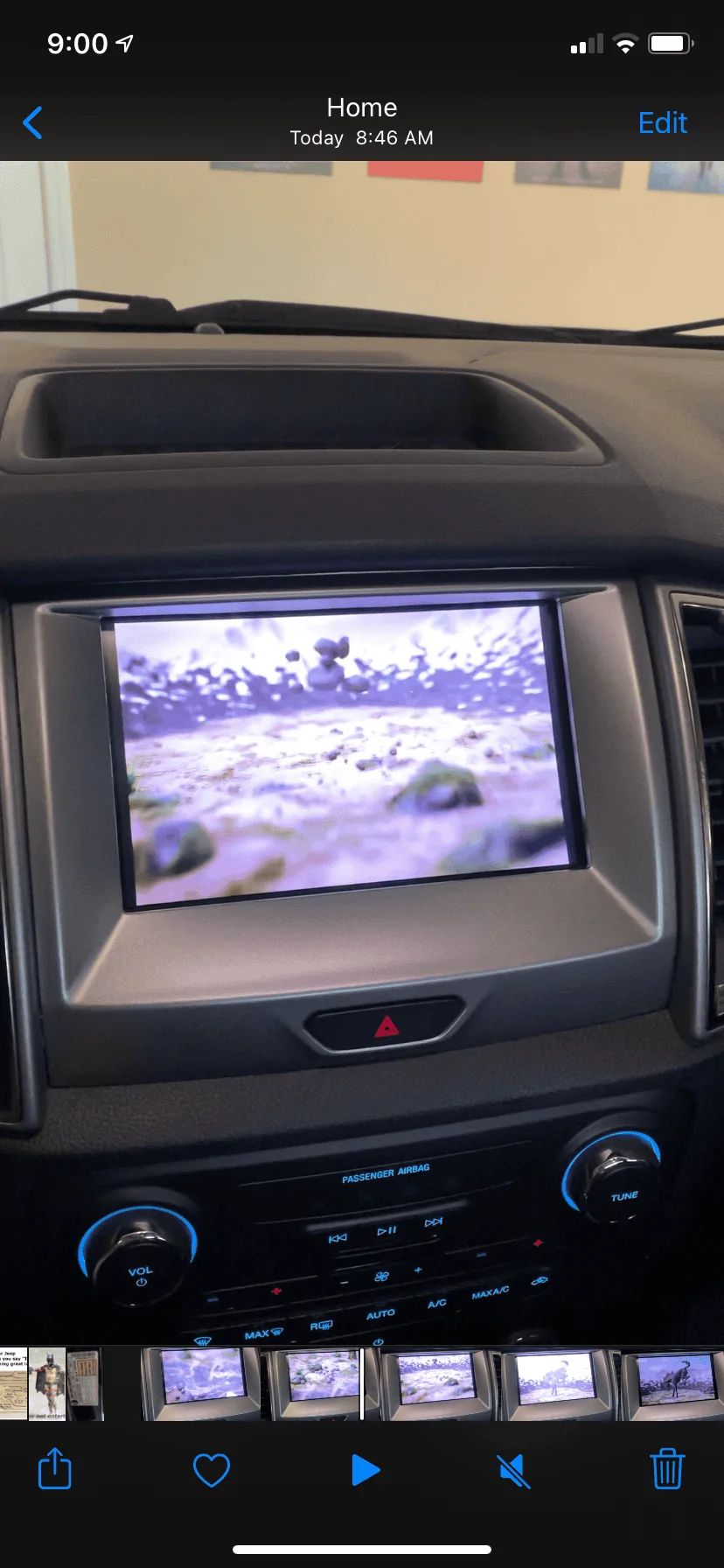
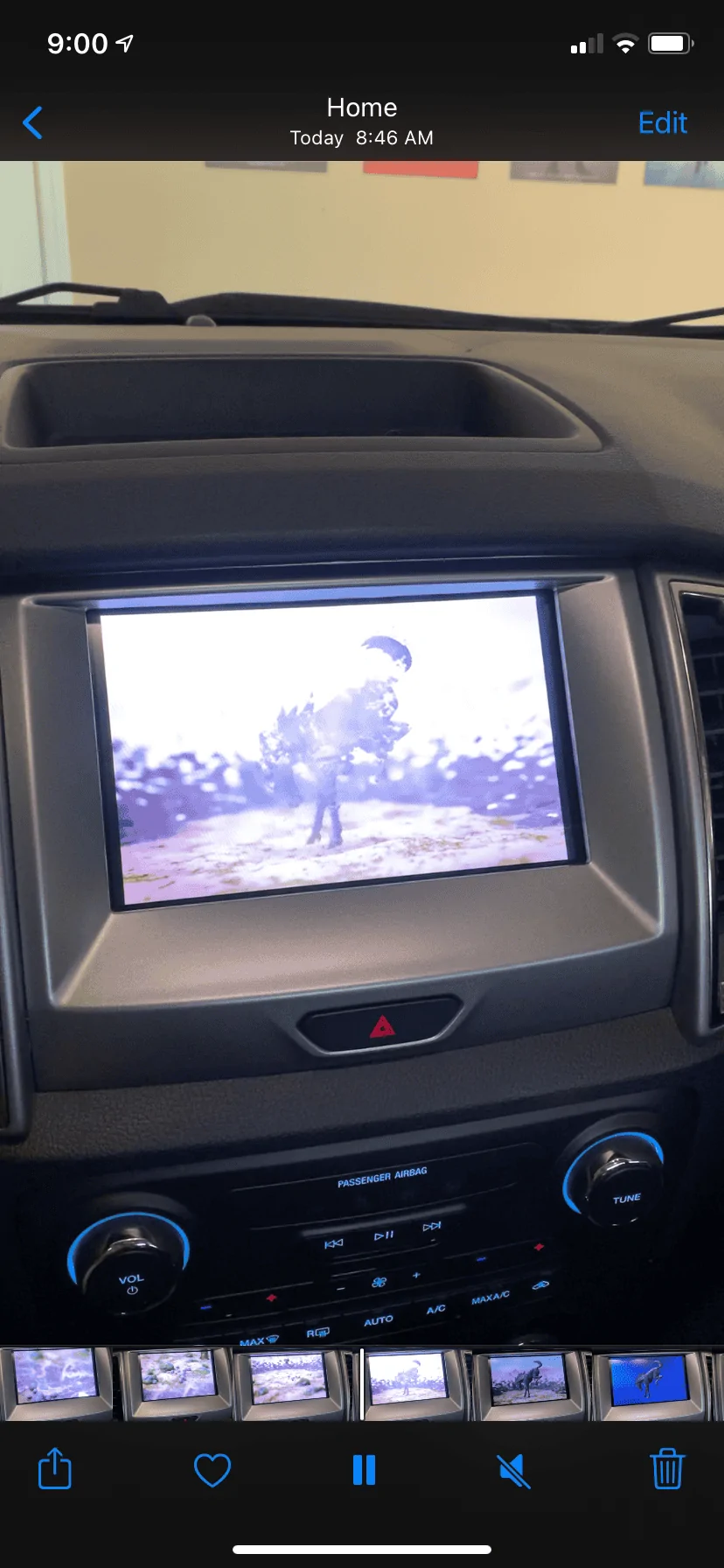
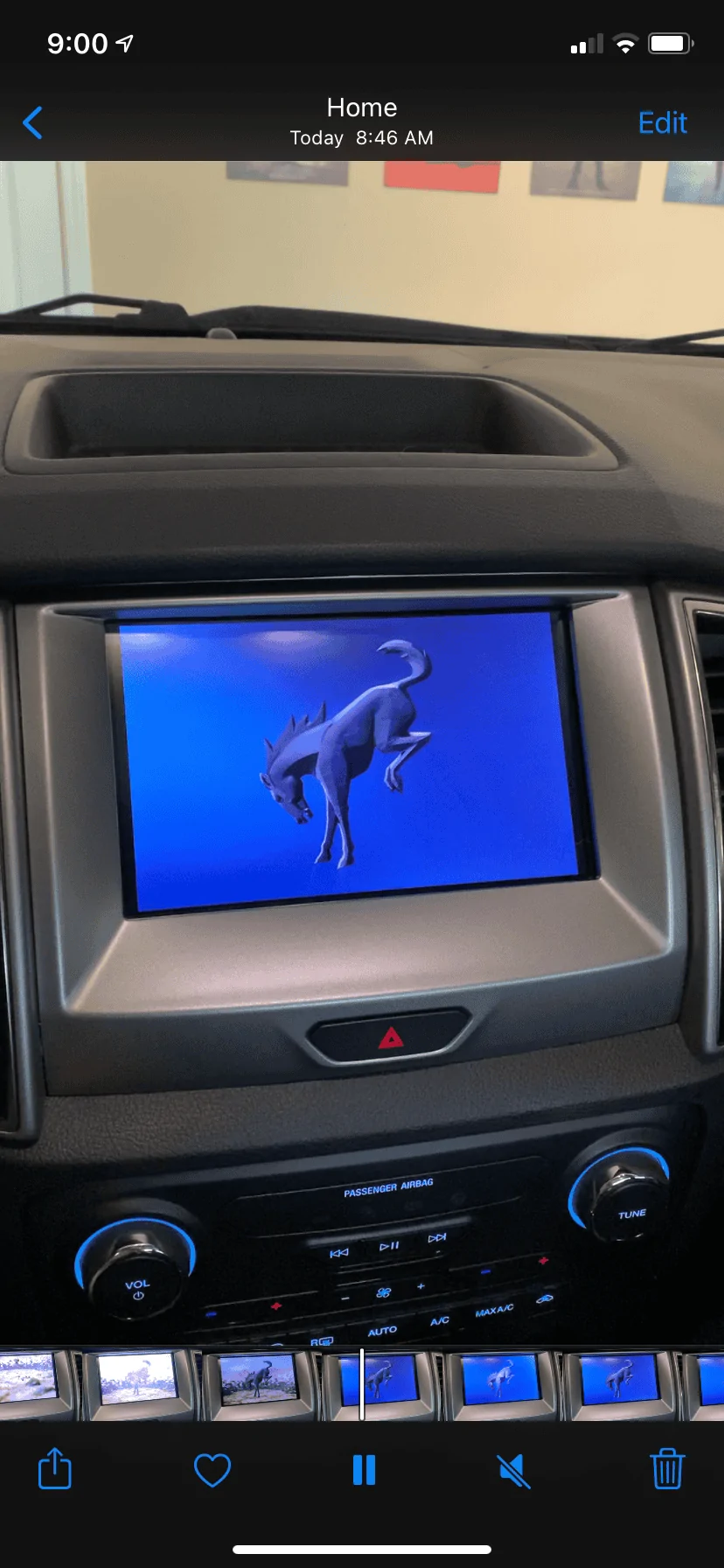
WOW!! Can’t have a real new Bronco but I can have this! Video too large to post of course.

539777D2-63F9-4DD0-B997-CB11D4071238.webp


AD25DF94-EC61-4888-A5E4-30E418F2011A.webp


B32788D0-F595-4401-99E3-09C70B614A6E.webp


7E6B71B5-91E7-407A-A2F1-FA887AB8FA59.webp
 

AdamHarris

Well-Known Member
First Name
Adam
Joined
Feb 26, 2021
Threads
32
Messages
1,740
Reaction score
4,919
Location
Blue Oval City, TN
Vehicle(s)
2020 Ford Ranger XLT FX4 Black Supercrew
Occupation
Collision Repair Instructor
Vehicle Showcase
1
Has anyone else noticed you can turn off the “prime fuel pump on door ajar“ (I think that’s how it’s worded) in forscan. I didn’t do it cause I really don’t wanna mess with stuff like that but it’s a complaint that many have had in the past.
 

Tremor416

Well-Known Member
First Name
Joe
Joined
Sep 8, 2021
Threads
12
Messages
55
Reaction score
71
Location
Phoenixville
Vehicle(s)
2021 Ranger Tremor
Occupation
Printing
Hey, forscan nooby here. I got forscan and did the brake bleed. How do i access the stuff like the bambi mode etc? do i need the extended license for that? whats a good starting point to read without going through all 60 pages? thx.


Tom_C

Well-Known Member
First Name
Tom
Joined
Apr 17, 2021
Threads
35
Messages
1,972
Reaction score
4,389
Location
Virginia, USA
Vehicle(s)
2020 Ranger Lariat SuperCab FX4
Occupation
System Admin, Retired
Hey, forscan nooby here. I got forscan and did the brake bleed. How do i access the stuff like the bambi mode etc? do i need the extended license for that? whats a good starting point to read without going through all 60 pages? thx.
On the front page of this thread is a bunch of info. There is a quick start guide on youtube, I'll try to find it.

This one:
 

Big Blue

Well-Known Member
First Name
Lee
Joined
May 5, 2020
Threads
16
Messages
3,927
Reaction score
9,352
Location
Wisconsin
Vehicle(s)
2019 Ford Ranger XLT FX4 Supercrew lighting blue
Occupation
Retired mechanical designer
Hey, forscan nooby here. I got forscan and did the brake bleed. How do i access the stuff like the bambi mode etc? do i need the extended license for that? whats a good starting point to read without going through all 60 pages? thx.
Yes you need an extended license to do any changes to module settings.

The video is a good starting point.

Be sure you backup ALL your asbuilt modules before making any changes. You will need them to restore if anything goes wrong.
 

VegasRanger

Well-Known Member
First Name
Steve
Joined
Jun 1, 2021
Threads
39
Messages
884
Reaction score
1,901
Location
Las Vegas
Vehicle(s)
2021 STX Crew Cab 4x4
Occupation
Damper Salesman
Are you guys sure if you disable A/S/S it turns off battery management? I’m pretty sure I disabled A/S/S but battery management stayed on since it was another option all together and I didn’t mess with it.

One thing I did notice, is that after disabling mine, I don’t get the light on the dash either. I heard some people still got the light on the dash when the system would normally stop the engine if A/S/S was enabled
 

janitorjim

Well-Known Member
First Name
Mark
Joined
Jul 18, 2021
Threads
14
Messages
419
Reaction score
1,086
Location
Plano, TX
Vehicle(s)
Ford Ranger XLT 2021 302 pkg, FX2, Sport
Vehicle Showcase
1
Are you guys sure if you disable A/S/S it turns off battery management? I’m pretty sure I disabled A/S/S but battery management stayed on since it was another option all together and I didn’t mess with it.

One thing I did notice, is that after disabling mine, I don’t get the light on the dash either. I heard some people still got the light on the dash when the system would normally stop the engine if A/S/S was enabled
I am not going to give a definitive answer but I thought I read either on here or the forscan forum that turns off the battery management and stops auto start stop for working but the light stays on, as you mentioned, but there was another option that turns off the light on dash from displaying which I assumed just did that but did not turn off auto start stop.

edit: I think this is actually what I was reading about

FCIM 7A7-01-01 xxxx x0xx xxxx (optional - disables switch)
 
Last edited:

ParkRangerBen

Member
First Name
benjamin
Joined
Sep 28, 2021
Threads
4
Messages
20
Reaction score
36
Location
49445
Vehicle(s)
2019 ford ranger XL, 2020 ford fusion se
Occupation
quality technician
So I just started using forscan an I made a bunch of changes but now I want to revert back to stock settings and I didn’t realize I had to save individual modules. I thought the prompt that you get when you first connect to back up your vin took care of that? Is there a way for me to revert back and if so how?
 

Big Blue

Well-Known Member
First Name
Lee
Joined
May 5, 2020
Threads
16
Messages
3,927
Reaction score
9,352
Location
Wisconsin
Vehicle(s)
2019 Ford Ranger XLT FX4 Supercrew lighting blue
Occupation
Retired mechanical designer
So I just started using forscan an I made a bunch of changes but now I want to revert back to stock settings and I didn’t realize I had to save individual modules. I thought the prompt that you get when you first connect to back up your vin took care of that? Is there a way for me to revert back and if so how?
Unfortunately the most accurate answer to your question is somewhere between no and not easily. Unless you remember or wrote down all there changes you made, you are out of luck. You can download the original asbuilt values from Ford using your VIN. The bad news is they are not in a format Forscan can use. They are in a comma delimited text file. Which if you know how you can load into Excel and manipulate into a readable format. Then you will need to compare line by line to see what you changed. A long and not fun process.

As I said, if if you can remember what you changed you may be able to go into the configuration menus and undo them. This will get you close. Then backup ALL your asbuilts. Also make incremental backups as you make future changes. Naming the accordingly, so you can go back to a previous version if needed.

Good lesson for everyone starting out with Forscan. Backup your ALL your original asbuilts and at the least record any changes you make.
 

ParkRangerBen

Member
First Name
benjamin
Joined
Sep 28, 2021
Threads
4
Messages
20
Reaction score
36
Location
49445
Vehicle(s)
2019 ford ranger XL, 2020 ford fusion se
Occupation
quality technician
Unfortunately the most accurate answer to your question is somewhere between no and not easily. Unless you remember or wrote down all there changes you made, you are out of luck. You can download the original asbuilt values from Ford using your VIN. The bad news is they are not in a format Forscan can use. They are in a comma delimited text file. Which if you know how you can load into Excel and manipulate into a readable format. Then you will need to compare line by line to see what you changed. A long and not fun process.

As I said, if if you can remember what you changed you may be able to go into the configuration menus and undo them. This will get you close. Then backup ALL your asbuilts. Also make incremental backups as you make future changes. Naming the accordingly, so you can go back to a previous version if needed.

Good lesson for everyone starting out with Forscan. Backup your ALL your original asbuilts and at the least record any changes you make.
Thank you! I was hoping that wasn’t the case but I have an idea of everything I changed so that is what I will do. It’s a good lesson for sure lol.
 

janitorjim

Well-Known Member
First Name
Mark
Joined
Jul 18, 2021
Threads
14
Messages
419
Reaction score
1,086
Location
Plano, TX
Vehicle(s)
Ford Ranger XLT 2021 302 pkg, FX2, Sport
Vehicle Showcase
1
So I just started using forscan an I made a bunch of changes but now I want to revert back to stock settings and I didn’t realize I had to save individual modules. I thought the prompt that you get when you first connect to back up your vin took care of that? Is there a way for me to revert back and if so how?
this is interesting as I thought the same.

So what is the purpose
 

ParkRangerBen

Member
First Name
benjamin
Joined
Sep 28, 2021
Threads
4
Messages
20
Reaction score
36
Location
49445
Vehicle(s)
2019 ford ranger XL, 2020 ford fusion se
Occupation
quality technician
this is interesting as I thought the same.

So what is the purpose
That’s what I’m wondering. I wish I would have done a little more research before diving in but I was too impatient to be responsible. Now future Ben has to deal with it lol
Sponsored


Top