
DukeCanBuildit
Well-Known Member
- Thread starter
- #1
?
Sponsored
Last edited:


That is the eject button. You can enable it with Forscan.My 2019 XLT has the 300A package (4” non-touchscreen display). It shows typical infotainment stuff including backup camera image and parking sensor warnings.
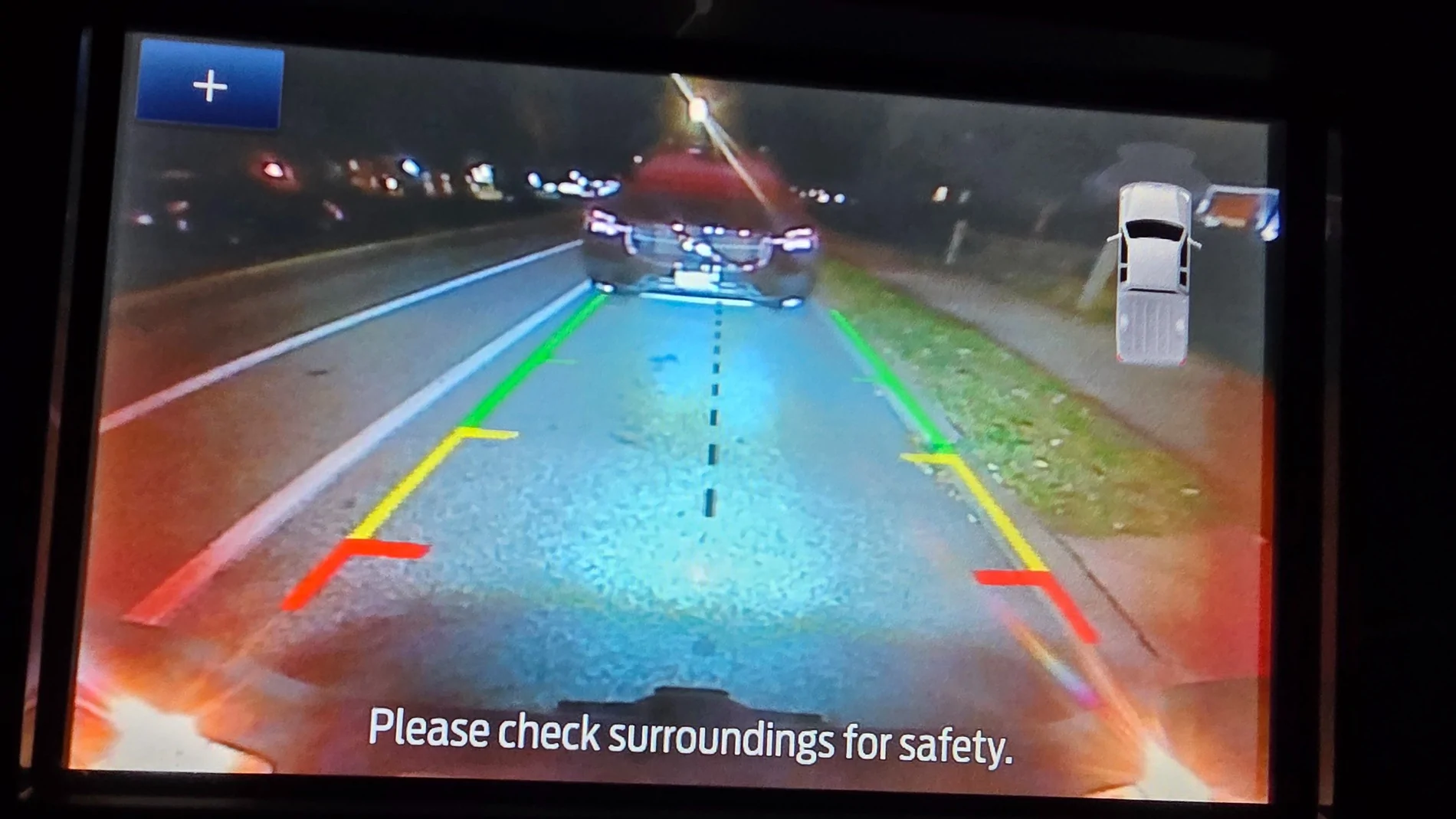
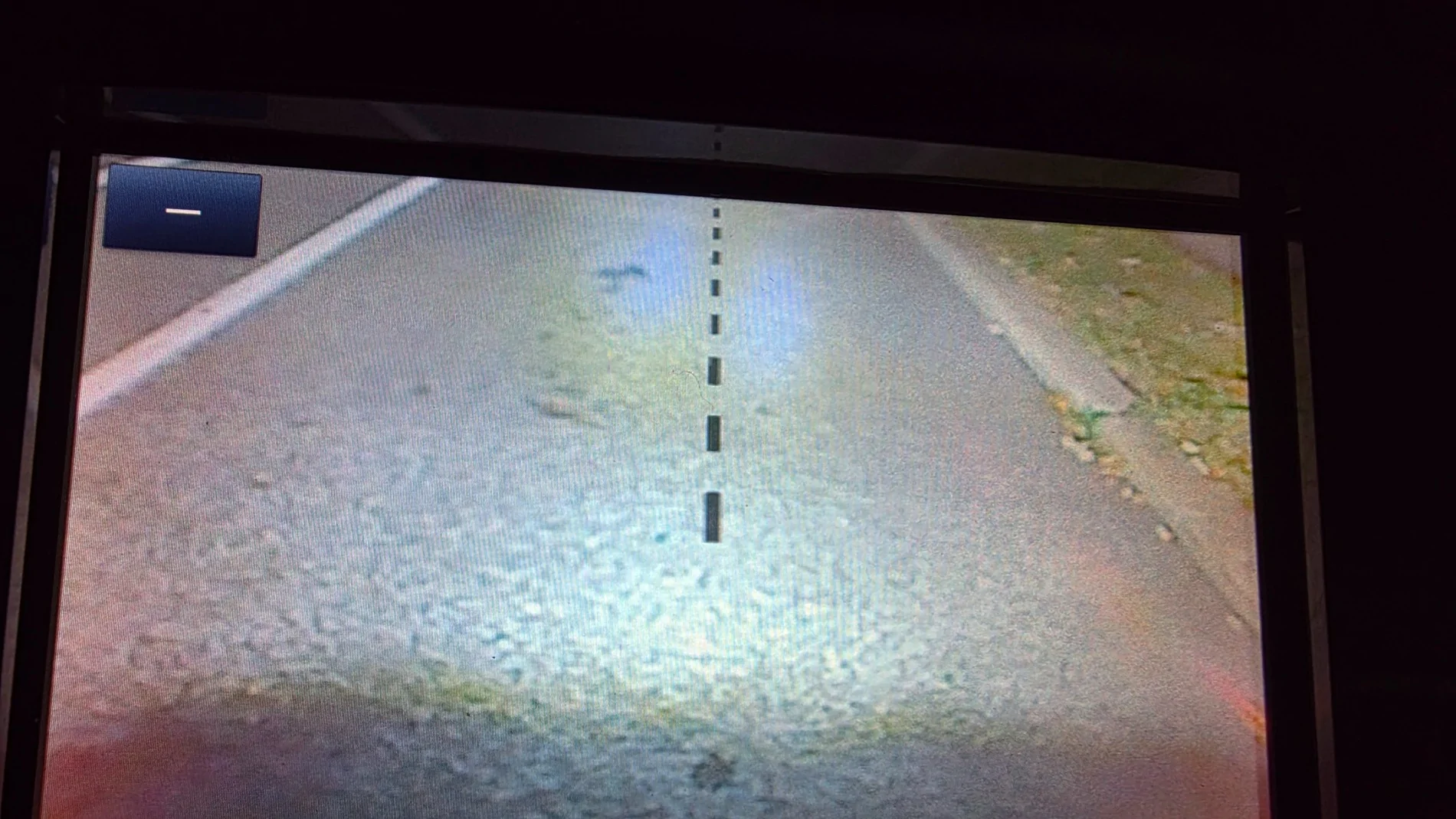
When the backup camera image is displayed, there are small icons on the lower left of the screen. They have a real purpose and are interactive - you can use them and arrow buttons to toggle between regular view and a closeup on the hitch receiver area when backing up to a trailer. Handy, right?
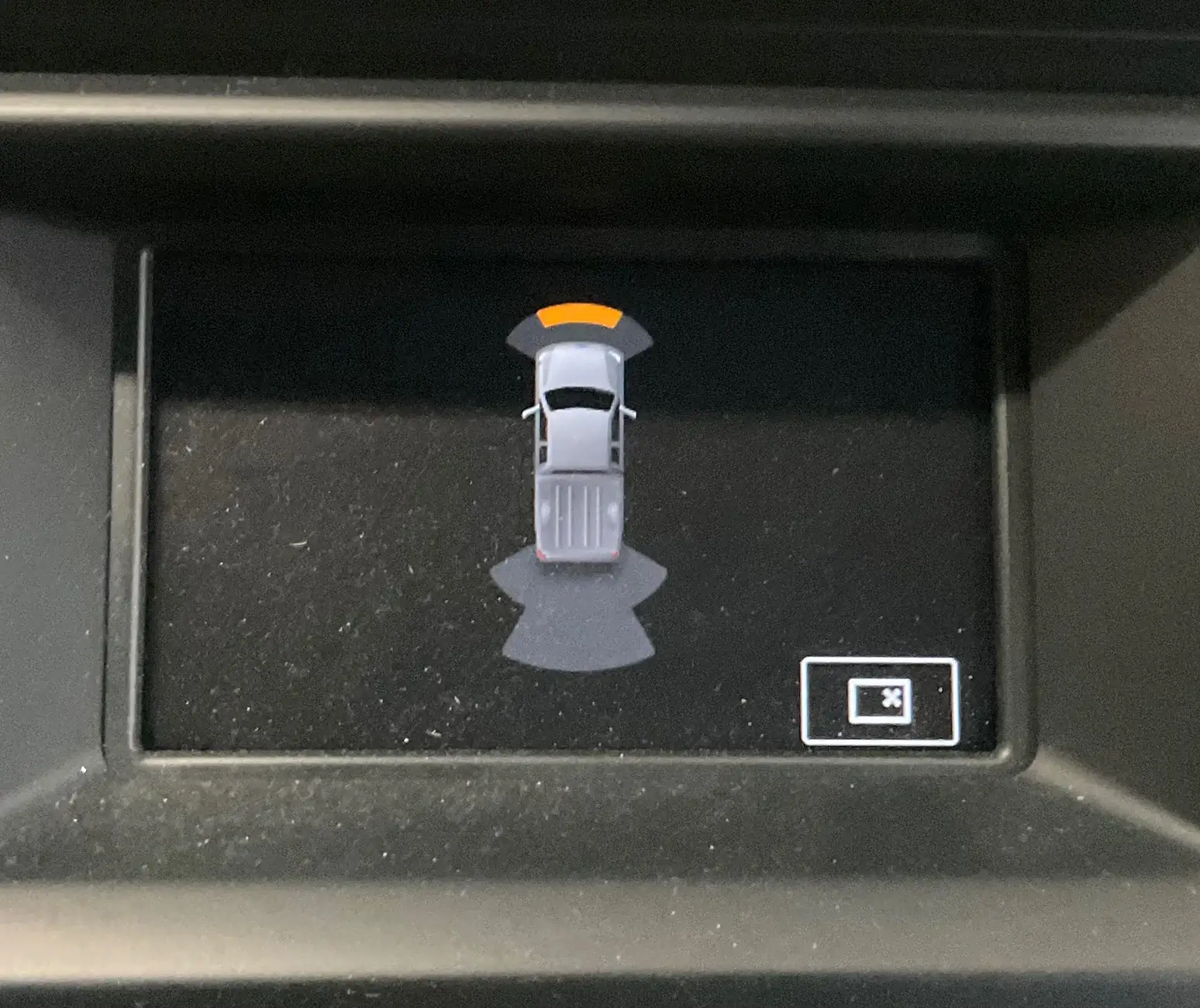
When the parking sensors detect an object, an image of the truck is displayed with graphics showing which sensors are pinging. On the bottom right of the display, there is a small icon. As with the backup camera icons, I expected it to have some sort of meaning and to be interactive.
View attachment 240785
Instead, it just appears like an online image that can’t be located and just has that goofy “x”. And, yes, like a dumbass, I tried pressing it with my finger.
Any ideas?
On a positive note, the image of the truck is a SuperCab, unlike the SuperCrew image for Lane Keeping Assist and Door Ajar on the instrument cluster.



Push the button!It's how you get rid of Dave when he starts chewing your ear off about dampers.
I may be wrong, but is that not the symbol for someone wanting a for sale sign.My 2019 XLT has the 300A package (4” non-touchscreen display). It shows typical infotainment stuff including backup camera image and parking sensor warnings.
When the backup camera image is displayed, there are small icons on the lower left of the screen. They have a real purpose and are interactive - you can use them and arrow buttons to toggle between regular view and a closeup on the hitch receiver area when backing up to a trailer. Handy, right?
When the parking sensors detect an object, an image of the truck is displayed with graphics showing which sensors are pinging. On the bottom right of the display, there is a small icon. As with the backup camera icons, I expected it to have some sort of meaning and to be interactive.
View attachment 240785
Instead, it just appears like an online image that can’t be located and just has that goofy “x”. And, yes, like a dumbass, I tried pressing it with my finger.
Any ideas?
On a positive note, the image of the truck is a SuperCab, unlike the SuperCrew image for Lane Keeping Assist and Door Ajar on the instrument cluster.


Sorry Duke. My truck is a cheaper model, don't have all those sensors. I do have plenty of signs ready.I gotta admit, it really is my own fault that I’m likely never going to get a serious answer to this question.
@DukeCanBuilditI gotta admit, it really is my own fault that I’m likely never going to get a serious answer to this question.
Just to confirm - This screen is the (Reverse Back-Up) Camera screen and when the parking sensors trigger - the back-up cam image disappears, and you see this screen.That is the eject button. You can enable it with Forscan.
Honestly, I rarely look at the display close enough to notice.

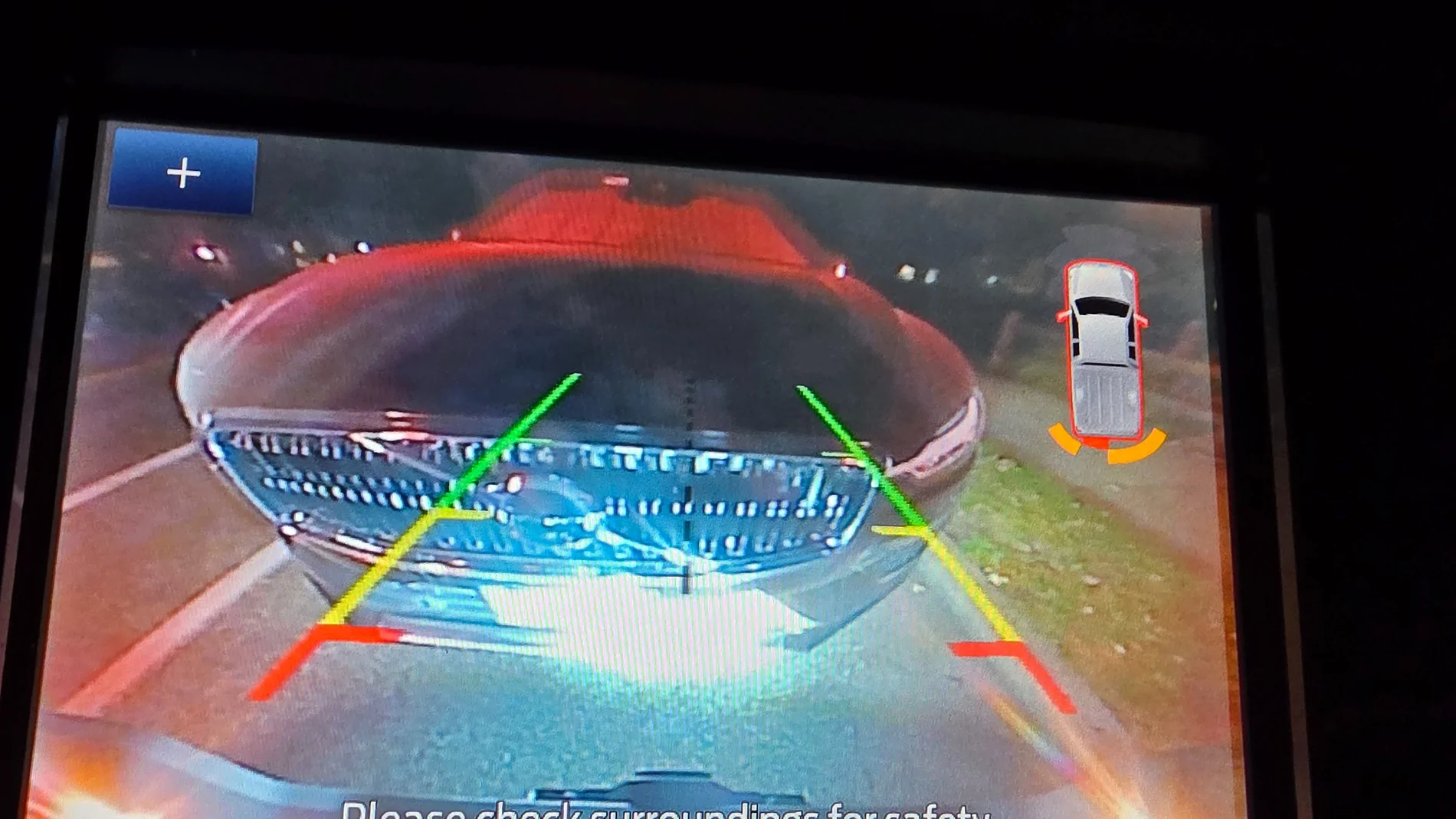
@DukeCanBuildit and @airline tech ... let me try again... 2019 Lariat FX4 with the Bose audio system (if that matters). No front camera, only on tailgate. (was a front camera an option??)I gotta admit, it really is my own fault that I’m likely never going to get a serious answer to this question.
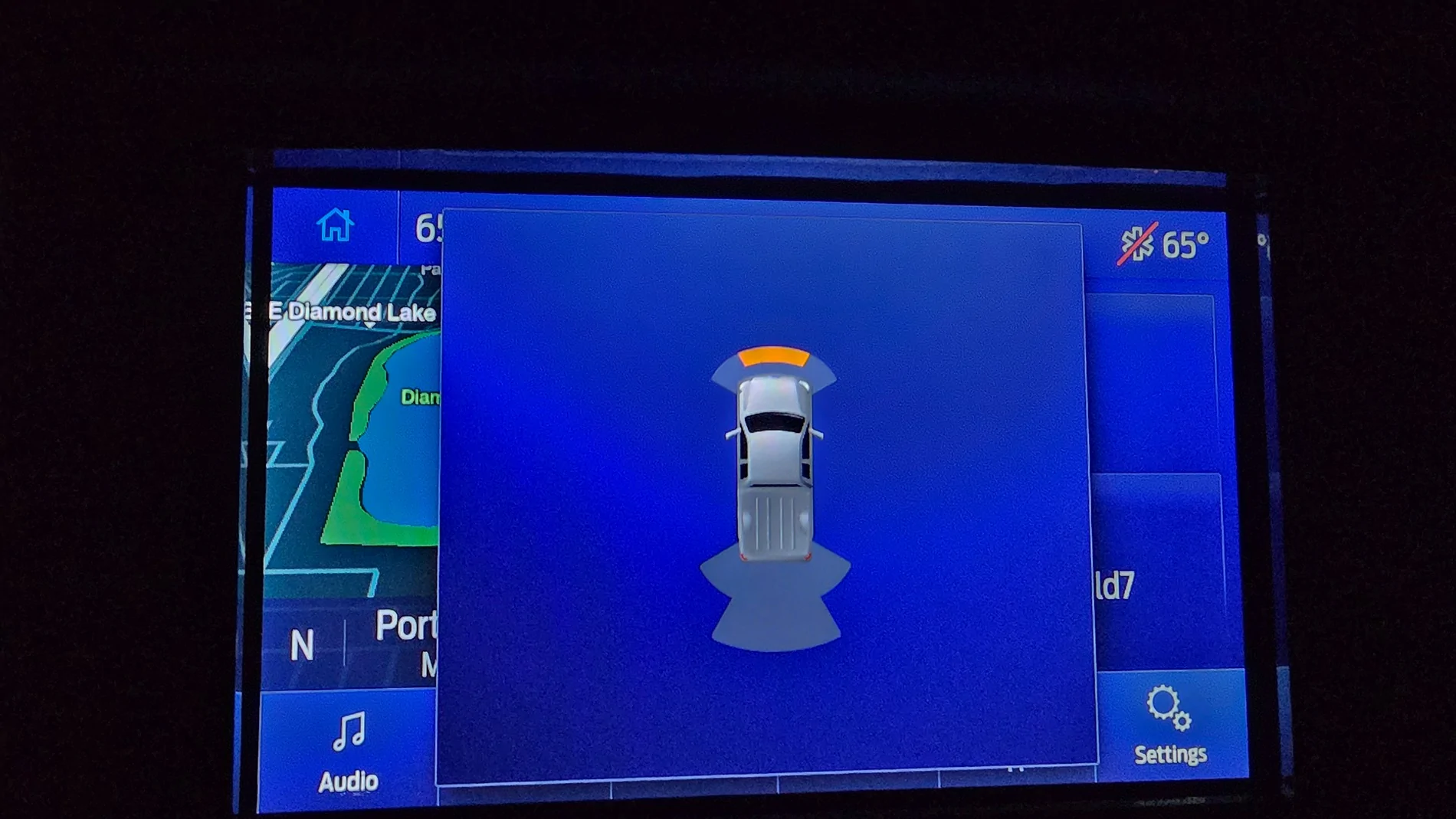
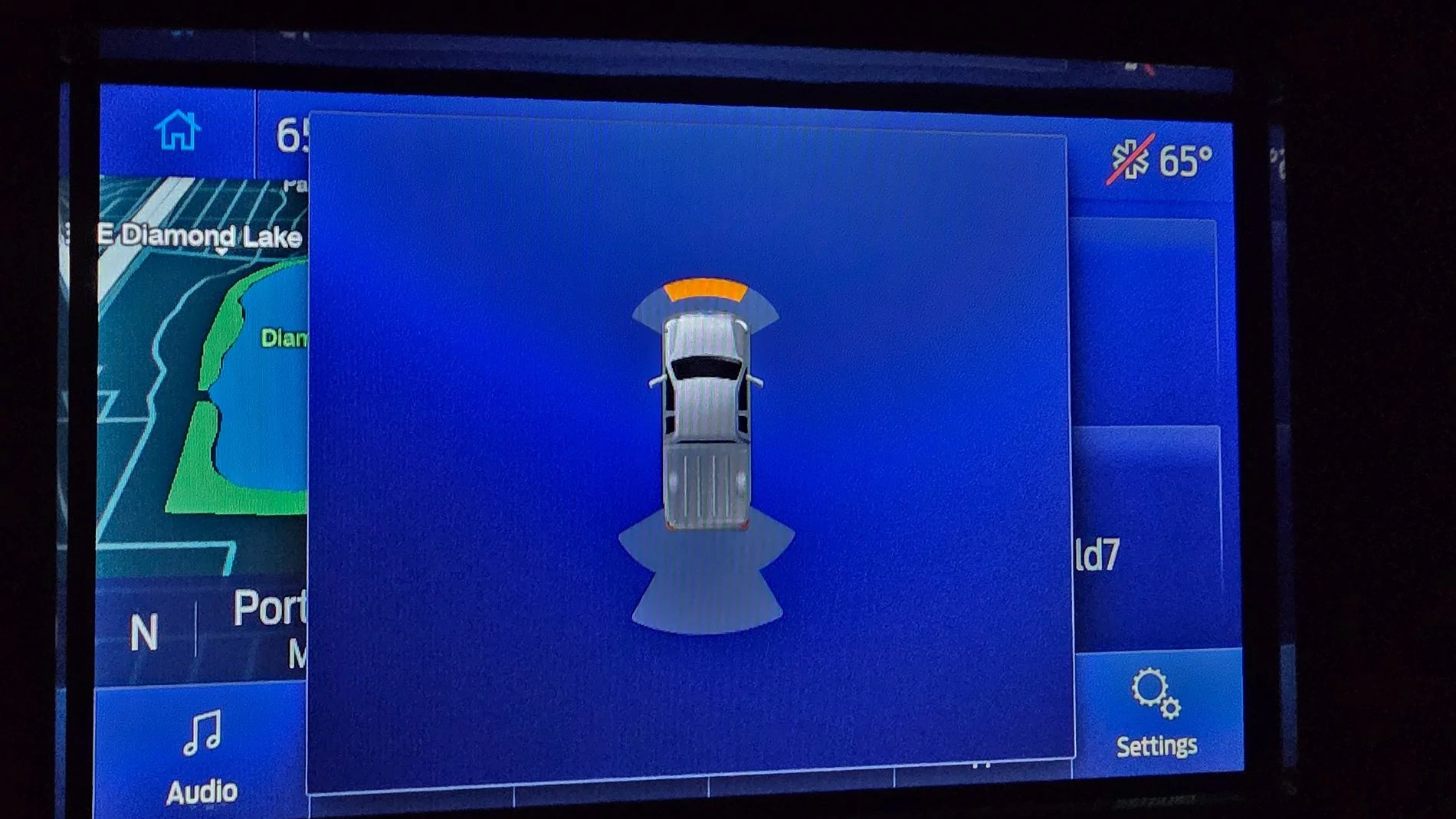
Just to confirm - Rear Parking Sensor OperationThanks Richard.
It seems the forward parking aid screen image of the larger infotainment system doesn’t have anything but the truck image and distance indicators.
i.e., no mystery icon like in the bottom RH corner of my screen
View attachment 240840
Just to confirm:
Do all 4 Front Sensors register (objects)
I see the front (inners) but do the outers register?
View attachment 240839
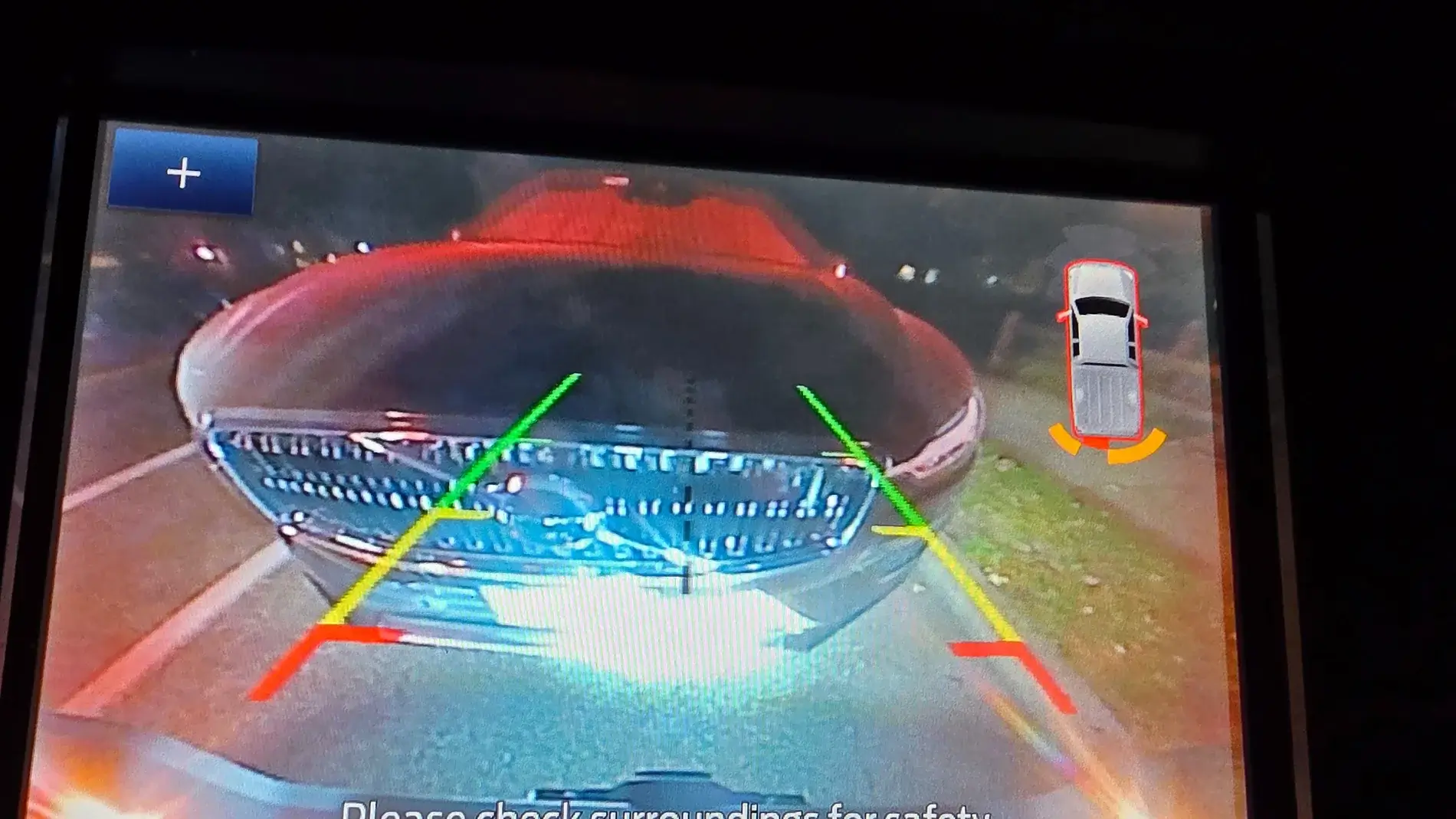
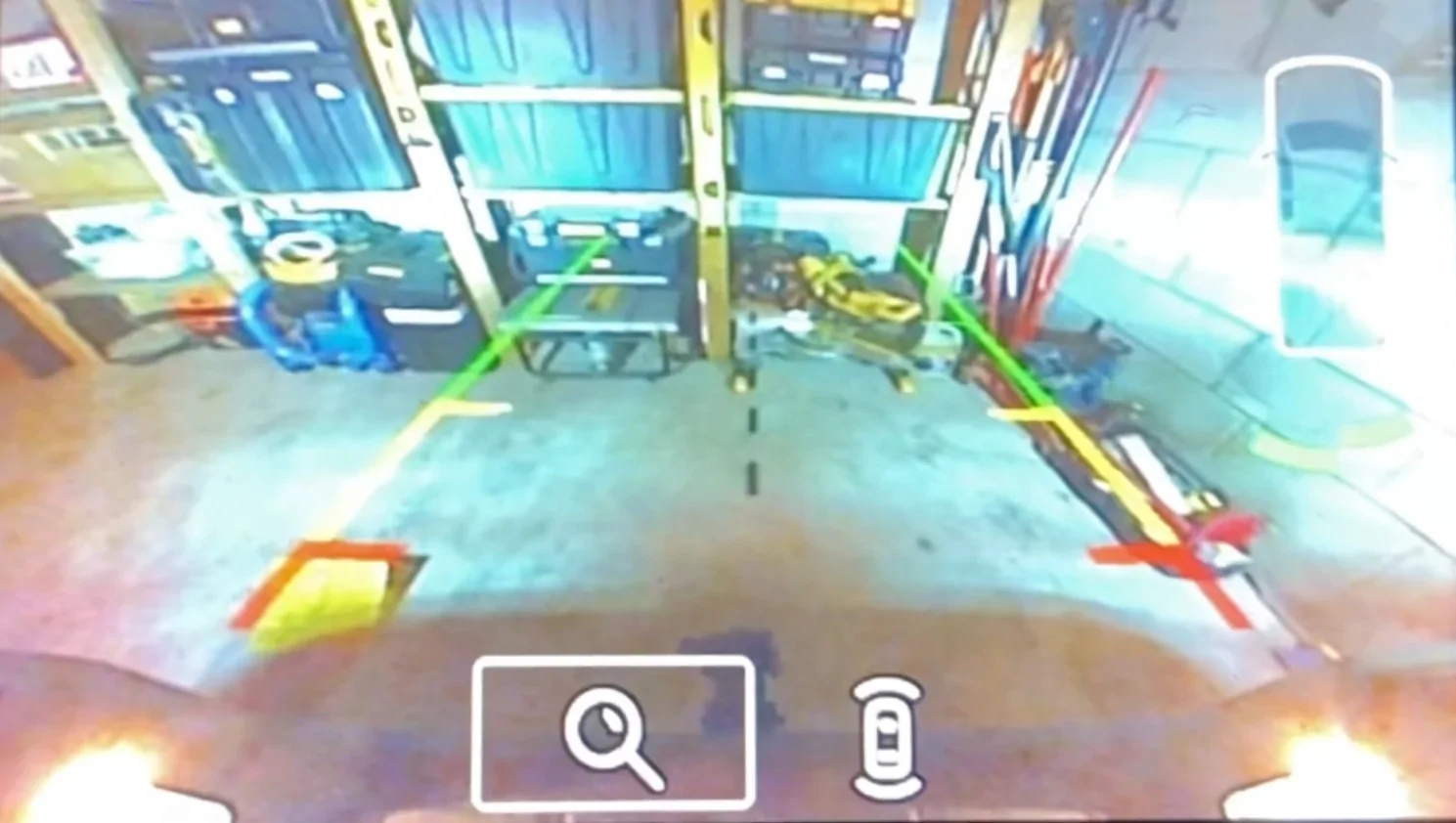
@airline tech When I was backing up, the 4 sensors on the rear bumper, lit up at various moments... the photo shows what the final display was when I stopped and took the photo. Note that the center line of the camera was not on the center line of the SUV so the "red" sensor was a little closer to the SUV than the other... or so I theorize.Just to confirm - Rear Parking Sensor Operation
and using this as a ref:
Do all 4 of the rear sensors - pick up objects when you are backing into the garage
(Photo)
When you continue to back up here - 3 of the 4 rear sensors should be changing colors, the passenger outer (?) Maybe
(Photo)
Sorry: It did not post the way I wanted it:
Edit:
Do all 4 sensors pick up objects - I see the Front (Inners) but not the outers
(Photo)
I was using your PIC as a ref for Duke, for him to ref what the rear sensors should be doing.@airline tech When I was backing up, the 4 sensors on the rear bumper, lit up at various moments... the photo shows what the final display was when I stopped and took the photo. Note that the center line of the camera was not on the center line of the SUV so the "red" sensor was a little closer to the SUV than the other... or so I theorize.

 alone...

Yes, it they were bad - you should have a message (on the IPC) Check Park Aid and you should have a code.I thought that’s where you might be going with those questions. After sleeping on it, I know I’ve seen outer sensors ping on my screen but have I seen every one of them ping at some point? I can’t really say for sure.
To be 100% sure they are all working as they should, I’ll approach a solid wall straight on and at angles this morning (forward and reverse), to double-check all sensors.
Also, if a sensor wasn’t working or if the module wasn’t picking up the signal, would there be a code I could grab with my reader?
It’s an odd quirk and finding someone on the forum with an XLT who, like me, doesn’t have the tech package, could prove difficult. Most folks with the small screen are likely to have the XL trim level and no parking aid sensors.

