fob63
Well-Known Member
- First Name
- bill
- Joined
- Jun 27, 2020
- Threads
- 29
- Messages
- 394
- Reaction score
- 877
- Location
- Springdale Arkansas
- Vehicle(s)
- 2019 ranger
- Occupation
- retired
I wonder if you disable the prox. sensors if that Icon changes.
Sponsored

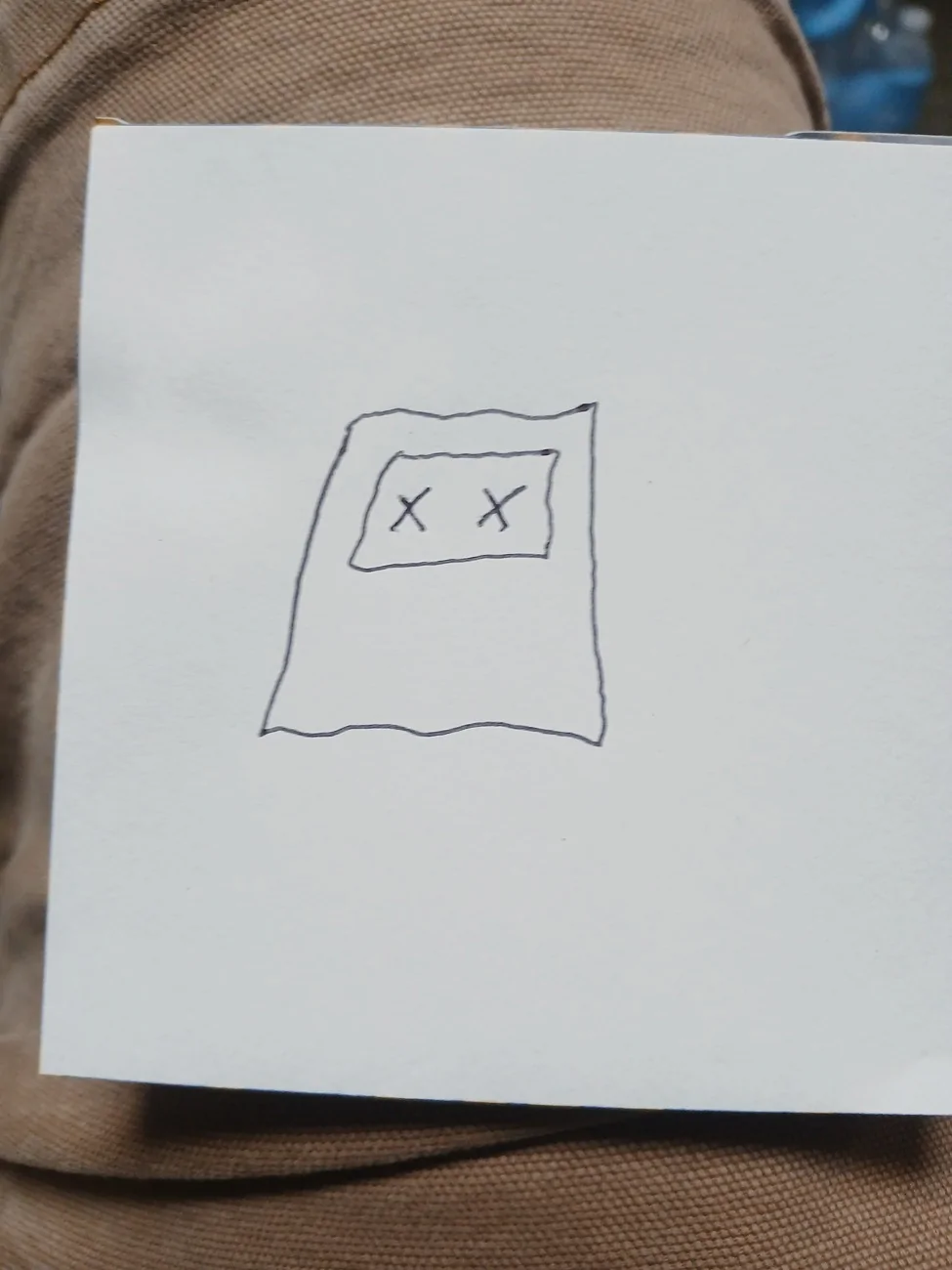
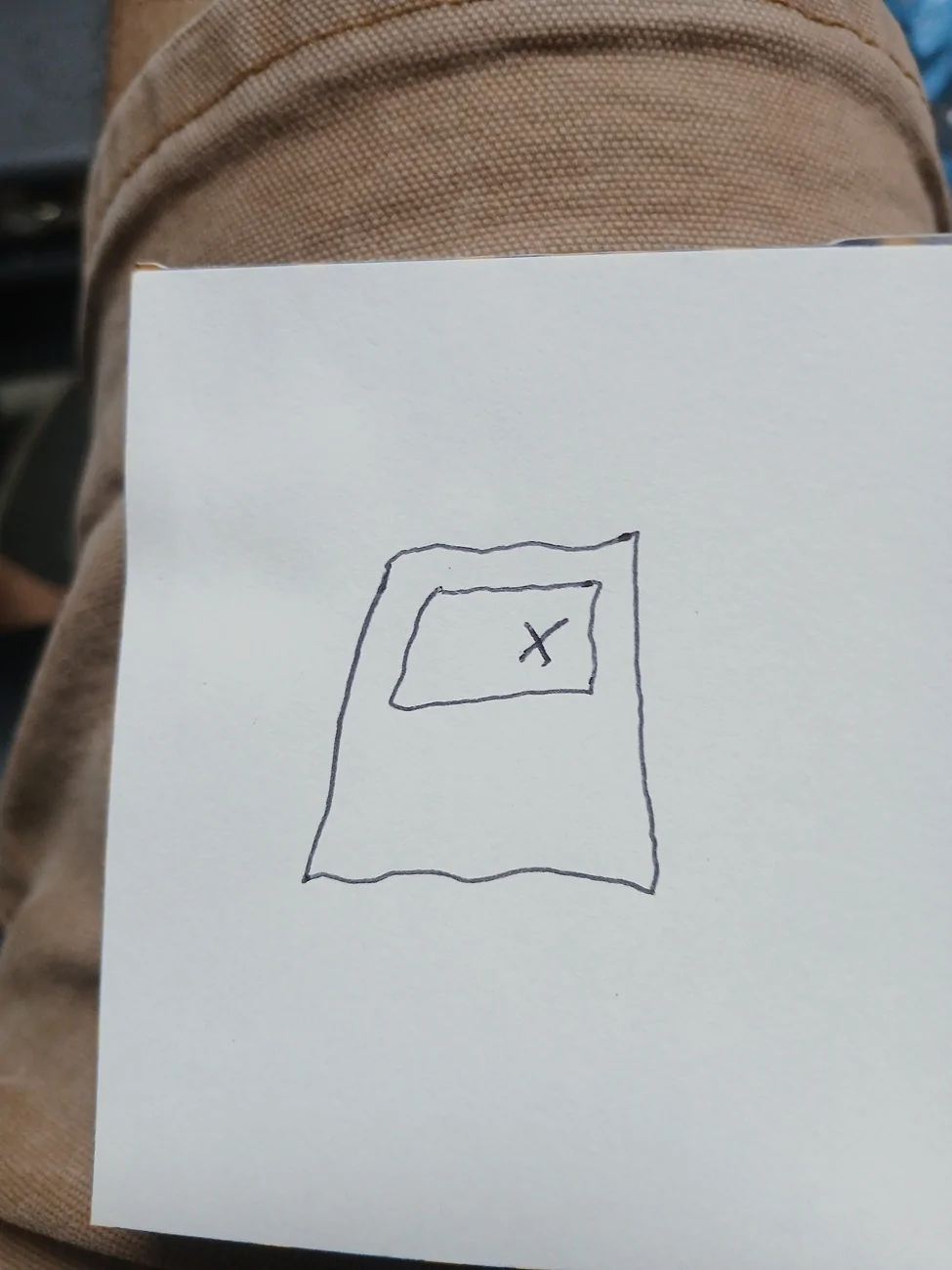
As a man, with the one X I would just assume she wants me on the same side of the bed that she is. Just sayin'.I'm not sure what it means in your truck but I know EXACTLY what it means at my house because that is one of two possible post it notes that I will see when I approach our bedroom door at nite , 1st one means come on in , the second one is the one like yours and it means she's sleepingalone...
 8
8


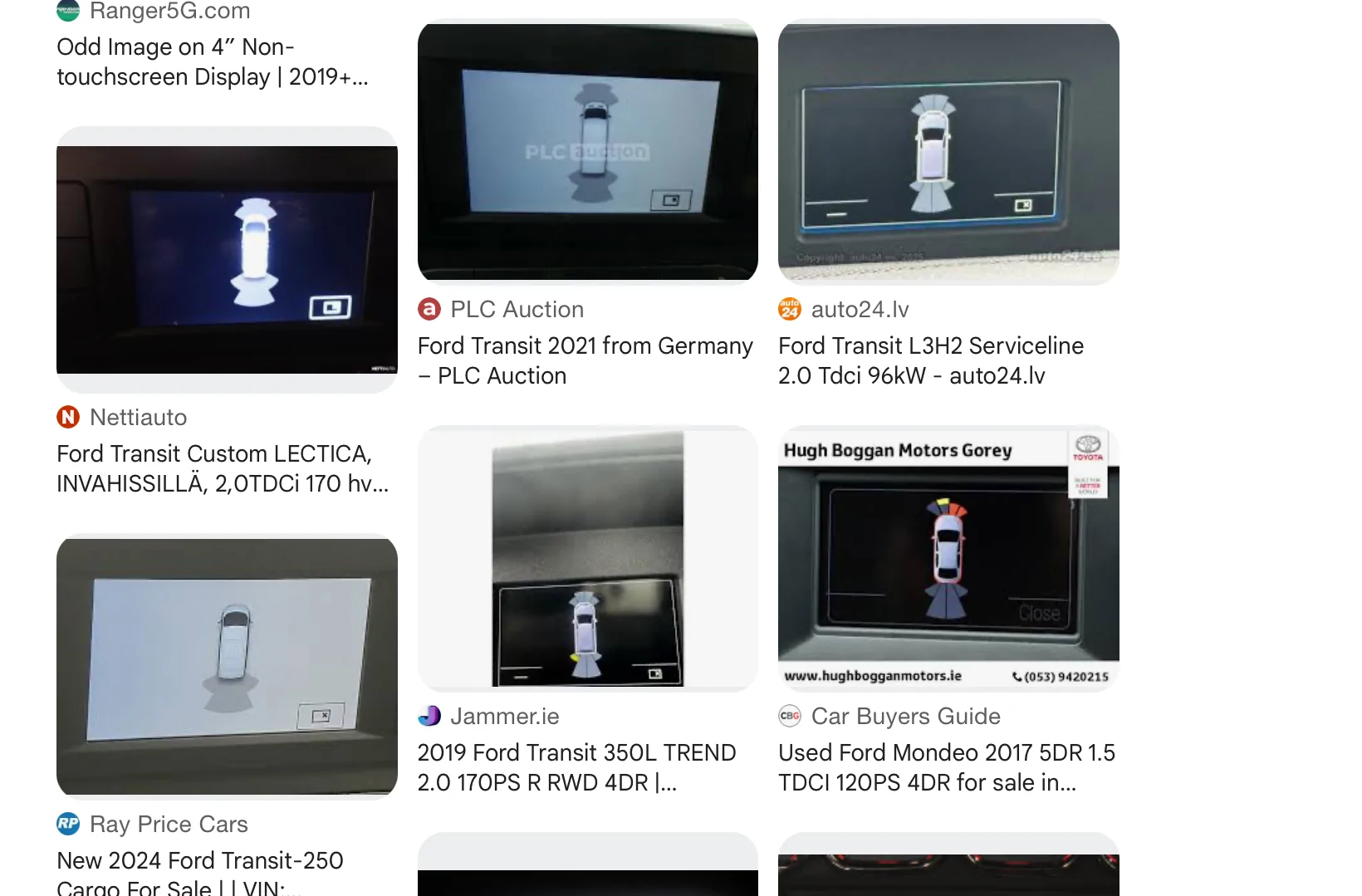
Did this just occur recently or was it always displayed?I poured over the 500+ pages as well. It’s puzzling.
I can’t help but think it’s an “image not found” message like you get online when the image has been moved or deleted…
View attachment 240863
Know what I mean?
But if it is that, what the heck is the image that can’t be found?
I hope someone comes along that has the answer. I have the 8 inch screen, so I can't help.Hey Bob,
It’s been there for a long time - has likely always been there. It was simply never an issue - still isn’t but I’ve been curious about it.
At first, I chalked it up to being something that was available on the larger touchscreens but simply wasn’t active on my smaller non-touchscreen. It was the same with the zoom in-out toggle feature on the reverse screen. I just thought it didn’t apply to my truck until I started pressing dash buttons and learned that it worked. I figured I’d eventually stumble upon what the mystery icon on the parking aid screen does, just as I do with so many new features when my phone gets an update.
Now that I’m retired, I can fuss about it full-time.
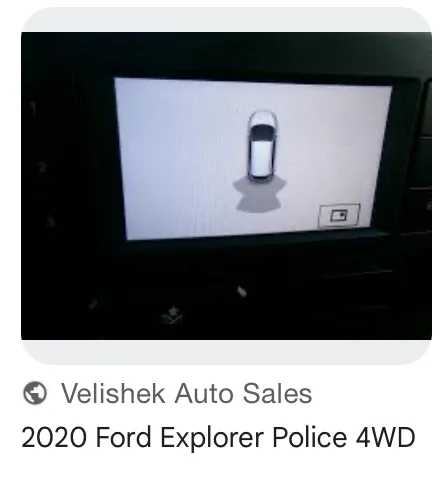
I guess it's something that you're not alone, but that doesn't really get you much closer to an answer, either.I did a reverse image search and the result was interesting…


Ford Transit and Explorer show the same thing.
Just to confirm - This screen is the (Reverse Back-Up) Camera screen and when the parking sensors trigger - the back-up cam image disappears, and you see this screen.
If you are in drive - and the park sensor triggers - do you see the same (X)?
For the Lariat 8in screen, both the rear camera and truck image (upper RH Corner) with the park sensors are combined in the same screen.
When in drive - you get the windowed screen like you have posted (park sensors-trigger)
If this is the rear cam view and park sensor trigger, I would say it is supposed to be a way to (x) close the screen and back to the rear camera view.
Someone else with the same 4in screen may be able to confirm.
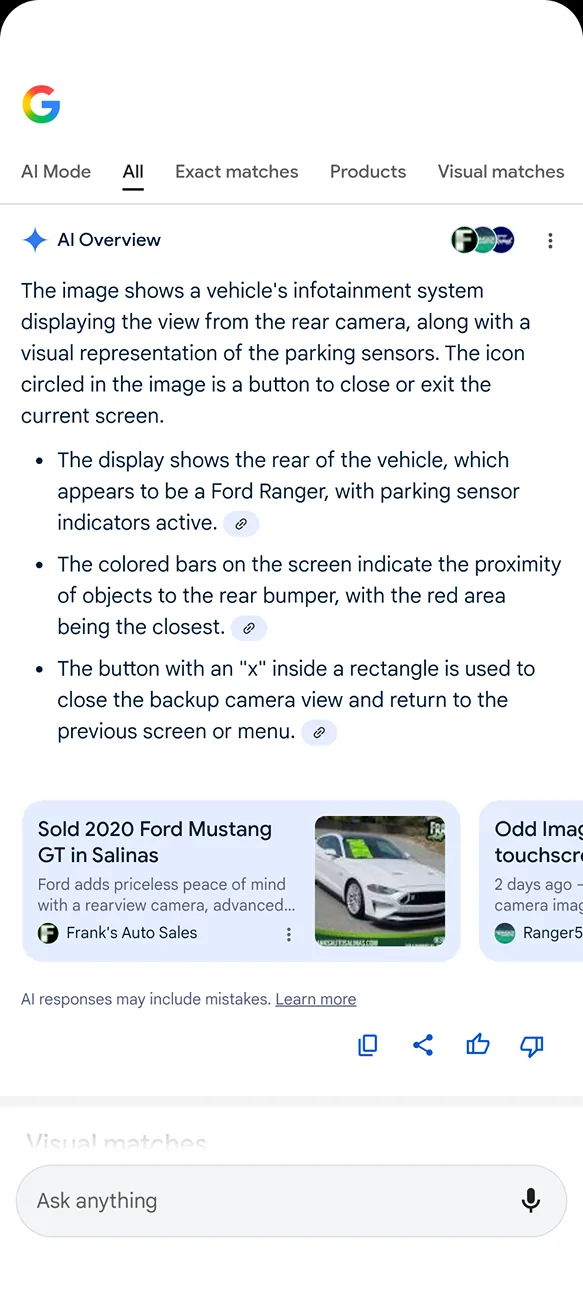
The one where you have it circled. AI mentioned the circle.
Yes, I saw that. @ChrisM we've got you covered. A vigil is being planned as we speak.I forgot to add to the post above…….it’s even worse than I stated. He had to rent a truck and all they had was a Taco! Just shoot me.
Is there to be a "go fund me" also? That trash in my garage is costing me $80 a freaking day.Yes, I saw that. @ChrisM we've got you covered. A vigil is being planned as we speak.
Details here: https://www.ranger5g.com/forum/threads/truck-just-quit.39287/page-2#post-831023
Well, a small truck graphic with activated sensors shows up in the upper RH corner of the rear camera view screen (see above) but it doesn’t include that icon - it includes two others.
I think AI might be confused. That icon can’t close the backup camera view when it’s not in backup camera mode. This happens when I’m in a forward gear.

LOL, Duke grab another cup of coffee and take the rest of the day off!Thanks Ranger5g community - for the insights, pointing me in the right direction, helping me think outside the box, and of course for the laughs and jabs - this forum never disappoints!
@airline tech and @Figarou both mentioned something that was really narrowing it down for me. This led me to do more troubleshooting this morning - I wanted to do it last night after Figarou’s post but Mrs. DukeCanBuildit already thinks I’m nuts and the neighbours must think the same. What, with all the repetitive backing out of and driving into the garage and all the leaf bag testing in the driveway, etc.
The normal course of events for the screen is as follows…
Figarou and airline tech both suggested it closed a screen. They were referencing the backup camera screen and the forward screen closes on its own so I wasn’t thinking of that functionality.
- Truck approaches an object
- Forward Parking Aid screen is displayed
- Brakes are applied - truck comes to a stop
- The screen automatically closes after one or two seconds or if the gear selector is moved to “Park”
HOWEVER, what if there are times when the Forward Parking Aid screen does not automatically close? It would be nice to turn it off and that icon does look like it stands for “Close Screen”.
So, there I was…out in my garage again this morning…..back and forth, back and forth…..in and out of my driveway, until the screen did not automatically turn off. I didn’t have full missile lock but I had a solid tone for a second - the tone stopped but the screen was not closing. Pressing the OK button closed the screen.
Nothing fun, super helpful or informative like on the backup screen - just a way to close the screen for those times when it doesn’t close on its own and you’re not putting it in Park. I was hoping for so much more.
Now, to figure out what the conditions are that prevent the screen from closing automatically.