Sponsored

Android Auto Stopped Working

GitRDone

Well-Known Member
First Name
Andrew
Joined
Nov 25, 2020
Threads
17
Messages
446
Reaction score
1,245
Location
Orlando Fl
Vehicle(s)
2020 XLT
Occupation
Real estate management
Hi, I had no luck with a search so here goes: AA has worked well until just recently when it went AWOL. Normally when I'm on the Sync screen and plug in the cable , AA boots up and switches to app screen (Waze, Spotify, etc) but lately, nada. It stays on the Sync screen. Sync shows it recognizes the phone and I still have hands free calling through Sync. But under the App menu, there is nothing listed.

Swapped data cable for a new one. No change. Cable charges the phone but won't connect with AA. I tried uninstalling AA from my phone, but only option seems to be an update (so I did). No change. Also, AA works fine on my other vehicle so I don't think it's my phone. As far as the truck, my Sync is already set for Auto updates unless I am missing something. Planning a road trip soon, I appreciate any suggestions.
Sponsored


 

airline tech

Well-Known Member
Joined
Aug 24, 2022
Threads
28
Messages
4,456
Reaction score
8,511
Location
Midwest - KS
Vehicle(s)
2022 Ranger Lariat-Super Crew, Cactus Gray
Occupation
Aircraft Tech
What is your current Sync Version?
Should be 23188 , you may have to manually update via USB
 

RangerBill

Well-Known Member
First Name
Bob
Joined
Jun 8, 2022
Threads
3
Messages
1,608
Reaction score
2,130
Location
PA
Vehicle(s)
2019 Ford Ranger Lariat Super Crew FX4
Occupation
retired
Hi, I had no luck with a search so here goes: AA has worked well until just recently when it went AWOL. Normally when I'm on the Sync screen and plug in the cable , AA boots up and switches to app screen (Waze, Spotify, etc) but lately, nada. It stays on the Sync screen. Sync shows it recognizes the phone and I still have hands free calling through Sync. But under the App menu, there is nothing listed.

Swapped data cable for a new one. No change. Cable charges the phone but won't connect with AA. I tried uninstalling AA from my phone, but only option seems to be an update (so I did). No change. Also, AA works fine on my other vehicle so I don't think it's my phone. As far as the truck, my Sync is already set for Auto updates unless I am missing something. Planning a road trip soon, I appreciate any suggestions.
If your Sync version is up to date, you could reset Sync by going into the menus and do a factory reset.
 

Dr_Strangelove

Well-Known Member
First Name
Adam
Joined
Oct 14, 2022
Threads
13
Messages
1,138
Reaction score
5,225
Location
Henderson, NV
Vehicle(s)
'22 XLT Supercrew 4x4
Occupation
Art, Design, Photo & Video
I've been here before and ultimately had to perform a master reset of my Sync 3 system via the settings menu. (It takes about 15 minutes and requires you to re-pair the phone to the FordPass app afterwards..) Before you do that try going into settings and remove your phone from the device list. It also wouldn't hurt to go into Google Play Store App and clear cache there too. (Android Auto cache is stored within Google Play Store, go figure...) Then try re-pairing your phone and you should get the initialization menu that you got the very first time you used AA.

If it says "Initializing Android Auto" and never actually opens AA - you've got to do the reset like I did.

After reset 6+ months later and even now rocking a wireless adapter, I'm still initializing AA with no issues.

My issue was triggered by a Software Update on the phone that, as it seemed to me, made the device unrecognizable to the Android Auto app installed on Sync 3.


RangerBill

Well-Known Member
First Name
Bob
Joined
Jun 8, 2022
Threads
3
Messages
1,608
Reaction score
2,130
Location
PA
Vehicle(s)
2019 Ford Ranger Lariat Super Crew FX4
Occupation
retired

Trustable

Well-Known Member
Joined
Jan 20, 2021
Threads
14
Messages
793
Reaction score
1,998
Location
Michigan
Vehicle(s)
2021 Ranger
Happened all the time when I had a pixel and now happens on Iphone. The only way for me to consistentlyfix it is to unplug cable. Shut off car. Open door. Start car and wait a minute. Replug cable. You can also switch the last two steps as that will sometimes work as well.
 
OP
OP
GitRDone

GitRDone

Well-Known Member
First Name
Andrew
Joined
Nov 25, 2020
Threads
17
Messages
446
Reaction score
1,245
Location
Orlando Fl
Vehicle(s)
2020 XLT
Occupation
Real estate management
Thanks everyone, I will try suggestions and report back.
 

Buckbull

Well-Known Member
First Name
John
Joined
Nov 9, 2023
Threads
8
Messages
344
Reaction score
1,383
Location
Illinois
Vehicle(s)
2023 Ford Ranger Tremor
Occupation
Software Architect
Any suggestions for a phone that just loses connection. Quite annoying when using Google maps to get somewhere. Most of the time I just have to unplug my phone to be able to use Google maps. Happens 90% of time I need Google maps.
 

RangerBill

Well-Known Member
First Name
Bob
Joined
Jun 8, 2022
Threads
3
Messages
1,608
Reaction score
2,130
Location
PA
Vehicle(s)
2019 Ford Ranger Lariat Super Crew FX4
Occupation
retired
Any suggestions for a phone that just loses connection. Quite annoying when using Google maps to get somewhere. Most of the time I just have to unplug my phone to be able to use Google maps. Happens 90% of time I need Google maps.
Try another high quality data cable. Your cable may be bad.
 
OP
OP
GitRDone

GitRDone

Well-Known Member
First Name
Andrew
Joined
Nov 25, 2020
Threads
17
Messages
446
Reaction score
1,245
Location
Orlando Fl
Vehicle(s)
2020 XLT
Occupation
Real estate management
Happened all the time when I had a pixel and now happens on Iphone. The only way for me to consistentlyfix it is to unplug cable. Shut off car. Open door. Start car and wait a minute. Replug cable. You can also switch the last two steps as that will sometimes work as well.
I tried your suggestion first and it worked! Thanks everyone.
 

SeattleRanger

Well-Known Member
First Name
Jay
Joined
Jan 28, 2021
Threads
10
Messages
68
Reaction score
102
Location
Seattle
Vehicle(s)
2020 Lariat, 2003 XLT Ford Ranger
Occupation
Beekeeper
There is an issue with PIxel 10's and Android Auto that should have a fix soon. They broke it and are aware. If you have auto updates turned on, you got the busted code but should get a fix very soon.

Not sure if this is your issue, but just a FYI to anyone who may have this problem.
 

Deleted User 38384

Banned
Banned
Joined
Mar 10, 2025
Threads
44
Messages
1,106
Reaction score
3,252
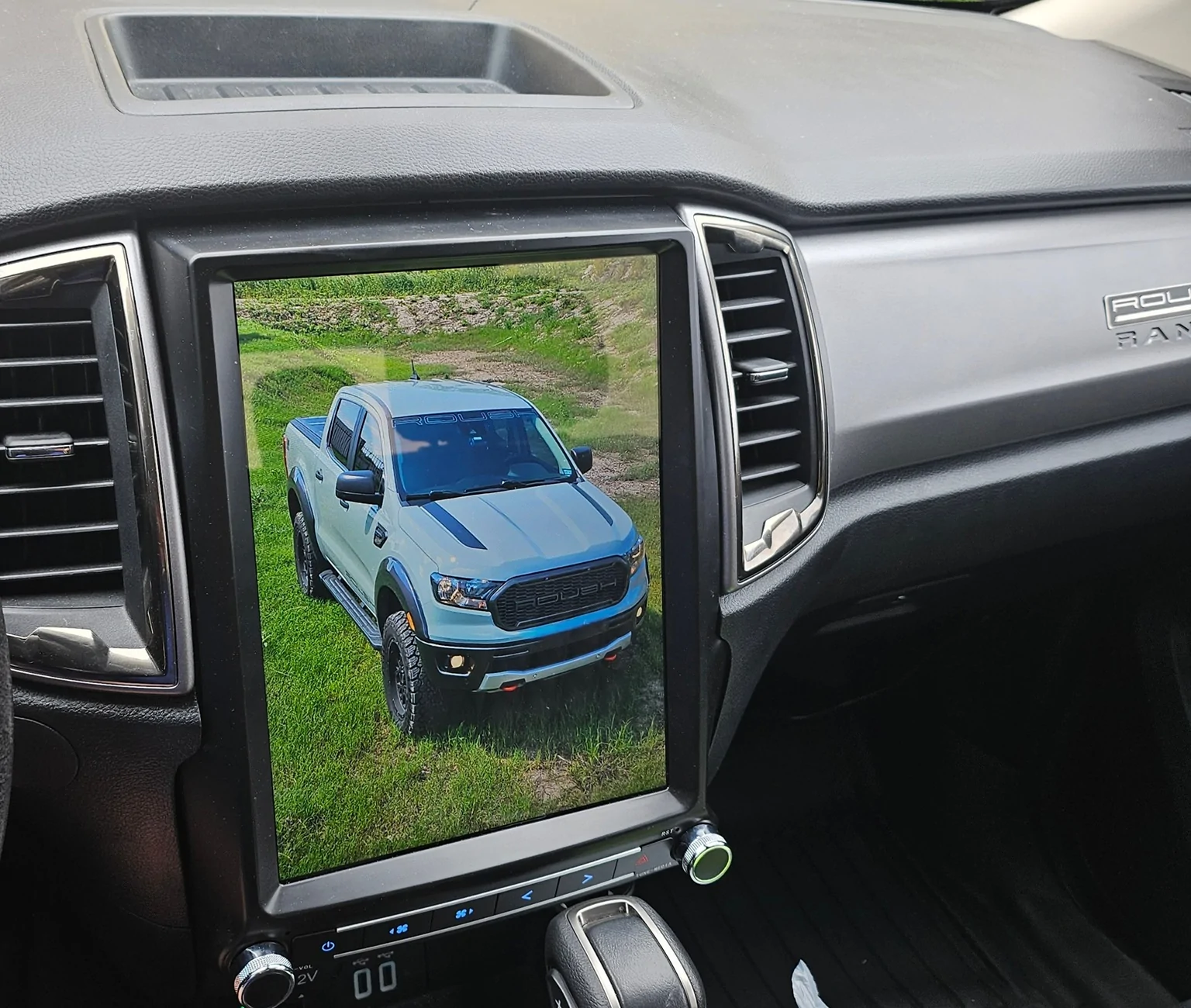
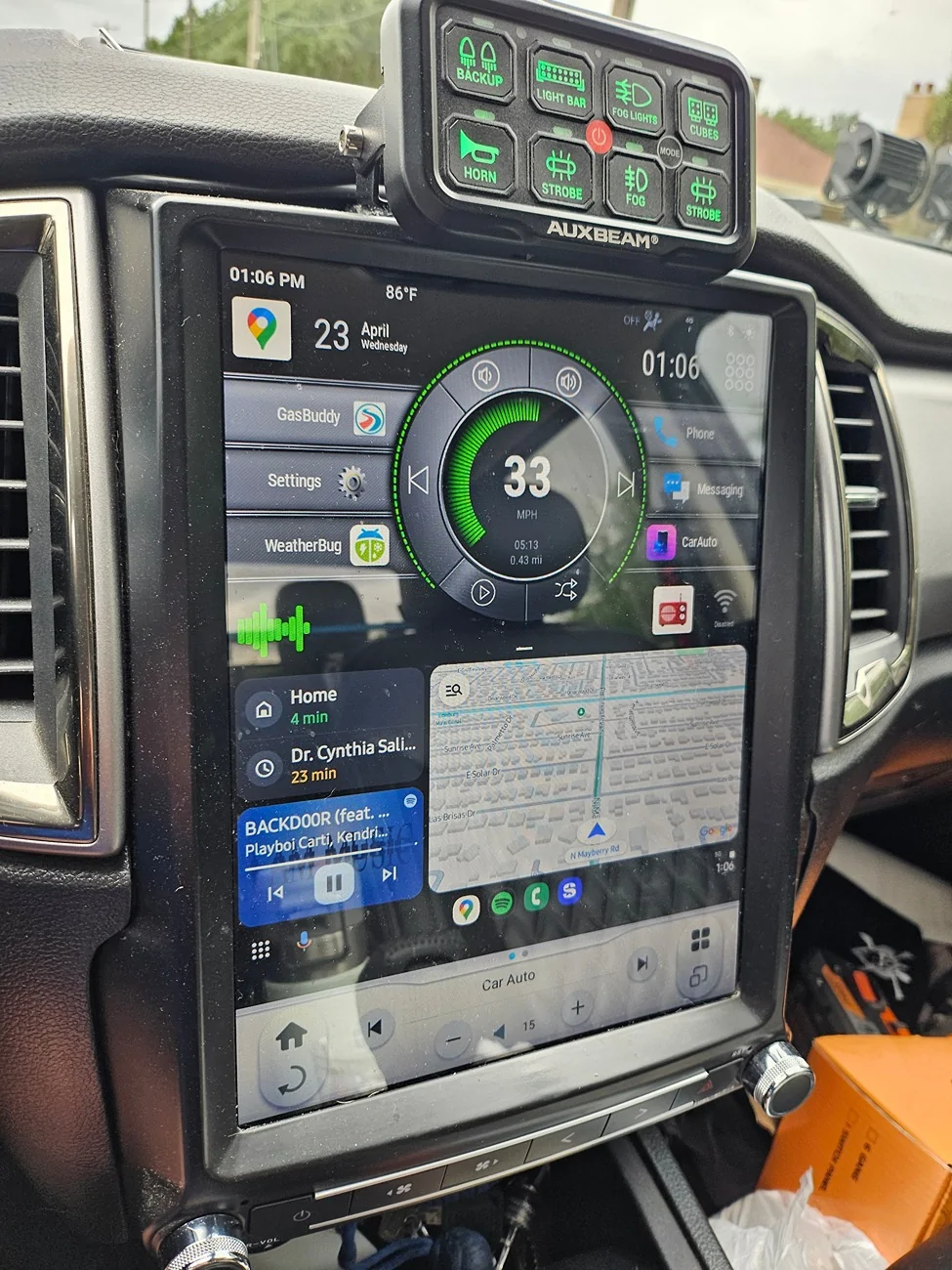
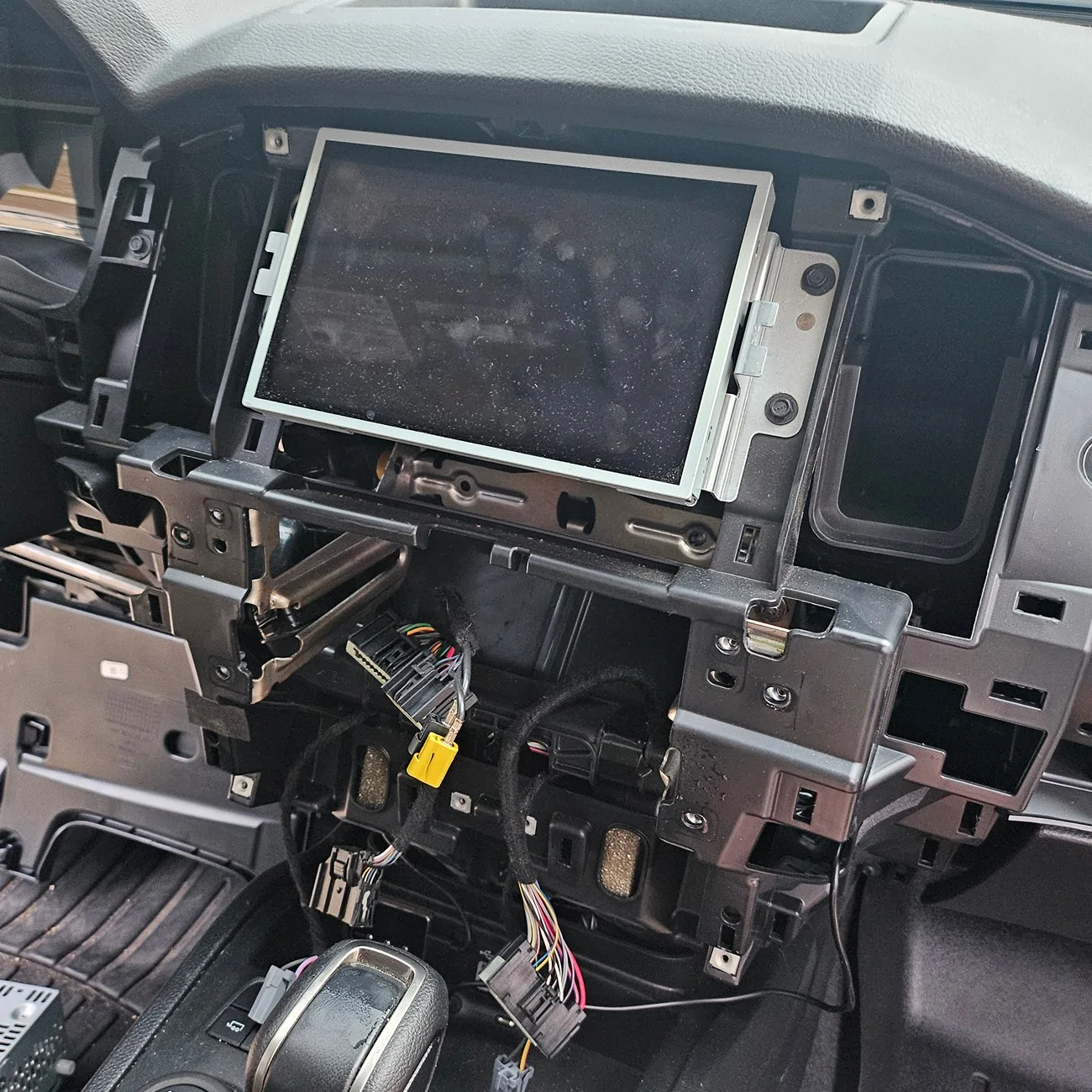
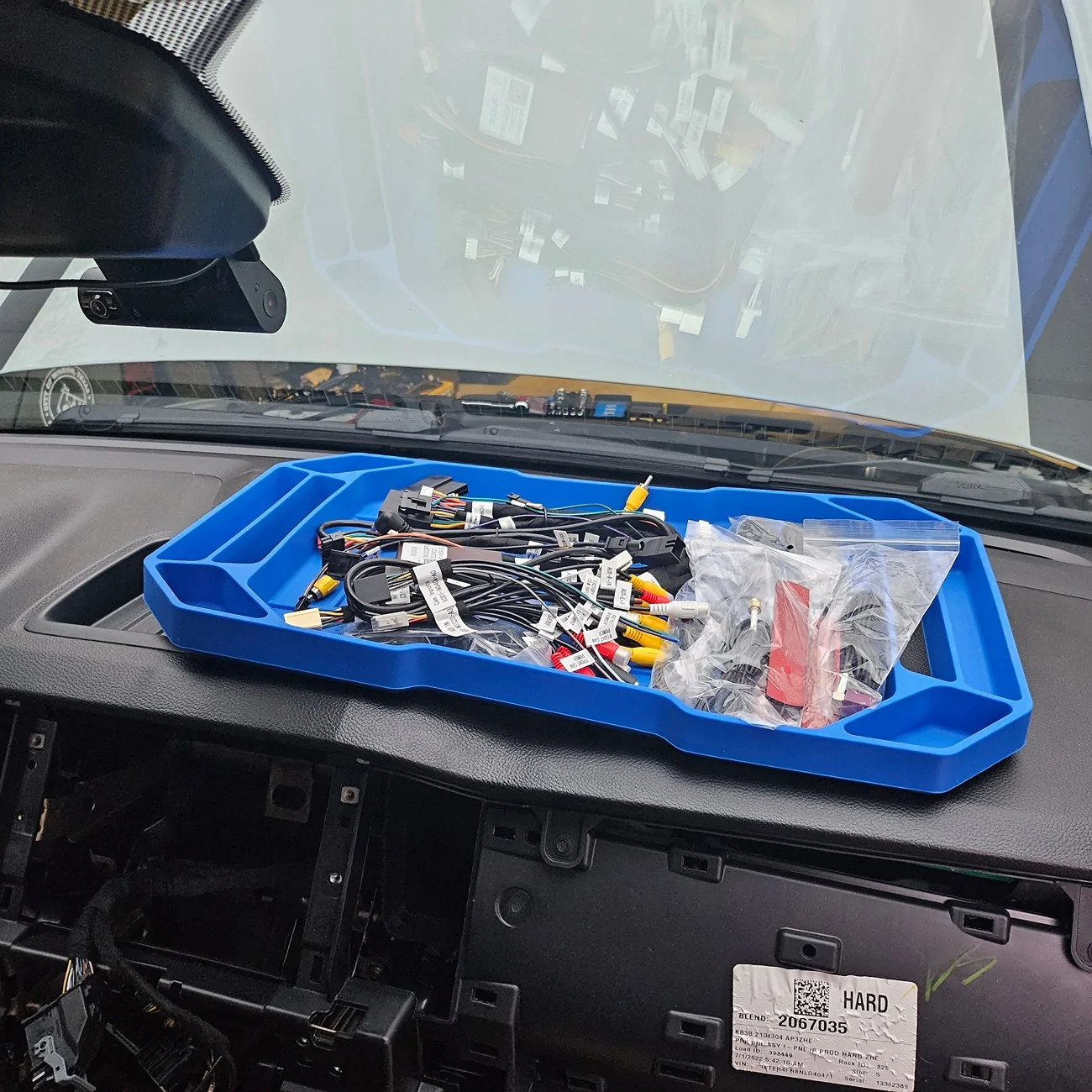
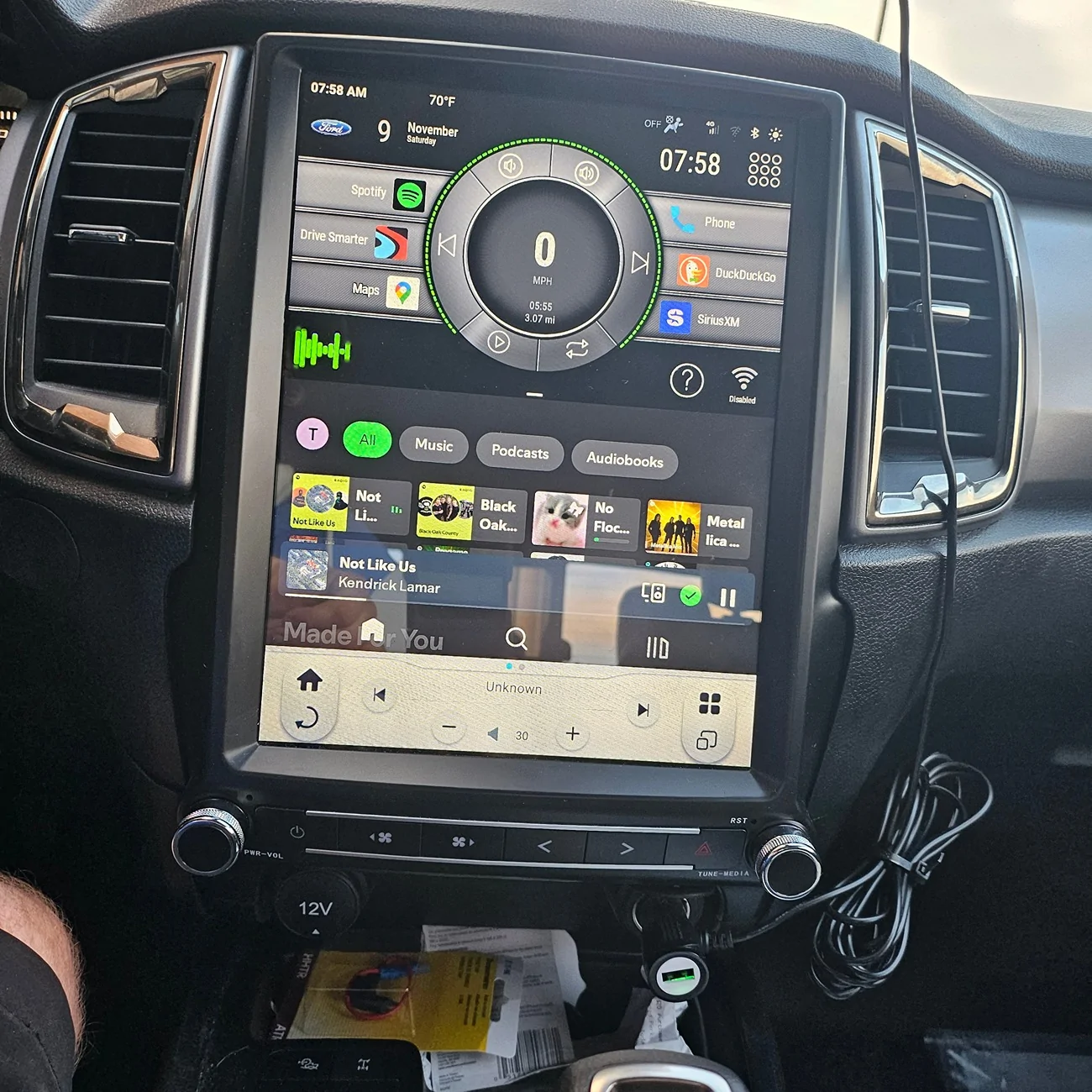
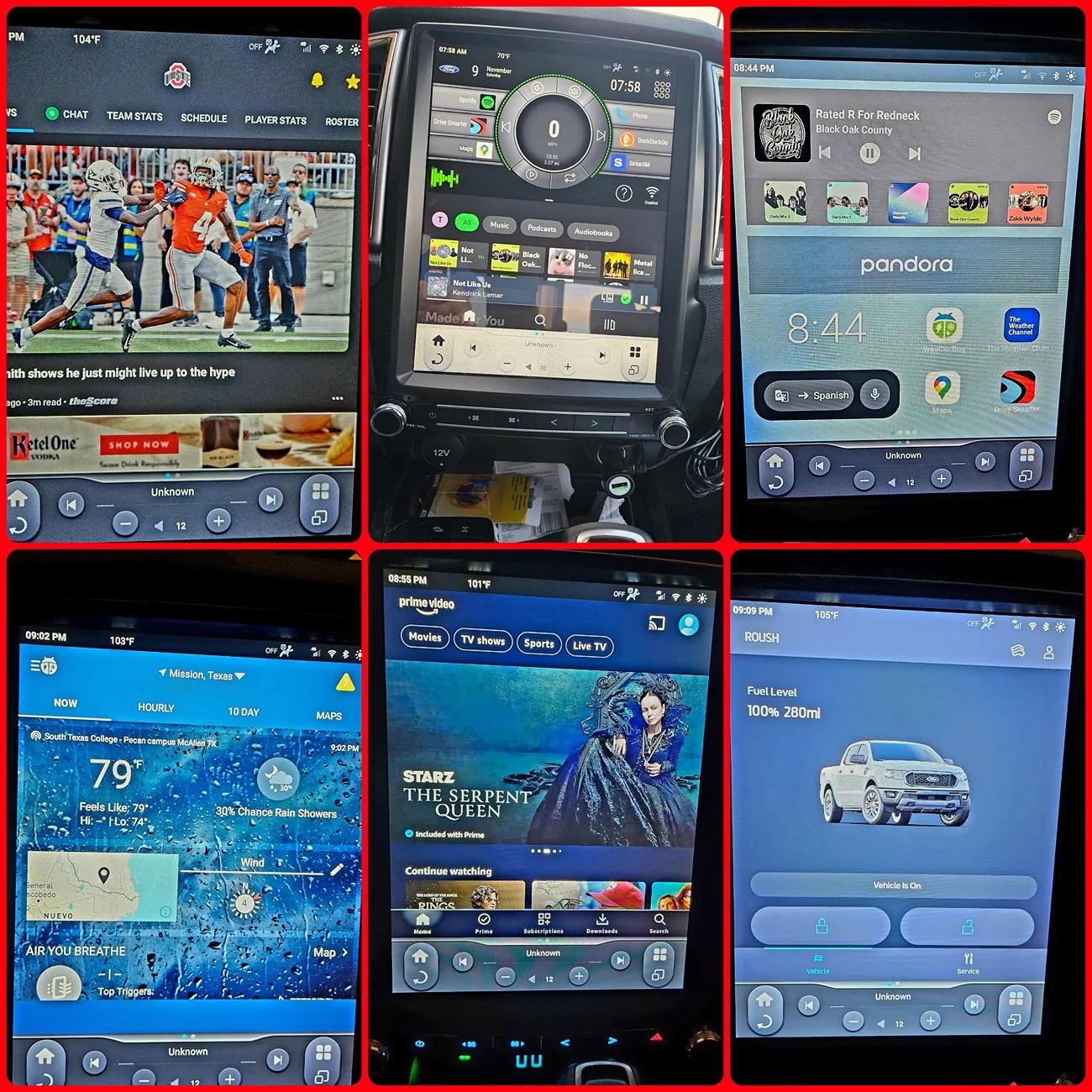
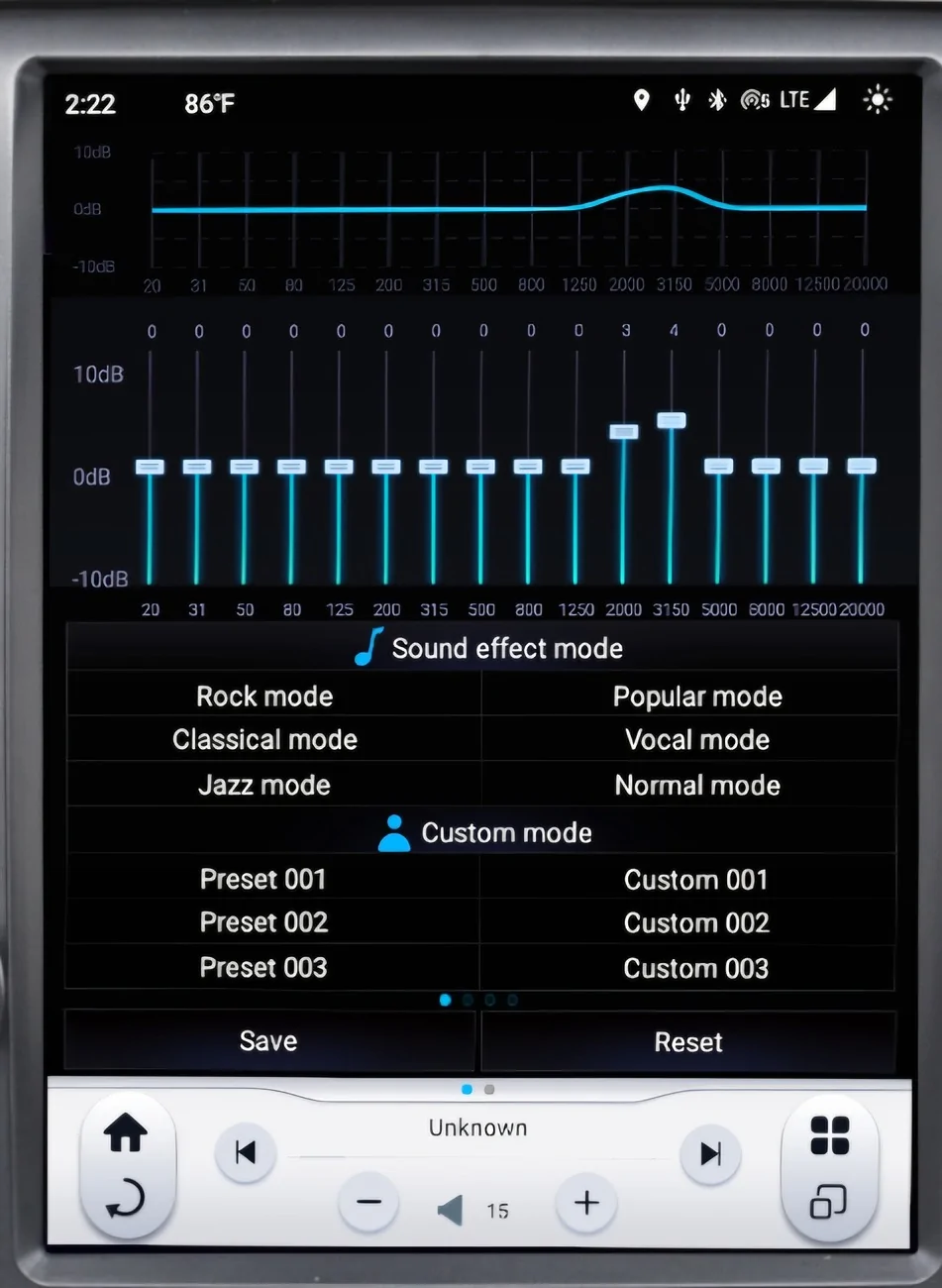
I had the same issue and it drove me nuts. I threw the entire Sync3 system in the trash and got a 12.1" Linkswell. Best decision I've made so far. Wireless Android Auto connection is always flawless and the audio upgrade alone makes it worth it.
20240909_132522 (1).webp

20250423_130622.webp

20240901_193757.webp

20240901_194241.webp

20241109_075817.webp

pixlr_20241215232533347.webp

Screenshot_20241219_134544_DuckDuckGo.webp


Top