carbonranger
Active Member
- Thread starter
- #1
How on earth do you post pictures on here? I've tried copy and paste, I've tried attaching files and nothing works. Anything I'm missing here?
Sponsored


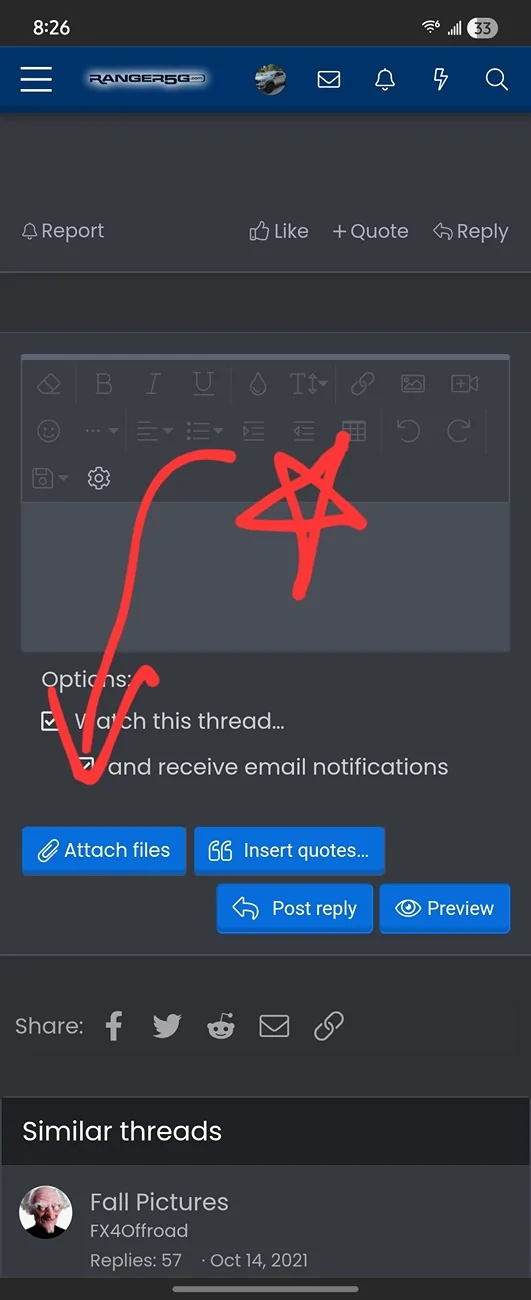
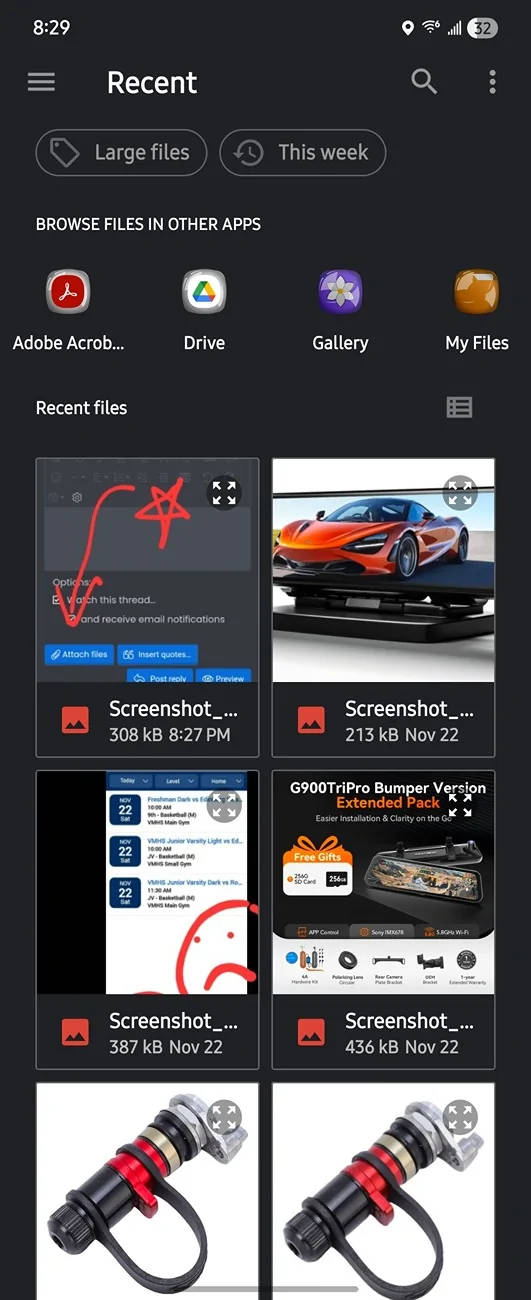
One way is to click the "attach files" button in the lower left hand corner of your post. You can also click the insert image icon at the top of your post.How on earth do you post pictures on here? I've tried copy and paste, I've tried attaching files and nothing works. Anything I'm missing here?
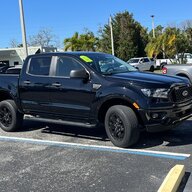
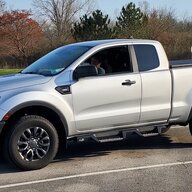
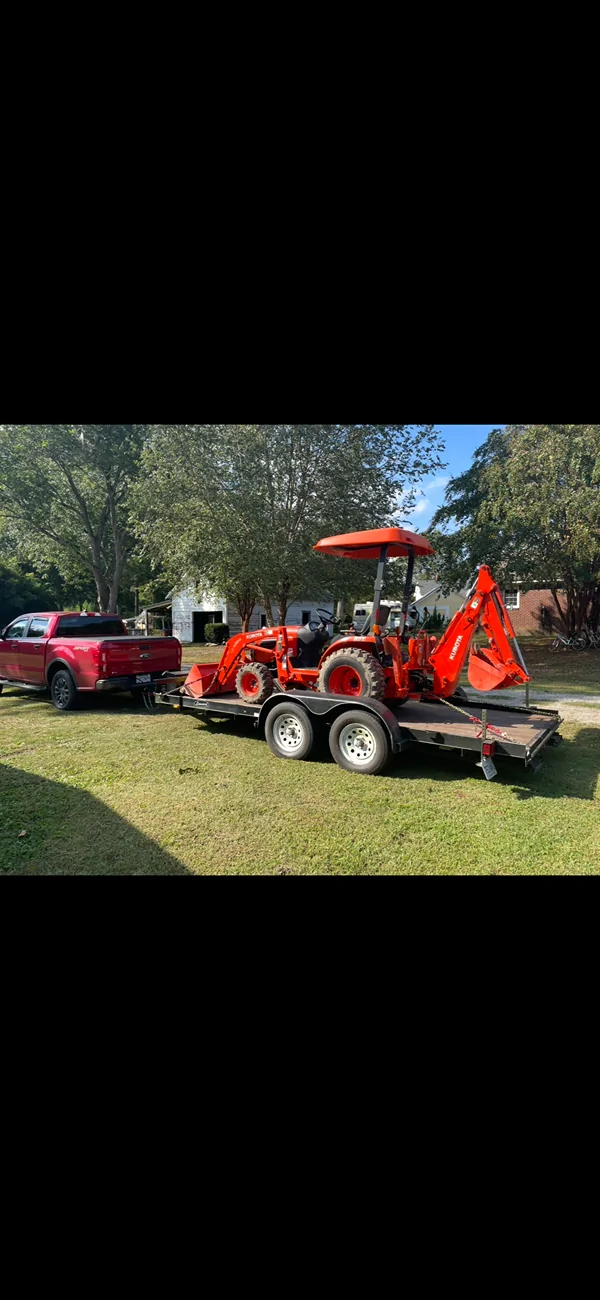
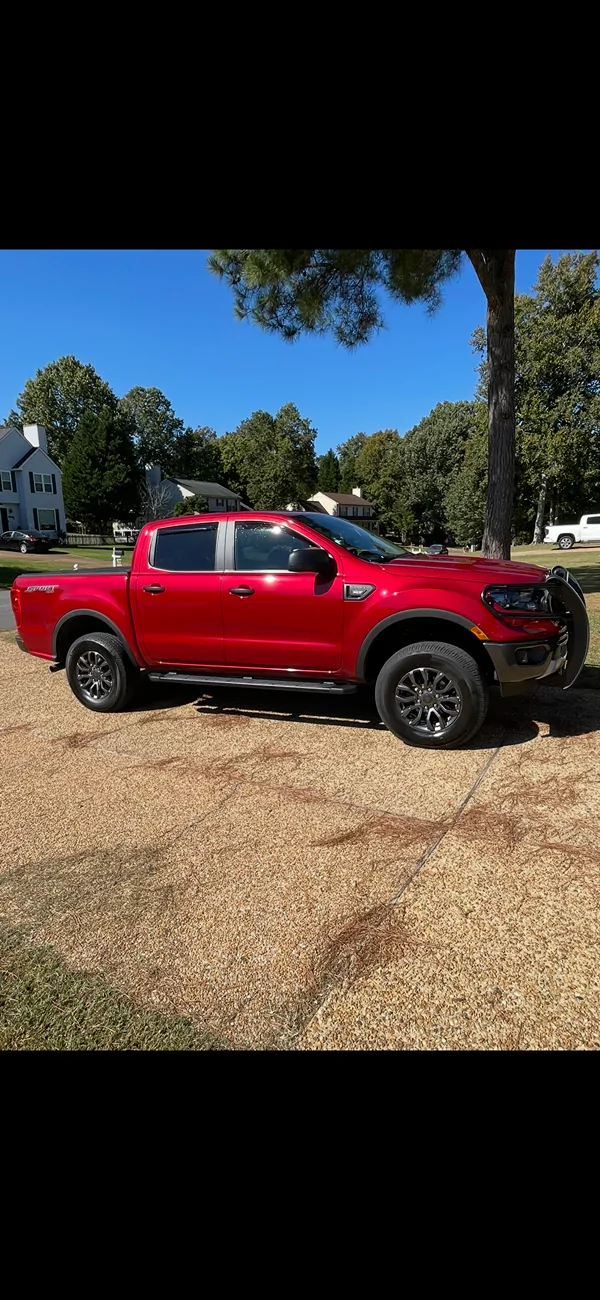
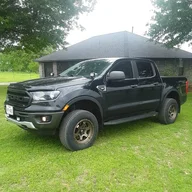
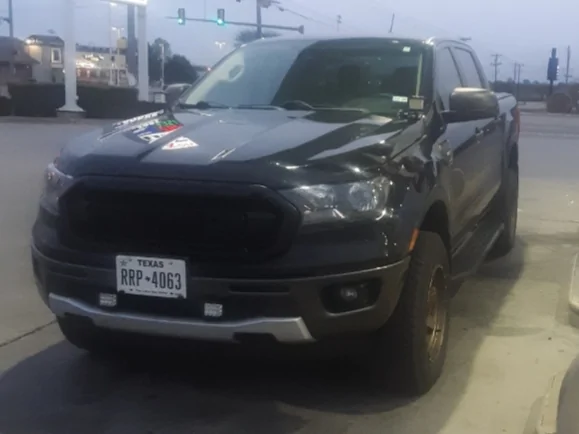
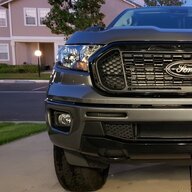
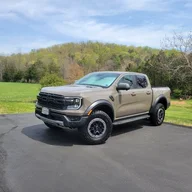
Like this.Its easier for me to post pictures with my phone since almost all of my pictures are on my phone.
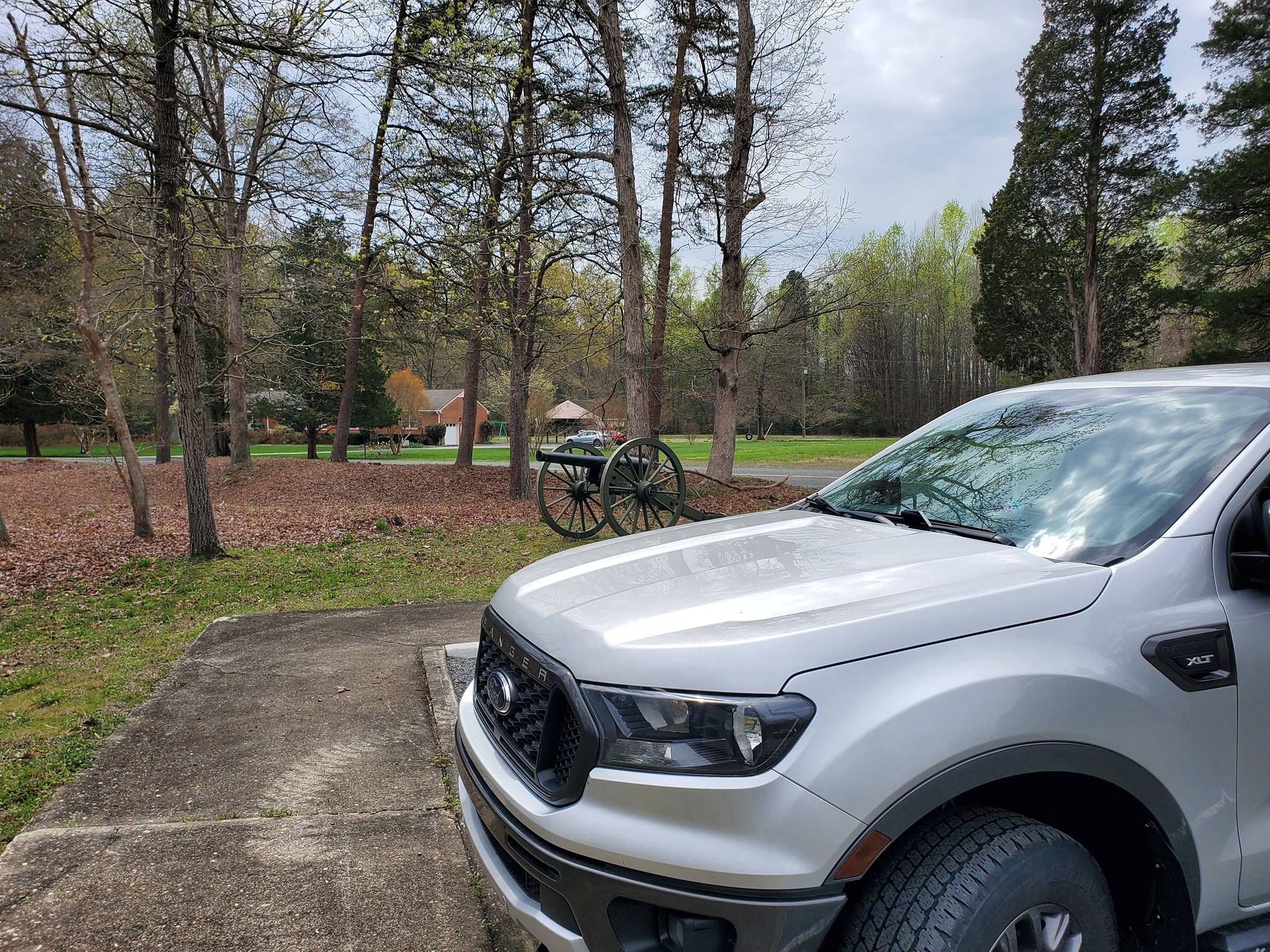
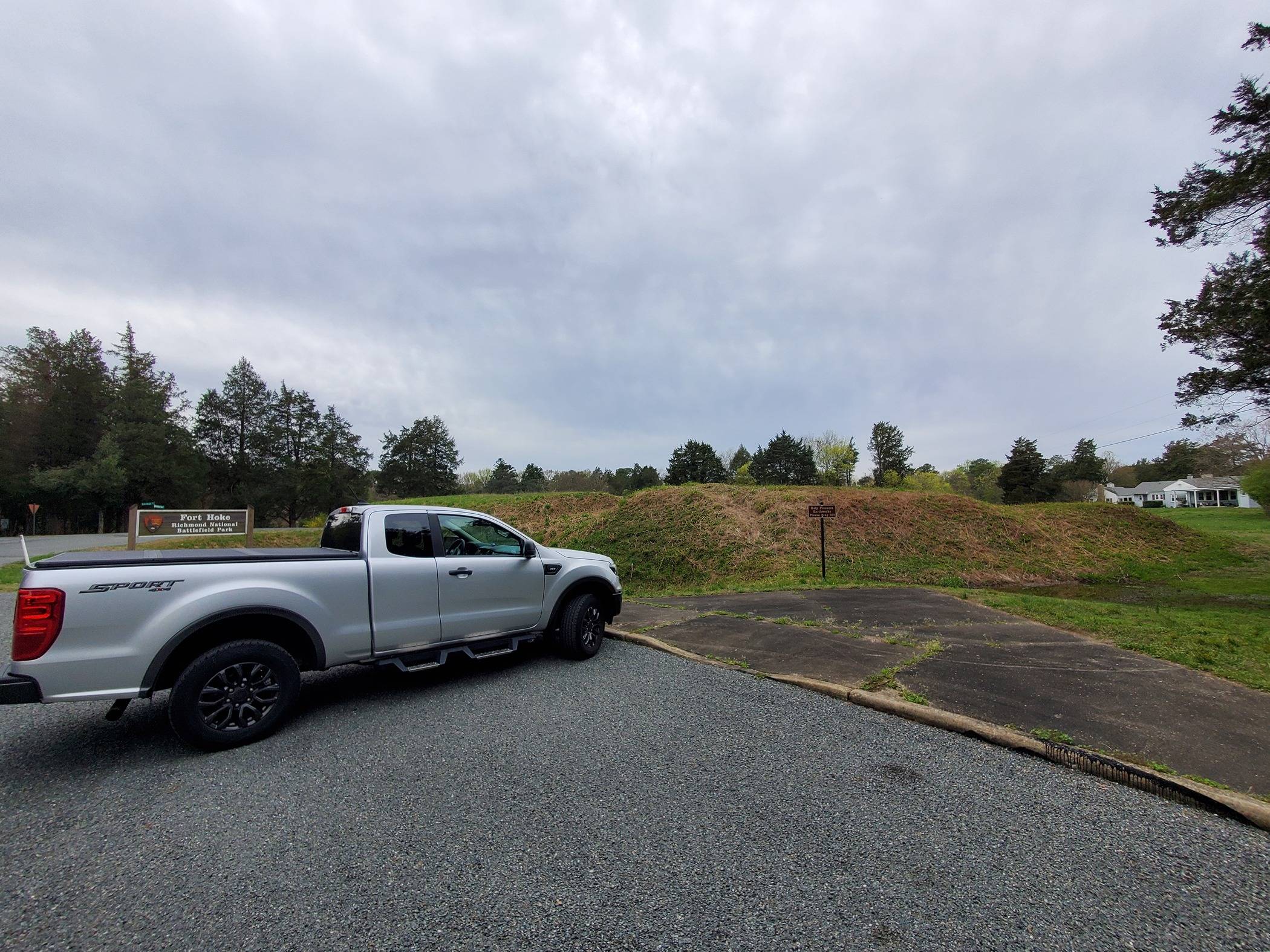
Nothing even shows up. I got to hit post and it says it's still uploading...even after a few minutes.Like this.
Click the insert image icon (it looks like a picture), click the box that pops up to select images, select the image(s), click done. And poof, there they are.

Yup had to resize.Might have to resize the picture. I've had to do it on occasion if they were too large.



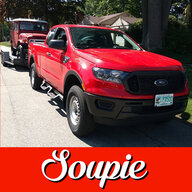

I just copy paste. It always looks like two pics are there until it is done uploading.Attach Files


Attach files buttonHow on earth do you post pictures on here? I've tried copy and paste, I've tried attaching files and nothing works. Anything I'm missing here?