WLFPIR8
Well-Known Member
- First Name
- Ethan
- Joined
- Jun 25, 2019
- Threads
- 7
- Messages
- 175
- Reaction score
- 394
- Location
- Central Ohio
- Website
- whor.us
- Vehicle(s)
- 2019 Ranger Lariat FX4/Sport in Saber Orange
- Occupation
- Systems engineer by day, maker and multimedia guru by night.
- Vehicle Showcase
- 1
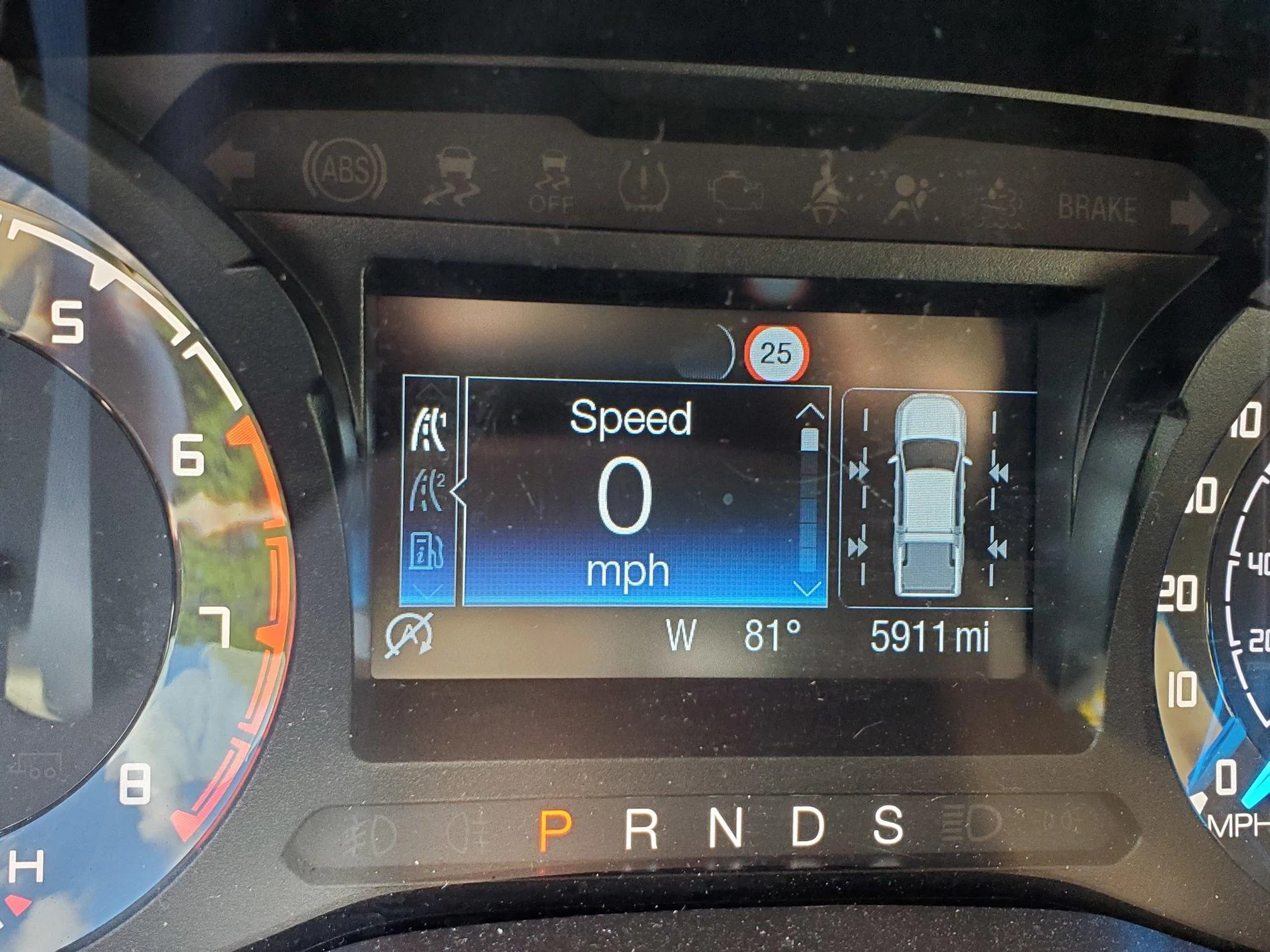
Here's the modules that need changed in order to get the full Speed Limit Sign reading to work:
IPC > Traffic Sign Recognition = Enabled


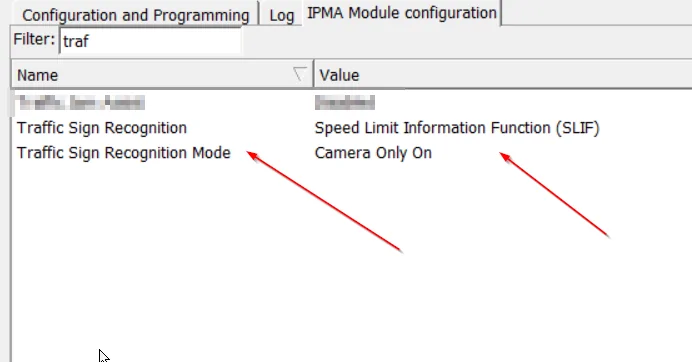
IPMA > Traffic Sign Recognition = Speed Limit Information Function (SLIF) AND Traffic Sign Recognition Mode = Camera Only On (other modes cause errors).


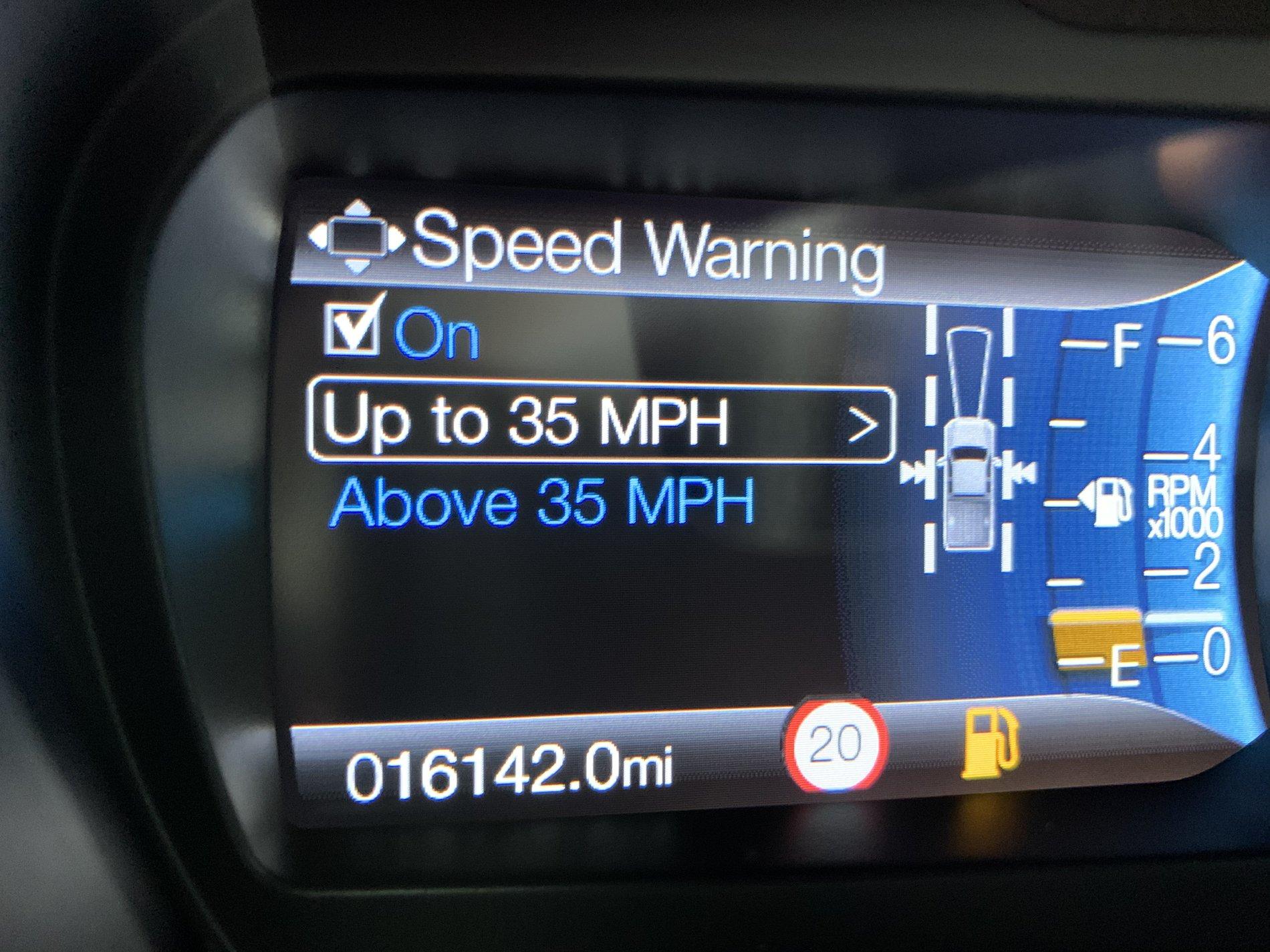
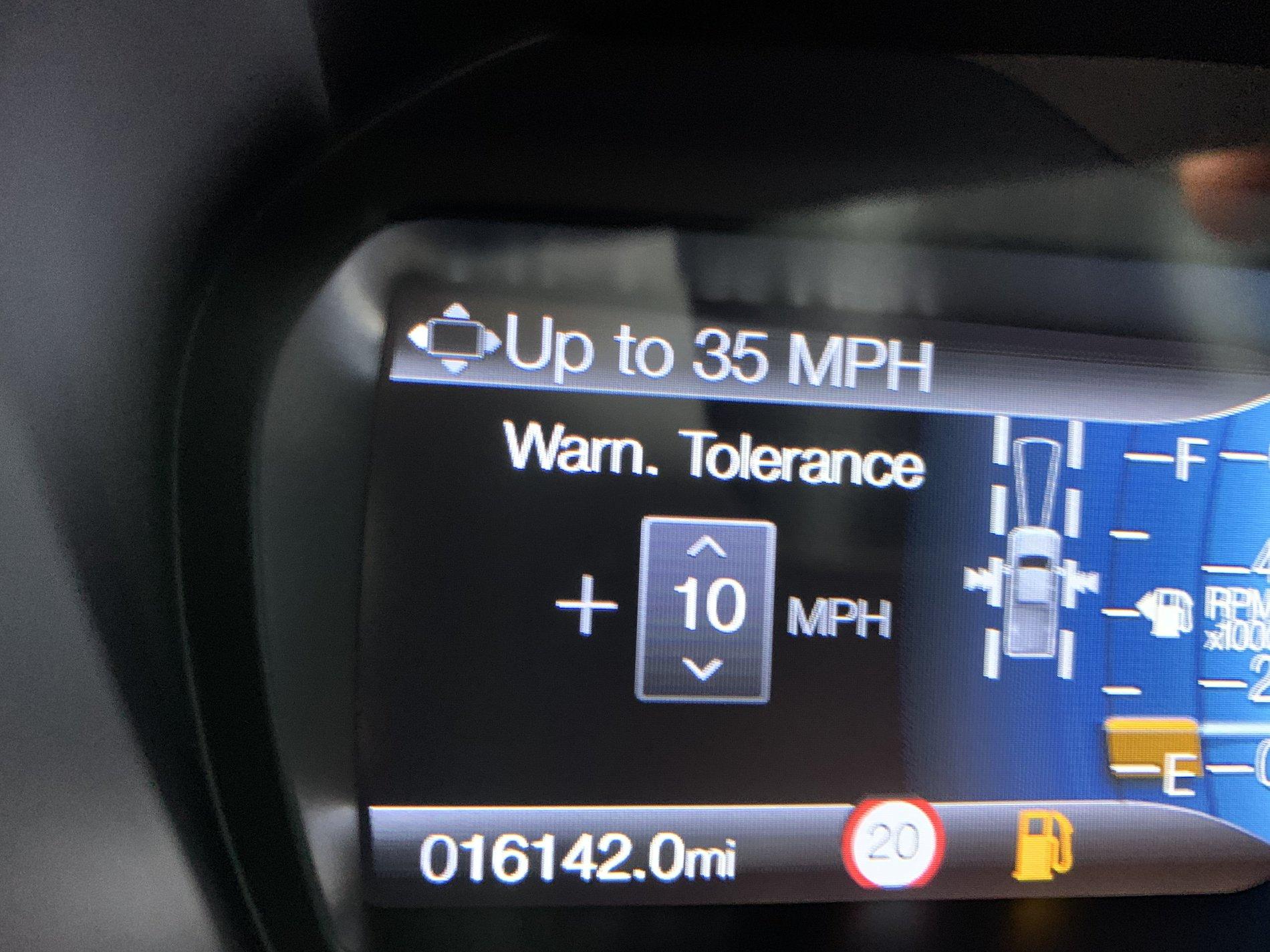
This all add the options that need to be enabled in the dash menu:
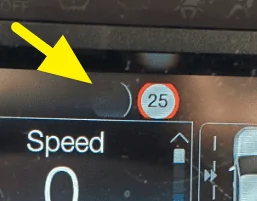
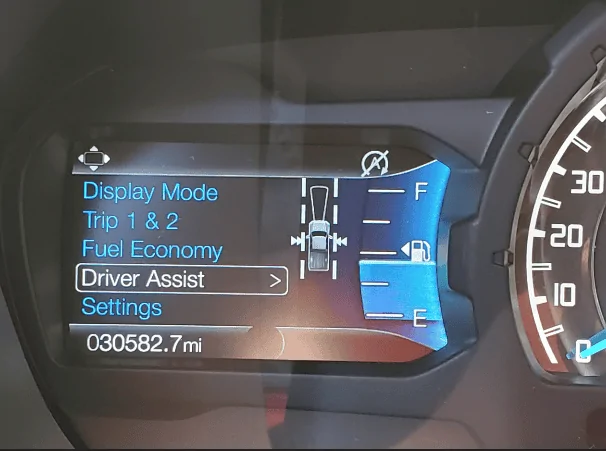
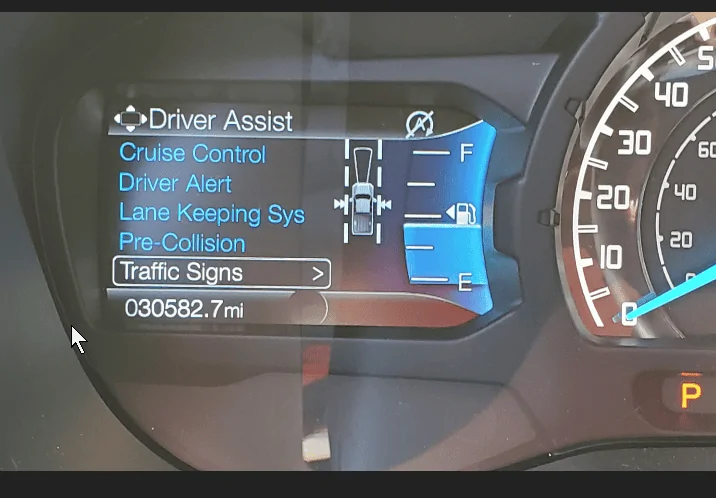
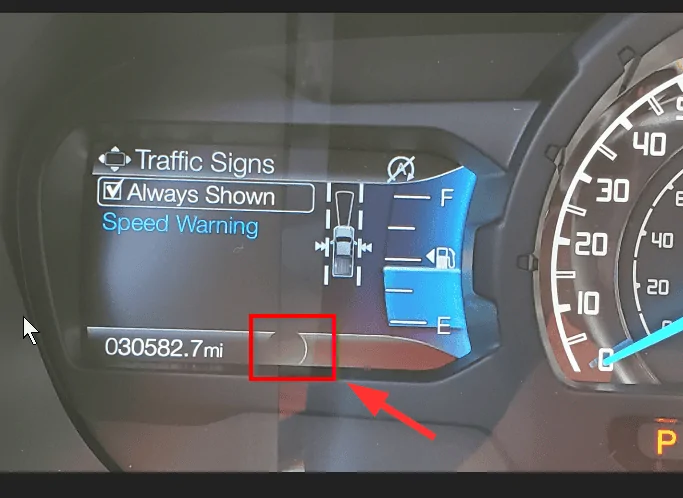
Driver Assist > Traffic Signs > Always On (It will show up in the area highlighted when it detects a speed limit sign. It will time go blank when you slow down and stop/turn a corner of speed up a lot).


IPC > Traffic Sign Recognition = Enabled
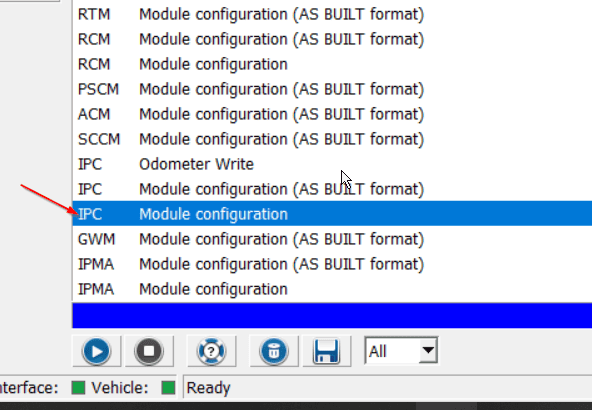
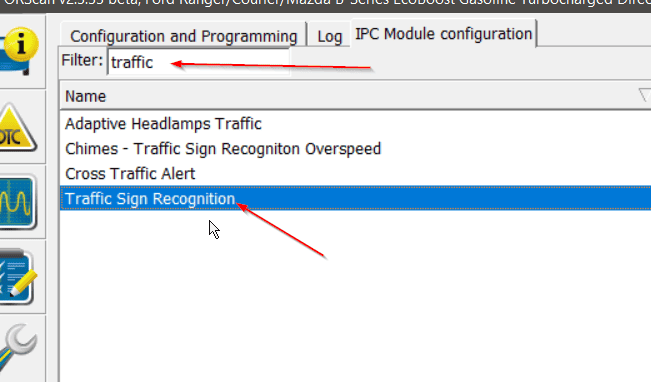
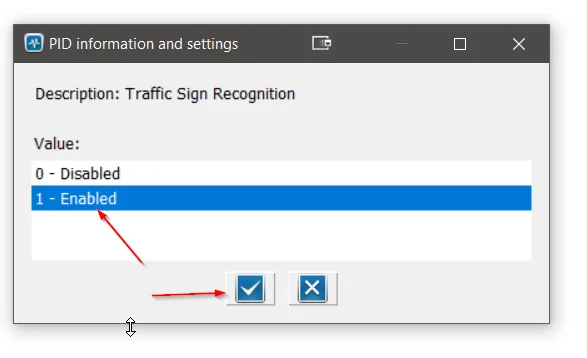
IPMA > Traffic Sign Recognition = Speed Limit Information Function (SLIF) AND Traffic Sign Recognition Mode = Camera Only On (other modes cause errors).
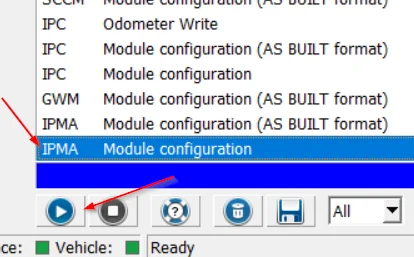
This all add the options that need to be enabled in the dash menu:
Driver Assist > Traffic Signs > Always On (It will show up in the area highlighted when it detects a speed limit sign. It will time go blank when you slow down and stop/turn a corner of speed up a lot).
Sponsored