
Sponsored
Loading

TylerV76
Well-Known Member
- First Name
- Tyler
- Joined
- Dec 5, 2019
- Threads
- 4
- Messages
- 306
- Reaction score
- 395
- Location
- Oxford, Michigan
- Vehicle(s)
- 2019 Ranger FX4
- Occupation
- Emissions testing supplier
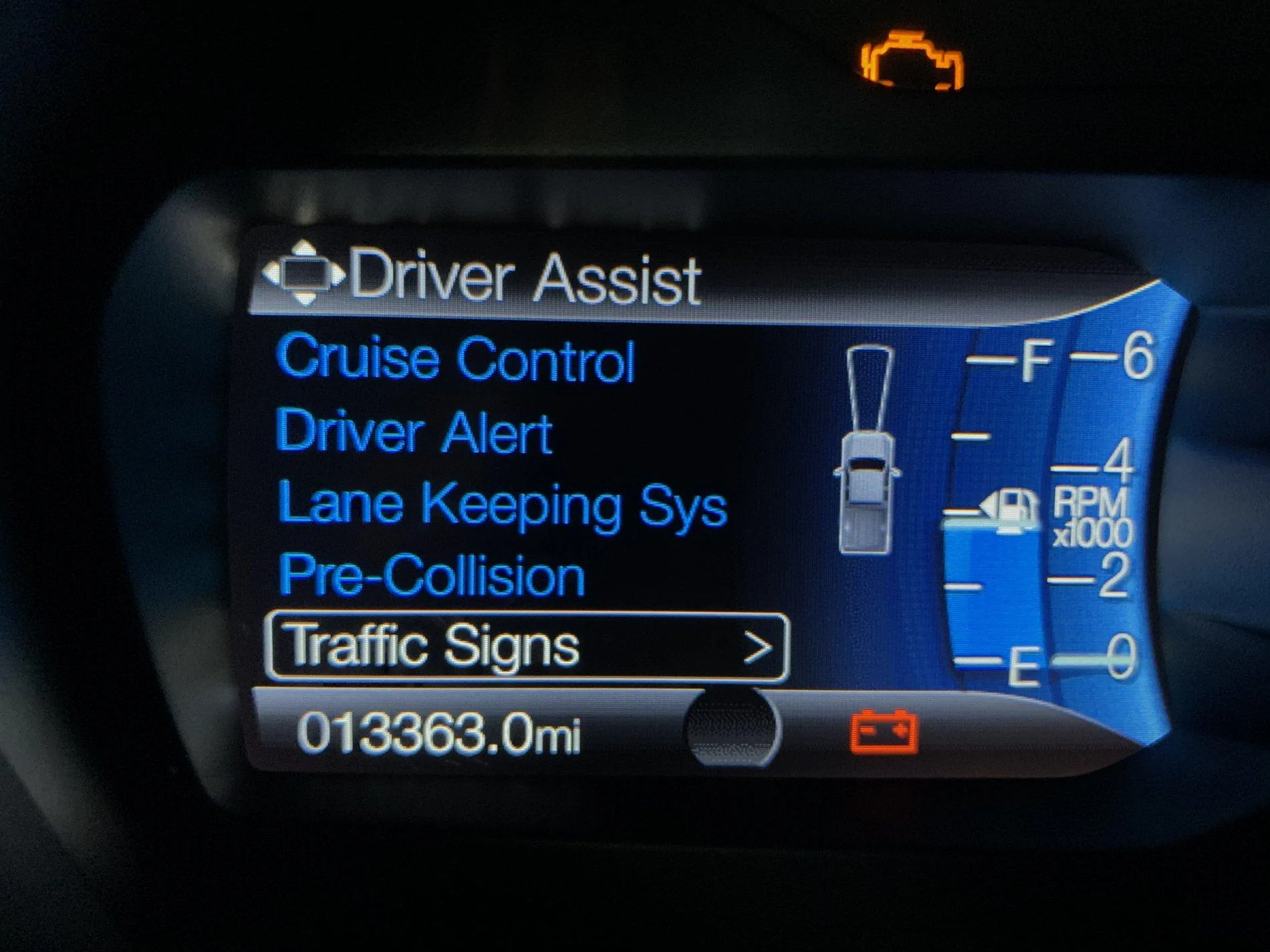
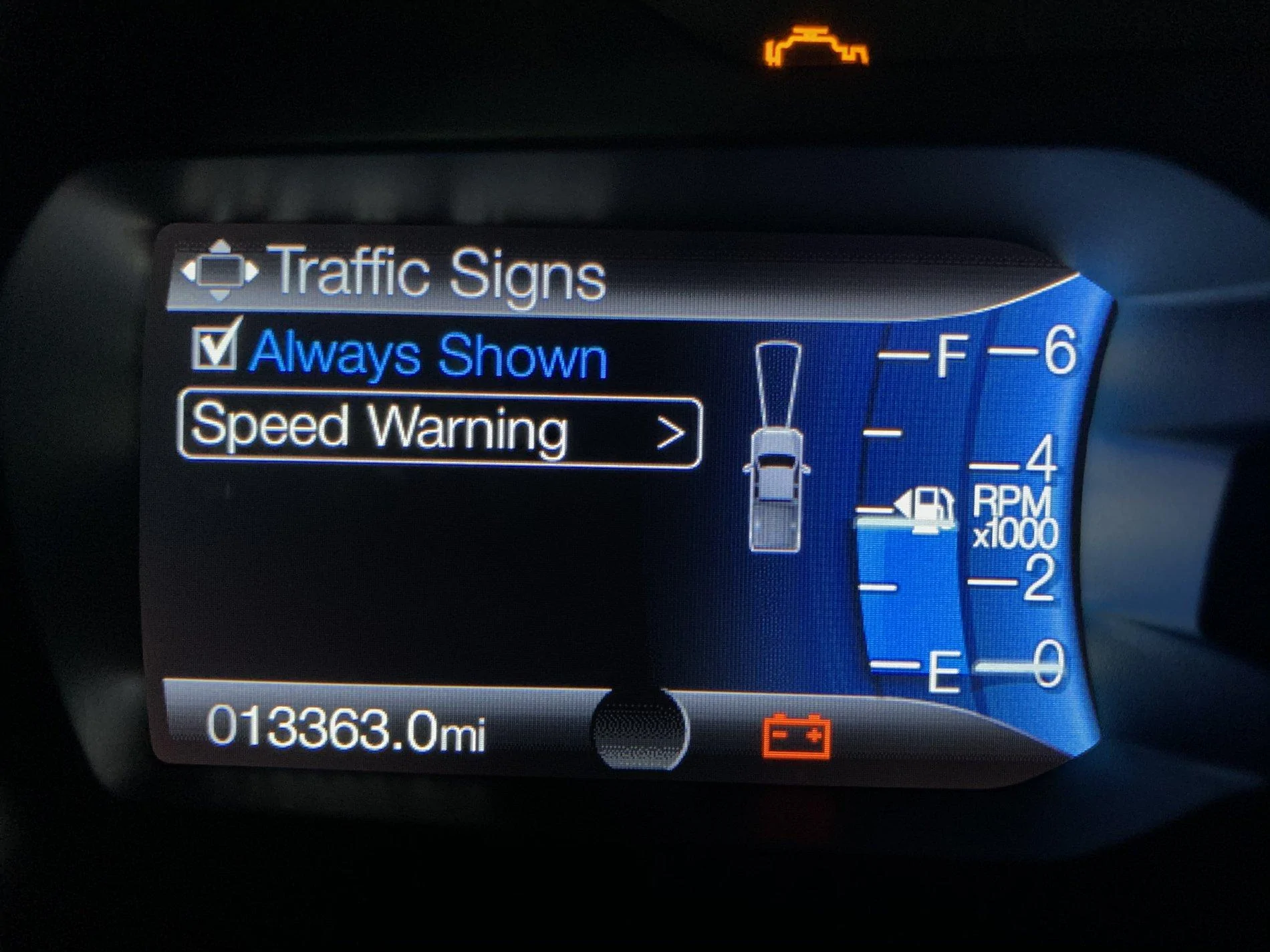
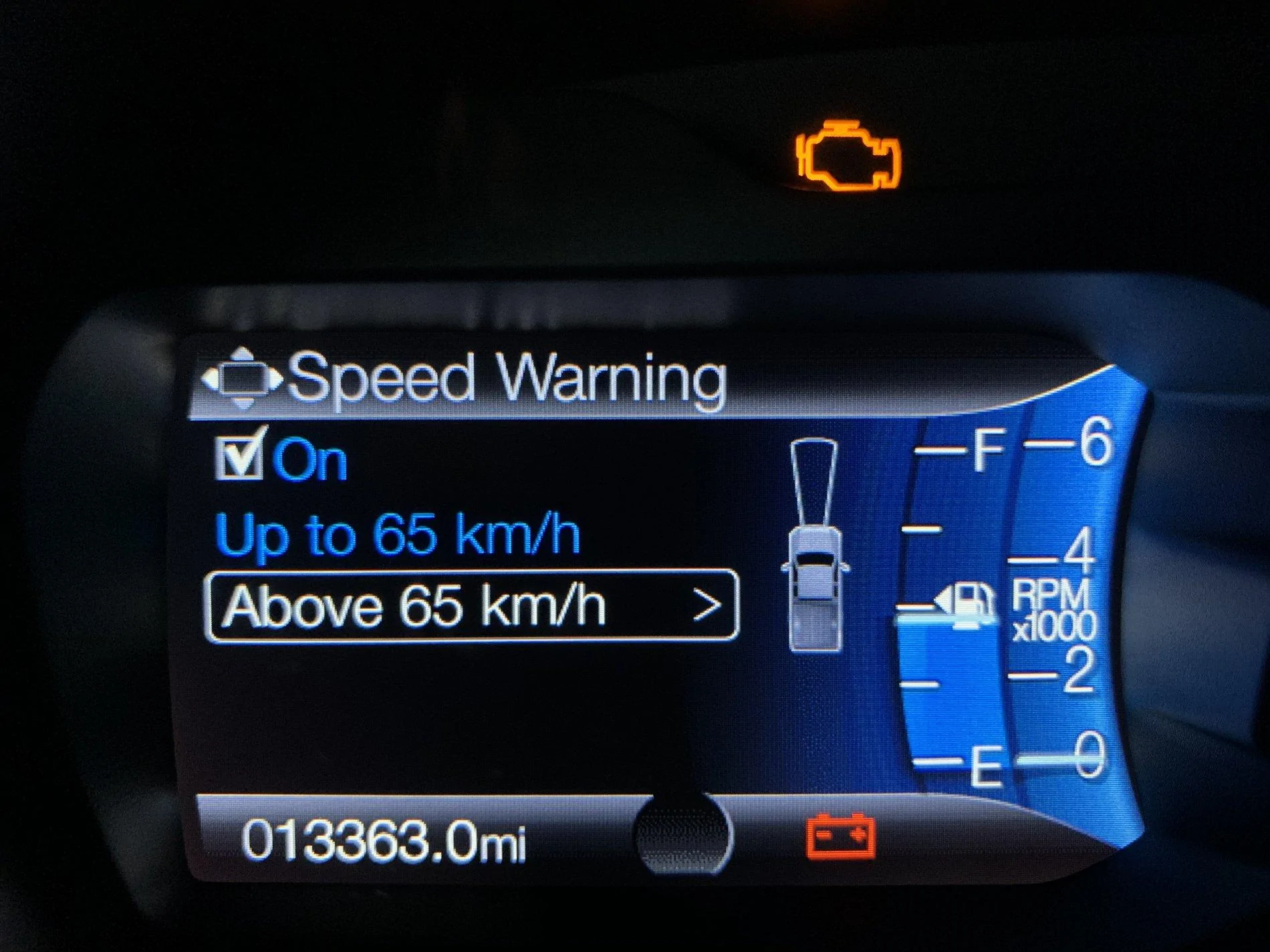
Is this for when you're going over the speed limit it warns you?I did however get the Traffic Signs option to display. I’ll test it out here in a few.

I had that on a Dodge I rented a couple months ago on vacation and I about drove it into a wall over that. Eventually I parked and turned every single safety feature on that system off.
Andy
Well-Known Member
Haha I believe it is. My volvo reads the signs and tells you what kind of area you are in but this is just for speed limit signs only.Is this for when you're going over the speed limit it warns you?
I had that on a Dodge I rented a couple months ago on vacation and I about drove it into a wall over that. Eventually I parked and turned every single safety feature on that system off.

VegasP11
Well-Known Member
My 2019 Lariat FX4 doesn't have the heated seats on the Sync Screen either. I checked the options to add them to the Climate section and it is not listed as an option. My Ranger has a July build date.Interesting, I have a Lariat and it had the seat heater icons to control the seats from the screen stock from the factory. I wonder why some have it and some don’t?

RedlandRanger
Moderator
I had to turn them on in FORScan. I didn't have them originally either.My 2019 Lariat FX4 doesn't have the heated seats on the Sync Screen either. I checked the options to add them to the Climate section and it is not listed as an option. My Ranger has a July build date.

ISUACE
Well-Known Member
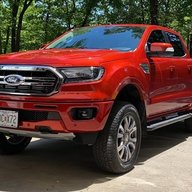
Good news.... Did my first 3 Forscan mods for the Ranger... Bambi Mode, Frost Telltale and Instantaneous Numerical Fuel MPG. The older HS/MS canbus switch I got in the mail today worked on my older Dell 700m computer!!
moredneck
Member
Do you remember what it was called when you added your seats?I had to turn them on in FORScan. I didn't have them originally either.
SOHK_Alumni
Well-Known Member
APIM 7D0-01-01 **** **** *3** will add heated seat icons to the touch screenDo you remember what it was called when you added your seats?
RedlandRanger
Moderator
I believe it was some codes, not the "select an option" version - I remember had to experiment a lot in order to get it to work. I'm not positive, but I think this is the last version of the APIM file that worked. I think it might have been these keys:Do you remember what it was called when you added your seats?
7D0-01-01
7D0-01-01
7D0-02-01
And maybe
7D0-04-01
But I'm not sure. If you do this, make SURE you backup your settings before you begin so you can restore if things do go right.
Attachments
-
385 bytes Views: 285
moredneck
Member
First successful FORScan mods done. ASS gone! Double honk gone! Bambi mode on. Will probably play with it some more tomorrow. All done in easy mode, not sure I’m ready for changing codes yet. Only had it 3 weeks, I’m sure I will get braver with time.
moredneck
Member
Probably a dumb question, but since I’m new to this I’ll ask anyway. Do you need to save your “as built” data every time you go in to make a change? Or just the first time before you make any changes? My ASS disable didn’t take so I’m going to go in and try again. All other changes I made took so I’m not sure what happened.
SOHK_Alumni
Well-Known Member
Probably a dumb question, but since I’m new to this I’ll ask anyway. Do you need to save your “as built” data every time you go in to make a change? Or just the first time before you make any changes? My ASS disable didn’t take so I’m going to go in and try again. All other changes I made took so I’m not sure what happened.
Push come to shove, you don't have to backup your as built, its just a good idea to have a backup.
Much easier to restore than print off the as built list from Ford and manually re-enter all the settings should something go sour.
RedlandRanger
Moderator
To put it another way - the asbuilt (original configuration) is good if you ever want to undo your changes and make sure it is how it was as it came from the Factory. As a general rule, I think it is smart to make a backup before you do ANY changes so you can revert to the last point. For example:Push come to shove, you don't have to backup your as built, its just a good idea to have a backup.
Much easier to restore than print off the as built list from Ford and manually re-enter all the settings should something go sour.
- Session 1 - First time doing FORScan mods - backup all the modules so you have your original configuration. Then make whatever mods you want.
- Session 2 - Say you modified the APIM module in session 1, and you want to make more changes to it. Make another backup (different file name so you don't lose the asbuilt), then make your changes.
There is supposed to be a way to download the asbuilt data from Ford, however I've not been able to figure out the magic juju to make that work. Saving what you have before you make any changes is the safest way forward with FORScan.
SOHK_Alumni
Well-Known Member
Use https://www.motorcraftservice.com/asbuilt/ -- on first use, the site will ask for language then toggle to login. Reload https://www.motorcraftservice.com/asbuilt/ enter your vin and answer the robo blocker and you'll get a full list of the data. There's a download tab so you can save off the data.There is supposed to be a way to download the asbuilt data from Ford, however I've not been able to figure out the magic juju to make that work. Saving what you have before you make any changes is the safest way forward with FORScan.
But... Ford and FORScan use different formats so you can't just download from Ford and apply using FORScan.
Sponsored


