jh13
Active Member
- Joined
- Dec 23, 2018
- Threads
- 5
- Messages
- 26
- Reaction score
- 12
- Location
- Vancouver, WA
- Vehicle(s)
- Ranger Lariat
- Thread starter
- #1
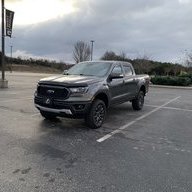
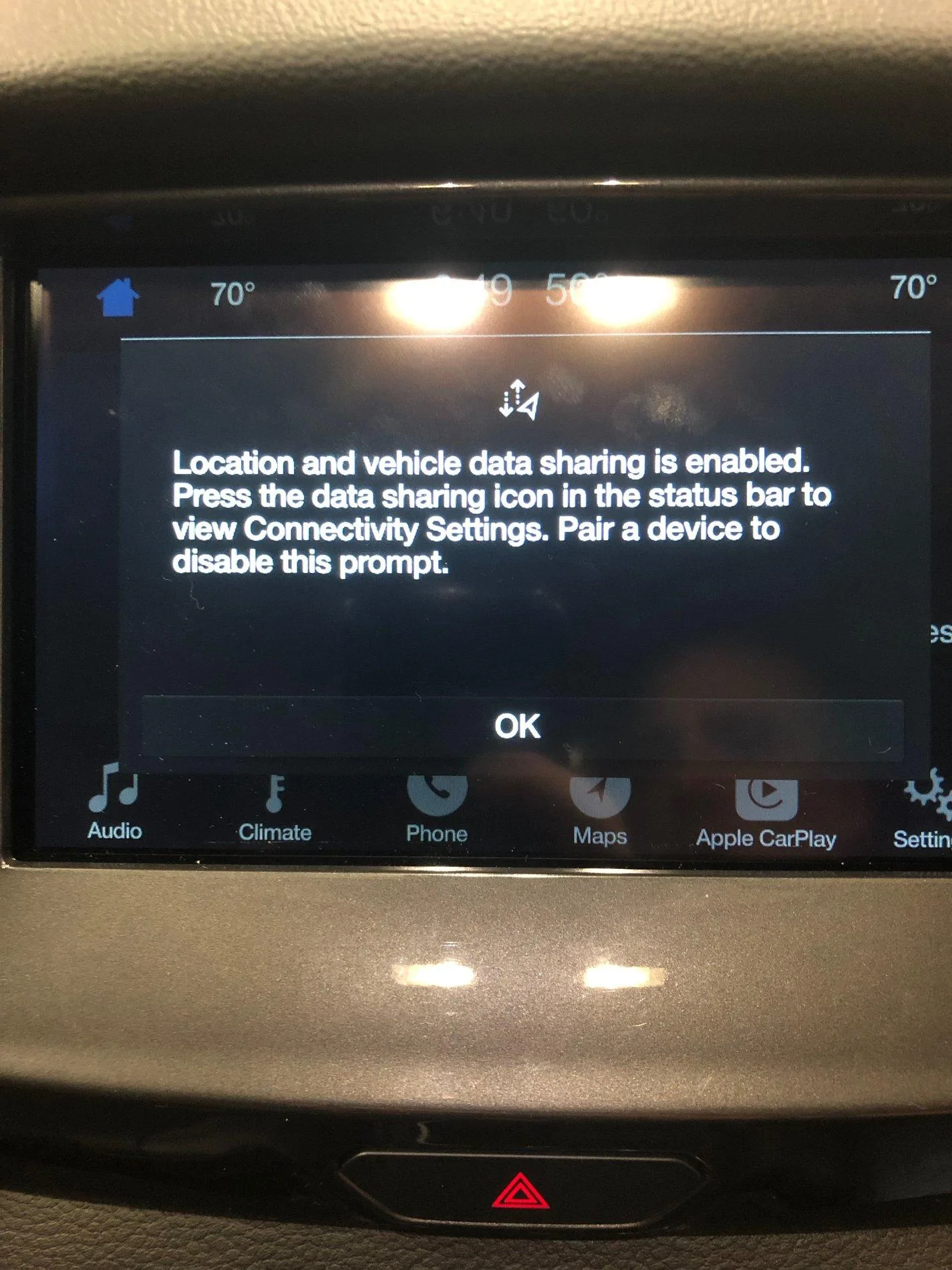
My iPhone is paired to my truck via Bluetooth. I've noticed though that when I plug in my phone to use CarPlay, I get this pop-up every single time: "Location and vehicle data sharing is enabled. Press the data sharing icon in the status bar to view Connectivity Settings. Pair a device to disable this prompt." I have to clear it to access the CarPlay features. Anyone know what this is? It seems like the problem is caused because when I connect my phone via CarPlay it disconnects from Bluetooth (when I disconnect CarPlay I have to manually reconnect the BT). And of course when I go to that Connectivity Settings it references and I click on it, it just sits there and spins saying "Loading".
Gotta say, I've been incredibly happy with my truck, but the Sync3 has been nothing short of crap. Between the issues with the update errors and issues with CarPlay, it has not lived up to any reasonable standard.

Gotta say, I've been incredibly happy with my truck, but the Sync3 has been nothing short of crap. Between the issues with the update errors and issues with CarPlay, it has not lived up to any reasonable standard.
Sponsored