Sponsored

Backup Cam + Dash Cam 2-In-1 Giveaway! Upgrade Your Rig With Wolfbox G900 Pro & MF200 Air Duster!

DukeCanBuildit

Well-Known Member
First Name
Duke
Joined
Jul 27, 2020
Threads
67
Messages
9,850
Reaction score
47,139
Location
Kitchener, Ontario
Vehicle(s)
2019 XLT SuperCab - FTW!
Occupation
Retired (P/T) Caregiver (F/T)
Vehicle Showcase
1

Mighty Little Blue

Well-Known Member
First Name
Jeff
Joined
Jul 11, 2021
Threads
19
Messages
392
Reaction score
1,352
Location
Wisconsin Rapids, WI / Philippines
Vehicle(s)
2021 Velocity Blue Supercab FX4
Occupation
Printer/Retired
Vehicle Showcase
1

DukeCanBuildit

Well-Known Member
First Name
Duke
Joined
Jul 27, 2020
Threads
67
Messages
9,850
Reaction score
47,139
Location
Kitchener, Ontario
Vehicle(s)
2019 XLT SuperCab - FTW!
Occupation
Retired (P/T) Caregiver (F/T)
Vehicle Showcase
1
Thank You
Look forward to getting it installed this is one mod missing from my truck. I will post some pictures when installed, but that will not be until Sept as I am out of the country till then.
Jeff,

I recently installed the Wolfbox G900 TriPro. Here’s a link to my install thread…

https://www.ranger5g.com/forum/threads/duke’s-wolfbox-g900-tripro-dashcam-install-user-experience.40920/

Mine is a bit different since it has the extra bumper cam but the information for installing the rear cam, the GPS module, and hard-wiring it into place might be helpful.

I think you, Troy ( @pickettf3nce ), and Chad ( @madchassey ) are going to really like your Wolfbox 900 Pro. The unobstructed view is great and depending where you mount the rear camera, it can even pick up vehicles that would normally be in your blind spot.

If any of you guys have questions while doing your install, feel free to PM me. I’d be happy to help.
 
Last edited:

Mighty Little Blue

Well-Known Member
First Name
Jeff
Joined
Jul 11, 2021
Threads
19
Messages
392
Reaction score
1,352
Location
Wisconsin Rapids, WI / Philippines
Vehicle(s)
2021 Velocity Blue Supercab FX4
Occupation
Printer/Retired
Vehicle Showcase
1
Jeff,

I recently installed the Wolfbox G900 TriPro. Here’s a link to my install thread…

https://www.ranger5g.com/forum/thre...tripro-dashcam-install-user-experience.40920/

Mine is a bit different since it has the extra bumper cam but the information for installing the rear cam, the GPS module, and hard-wiring it into place might be helpful.

I think you, Troy ( @pickettf3nce ), and Chad ( @madchassey ) are going to really like your Wolfbox 900. The unobstructed view is great and depending where you mount the rear camera, it can even pick up vehicles that would normally be in your blind spot.

If any of you guys have questions while doing your install, feel free to PM me. I’d be happy to help.
Thanks for the info.
I will mount the rear, higher up on center of bed rack I think. Will have to play with it a bit to find the best spot. With rack and tent sort of blind backing up. I have a taillight bar plugged into the 4 pin so I loose the backup sensors and guide lines. Might look into the adapter that has been listed here before to bypass the trailer connected issue.
 

DukeCanBuildit

Well-Known Member
First Name
Duke
Joined
Jul 27, 2020
Threads
67
Messages
9,850
Reaction score
47,139
Location
Kitchener, Ontario
Vehicle(s)
2019 XLT SuperCab - FTW!
Occupation
Retired (P/T) Caregiver (F/T)
Vehicle Showcase
1
Thanks for the info.
I will mount the rear, higher up on center of bed rack I think. Will have to play with it a bit to find the best spot. With rack and tent sort of blind backing up. I have a taillight bar plugged into the 4 pin so I loose the backup sensors and guide lines. Might look into the adapter that has been listed here before to bypass the trailer connected issue.
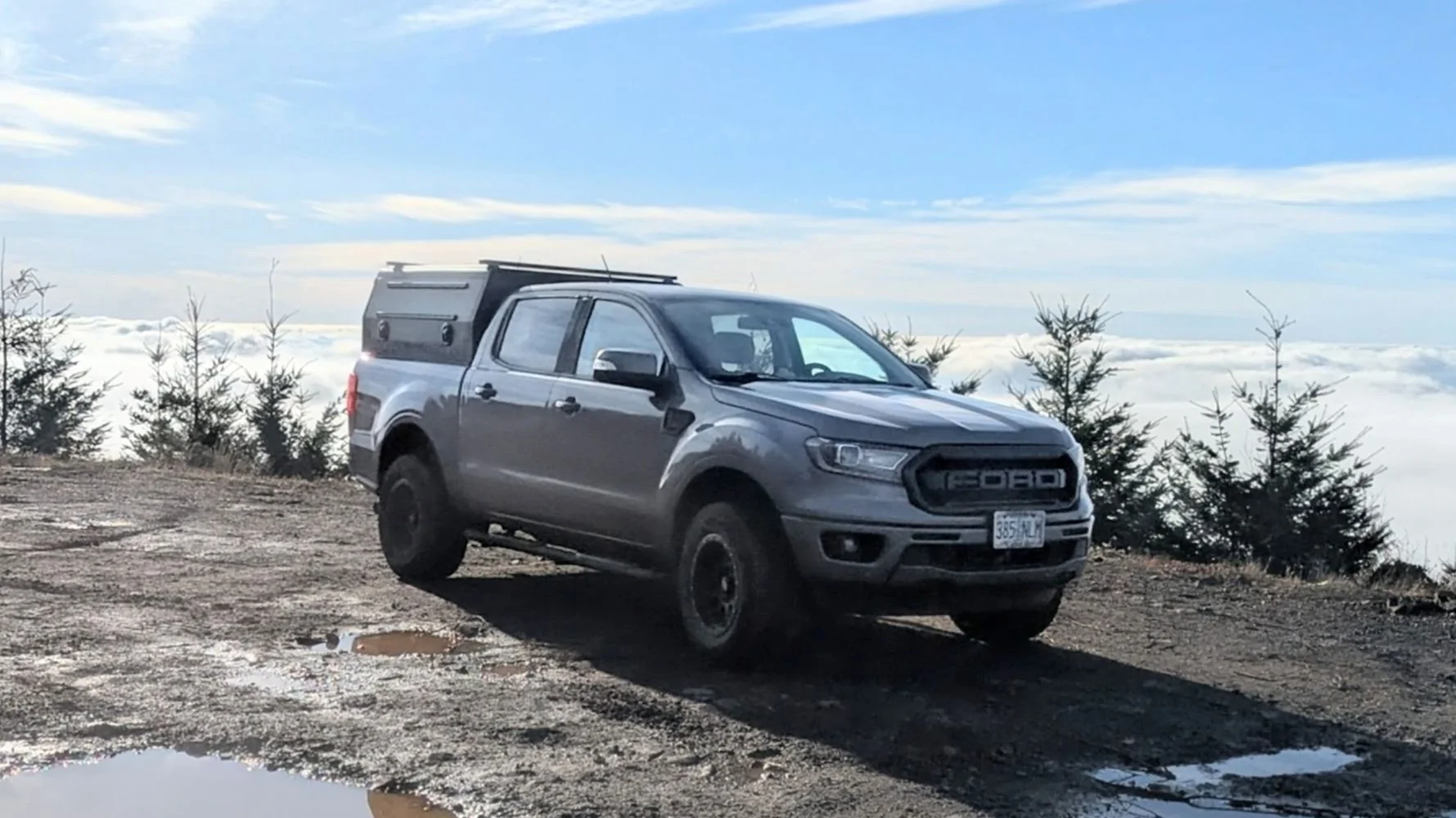
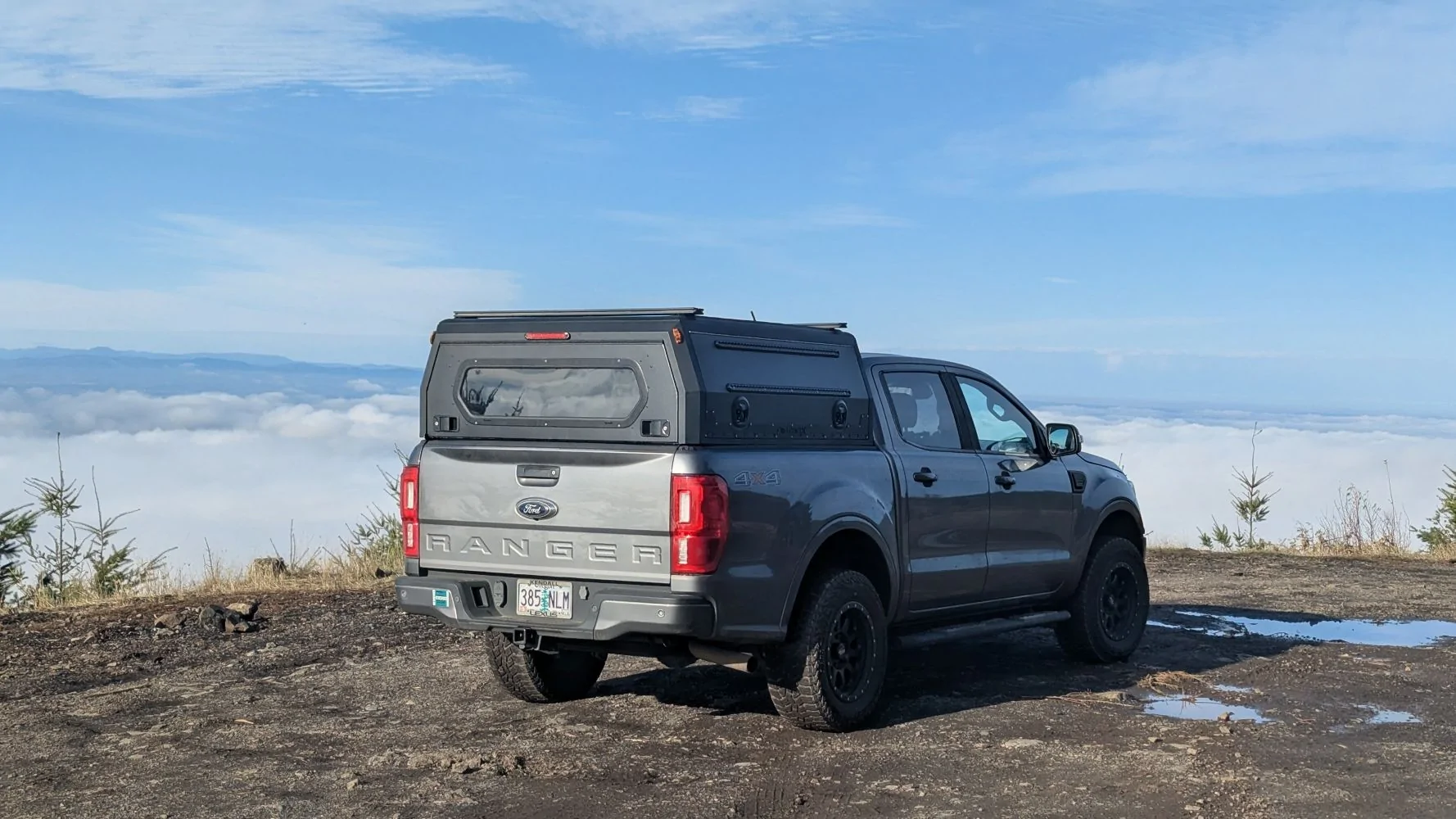
Mine is on my platform rack, just above the third brake light of my topper. You might not need to worry about your backup guidelines since the Wolfbox has them also. You’ll know quickly enough after using it in the wild for a bit.


pickettf3nce

Well-Known Member
First Name
Troy
Joined
Dec 10, 2024
Threads
3
Messages
121
Reaction score
573
Location
Arizona
Vehicle(s)
2021 Ford Ranger XLT FX4
Occupation
IS Manager
Congrats! @Mighty Little Blue @pickettf3nce @madchassey You won the G900 pro!
@DukeCanBuildit @LaBalbe You won the MF200 air duster!
Please DM me with your email address. Cheers!
Thank you, Wolfbox, and congratulations to the other winners too!
DM has been sent.
Looking forward to getting this installed for some upcoming trips to Southern Utah, and back east towards Flagstaff and Williams!

Jeff,

I recently installed the Wolfbox G900 TriPro. Here’s a link to my install thread…

https://www.ranger5g.com/forum/threads/duke’s-wolfbox-g900-tripro-dashcam-install-user-experience.40920/

Mine is a bit different since it has the extra bumper cam but the information for installing the rear cam, the GPS module, and hard-wiring it into place might be helpful.

I think you, Troy ( @pickettf3nce ), and Chad ( @madchassey ) are going to really like your Wolfbox 900 Pro. The unobstructed view is great and depending where you mount the rear camera, it can even pick up vehicles that would normally be in your blind spot.

If any of you guys have questions while doing your install, feel free to PM me. I’d be happy to help.
I was just skimming through your thread.
This is an amazing write-up with great documentation and visuals. I will absolutely be utilizing this as a resource. Thanks for posting a link!
 

DukeCanBuildit

Well-Known Member
First Name
Duke
Joined
Jul 27, 2020
Threads
67
Messages
9,850
Reaction score
47,139
Location
Kitchener, Ontario
Vehicle(s)
2019 XLT SuperCab - FTW!
Occupation
Retired (P/T) Caregiver (F/T)
Vehicle Showcase
1
Thank you, Wolfbox, and congratulations to the other winners too!
DM has been sent.
Looking forward to getting this installed for some upcoming trips to Southern Utah, and back east towards Flagstaff and Williams!


I was just skimming through your thread.
This is an amazing write-up with great documentation and visuals. I will absolutely be utilizing this as a resource. Thanks for posting a link!
Thanks Troy. I went into the installation thinking of other members so I was mindful to try and capture things as I went along. Enjoy the install - PM me if you get stuck on something.
 

LaBalbe

Well-Known Member
Joined
Dec 14, 2021
Threads
18
Messages
2,236
Reaction score
13,668
Location
Ontario / part-time NC
Vehicle(s)
2020 Ranger Lariat

LaBalbe

Well-Known Member
Joined
Dec 14, 2021
Threads
18
Messages
2,236
Reaction score
13,668
Location
Ontario / part-time NC
Vehicle(s)
2020 Ranger Lariat
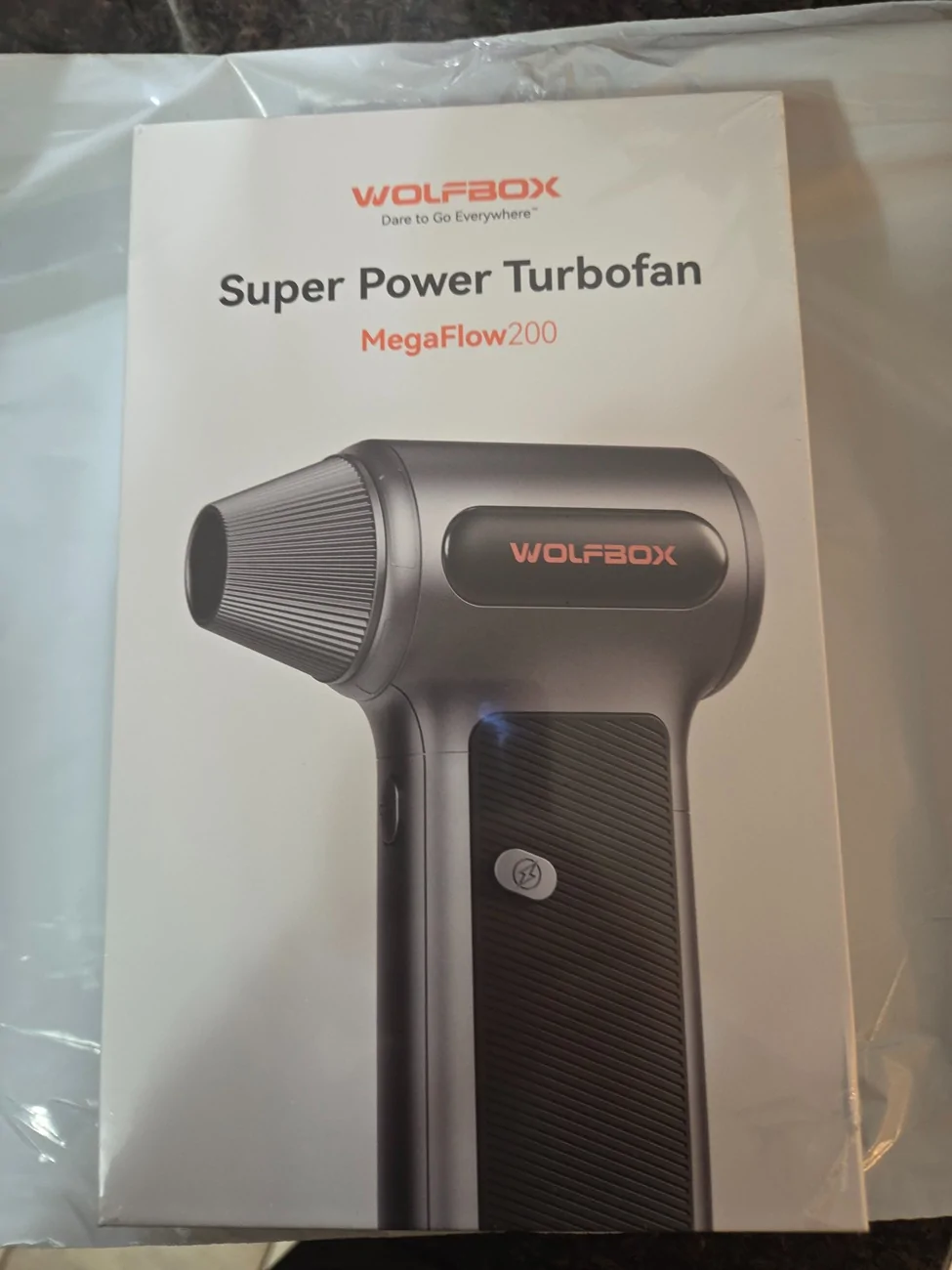
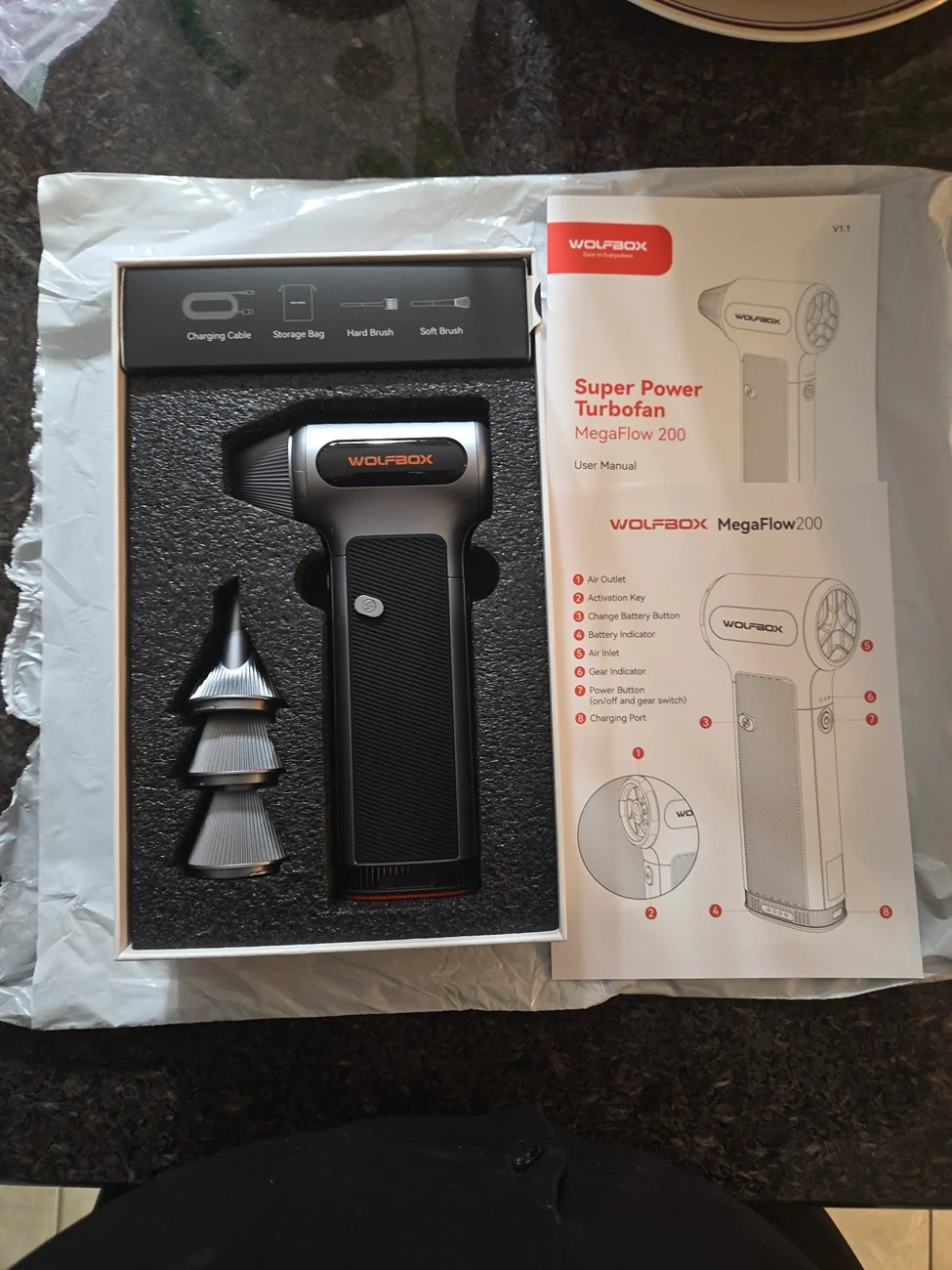
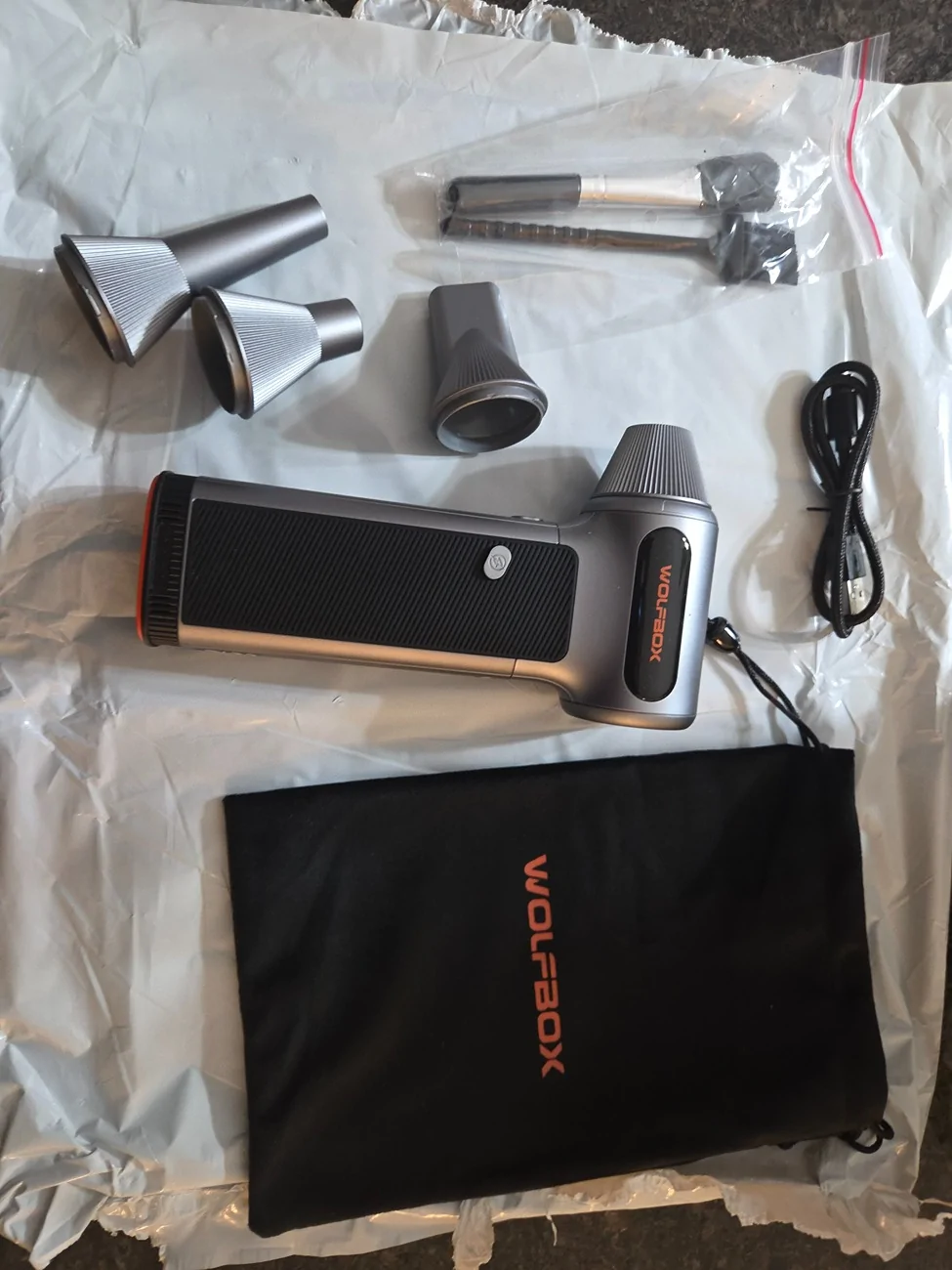
My Wolfbox MF200 arrived in the mail today. First impressions are solid. The packaging is well thought out and appears to provide ample protection, always a bonus with electronics.
20260422_202702.webp
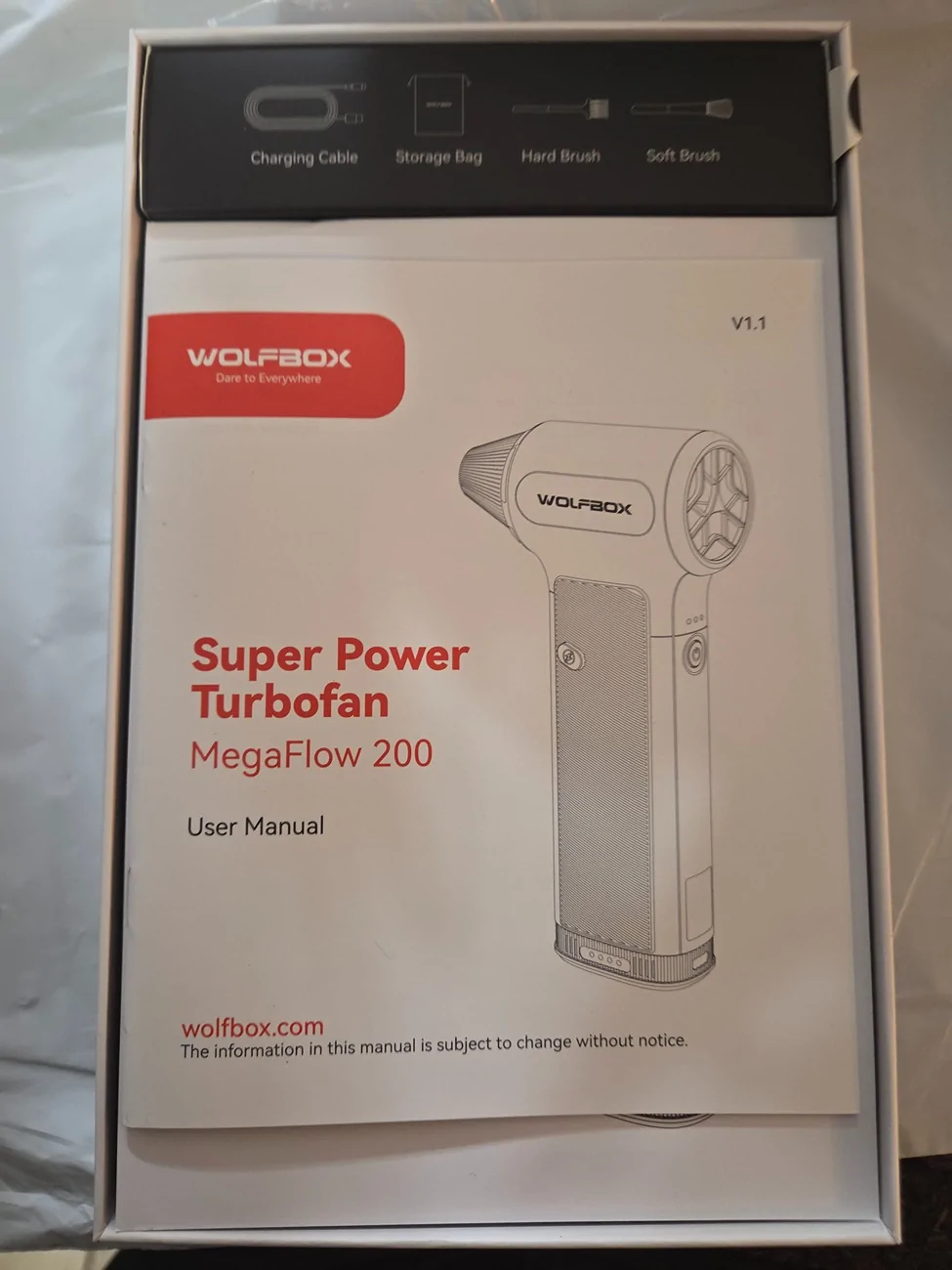
20260422_202938.webp
20260422_203318.webp


I very much appreciate that there's an actual, printed user manual and that I don't have to wrangle with a QR code or search their website for a PDF version, which may or may not be legible on whatever device I'm using.
Instructions are in English and Spanish; I don't speak the latter, so all of my comments are with regards to the former. Having a background in publishing and linguistics, I can tell that this was translated, probably using AI or an adequate translator at best. Most people probably won't notice it, but being a nitpicking "word nerd", I noticed some errors and at first glance there are other passages where I'd take a second, closer look.
Having said that, I appreciate that there's actual descriptions to accompany imagery, and that they didn't resort to IKEA-style pictogram instructions that leave you questioning your sanity, so thank you for that.
I will note, however, that there isn't a French version of the instructions, something that will be necessary and far more applicable to Canada than Spanish. Considering that the instructions are only 10 (smaller) pages in each language, adding French shouldn't be too difficult.
20260422_202814.webp


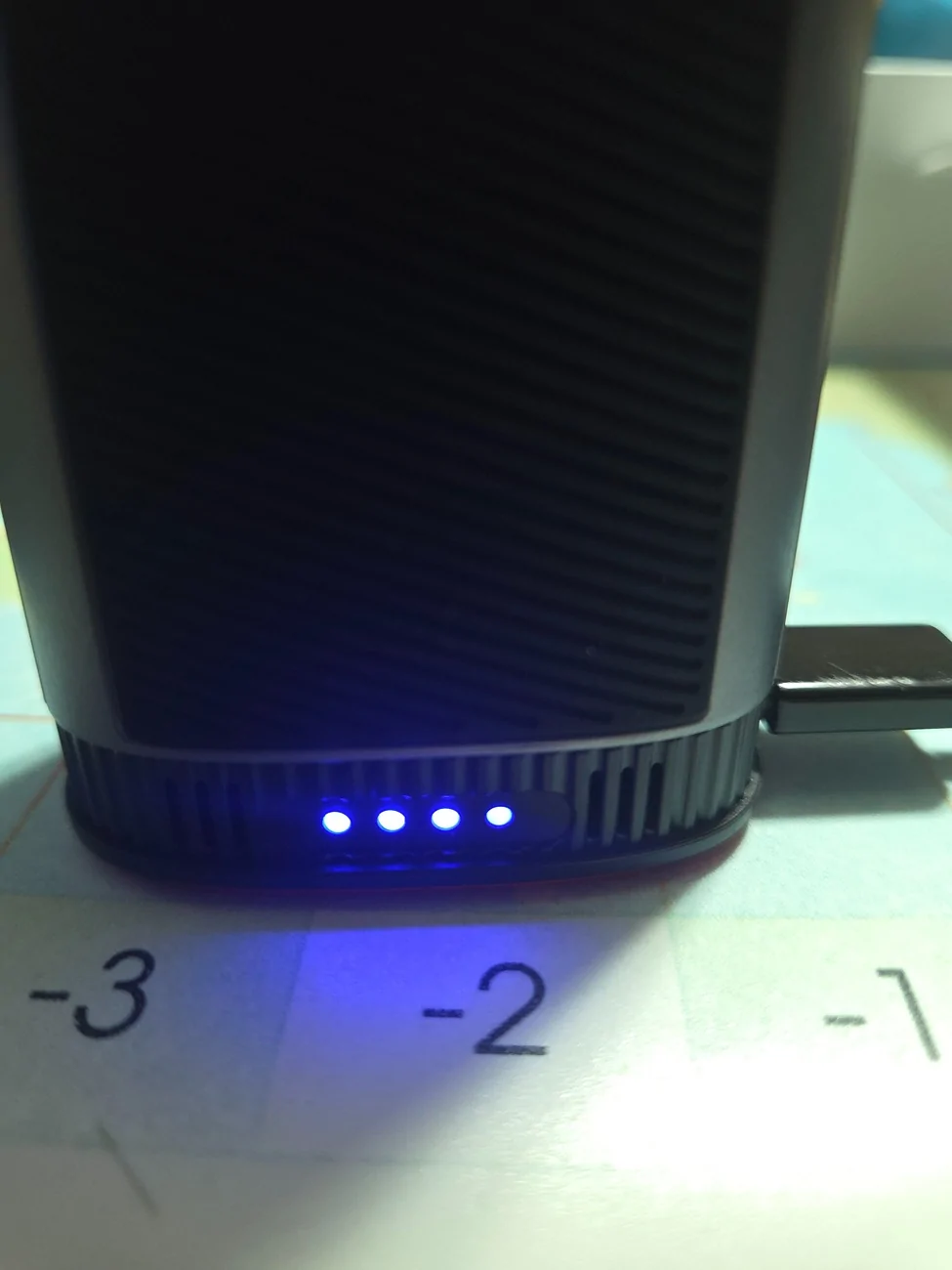
I haven't yet put it to use, as the instructions specify that the battery should be fully charged, which I am now doing. I appreciate the little lights to indicate battery charge.
20260422_214053.webp

The right-most light is currently flashing, indicating that it's not fully charged; the picture just happened to catch it on. I was actually surprised that three of the four were solid, suggesting the battery is around 75% charged, since I couldn't get it to turn on at all, which I would expect to be able to do at that charge level.

The instructions indicate "Long press the power button to turn the machine on/off," but do not provide any clarity as to what constitutes a "long press." I pressed it for 10+ seconds, which I would have thought to be long enough, so does it need to be 100% charged before being used the first time? That is a question for another day...never mind, as I was typing this up, it charged fully, and the answer appears to be "yes." For reference, "long press" appears to equal about 2 seconds.

It's too late at night for me to put it through it's paces at the moment, but initial impressions after playing with it for a few seconds are that it packs a pretty good punch for its size, and I appreciate the three fan speeds; along with the various nozzles, there should be some good versatility in the applicable uses. Stay tuned for more.
Sponsored


Top