Sponsored

Dash screen goes dark

Bubba

Member
First Name
Bubba
Joined
Jul 12, 2021
Threads
5
Messages
12
Reaction score
8
Location
Owensboro ky
Vehicle(s)
2021 ranger xlt
Occupation
Retired
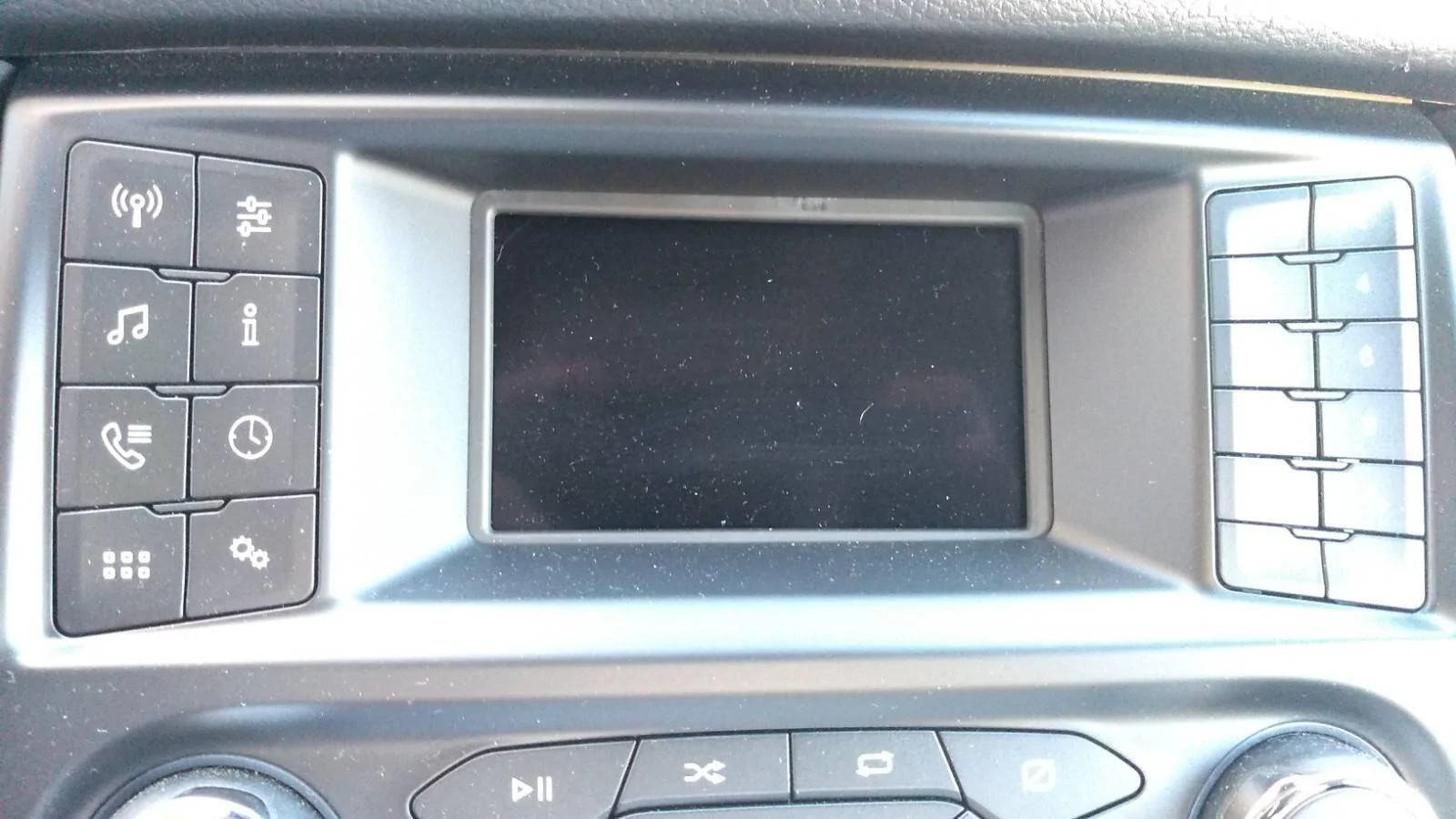
Hey guys! On 2 occasions, while driving, the screen goes dark. The radio and heat still works, although I can’t adjust them… after I stopped and turned truck off, when I restarted the screen worked fine. Am I headed for trouble?
Sponsored


 

IdahoRanger

Well-Known Member
First Name
Steve
Joined
Sep 26, 2019
Threads
12
Messages
4,329
Reaction score
21,505
Location
Idaho
Vehicle(s)
2019 Lariat SuperCrew FX4
Occupation
RETIRED
Hey guys! On 2 occasions, while driving, the screen goes dark. The radio and heat still works, although I can’t adjust them… after I stopped and turned truck off, when I restarted the screen worked fine. Am I headed for trouble?
This has happened to me a couple times. Have you done any Sync updates?
The latest update has not done this to me but often I have no home button or temperature until I restart the truck.
 
Last edited:

Dereku

Well-Known Member
First Name
Derek
Joined
May 18, 2022
Threads
31
Messages
2,808
Reaction score
6,885
Location
Chicagoland Area
Vehicle(s)
2021 Ford Ranger
Occupation
Project Manager
The force restart could help. Hold power and seek right or left. I ended up doing an update from the internet. Cyan labs I think. Solved everything.
 

QuickSilver

Well-Known Member
First Name
Daven
Joined
Dec 14, 2020
Threads
6
Messages
207
Reaction score
610
Location
Vancouver Canada
Vehicle(s)
2020 Ford Ranger Lariat
Vehicle Showcase
1
Happens to me all the time, force reset works but annoying every time it happens. I haven’t been successful doing an update from a usb yet, tried twice now.
 

subquark

Well-Known Member
First Name
David
Joined
Jan 28, 2022
Threads
11
Messages
4,544
Reaction score
23,071
Location
Portsmouth, NH
Website
subQuark.com
Vehicle(s)
Soupie! Race Red '22 XL 101A Scab 4X2 w/steelies
Occupation
game publisher
Hey guys! On 2 occasions, while driving, the screen goes dark. The radio and heat still works, although I can’t adjust them… after I stopped and turned truck off, when I restarted the screen worked fine. Am I headed for trouble?
This has happened to me a few times on the little Sync screen. By a few, I mean like 3 times in 3 years.

I'm driving, listening to a good tune, then it goes blank. I punch all the side buttons and nothing. Hit the power button and nada. But restarting the truck clears it and all's fine (hard to do at 70 mph).


1741738442418-95.webp


subquark

Well-Known Member
First Name
David
Joined
Jan 28, 2022
Threads
11
Messages
4,544
Reaction score
23,071
Location
Portsmouth, NH
Website
subQuark.com
Vehicle(s)
Soupie! Race Red '22 XL 101A Scab 4X2 w/steelies
Occupation
game publisher
Happens to me all the time, force reset works but annoying every time it happens. I haven’t been successful doing an update from a usb yet, tried twice now.
Sorry to hear that the USB update fails. I have an XL, so it's a much smaller update (no maps). And the USB method has worked 3 times for me.

Now the upload XML file on the Ford site has never worked for me (same for many others too).

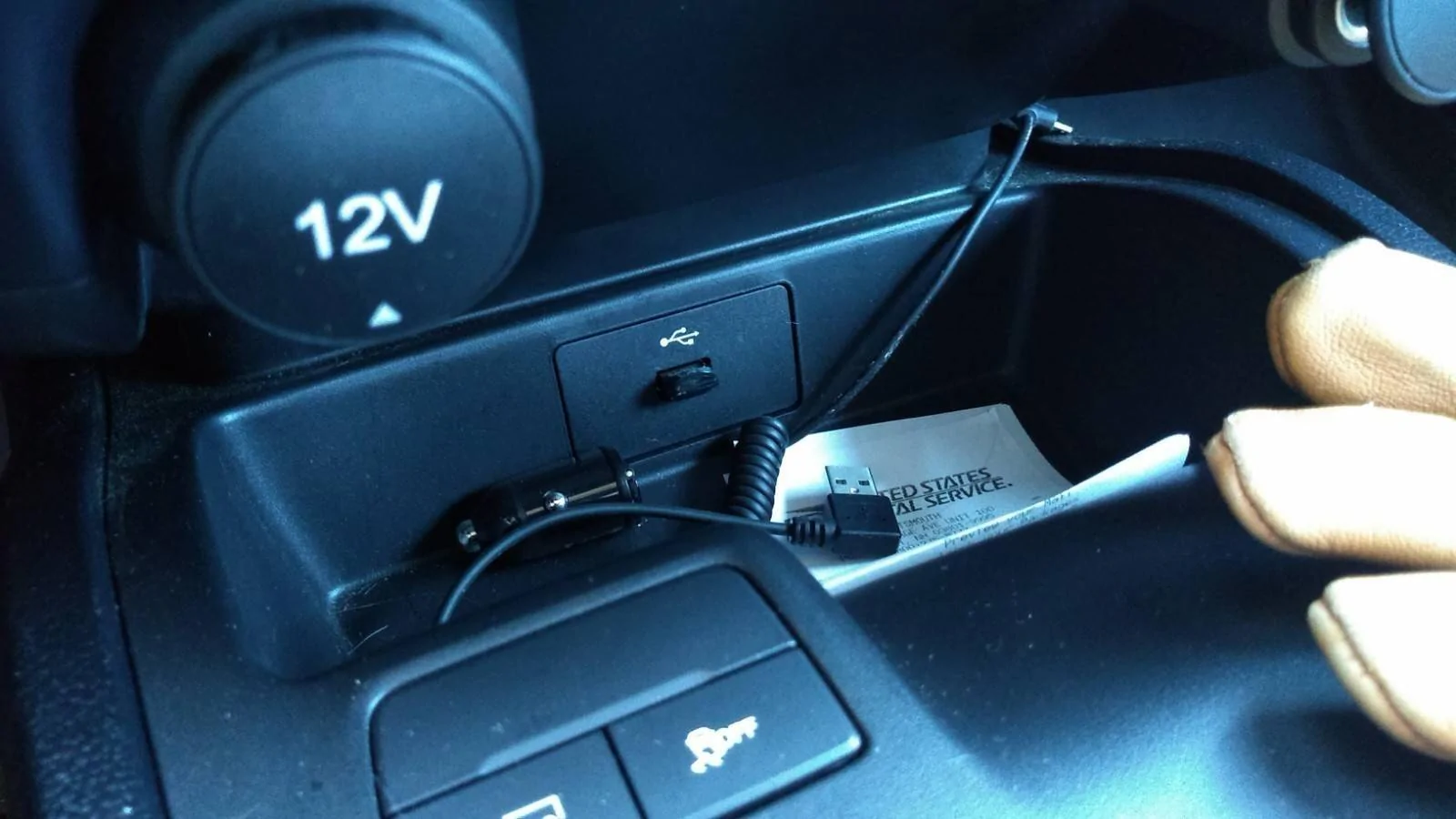
I have a small dedicated USB for mine, nothing else on it. I always reformat it before doing an update.

Plus I only have one USB port. I believe you have at least two ports but I also believe that both are not identical in function, so could that be the reason yours fails?

https://www.ranger5g.com/forum/threads/sync-3-4-21194-update.22165/post-491058

1741738898629-cr.webp
 

Dereku

Well-Known Member
First Name
Derek
Joined
May 18, 2022
Threads
31
Messages
2,808
Reaction score
6,885
Location
Chicagoland Area
Vehicle(s)
2021 Ford Ranger
Occupation
Project Manager
Happens to me all the time, force reset works but annoying every time it happens. I haven’t been successful doing an update from a usb yet, tried twice now.
Neither was I until I used Cyan labs. It was worth it. And free.
 

Egg69

Well-Known Member
First Name
Erik
Joined
Jan 17, 2023
Threads
2
Messages
171
Reaction score
254
Location
Fallbrook, CA
Vehicle(s)
2019 Ranger XLT Sport
Occupation
Systems Analyst for Bonsall Unified School District
Sorry to hear that the USB update fails. I have an XL, so it's a much smaller update (no maps). And the USB method has worked 3 times for me.

Now the upload XML file on the Ford site has never worked for me (same for many others too).

I have a small dedicated USB for mine, nothing else on it. I always reformat it before doing an update.

Plus I only have one USB port. I believe you have at least two ports but I also believe that both are not identical in function, so could that be the reason yours fails?

https://www.ranger5g.com/forum/threads/sync-3-4-21194-update.22165/post-491058

1741738898629-cr.jpg
I'm guessing OP is trying to use the one from the Ford site. Never worked for me either. The Cyan Labs worked with no issues tho
 

jblc

Well-Known Member
First Name
JB
Joined
Nov 15, 2020
Threads
75
Messages
749
Reaction score
644
Location
USA
Vehicle(s)
2021 XLT FX2 supercab
Happens to me all the time, force reset works but annoying every time it happens. I haven’t been successful doing an update from a usb yet, tried twice now.
I also get the blank screen about every two months. The force reset, though, has never worked for me...i've always had to power cycle the vehicle with a few minute wait before turning back on.
 

FatalException0E

Active Member
First Name
Jason
Joined
Jan 24, 2020
Threads
2
Messages
43
Reaction score
63
Location
San Antonio, TX, US
Vehicle(s)
'19 Ranger Crew FX4 - Blue, '19 Subaru Forester Touring - White
I believe there's actually a recall campaign for the firmware on those units. If you can't get updates to complete, your dealer should be able to sort it out at no charge on the recall campaign. Mine was doing that all the time for a while. It was so bad my screen was almost completely unusable. After updates it has been fine.
Sponsored


Top