Sponsored

Screen lockup much?

R80GSEric

Member
First Name
Eric
Joined
Jan 24, 2020
Threads
0
Messages
7
Reaction score
5
Location
Monterey
Vehicle(s)
19 Ranger 4WD Lariat, R80G/S, 05 Ural Gear Up, 70 SL350
I'm slow over here, but is the truck motor on or just accessory power?

ive only done it while driving. But I bet it will work on accessory. I hold the radio power with right thumb and fast forward hard button down with finger for several seconds.
Sponsored

 

JHC14

Well-Known Member
First Name
Joel
Joined
Jun 6, 2020
Threads
12
Messages
259
Reaction score
745
Location
Baker, LA
Vehicle(s)
2019 Ranger Lariat 4x4, 2017 Escape Titanium
Occupation
Executive Pastor
I'm slow over here, but is the truck motor on or just accessory power?
The reset works anytime. Most of the times I am resetting it I doing while I am driving down the road.
I have noticed it seems to operate better if I wait for the SYNC system to come up BEFORE I put shift the transmission into reverse. I am wondering if displaying the back up camera causes it mess up and leave a blank screen. Also, plugging in my iPhone via cable for CarPlay before SYNC has completed it start up seems to result in a blank screen more often than not. I have not studied this, just sort of a casual observation.
Anyone else?
 

subquark

Well-Known Member
First Name
David
Joined
Jan 28, 2022
Threads
11
Messages
4,544
Reaction score
23,071
Location
Portsmouth, NH
Website
subQuark.com
Vehicle(s)
Soupie! Race Red '22 XL 101A Scab 4X2 w/steelies
Occupation
game publisher
Ref: Apple Carplay issue - It appears your phone is not registered to the truck or an issue with it.
Try removing the phone from the truck and reregister.
Also try, rebooting the phone itself.

Ref: Updates, I am assuming you are referring to the Sync Update
Are you truly letting it finish, it will cycle through a few times, screen powers down and reboots.
In the background it does a verification check for the download file before it actually installs it.

It is always best for Sync updates is to use the USB way, the automatic updates are known for issues for corrupting the file download.
This FTW!

airline tech's insight is money in the bank - always thorough, thoughtful, and accurate

I don't have an Apple and I don't have the "big screen" Sync, so my thoughts aren't apples to apples (d'oh!).

No maps on mine, just the very basic Sync functions - even so - it's still Sync and still Ford. I've only had my screen do anything odd one time, and that was starting the Ranger and it just being blank. I restarted it and it came on.

BUT ... what I can share is that I tried to do wi-fi updates and they never seemed to work, although I think it did one secretly the last time - need to read the version on there.

I've done 3 manual updates and each time was with the USB and I did have the truck idling. Luckily my updates are pretty small and only take a few minutes.

But you have to be patient, as airline tech wrote, Sync reboots itself a couple of times. Here's a link to the pics of each screen change for my version. And once it's done, I leave the USB stick in for a few more minutes and only take it out after turning off the truck and opening the door (I think that's the sequence to insure you get the confirmation XML file (which has never uploaded to the Ford site).

I have done a Master Reset when my date was off by one day and never changed after a week of being in wi-fi range - I was pleased that I didn't lose my radio presets in that reset.

Good luck and I hope this settles down for you, it must be incredibly frustrating! =(

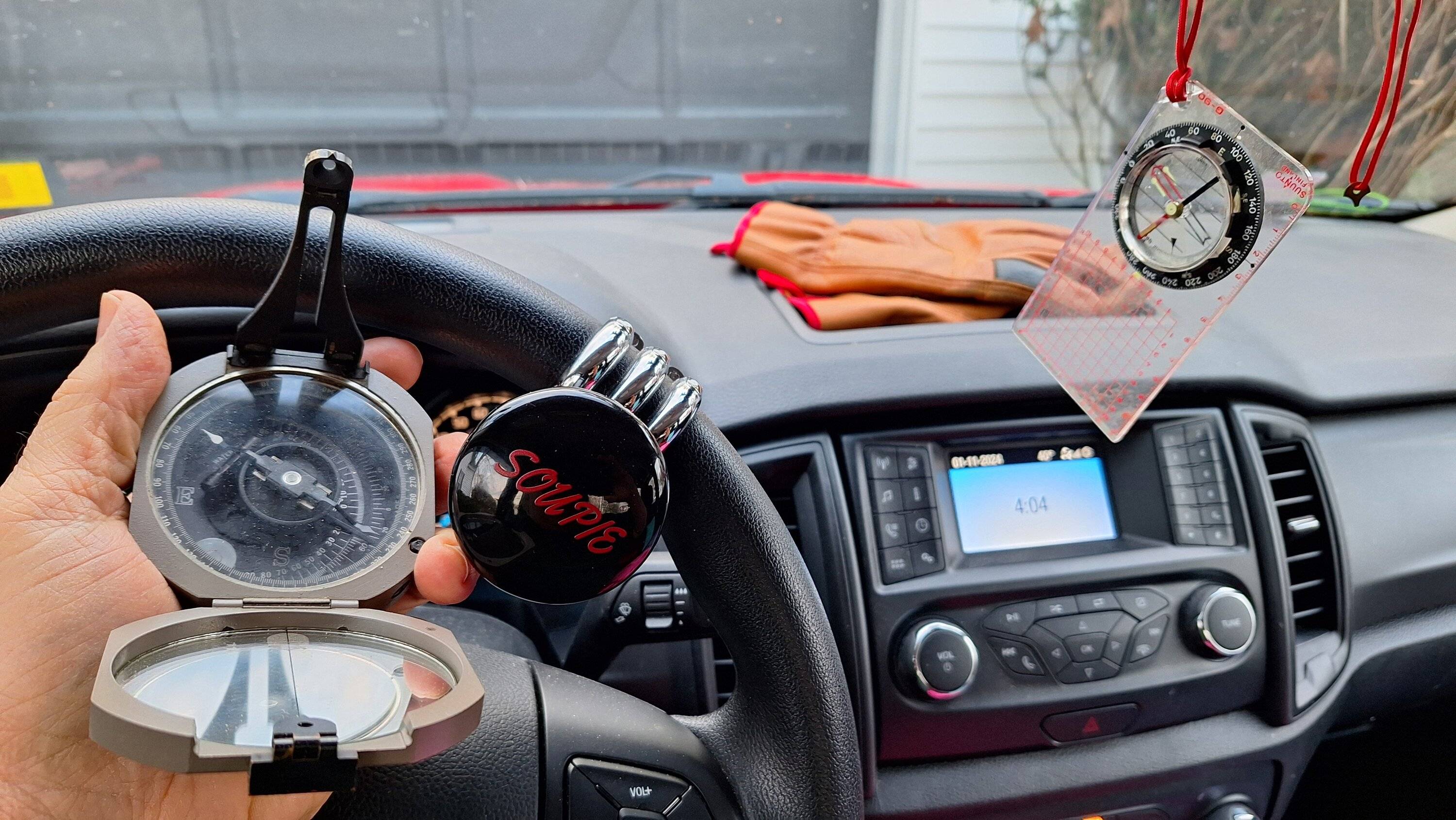
Meanwhile, my map apps and Android action ...

20240111_160423.jpg


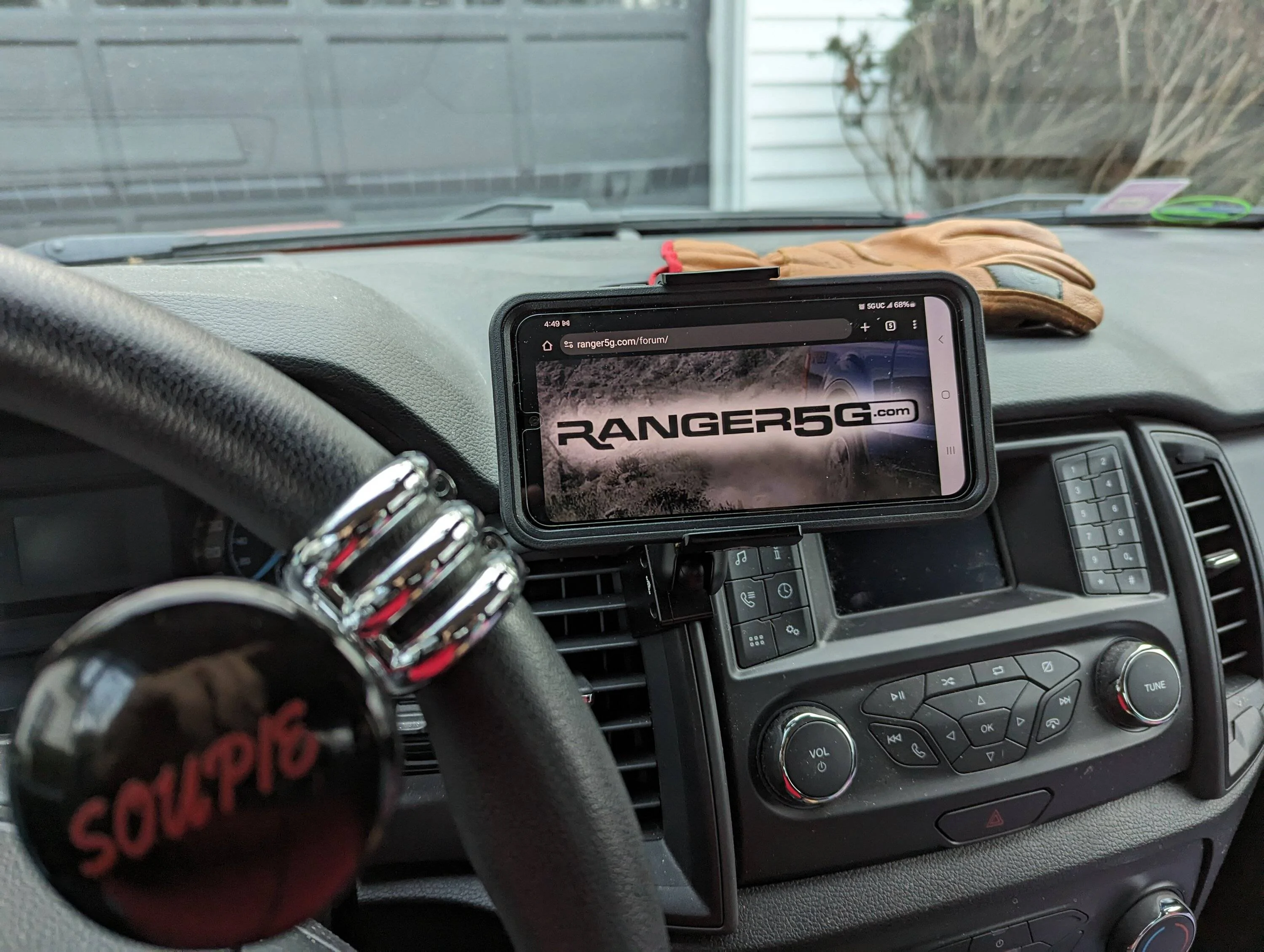
XL only has one USB and no connection from phone to Sync except to make phone calls, I just use Google Maps on the phone (or my finger in the wind for those analog trips) =)
PXL_20240215_214923778.webp
Sponsored


Top