Sponsored

21 XL Pioneer install from hexx

Trigganometry

Well-Known Member
First Name
Rick
Joined
Dec 4, 2020
Threads
153
Messages
5,833
Reaction score
25,359
Location
Massachusetts
Vehicle(s)
20 XLT scab 301A/tow 4X4 magnetic w/sport blackout
Occupation
Engineering
I had a pioneer unit in my old truck. Added a bunch of stuff during install. One was the parking brake delete mod. Just wire it in and no more BS with that. The other odd thing was USB ports. My unit had 2 of them. Only one worked with Apple play. What I ended up doing was using a USB android stick. A mini PC driving the radio. Added some aftermarket software and had a full touch screen PC on my dash! Beauty of that was I could use my phone as a hotspot and had full access to roam the web with a Bluetooth keyboard
Sponsored
 

Scottp528

Member
First Name
Scott
Joined
Dec 26, 2019
Threads
0
Messages
14
Reaction score
70
Location
Virginia
Vehicle(s)
2019 Ford Ranger XLT CREW CAB 2wd, 2019 Ford Fusion SE
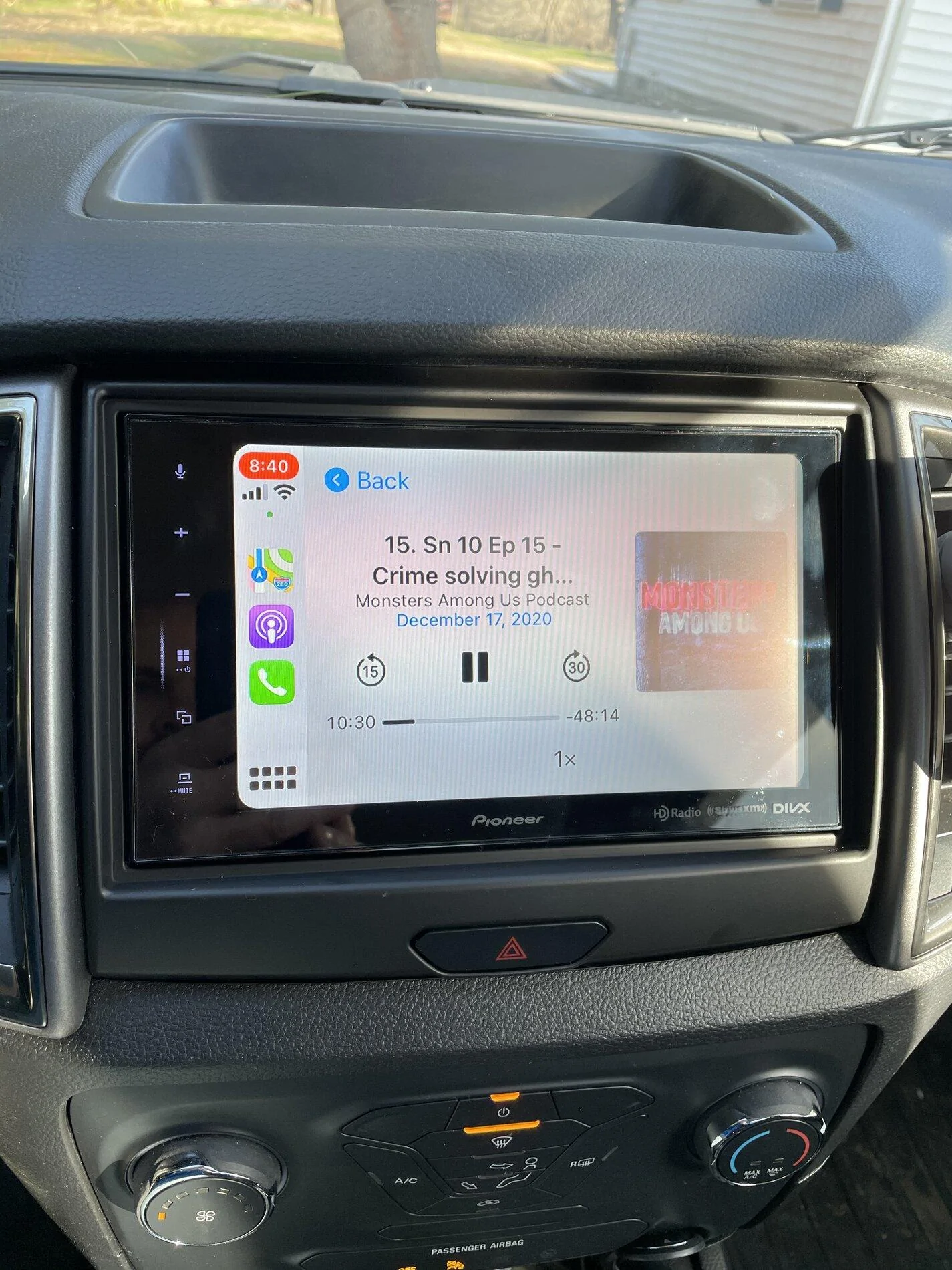
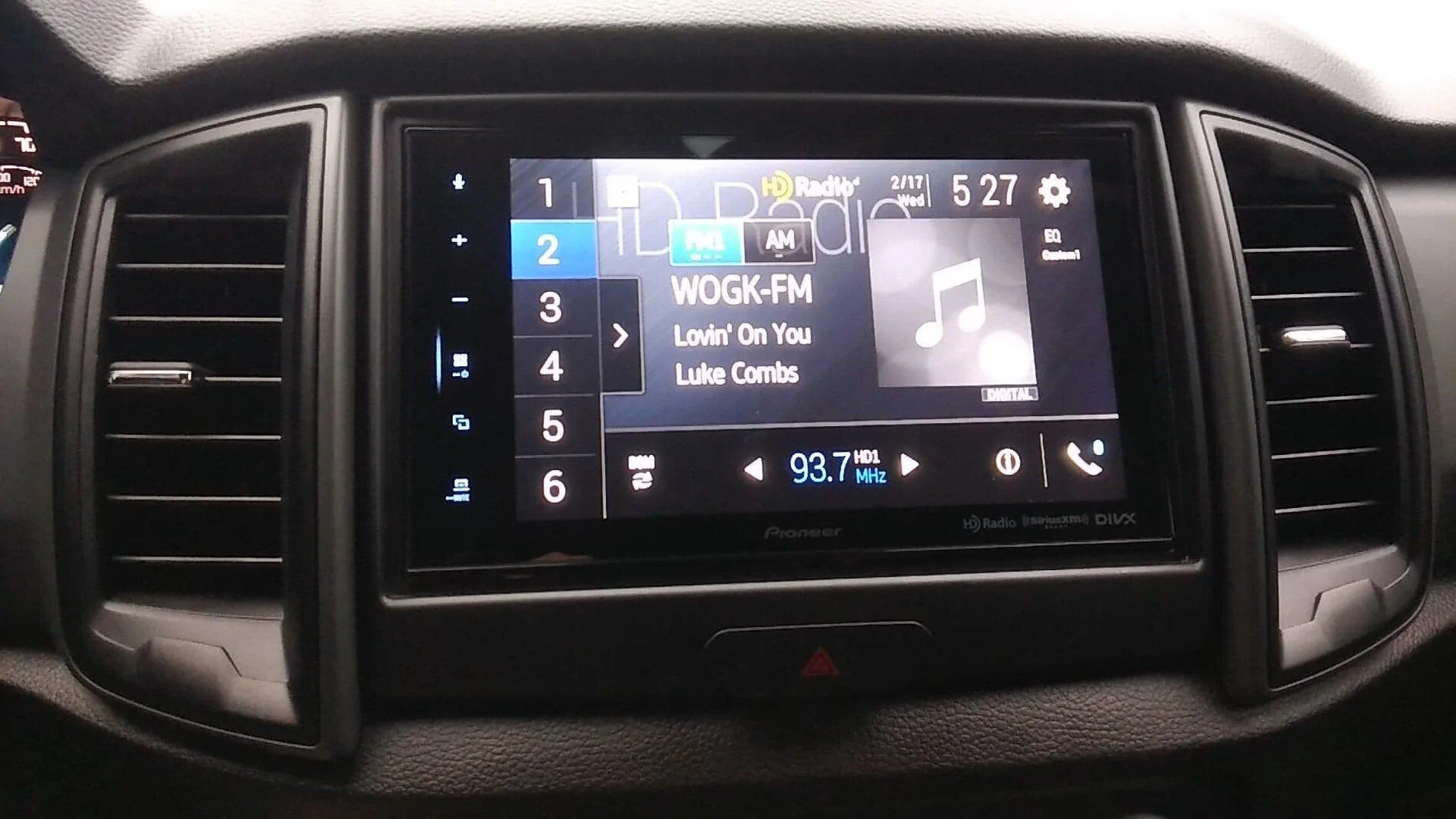
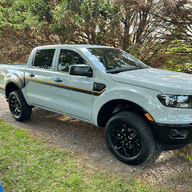
Finally got around to installing my radio. Had to wait two weeks to get the dash kit in thanks to USPS.
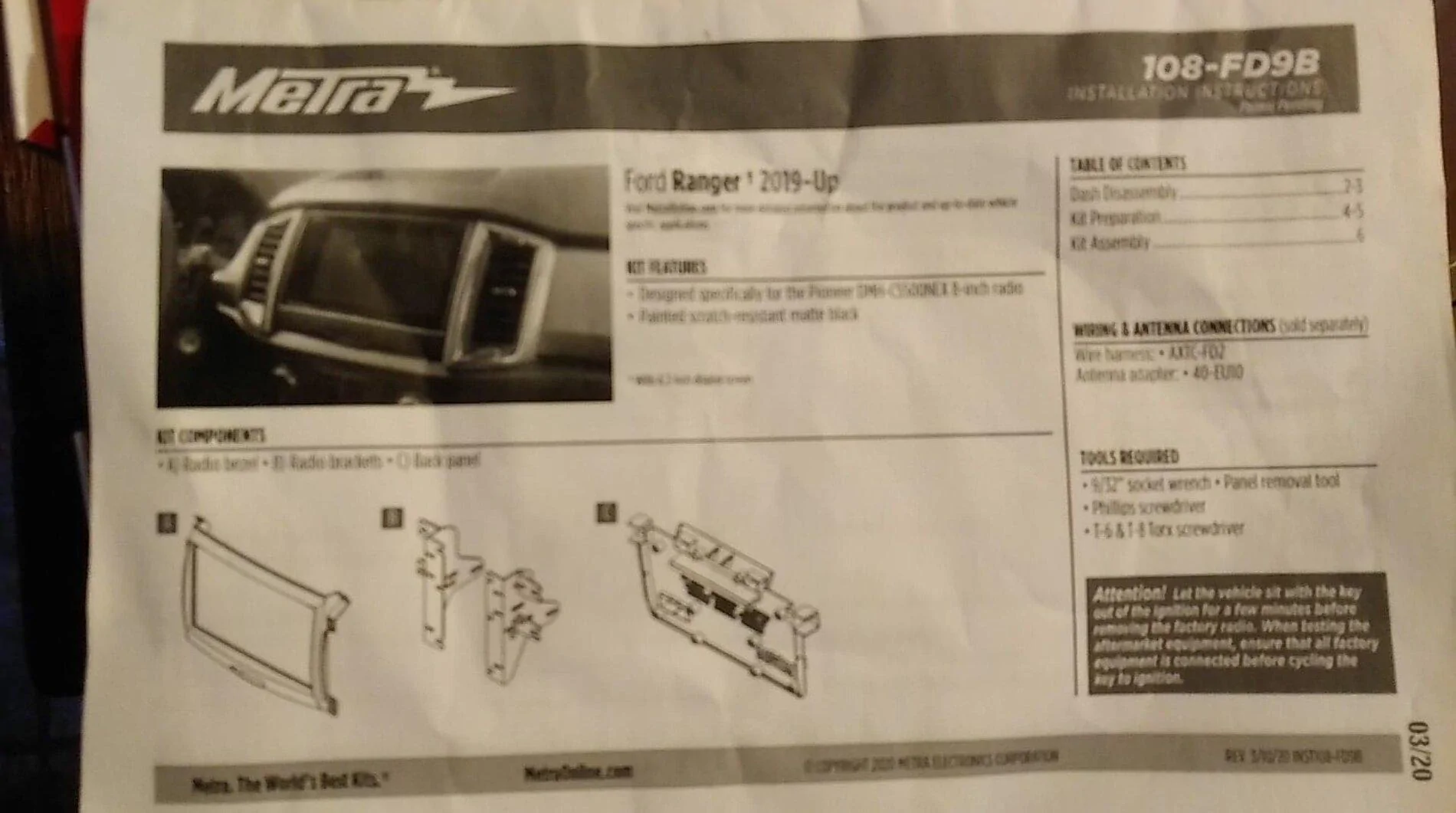
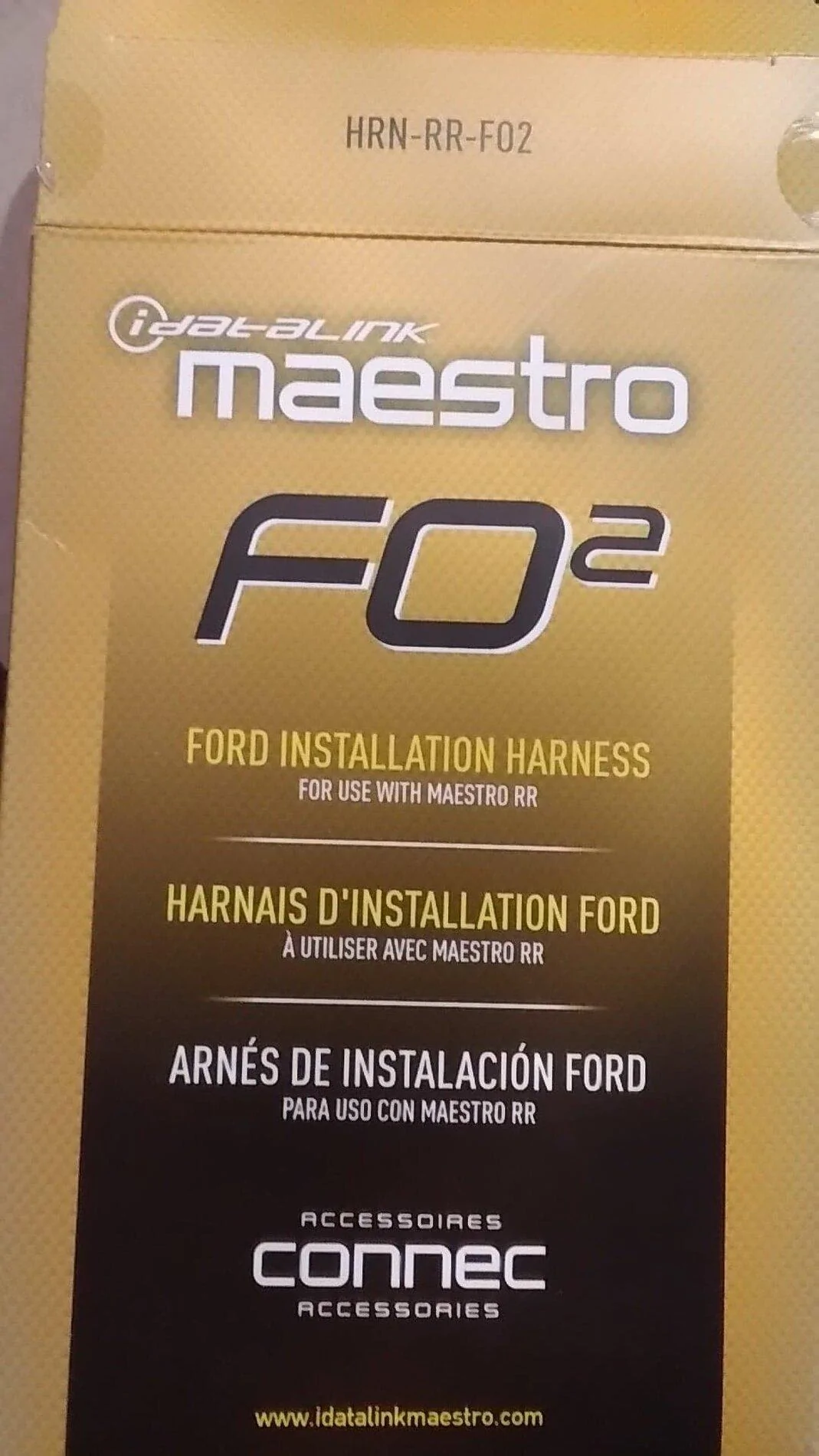
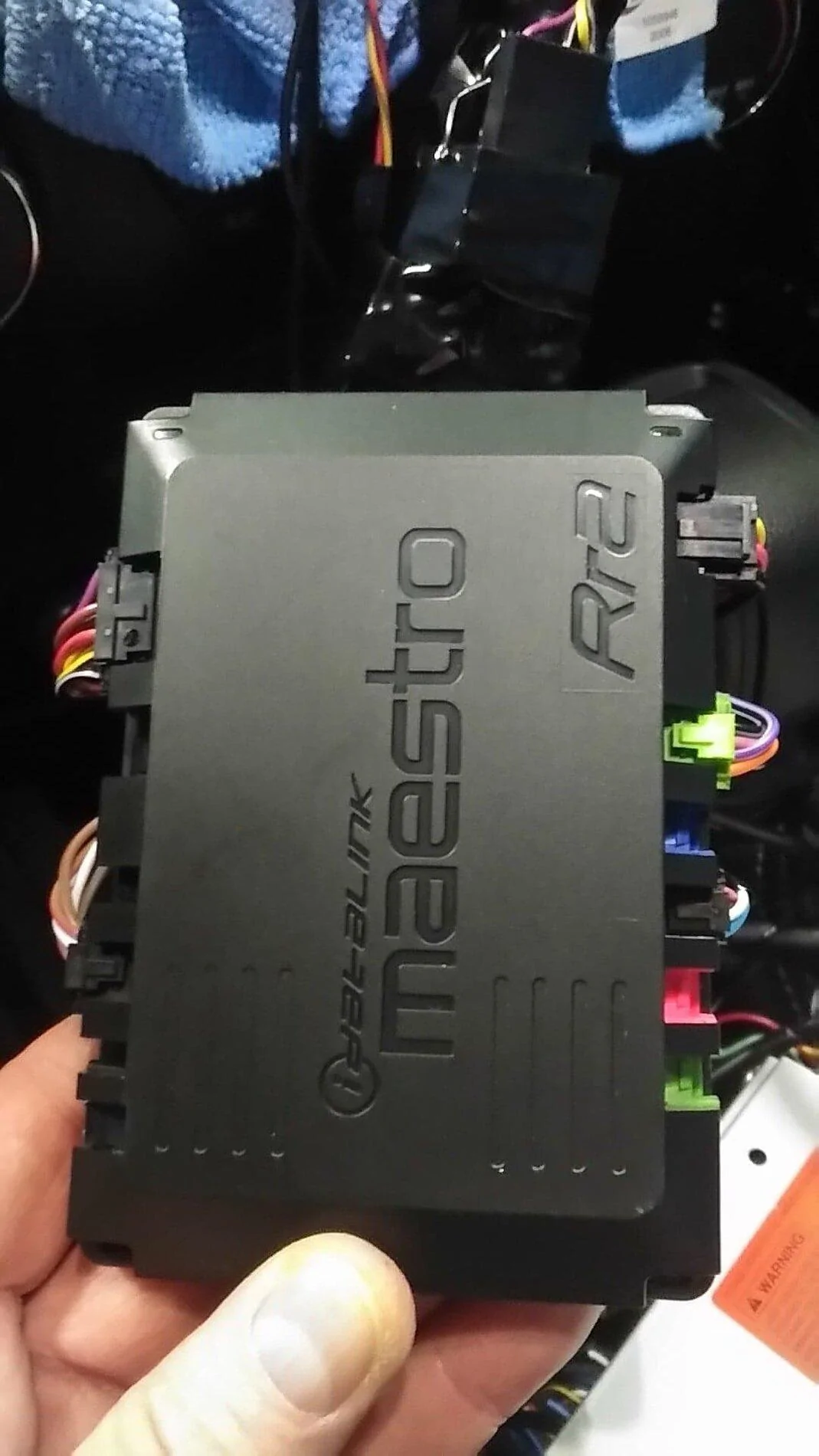
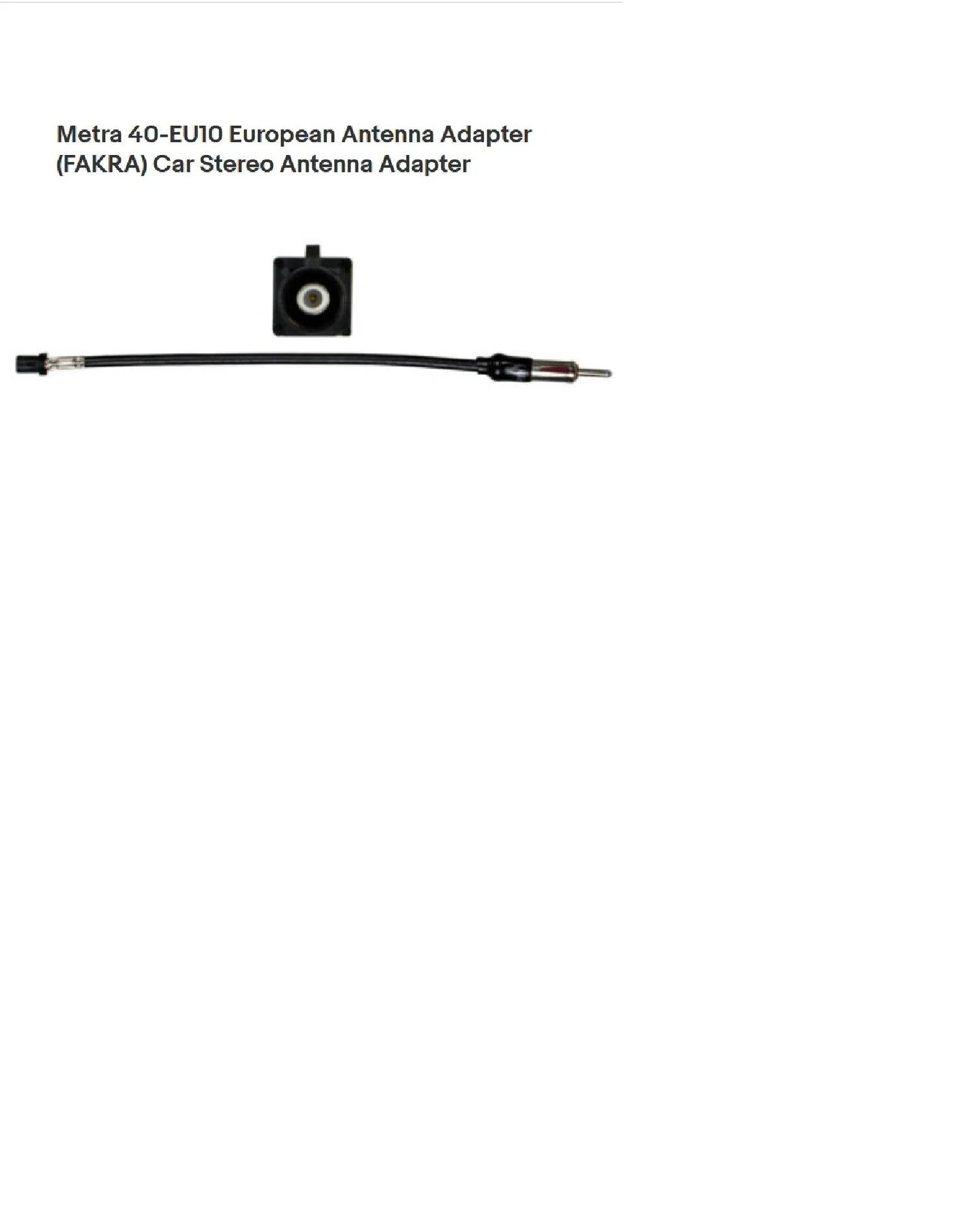
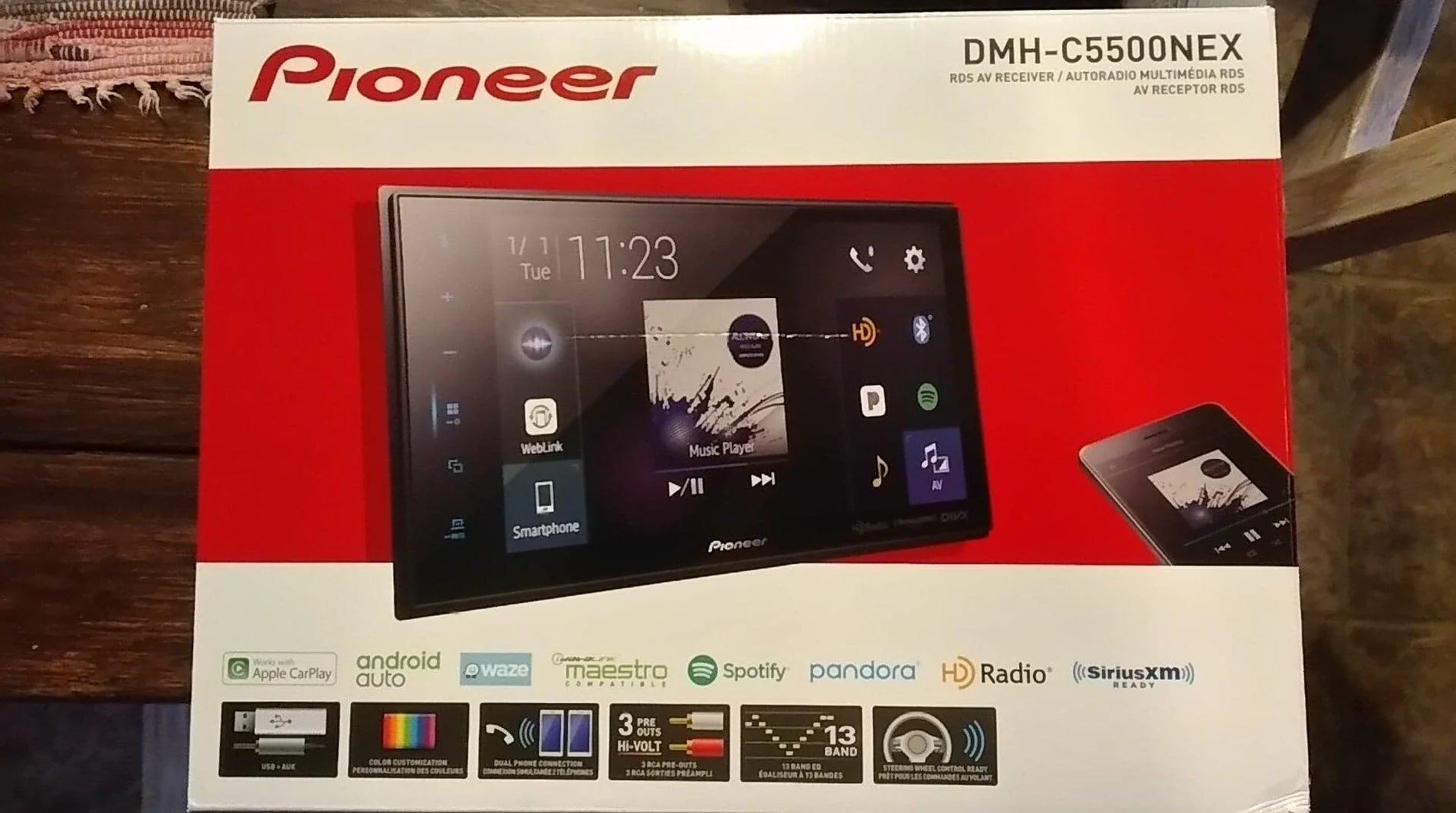
Install list: Pioneer DMH-C5500NEX, Metra 108-FD9B dash kit, Idatalink Maestro RR Module, Idatalink HRN-RR-F02 harness, Metra 40-EU10 antenna adapter, Sirius XM SXV3001V1 tuner, PAC CAM-FD21 reverse camera harness, APPS2Car parking brake bypass, USB male to USB mini adapter

Thanks to OP for sharing all the details of your install as it definitely helped me.

C5B27B45-C837-4341-BB3E-7A3146187CA3.jpeg
E96EA430-C6DB-494A-8E42-73A264D6F460.webp
 
OP
OP
sootie007

sootie007

Well-Known Member
First Name
John
Joined
Jan 27, 2021
Threads
24
Messages
147
Reaction score
340
Location
Clermont
Vehicle(s)
2021 LT 4 x 4
Occupation
Electronics
Vehicle Showcase
1
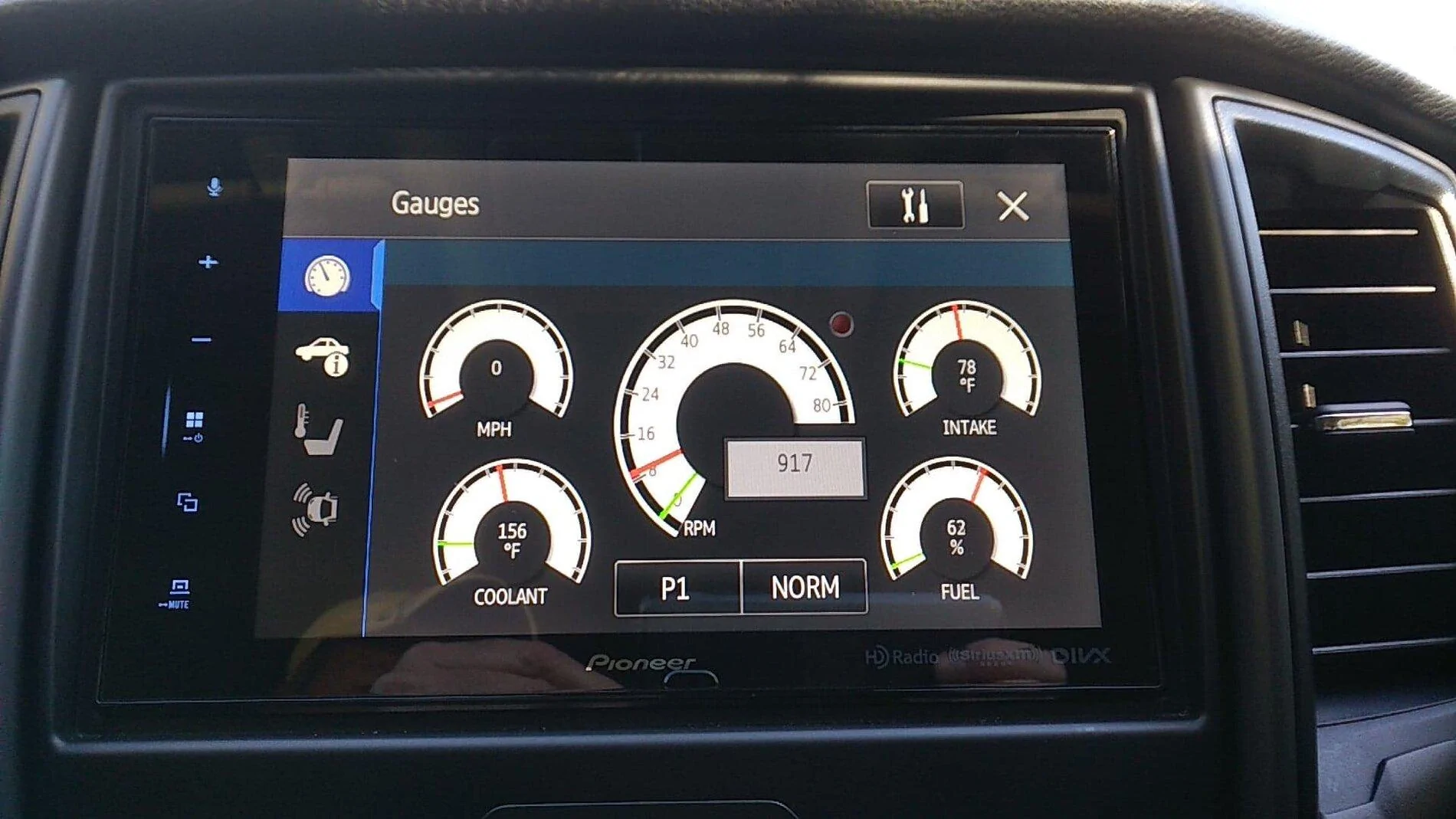
I like this OBD display ability on this Radio . Trans temp however would have been nice but its not available :( . Boost pressure, Inlet temp, Exhaust gas temp displays however if you want it . If an OBD code is thrown I believe this will display it as well. That will be handy.

display.jpg
So I have been happy up until now with the Pioneer head unit upgrade ......Including its OBD2 output . The other day I connected Forscan to my trucks computer for the first time ever ...... I changed NOTHING . It worked and pulled all the body modules up , displaying them etc etc .....I decided not to change anything with Forscan and disconnected it. I then reconnected my Pioneer head unit to the OBD2 port and now the Pioneer says it cannot connect to the OBD port ? Again Forscan had no issues connecting / displaying etc and I changed nothing ..... I have looked at the cable and Jack and they look pristine ? WTH ?
 

port43

Well-Known Member
First Name
Tony
Joined
Dec 12, 2020
Threads
10
Messages
657
Reaction score
1,950
Location
Detroit Suburb
Website
childrescuecoalition.org
Vehicle(s)
2019 Ford Ranger STX FX4, 2017 Lincoln MKX, 2008 Harley XL 1200N, 1972 Pontiac LeMans Convertible
Occupation
Secret agent, man
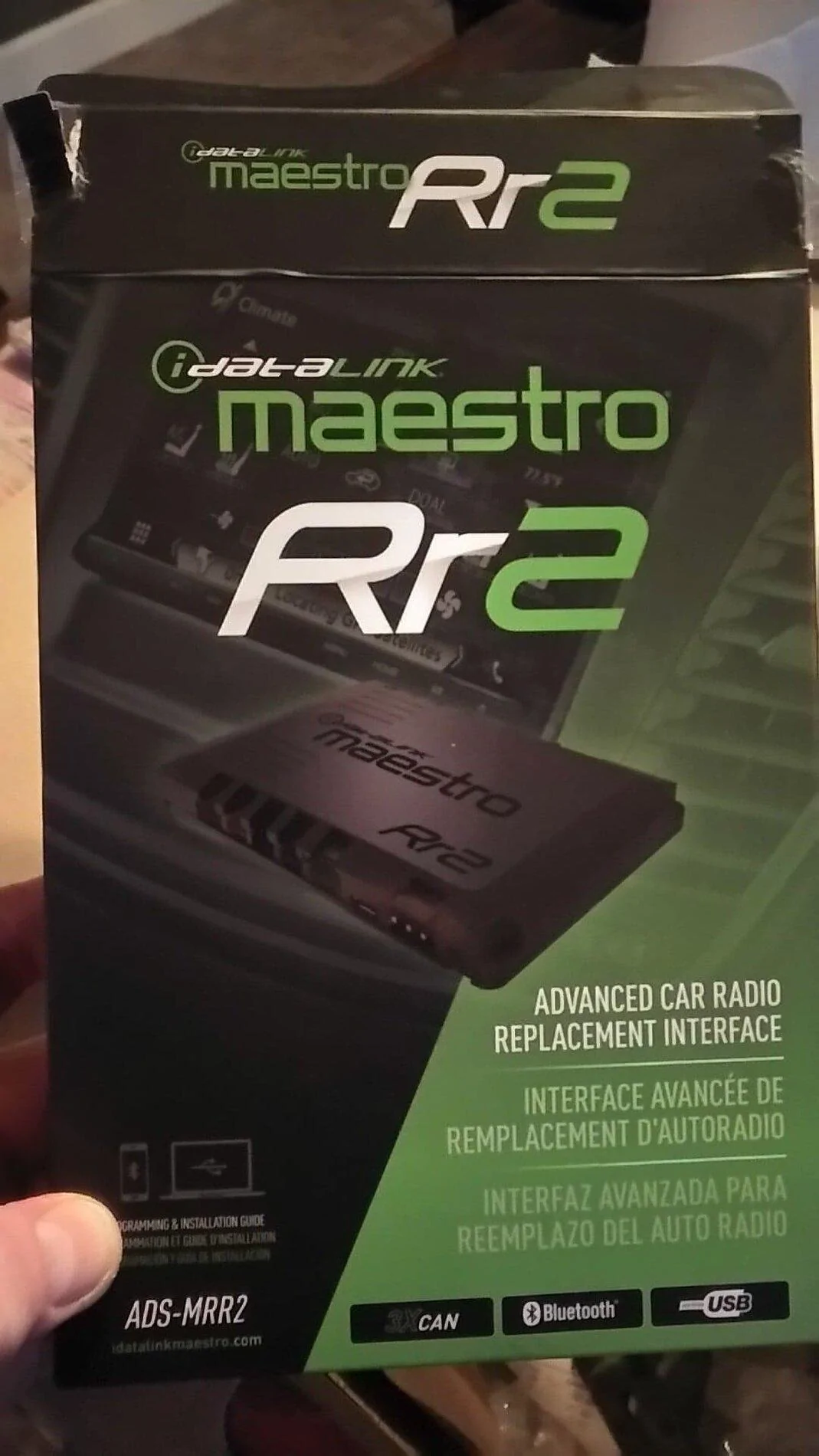
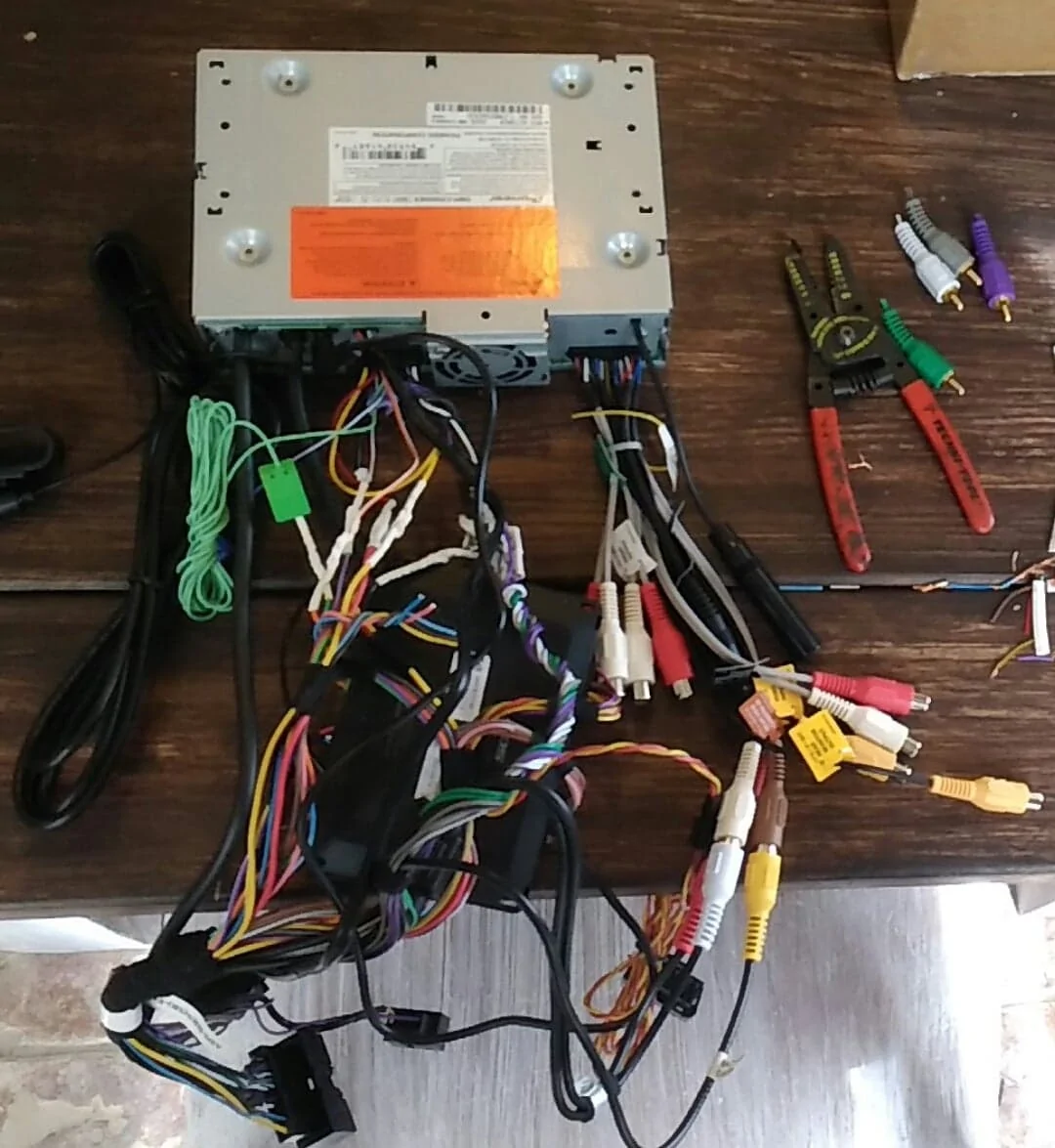
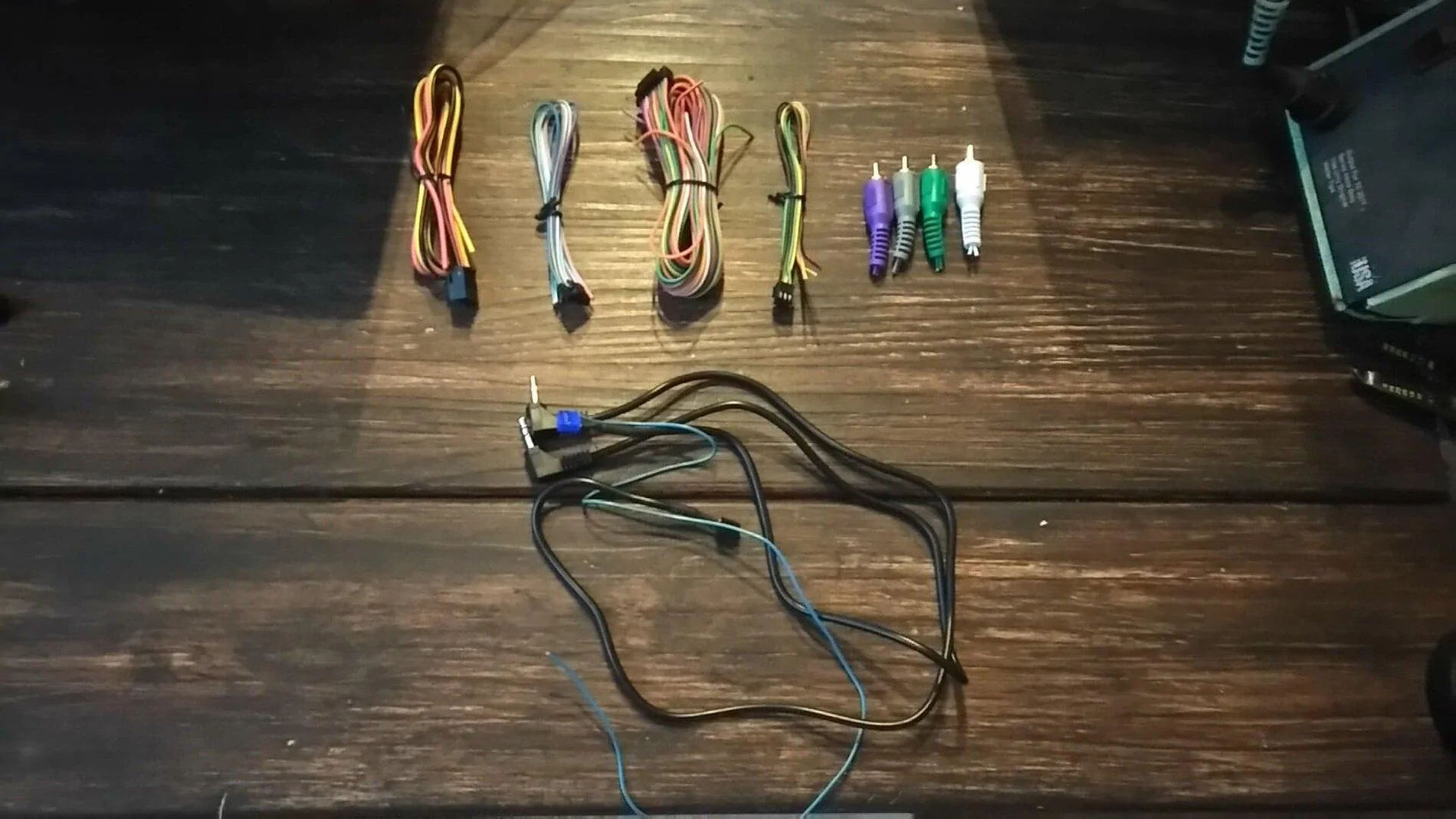
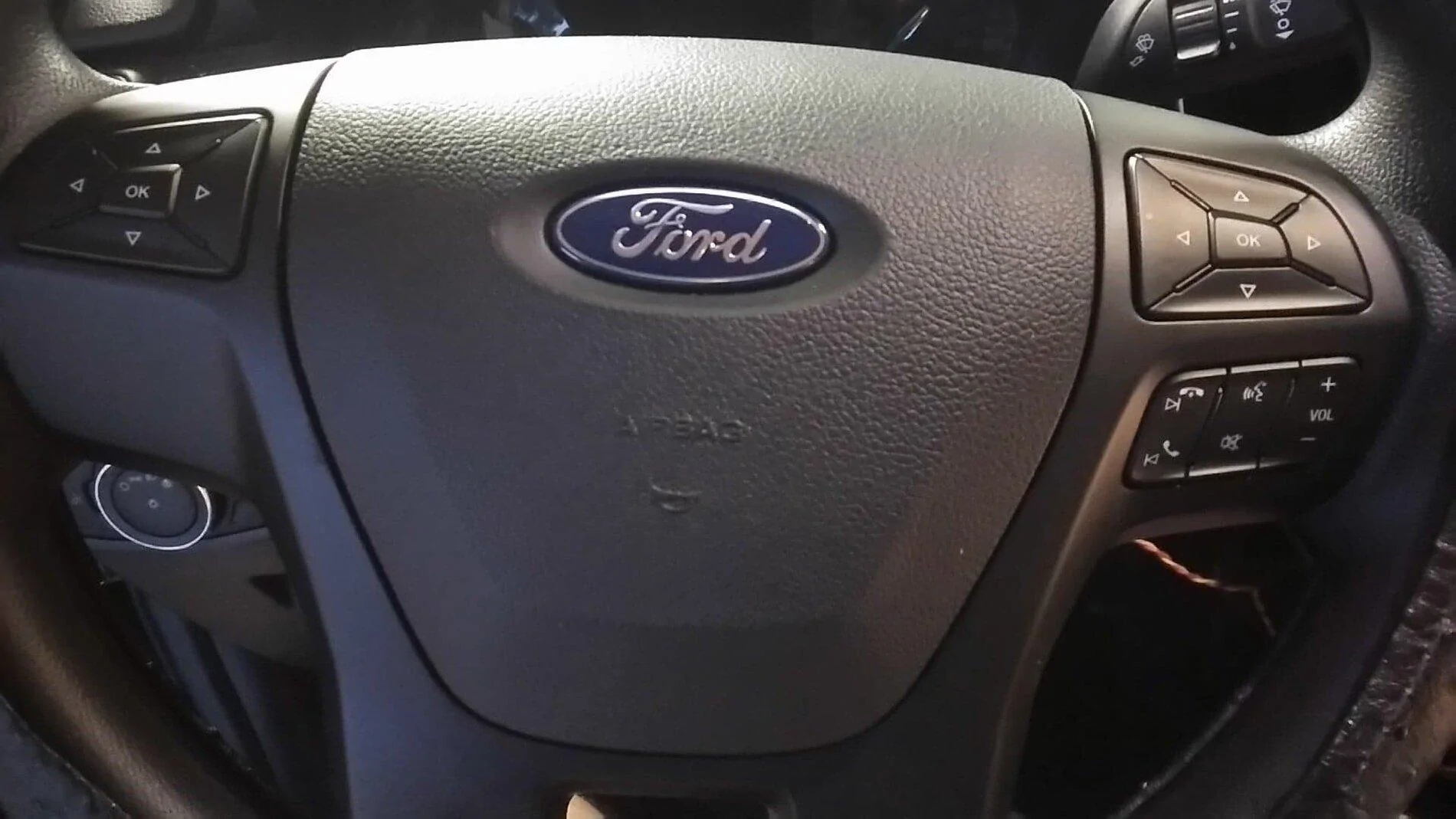
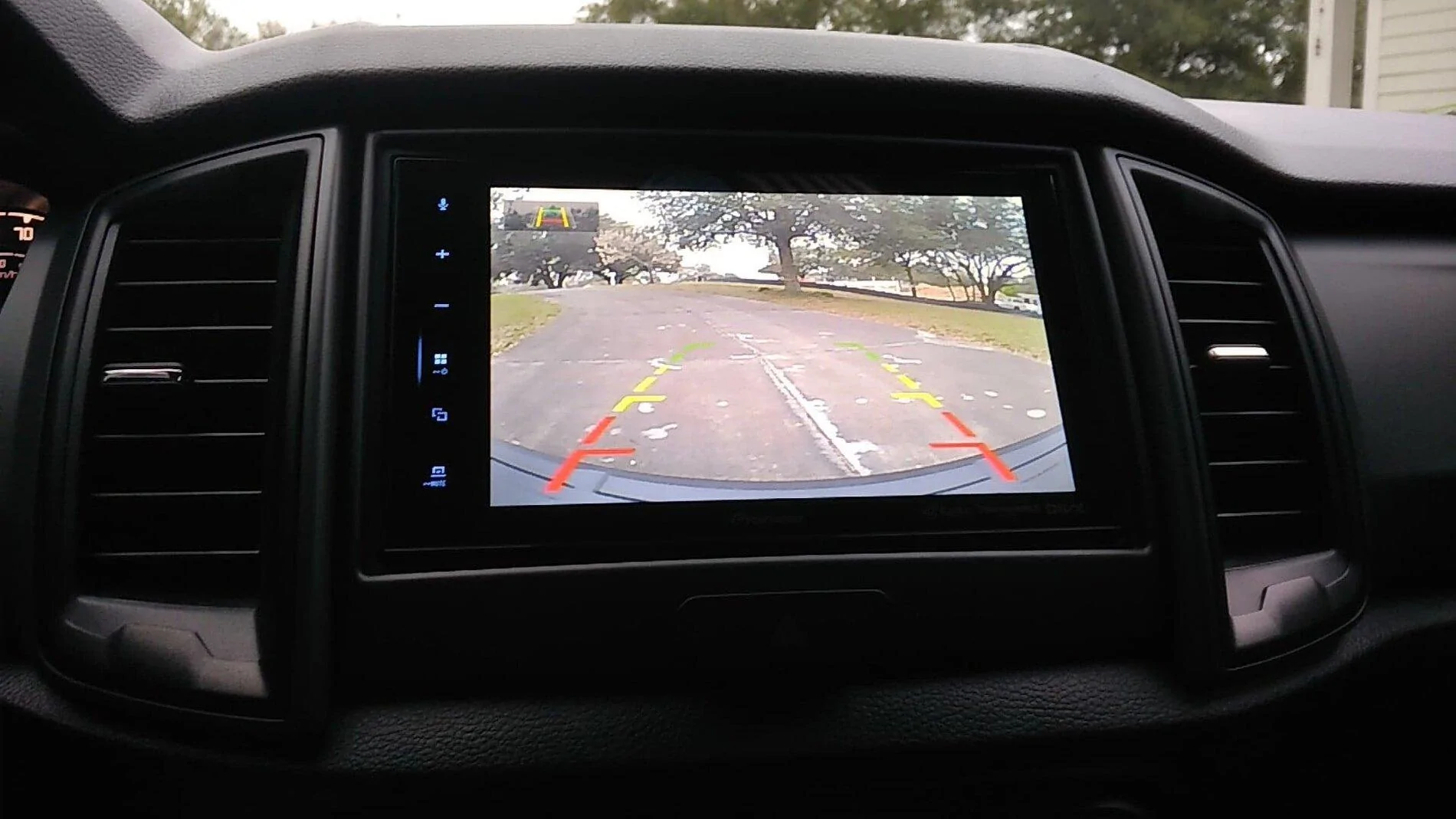
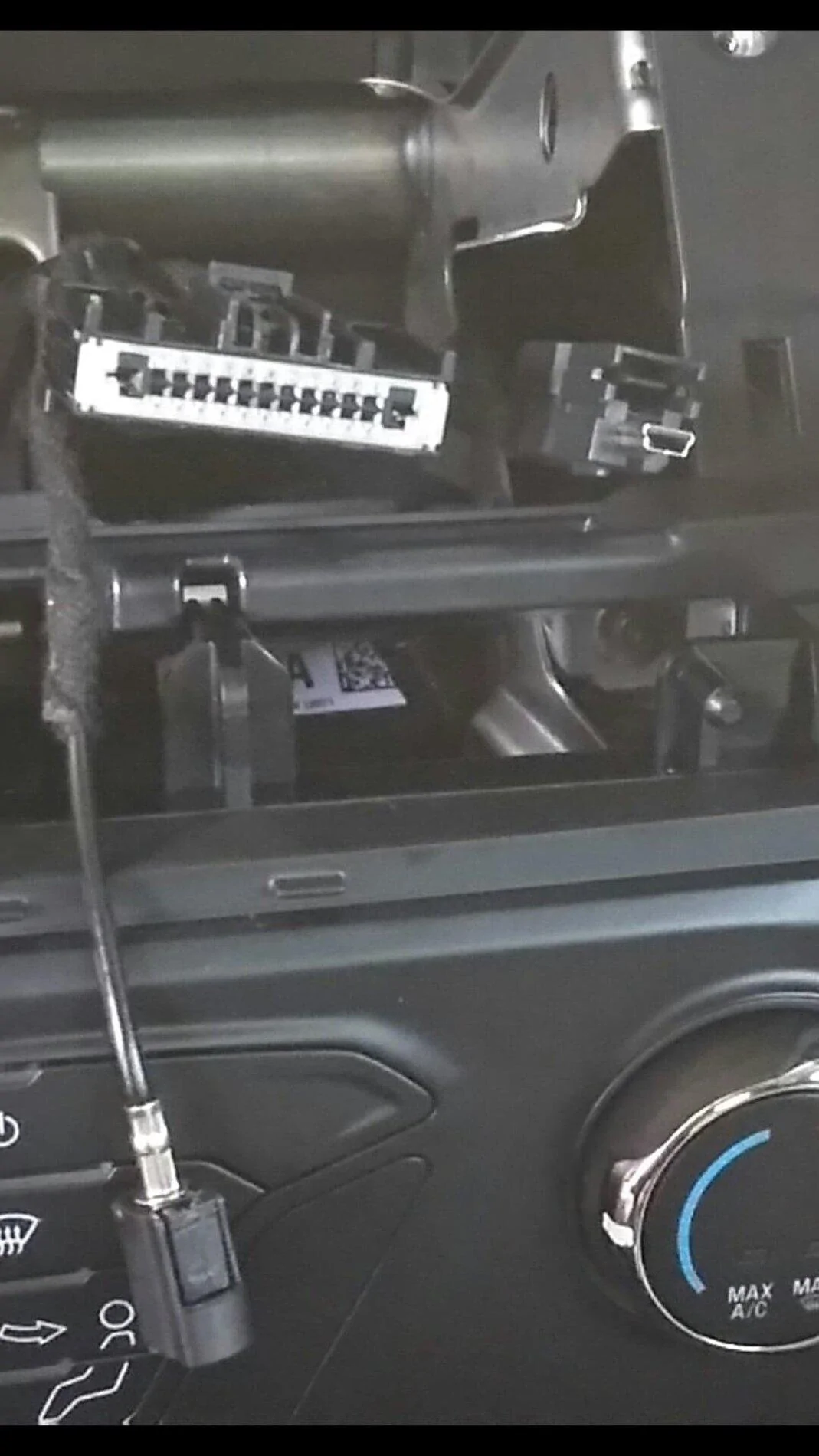
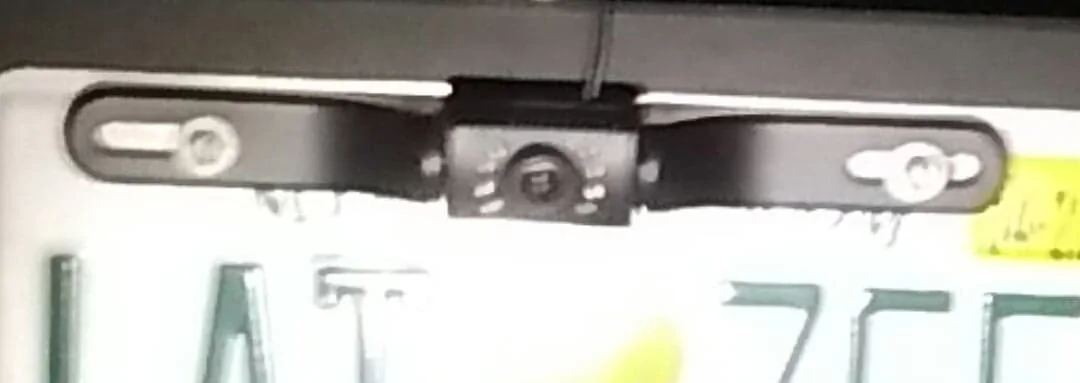
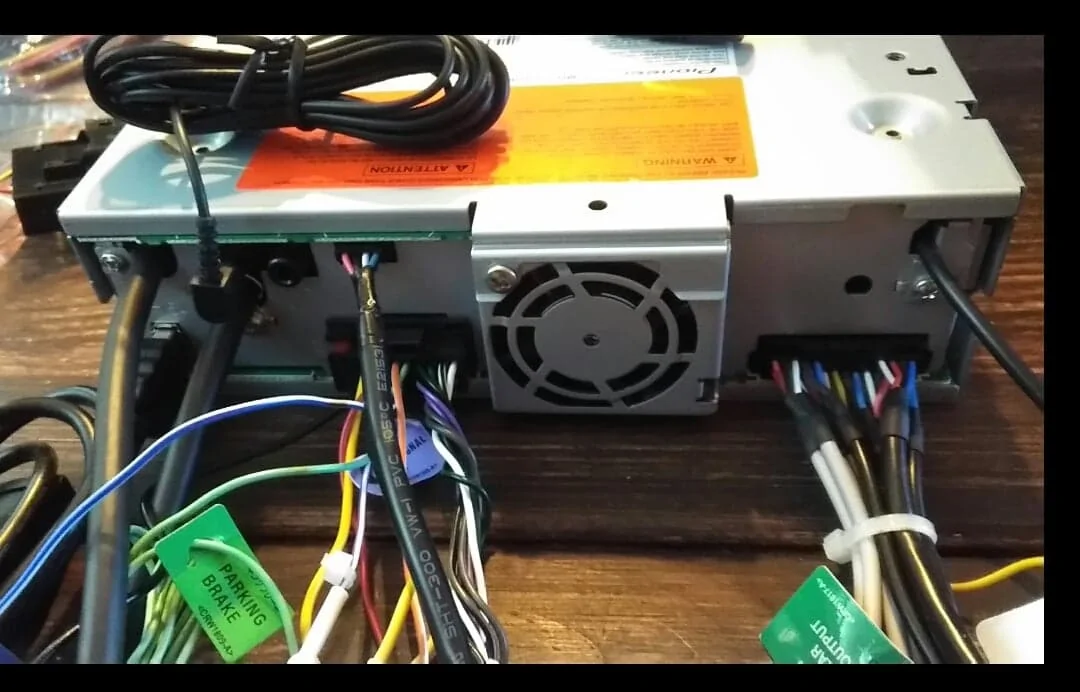
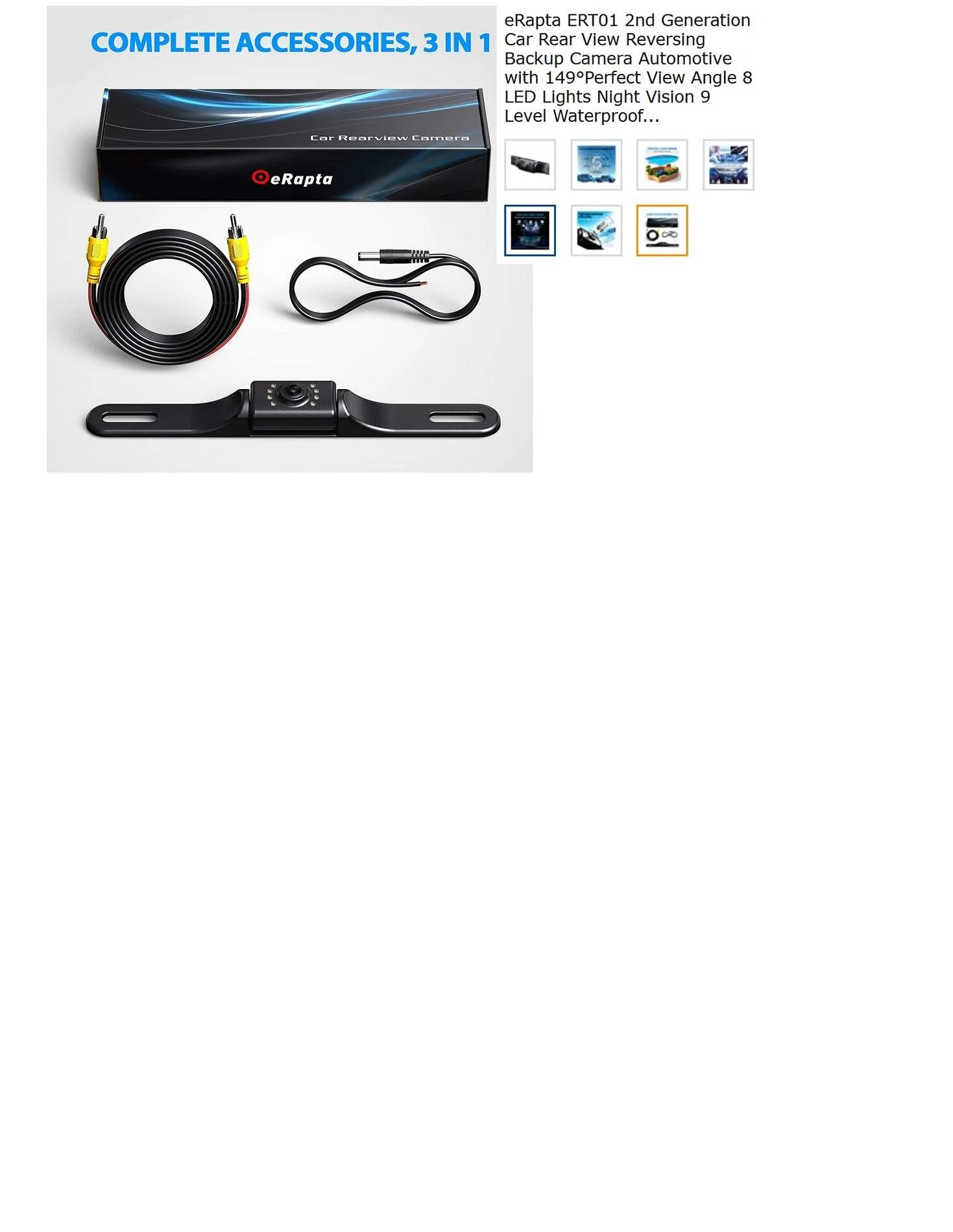
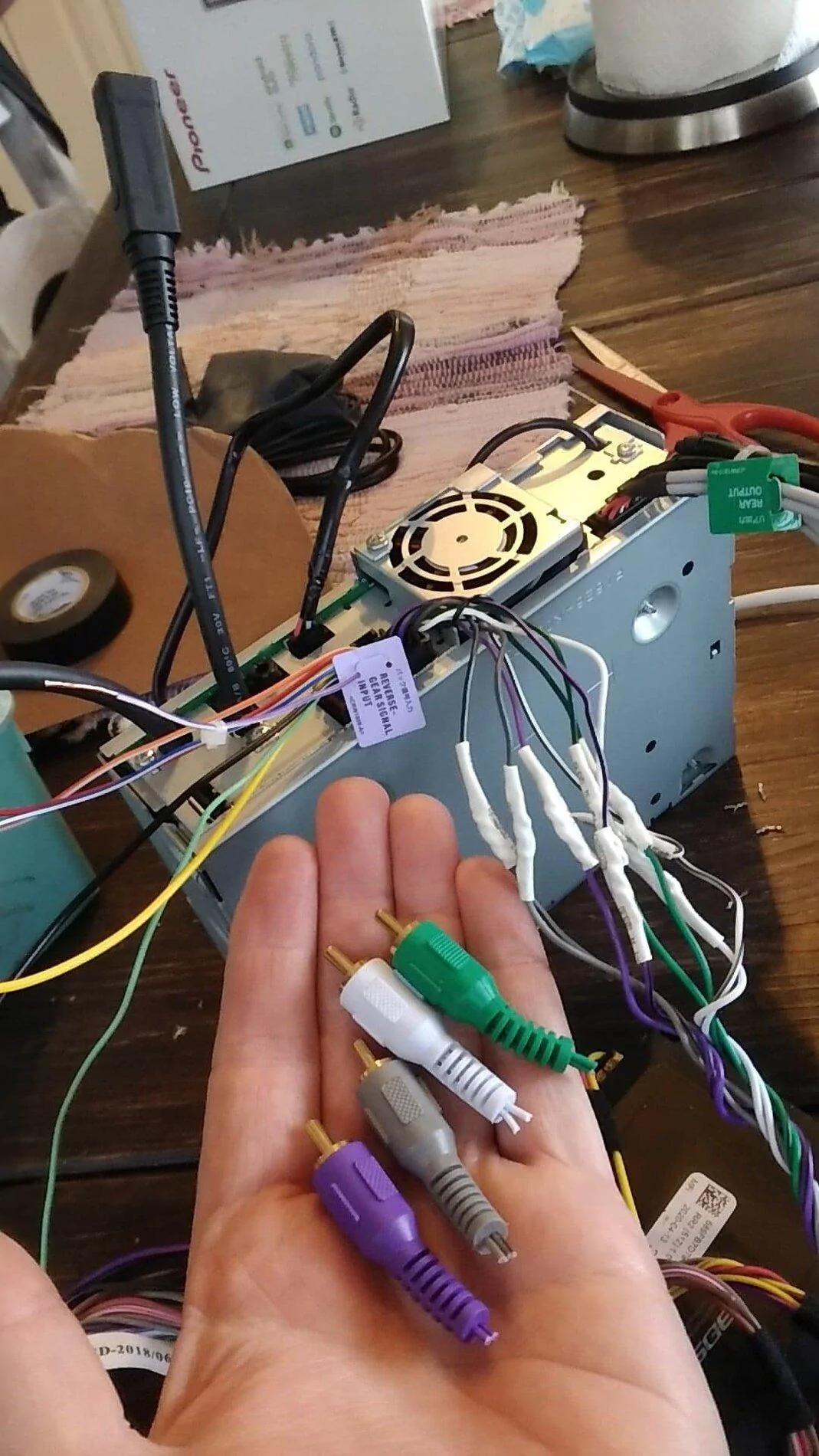
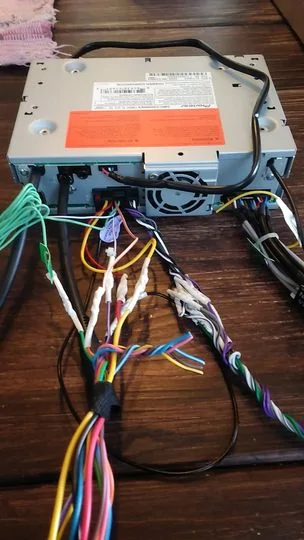
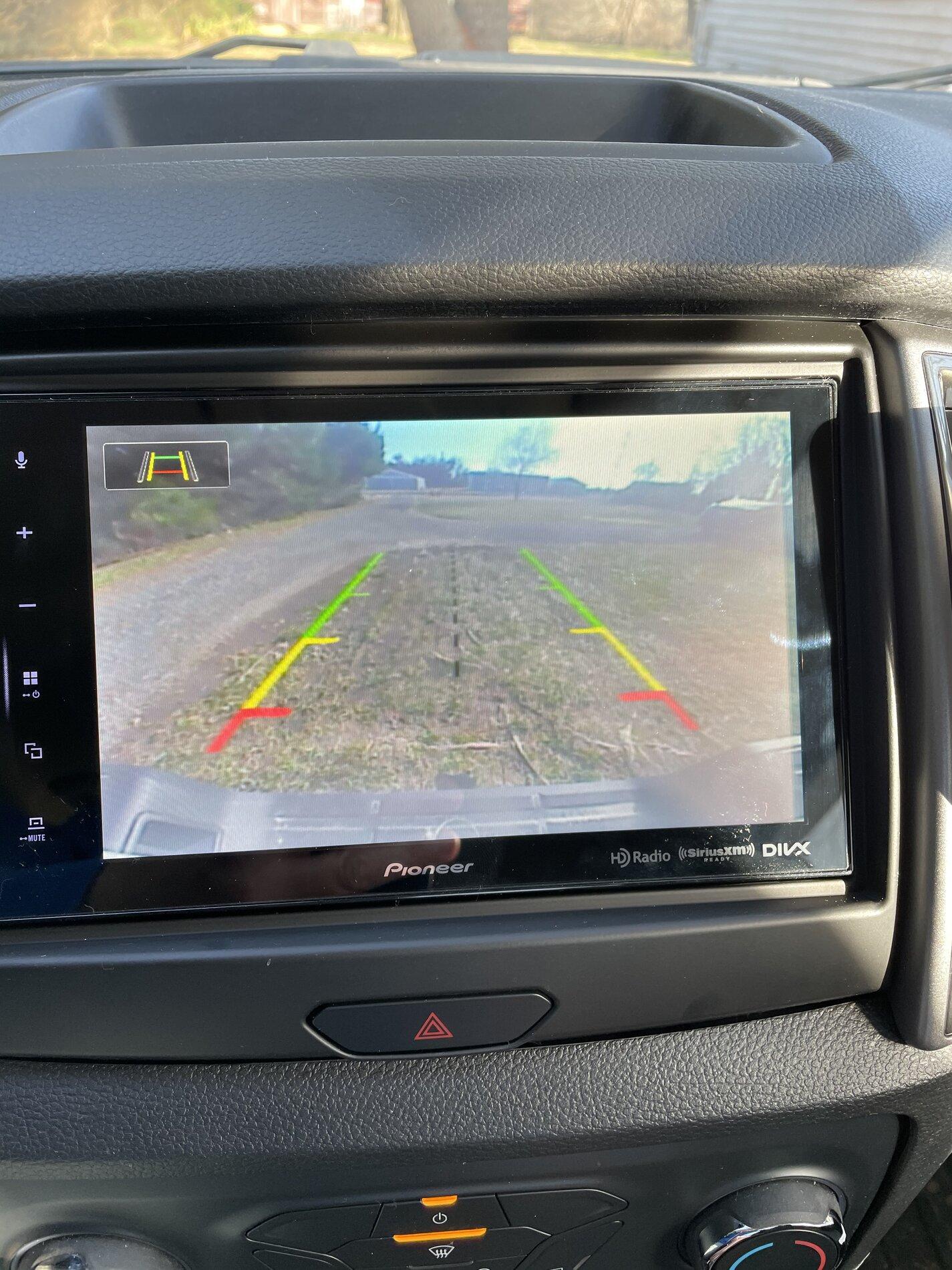
Warning this is long to help others out and I am sure things could have been done better and I did some things wrong but its in and working ...... So my audio system in my 2021 XL stripper sounded ok but it had no backup cam in the dash display (its a tiny 2.5 inch screen in the backup mirror instead and I hated the 90's dot matrix display in the radio head. I AM NOT a techie guy . I havent installed a stereo in 30 yrs since it was just 11 wires back then and you were done. I still dont have all the head unit features working but I am really close . I purchased the Metra Faceplate made for the Pioneer 8" radio , Maestro RR2 steering wheel unit and F02 harness - I thought it would all work. I also had some help from bltfrdtgh so kudos to him helping me out . So you have to pick your make , model and steering wheel type, stereo model and serial number and switch functionality off the idata website for flashing the RR2 unit which programs your steering buttons functionality with the Pioneer - issue 1 they didnt have my specific 2021 stripper steering wheel to choose from so I chose the only one there . So you then flash your RR2 unit via usb laptop and your good to go . So you end up cutting off the 4 speaker wire RCA's and solder several other wires which are all color coded and matched up pretty good to the F02 harness. Then you plugin it all in the back of the Pioneer... additionally the USB cable,4 pin black data cable from the pioneer over to the rr2 , and a few other cables color coded over to the RR2 from the F02 harness, antenna (which you need an adapter cable to go from the factory Ford antenna lead to the old school Pioneer antenna lead, microphone .Of the three Ford block cable connectors poking out of my dash I only used the main -largest one. The other two were taped up and stuffed in the void behind the radio. So now that everything is plugged in - in theory you are ready to go . So I stuffed everything in the dash and fired it up praying. It fired up and the radio worked fine, Bluetooth works, Phone etc. B U T only volume up , volume down, mute work on my steering wheel buttons ....none of the phone buttons or station changing buttons on my steering wheel worked.....Your Ford menu buttons on the left side of the steering wheel however still worked . I got through to Idata RR2 tech support people and they told me the 2021 is apparently different and they dont have a solution engineered yet . WTF . At this point 2 days in I am not about to yank it all and send it all back. So I programmed my buttons that were working to dual mode where each switch can do two things if you hold the button down as opposed to momentarily pushing it as a workaround as the tech suggested. The tech said they should have a solution and to keep checking back with them for a new flash or wiring etc. So now I start playing with it and the backup camera doesnt work. My little camera in my rearview mirror still works and the Pioneer screen goes to black when I throw it in reverse . I say screw it I am not going to start ripping into harnesses probing for video signals, +, ground etc . So I bought a $25 Erapta license plate backup camera off Amazon and connected it to the backup tailight + and ground . Ran the wires through the frame, cab floor to the radio and connected the yellow Erapta RCA jack to the brown Pioneer Female RCA backup cam input. Voila it worked ! The picture is decent and the stagnant backup lines helpful. You can disable them apparently by cutting a white wire on the Erapta cable but I chose to leave the lines. So now I notice my USB source is grayed out on the pioneer screen ? When I connect my android phone the "Android Auto App" will not launch or work work AT ALL. I thought the supplied USB cable was probably bad so I pulled the unit out of the dash for the 9th time put a new USB cable in and it still will not work and is grayed out . I have done some reading around the web and apparently as a distracted driving safety feature if you do not have the parking brake set - radio green wire grounded , several people have said that disables the USB port. I DID NOT ground my green wire so tomorrow I will pull the unit out yet again , ground that green wire and see if the port finally comes to life and my Android Auto can then finally work etc. Its not perfect yet, was an absolute pita , but I have a nice 8" backup cam now , NICE sounding system - with the stock speakers , Bluetooth, Phone and hopefully I get that USB port working in a few days after a much needed break from this . Next time I will buy the next higher truck trim level lol.......BTW the 2021 hazard switch does NOT fit properly in the Metra faceplate ...the hole is too small . Pic 6 discard pile - cables you dont use. FordPass still works I can remote start-stop ,lock -unlock with the Pioneer in there so the systems are totally separate apparently in this case.
s1.jpg


s2.jpg


s3.jpg


s4.jpg


s5.jpg


s6.jpg


s7.jpg


s8.jpg


s9.jpg


s10.jpg


s11.jpg


s15.jpg


Antenna adapter.jpg


s16.jpg


Erapta 26.jpg


s20.jpg


s21.jpg
That is SO sweet and since I only have the little screen myself... I hate you! But in an envious way and this is something I would never attempt or I wouldn't be able to drive it until I had someone correct everything.
 
OP
OP
sootie007

sootie007

Well-Known Member
First Name
John
Joined
Jan 27, 2021
Threads
24
Messages
147
Reaction score
340
Location
Clermont
Vehicle(s)
2021 LT 4 x 4
Occupation
Electronics
Vehicle Showcase
1
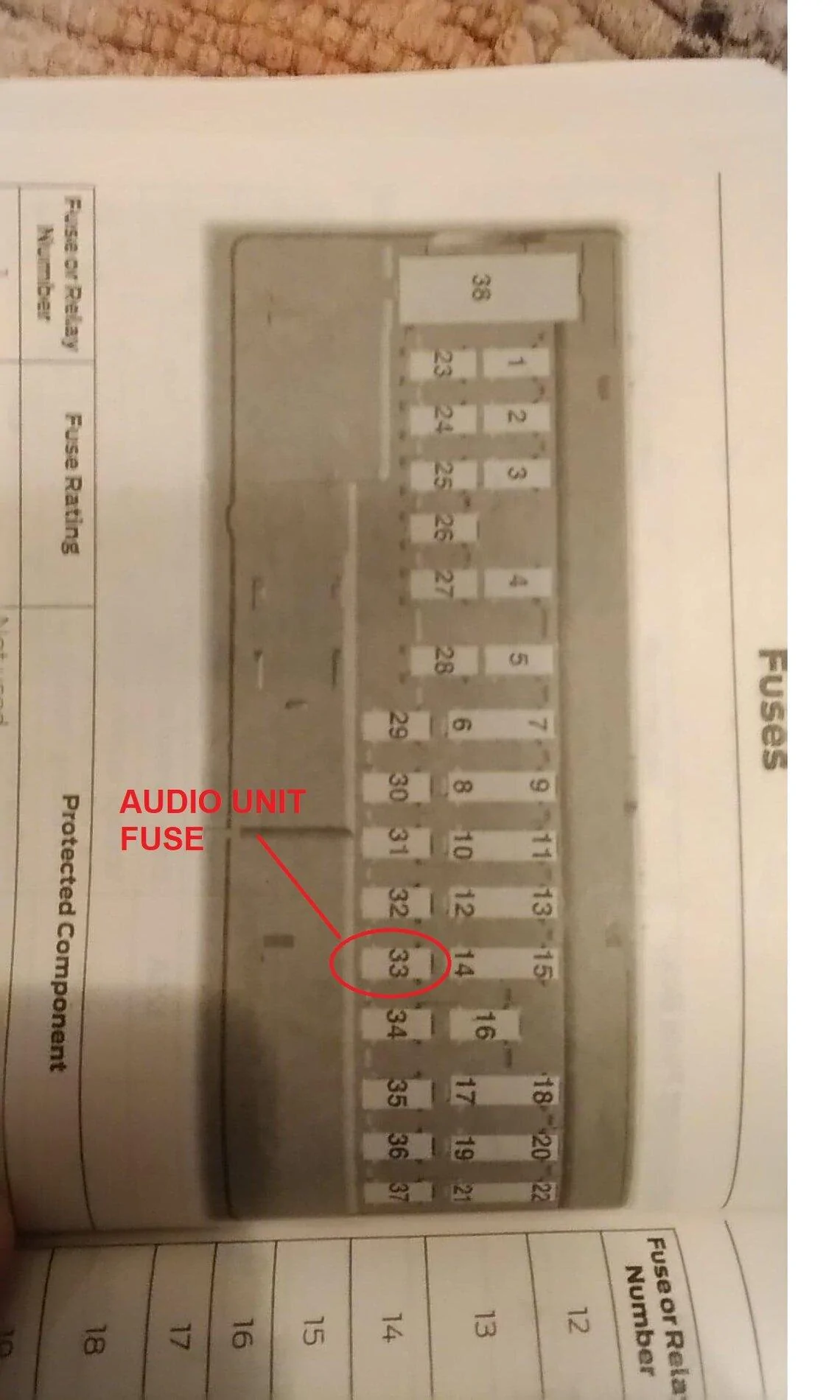
FIXED ....well sort of -so the obd2 display function just stopped working on the Pioneer head unit for no reason after about 3-4 weeks after I ran Forscan, disconnected and made no changes ... Not a single gauge was moving - getting data on the Pioneer NEX 5500 head unit . It just kept saying there was an OBD2 communication error. I bought a cheap OBD code reader off Amazon to make sure the OBD port wasnt damaged - it wasnt . So I decided to simply pull the fuse from the radio head unit - giving it a reset of sorts. I pulled fuse # 33 "Audio unit" from under the steering column for about 15 seconds . Put it back in , fired the radio back up, selected OBD2 display and all the gauges are working again ...... ????????? When in doubt power it down then up again lol...... BTW when anyone fixes a bug on the forum here why dont you put "FIXED" as your first word in your reply - so it makes it easier for guys to find fixes.
audio unit fuse obd 2 stopped displaying.jpg
 
Last edited:


kcollins

New Member
First Name
Kevin
Joined
Jan 11, 2025
Threads
0
Messages
4
Reaction score
4
Location
Lawrenceburg, IN
Vehicle(s)
2021 Ford Ranger XL
Warning this is long to help others out and I am sure things could have been done better and I did some things wrong but its in and working ...... So my audio system in my 2021 XL stripper sounded ok but it had no backup cam in the dash display (its a tiny 2.5 inch screen in the backup mirror instead and I hated the 90's dot matrix display in the radio head. I AM NOT a techie guy . I havent installed a stereo in 30 yrs since it was just 11 wires back then and you were done. I still dont have all the head unit features working but I am really close . I purchased the Metra Faceplate made for the Pioneer 8" radio , Maestro RR2 steering wheel unit and F02 harness - I thought it would all work. I also had some help from bltfrdtgh so kudos to him helping me out . So you have to pick your make , model and steering wheel type, stereo model and serial number and switch functionality off the idata website for flashing the RR2 unit which programs your steering buttons functionality with the Pioneer - issue 1 they didnt have my specific 2021 stripper steering wheel to choose from so I chose the only one there . So you then flash your RR2 unit via usb laptop and your good to go . So you end up cutting off the 4 speaker wire RCA's and solder several other wires which are all color coded and matched up pretty good to the F02 harness. Then you plugin it all in the back of the Pioneer... additionally the USB cable,4 pin black data cable from the pioneer over to the rr2 , and a few other cables color coded over to the RR2 from the F02 harness, antenna (which you need an adapter cable to go from the factory Ford antenna lead to the old school Pioneer antenna lead, microphone .Of the three Ford block cable connectors poking out of my dash I only used the main -largest one. The other two were taped up and stuffed in the void behind the radio. So now that everything is plugged in - in theory you are ready to go . So I stuffed everything in the dash and fired it up praying. It fired up and the radio worked fine, Bluetooth works, Phone etc. B U T only volume up , volume down, mute work on my steering wheel buttons ....none of the phone buttons or station changing buttons on my steering wheel worked.....Your Ford menu buttons on the left side of the steering wheel however still worked . I got through to Idata RR2 tech support people and they told me the 2021 is apparently different and they dont have a solution engineered yet . WTF . At this point 2 days in I am not about to yank it all and send it all back. So I programmed my buttons that were working to dual mode where each switch can do two things if you hold the button down as opposed to momentarily pushing it as a workaround as the tech suggested. The tech said they should have a solution and to keep checking back with them for a new flash or wiring etc. So now I start playing with it and the backup camera doesnt work. My little camera in my rearview mirror still works and the Pioneer screen goes to black when I throw it in reverse . I say screw it I am not going to start ripping into harnesses probing for video signals, +, ground etc . So I bought a $25 Erapta license plate backup camera off Amazon and connected it to the backup tailight + and ground . Ran the wires through the frame, cab floor to the radio and connected the yellow Erapta RCA jack to the brown Pioneer Female RCA backup cam input. Voila it worked ! The picture is decent and the stagnant backup lines helpful. You can disable them apparently by cutting a white wire on the Erapta cable but I chose to leave the lines. So now I notice my USB source is grayed out on the pioneer screen ? When I connect my android phone the "Android Auto App" will not launch or work work AT ALL. I thought the supplied USB cable was probably bad so I pulled the unit out of the dash for the 9th time put a new USB cable in and it still will not work and is grayed out . I have done some reading around the web and apparently as a distracted driving safety feature if you do not have the parking brake set - radio green wire grounded , several people have said that disables the USB port. I DID NOT ground my green wire so tomorrow I will pull the unit out yet again , ground that green wire and see if the port finally comes to life and my Android Auto can then finally work etc. Its not perfect yet, was an absolute pita , but I have a nice 8" backup cam now , NICE sounding system - with the stock speakers , Bluetooth, Phone and hopefully I get that USB port working in a few days after a much needed break from this . Next time I will buy the next higher truck trim level lol.......BTW the 2021 hazard switch does NOT fit properly in the Metra faceplate ...the hole is too small . Pic 6 discard pile - cables you dont use. FordPass still works I can remote start-stop ,lock -unlock with the Pioneer in there so the systems are totally separate apparently in this case.
s1.jpg


s2.jpg


s3.jpg


s4.jpg


s5.jpg


s6.jpg


s7.jpg


s8.jpg


s9.jpg


s10.jpg


s11.jpg


s15.jpg


Antenna adapter.jpg


s16.jpg


Erapta 26.jpg


s20.jpg


s21.jpg
Nice to see someone else describe their experience. Currently I am doing an install of my Pioneer 1330NEX into a 2021 Ranger XL, idatalink Maestro RR2, Pioneer adaptor harness...Most of my stuff worked but need to go back in and fix a few connections. Did you use the factory USB port and connect it to your Pioneer USB Extension cable? I also need to make a multitude of audio adjustments in the Pioneer head unit to get the sound more to my liking.
 
OP
OP
sootie007

sootie007

Well-Known Member
First Name
John
Joined
Jan 27, 2021
Threads
24
Messages
147
Reaction score
340
Location
Clermont
Vehicle(s)
2021 LT 4 x 4
Occupation
Electronics
Vehicle Showcase
1
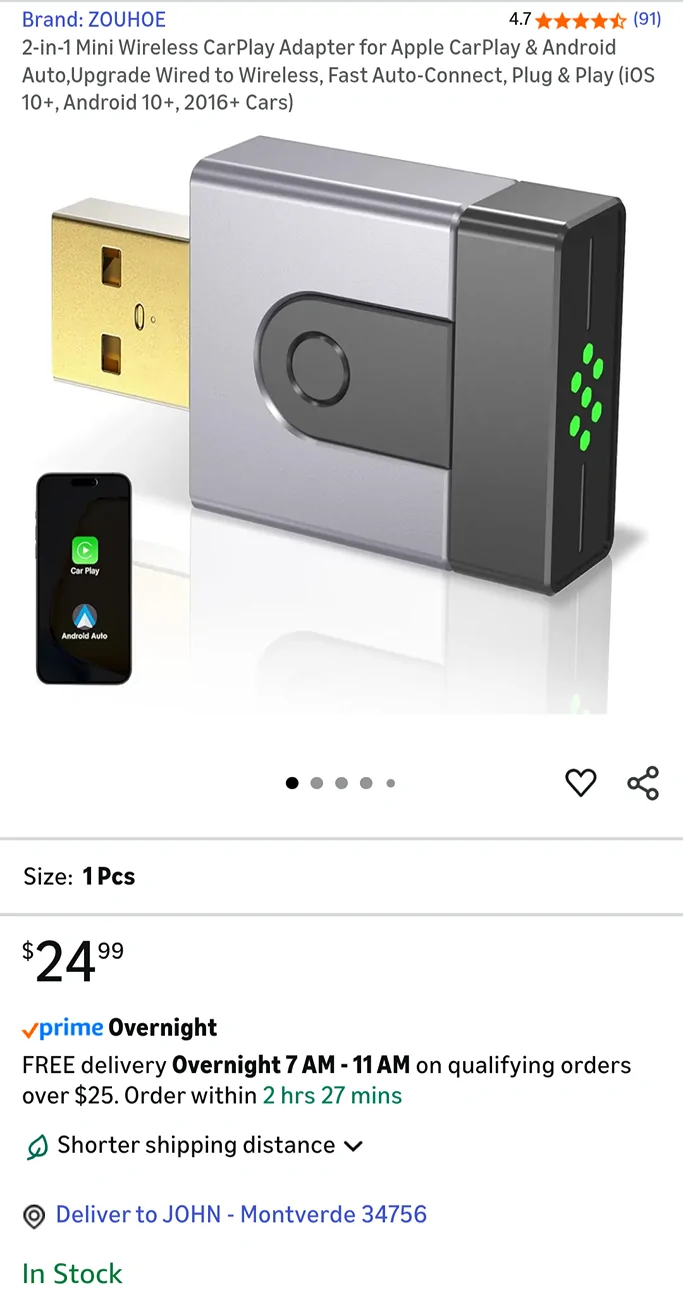
FIXED ....So it's been 4 yrs installed....recently I dropped my phone and had to buy a new phone with a bigger battery. Every time I plug the new phone into the Pioneers USB cable it says something like USB disabled to protect it.....restart unit. My theory is the new phone trips the pioneers USB protection because it consumes alot of power over and above my old phone when quick charging it's larger battery :( . So as a workaround I bought this $25 USB wireless dongle off Amazoink. Pulled the radio out of the dash , pulled the USB cable off the back of the Pioneer unit,plugged the dongle in ,paired it to the phone and voila it works fine. No USB error, Android auto - auto launches seemlessly and I'm good to go again with the brand new phone using Waze, Google Maps,etc. Ugggh it's always something with evolving tech..... but glad these dongles exist.
1000000085.webp
Sponsored

 
Last edited:


Top