BigIron
Well-Known Member
- First Name
- Nicholas
- Joined
- May 26, 2021
- Threads
- 9
- Messages
- 86
- Reaction score
- 127
- Location
- Scottsdale AZ
- Vehicle(s)
- Verette
- Occupation
- 2020 Ford Ranger XLT
- Thread starter
- #1
Did a little install this weekend for ambient lighting in my 2020 ranger crew cab. I got this cheap little set from Amazon
https://www.amazon.com/dp/B093F8G7TN?psc=1&ref=ppx_yo2ov_dt_b_product_details
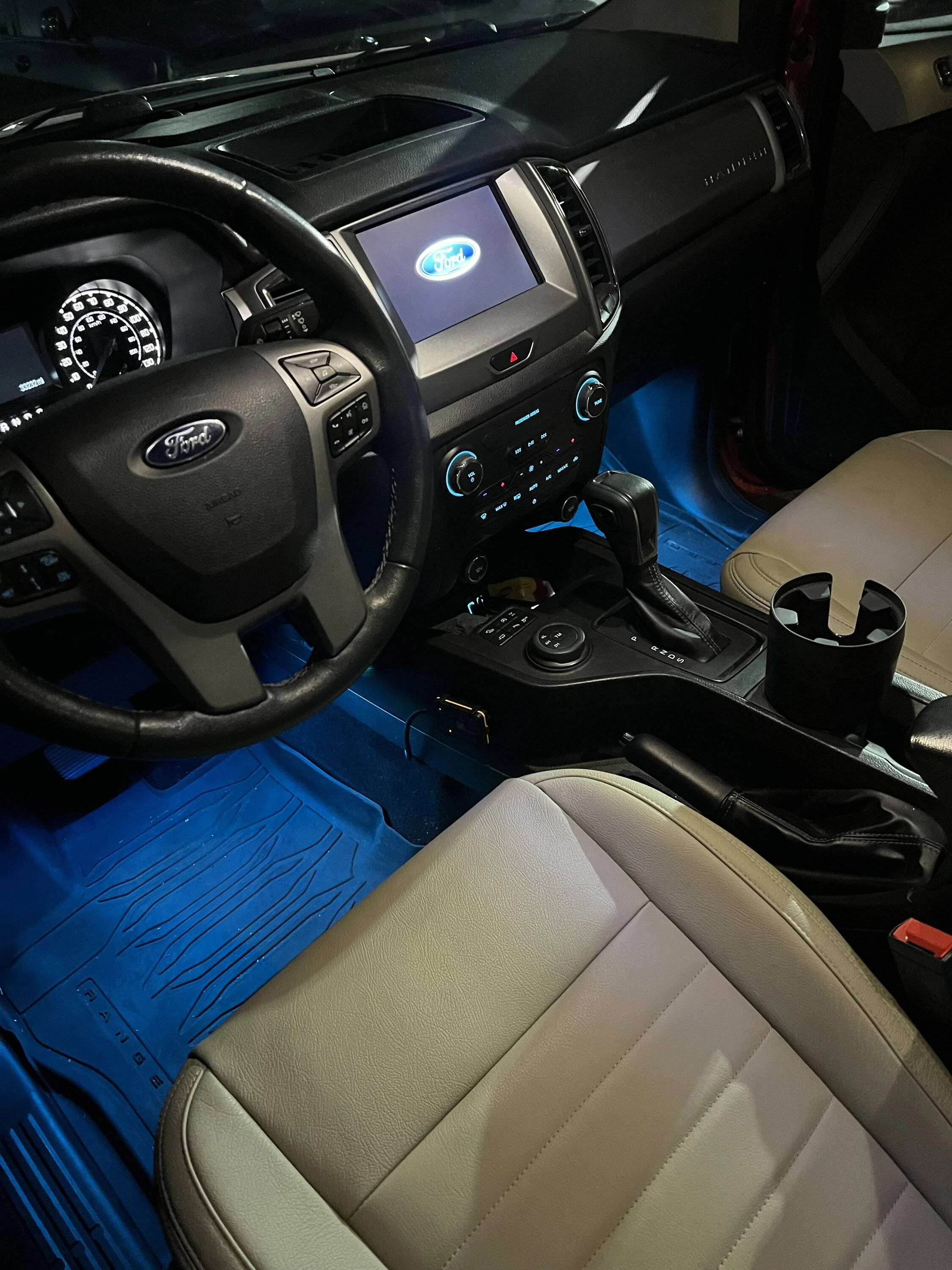
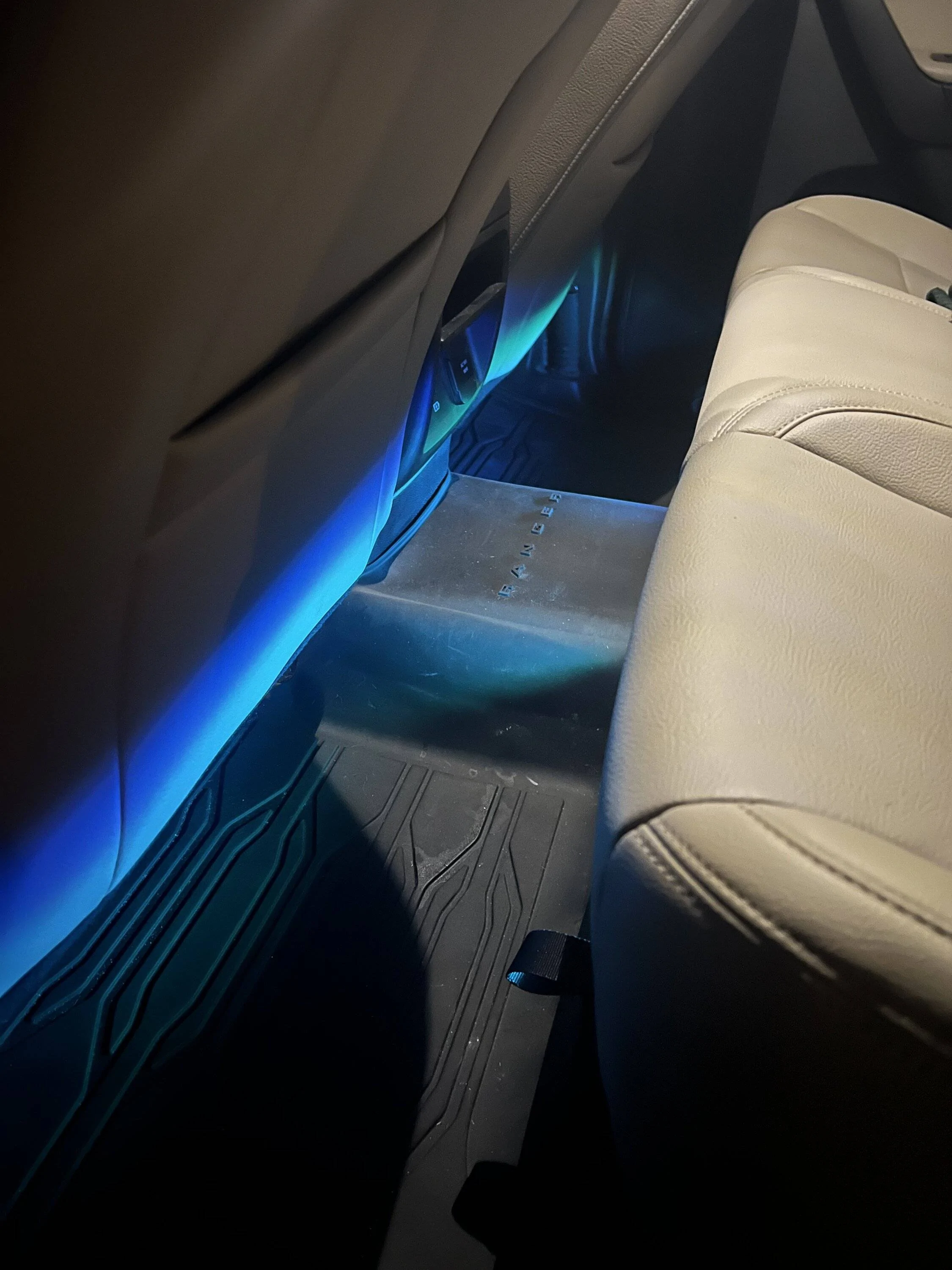
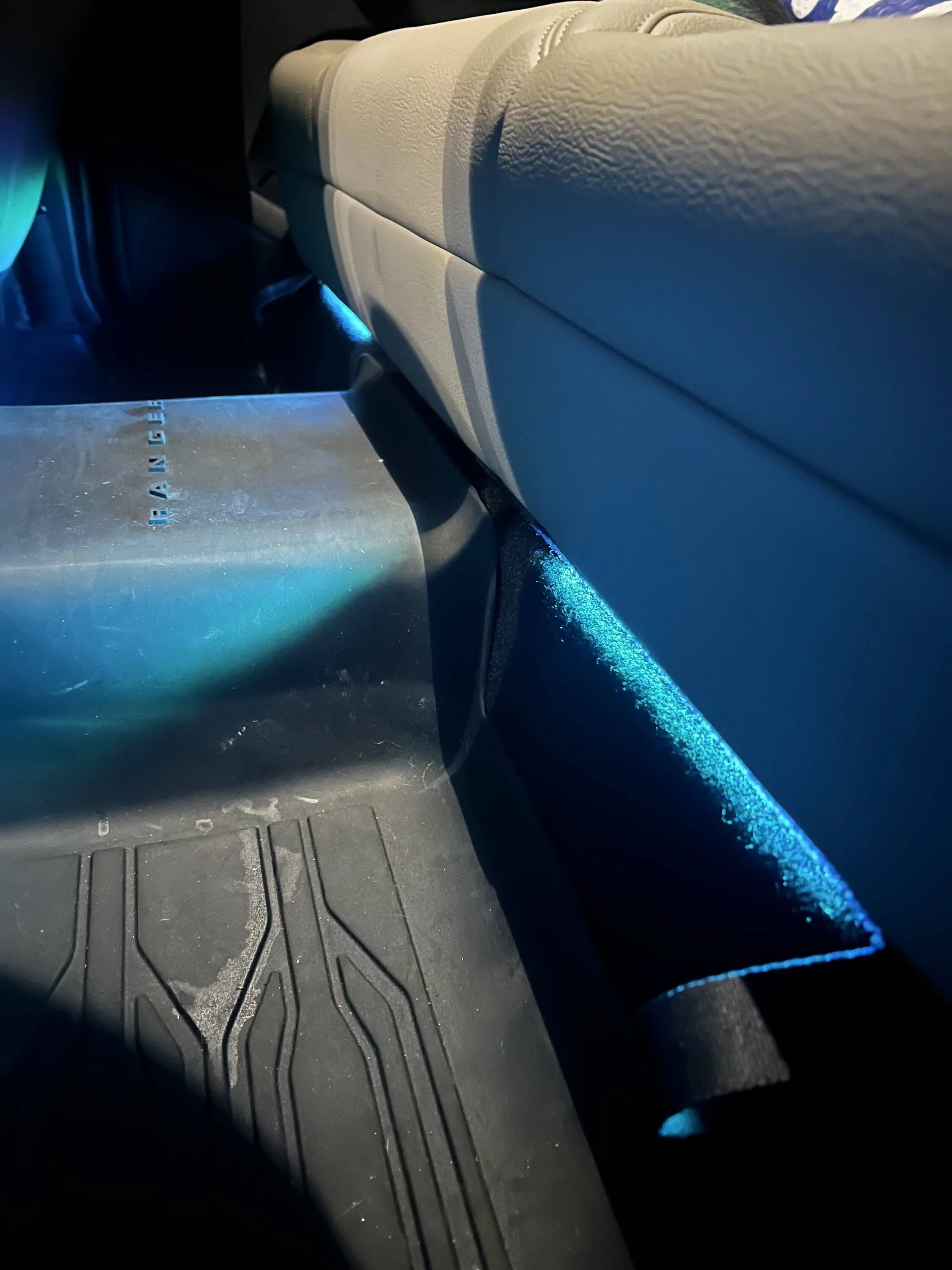
This set included 4 under dash LED strips, and 5 fiber optic connections, all powered by a big 12 volt plug (I remove this and pull power elsewhere) I started with taking the 4 under dash strip lights and placing two on a little metal strip under the front dash for driver and passenger, and the other two under the rear seat mounted to the front edges of the storage boxes facing outward - There's not a great place for the rear seat strips which is why I had to get creative. I then hid all the wires and the box that the app connects to under the center console unit, which has plenty of room to fit wires and components. The wires to the back two strip lights I hid all the way until they reached the back of the center console, then I tucked them under my floor mats.
Next, time to pull power. I've done a bit of wiring in the past, one of which was some custom raptor lights that tap into my side markers - I figured that this previous connection would actually be great to pull power for my ambient lighting, as it uses the trucks light sensor to determine whether to turn on and off, and when I wanted my headlights/raptor lights/ambient lighting to be on happens to all be the same time.
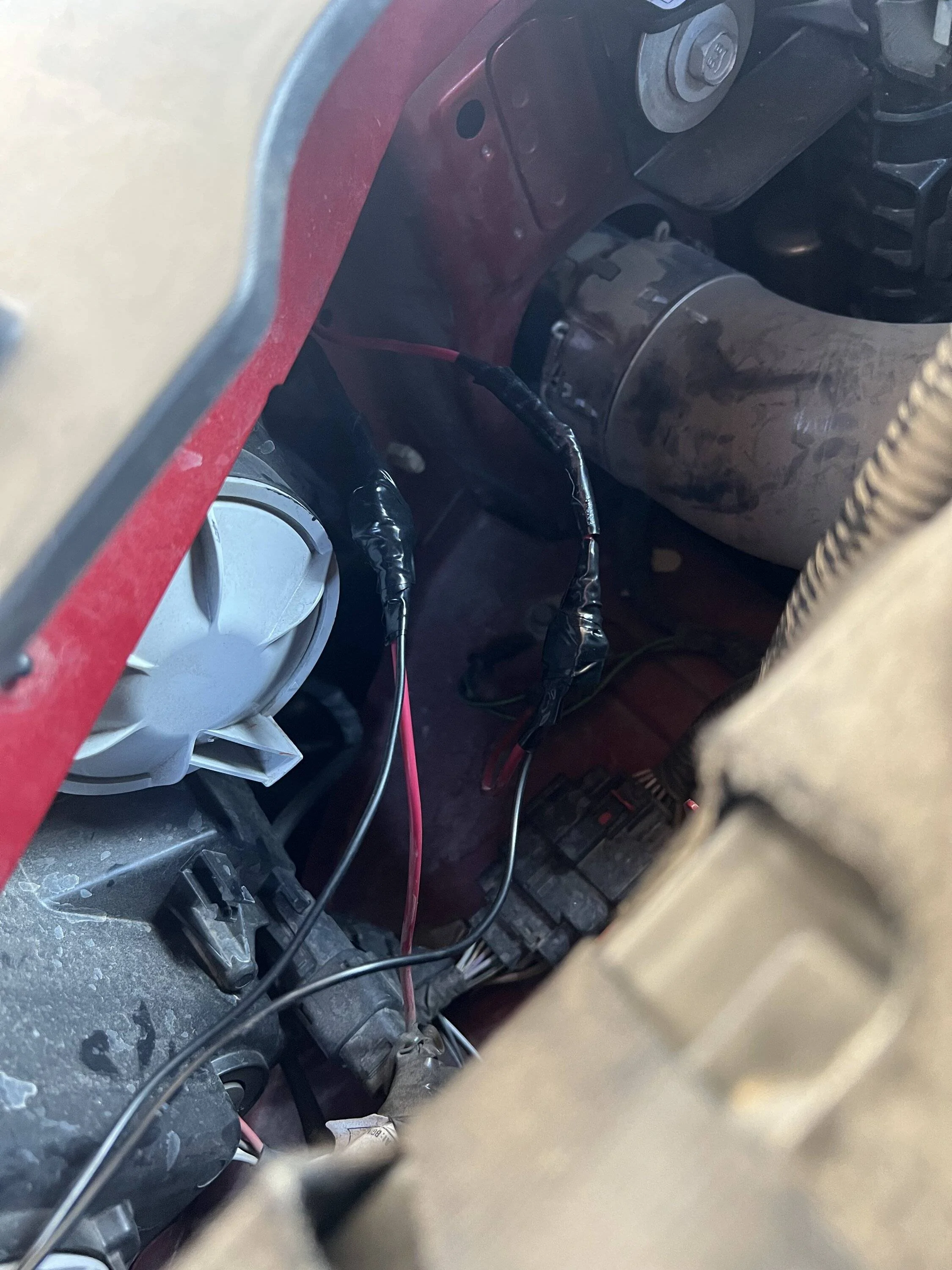
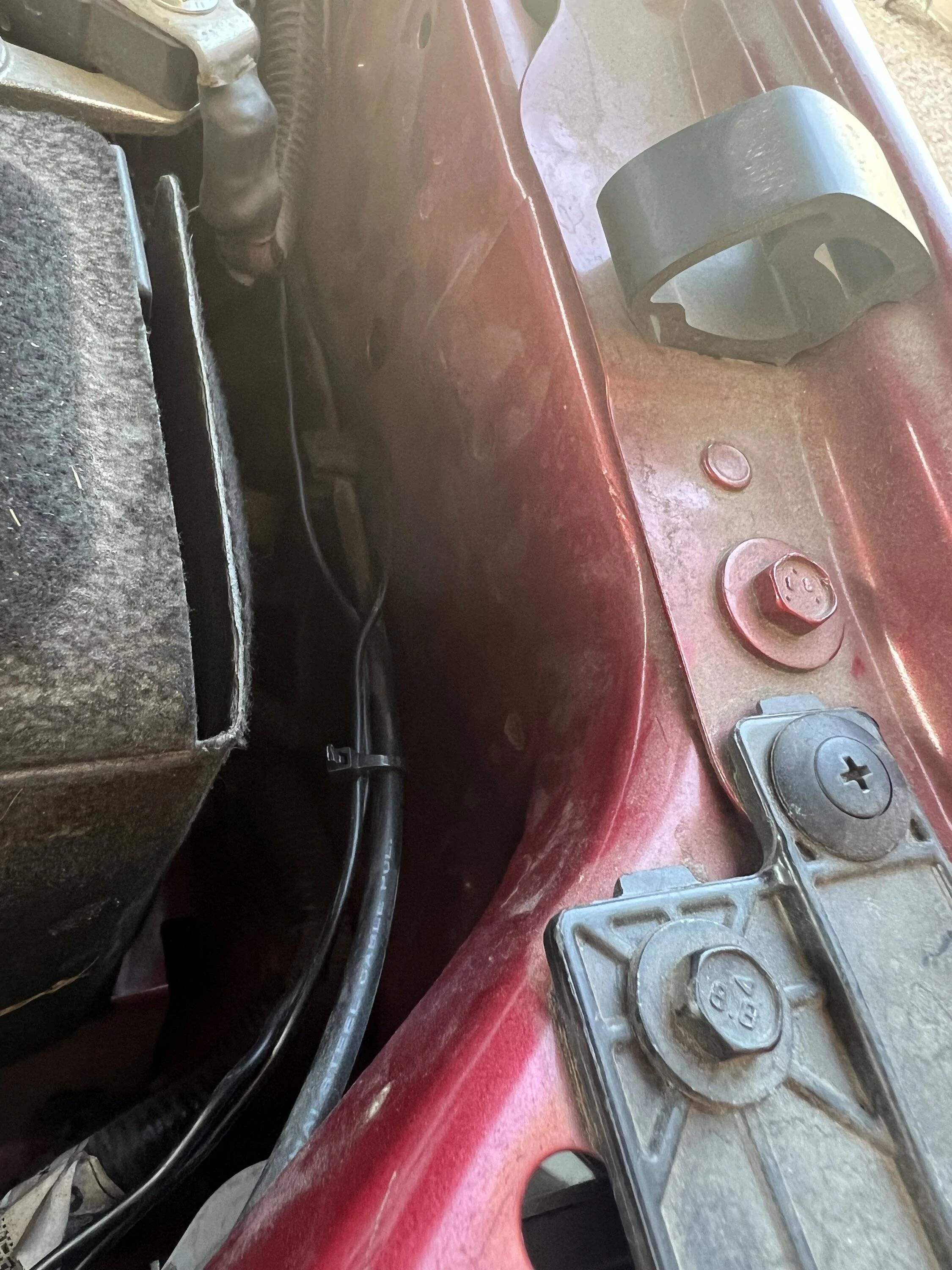
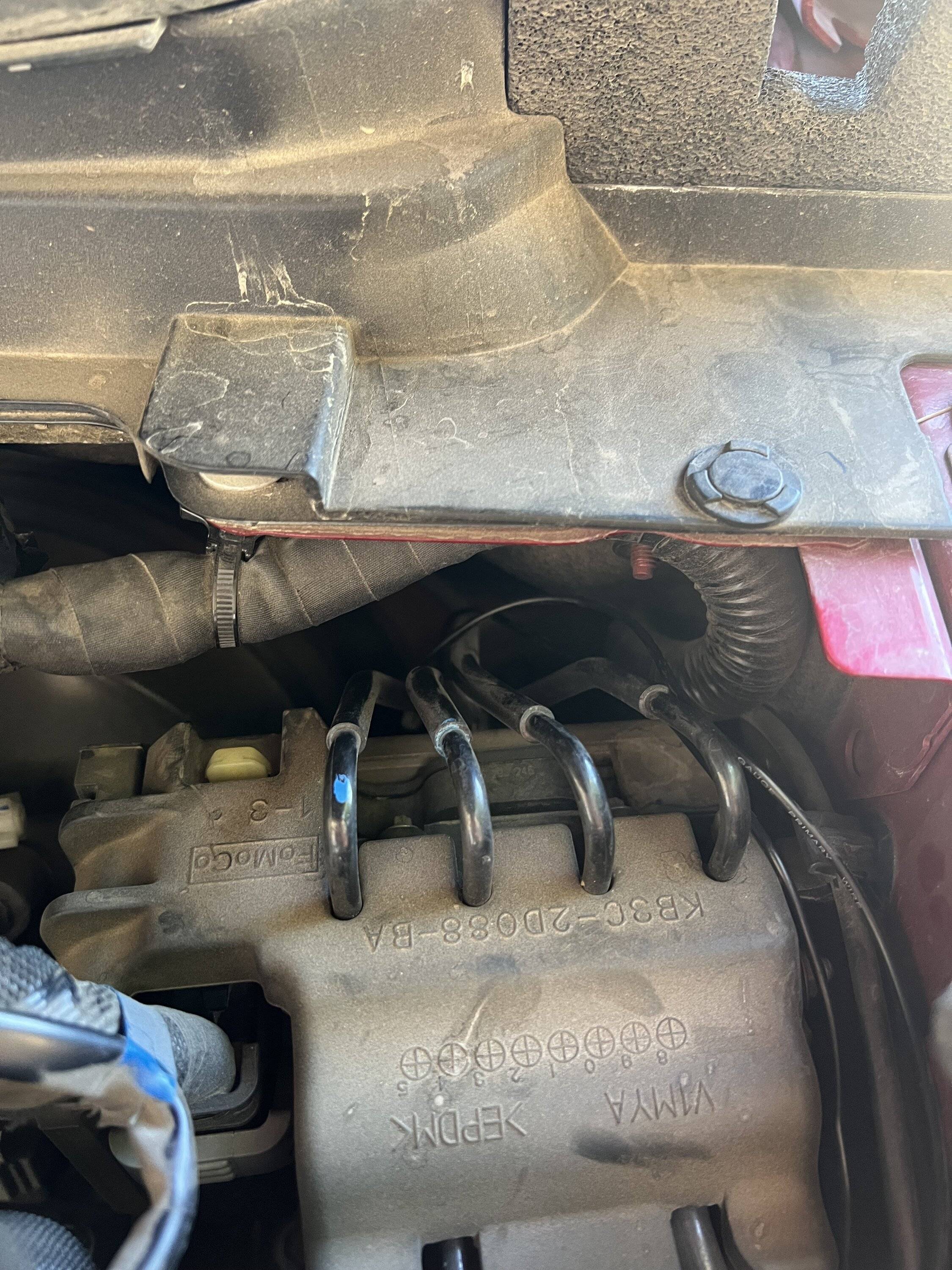
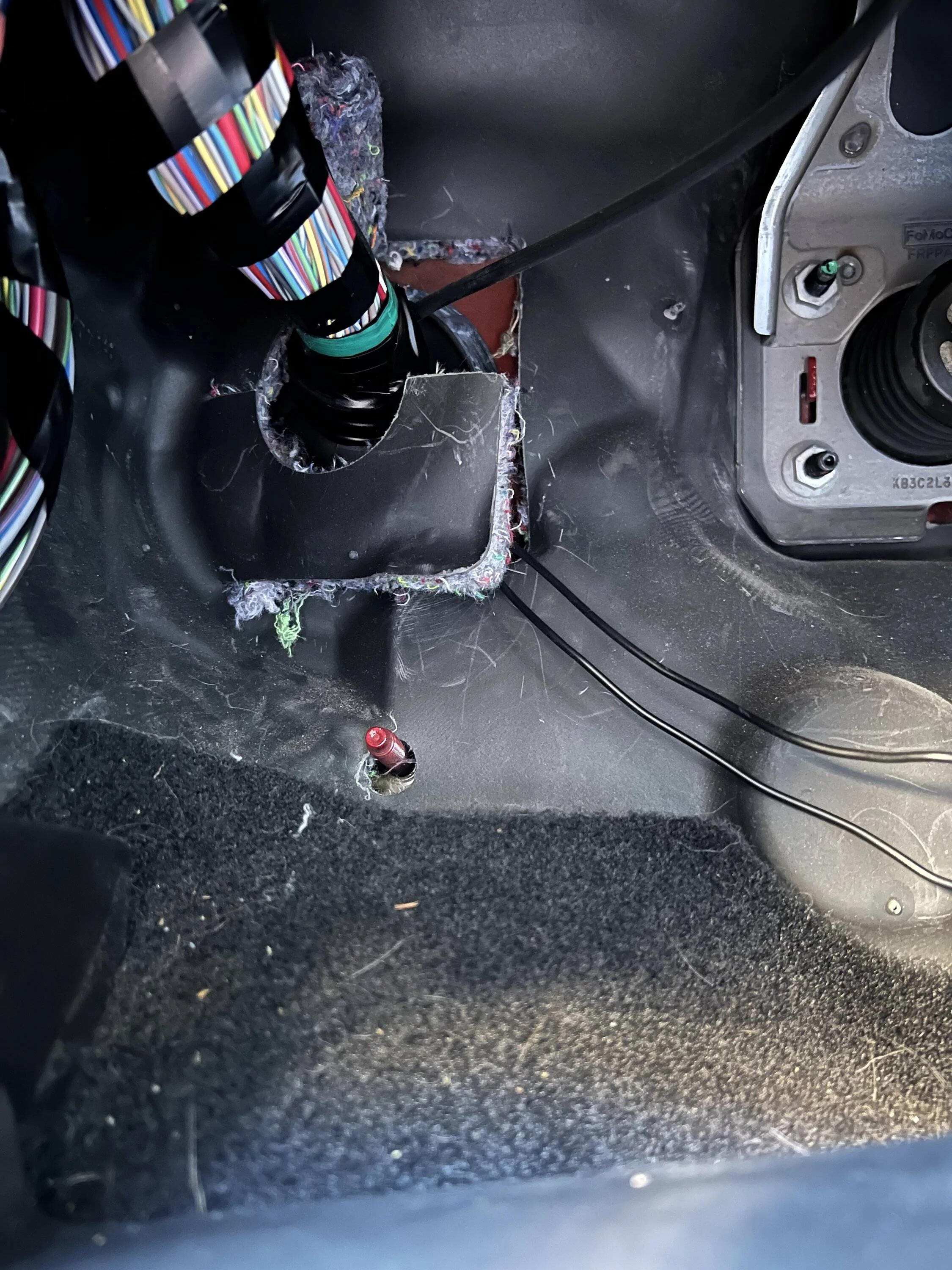
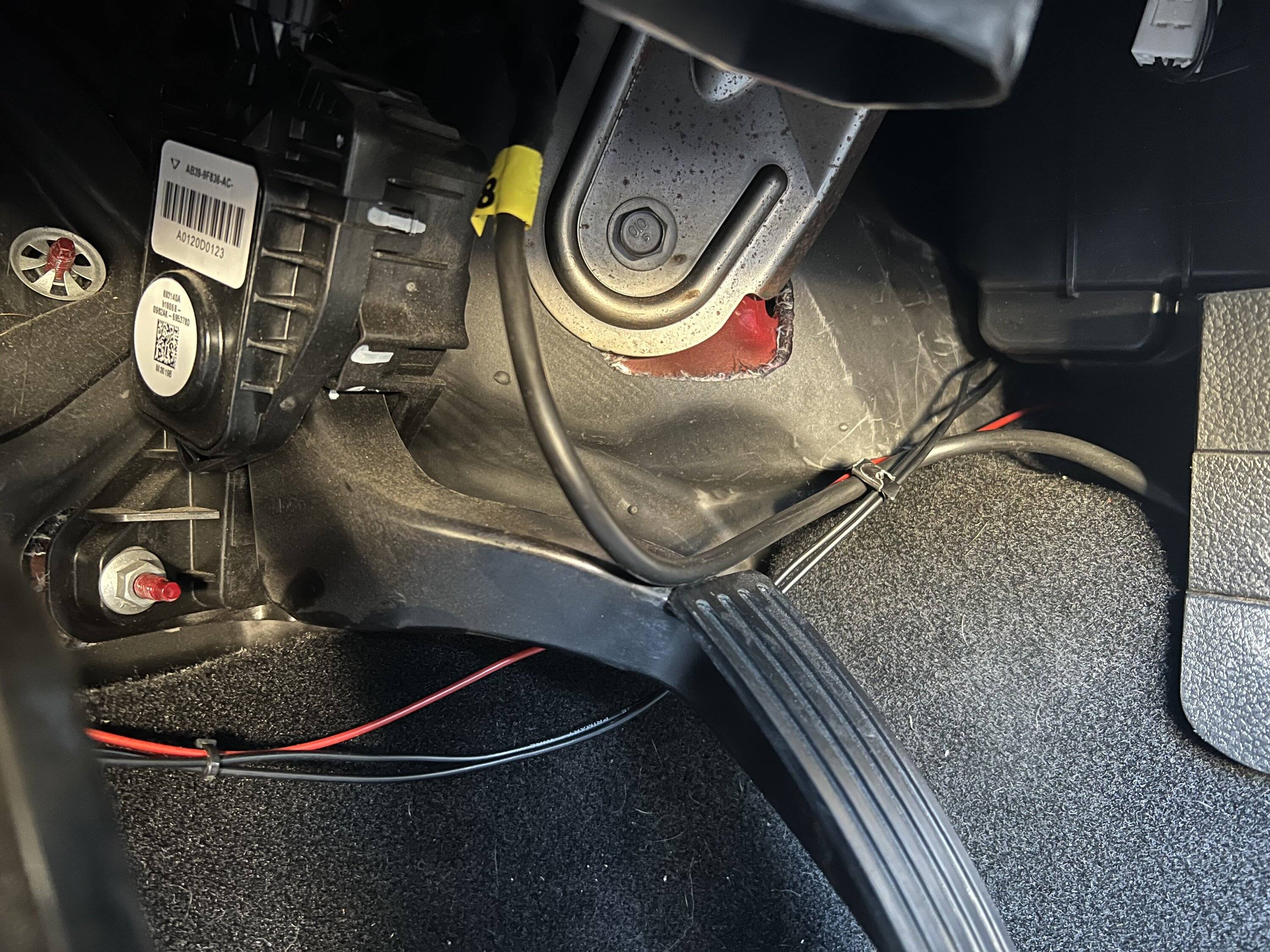
I cut the head off the 12 volt plug in from this kit, pulled back the wiring, and there was conveniently a ground and a power wire. I got the thinnest wiring from orielly I could find, and tapped one long wire into both my power and and one into my ground from the raptor lights from my previous install. (If from stock, I believe the power for the markers is a black with green stripe in the large wiring harness on the drivers side. Don't take my word for it on this, I did the raptor lights a year or so ago. There's other threads with more detail on custom raptor lights. The ground, I just picked a random one that went into the trucks frame.) Both my long wires I brought along the side of the drivers side engine bay, then ran them down to the big wiring harness just by your feet in the drivers seat. You have to use a grommet punch to pull your wires through. Then I brought my two wires behind the gas pedal, through the back of the console where you'll note a red wire goes, then I brought them to the passenger side where my cut 12V wires were. Tapped my power and ground in, hid the wires, and we were rolling. Not a wire in sight, lights turn on at night without me ever touching them, and my app still works to change the color, brightness, etc. I have these on a random blue that seemed to match the ice blue of the dash.
Finally, this kit came with fiber optic strips. I tried long and hard to find a cool place for these, but I was aiming for a stock look with this, and in order to see the fiber optic at night, you'd have to have it in plain sight which would look tacky in the daytime in my opinion, and they're really not bright enough to hide behind anything and expect any light output. For now, I unplugged all 5 fiber optic connections and will maybe revisit if I have any ideas in the future.


https://www.amazon.com/dp/B093F8G7TN?psc=1&ref=ppx_yo2ov_dt_b_product_details
This set included 4 under dash LED strips, and 5 fiber optic connections, all powered by a big 12 volt plug (I remove this and pull power elsewhere) I started with taking the 4 under dash strip lights and placing two on a little metal strip under the front dash for driver and passenger, and the other two under the rear seat mounted to the front edges of the storage boxes facing outward - There's not a great place for the rear seat strips which is why I had to get creative. I then hid all the wires and the box that the app connects to under the center console unit, which has plenty of room to fit wires and components. The wires to the back two strip lights I hid all the way until they reached the back of the center console, then I tucked them under my floor mats.
Next, time to pull power. I've done a bit of wiring in the past, one of which was some custom raptor lights that tap into my side markers - I figured that this previous connection would actually be great to pull power for my ambient lighting, as it uses the trucks light sensor to determine whether to turn on and off, and when I wanted my headlights/raptor lights/ambient lighting to be on happens to all be the same time.
I cut the head off the 12 volt plug in from this kit, pulled back the wiring, and there was conveniently a ground and a power wire. I got the thinnest wiring from orielly I could find, and tapped one long wire into both my power and and one into my ground from the raptor lights from my previous install. (If from stock, I believe the power for the markers is a black with green stripe in the large wiring harness on the drivers side. Don't take my word for it on this, I did the raptor lights a year or so ago. There's other threads with more detail on custom raptor lights. The ground, I just picked a random one that went into the trucks frame.) Both my long wires I brought along the side of the drivers side engine bay, then ran them down to the big wiring harness just by your feet in the drivers seat. You have to use a grommet punch to pull your wires through. Then I brought my two wires behind the gas pedal, through the back of the console where you'll note a red wire goes, then I brought them to the passenger side where my cut 12V wires were. Tapped my power and ground in, hid the wires, and we were rolling. Not a wire in sight, lights turn on at night without me ever touching them, and my app still works to change the color, brightness, etc. I have these on a random blue that seemed to match the ice blue of the dash.
Finally, this kit came with fiber optic strips. I tried long and hard to find a cool place for these, but I was aiming for a stock look with this, and in order to see the fiber optic at night, you'd have to have it in plain sight which would look tacky in the daytime in my opinion, and they're really not bright enough to hide behind anything and expect any light output. For now, I unplugged all 5 fiber optic connections and will maybe revisit if I have any ideas in the future.
Sponsored