Enitan
Well-Known Member
- First Name
- Drew
- Joined
- Oct 13, 2019
- Threads
- 16
- Messages
- 115
- Reaction score
- 268
- Location
- Western NY
- Vehicle(s)
- 2019 Ranger XLT - FX4
- Thread starter
- #1
I’ve searched and searched and not found a how to on this, but it’s super useful.
If I missed it somewhere please delete or link!
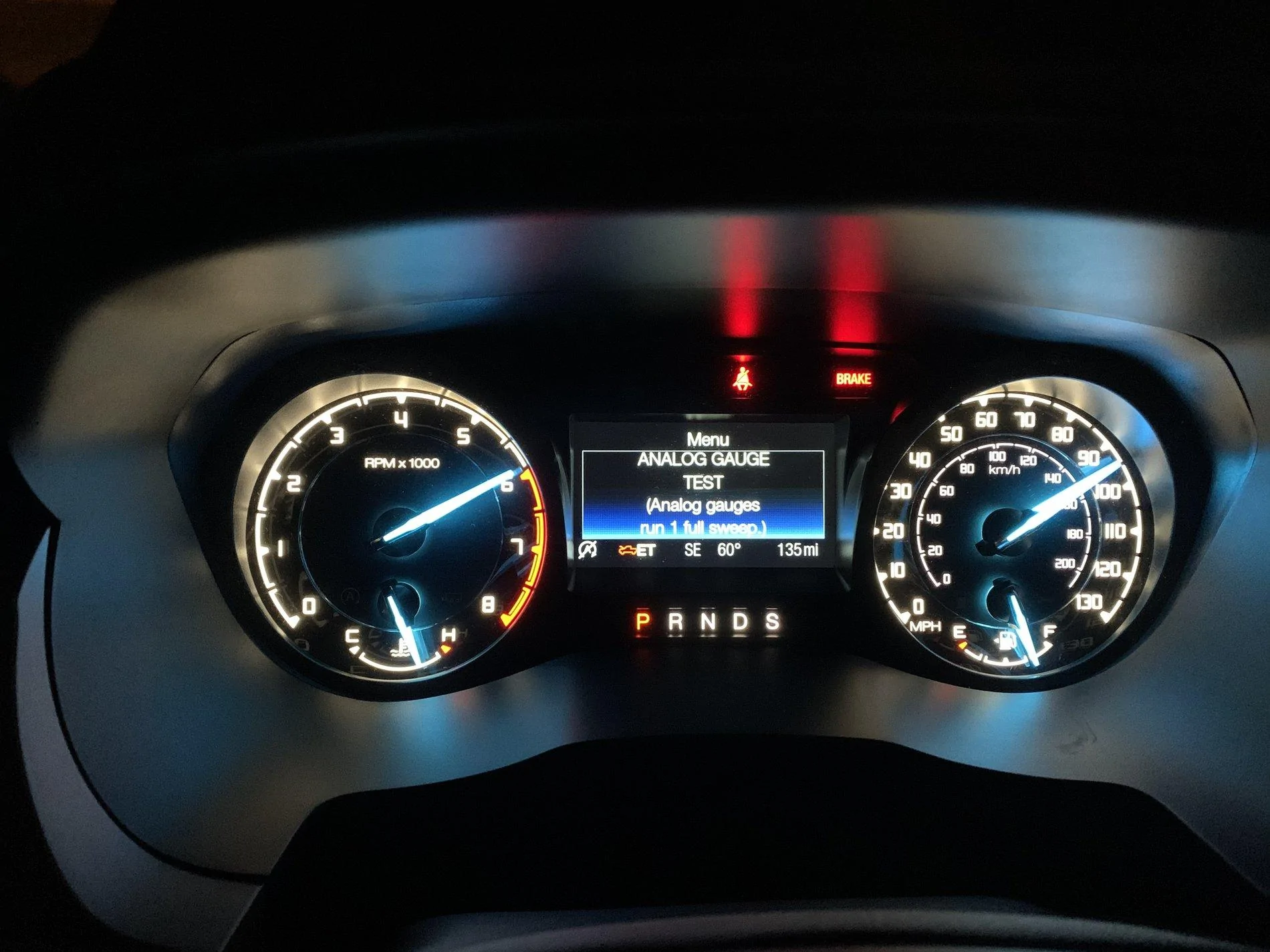
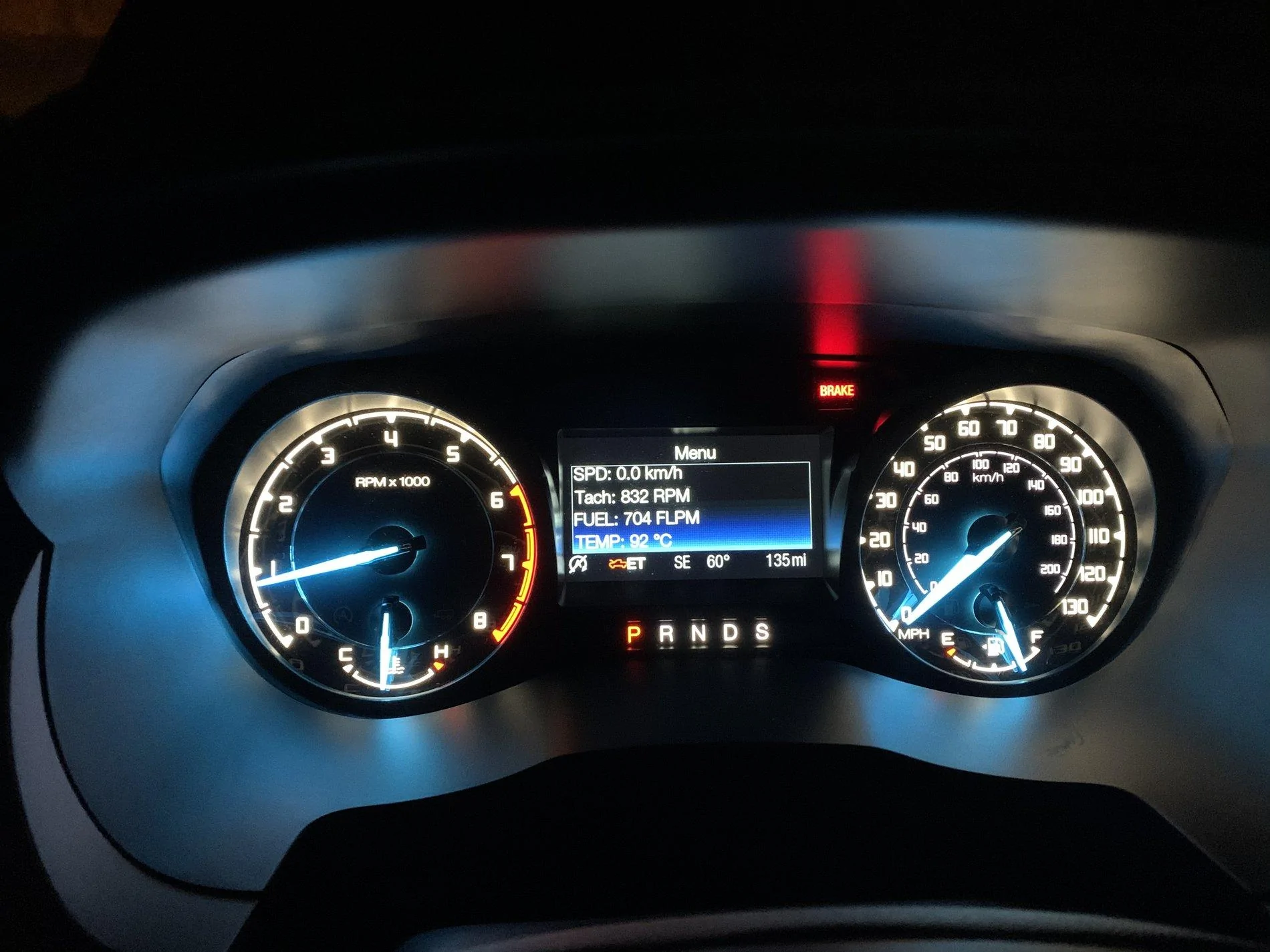
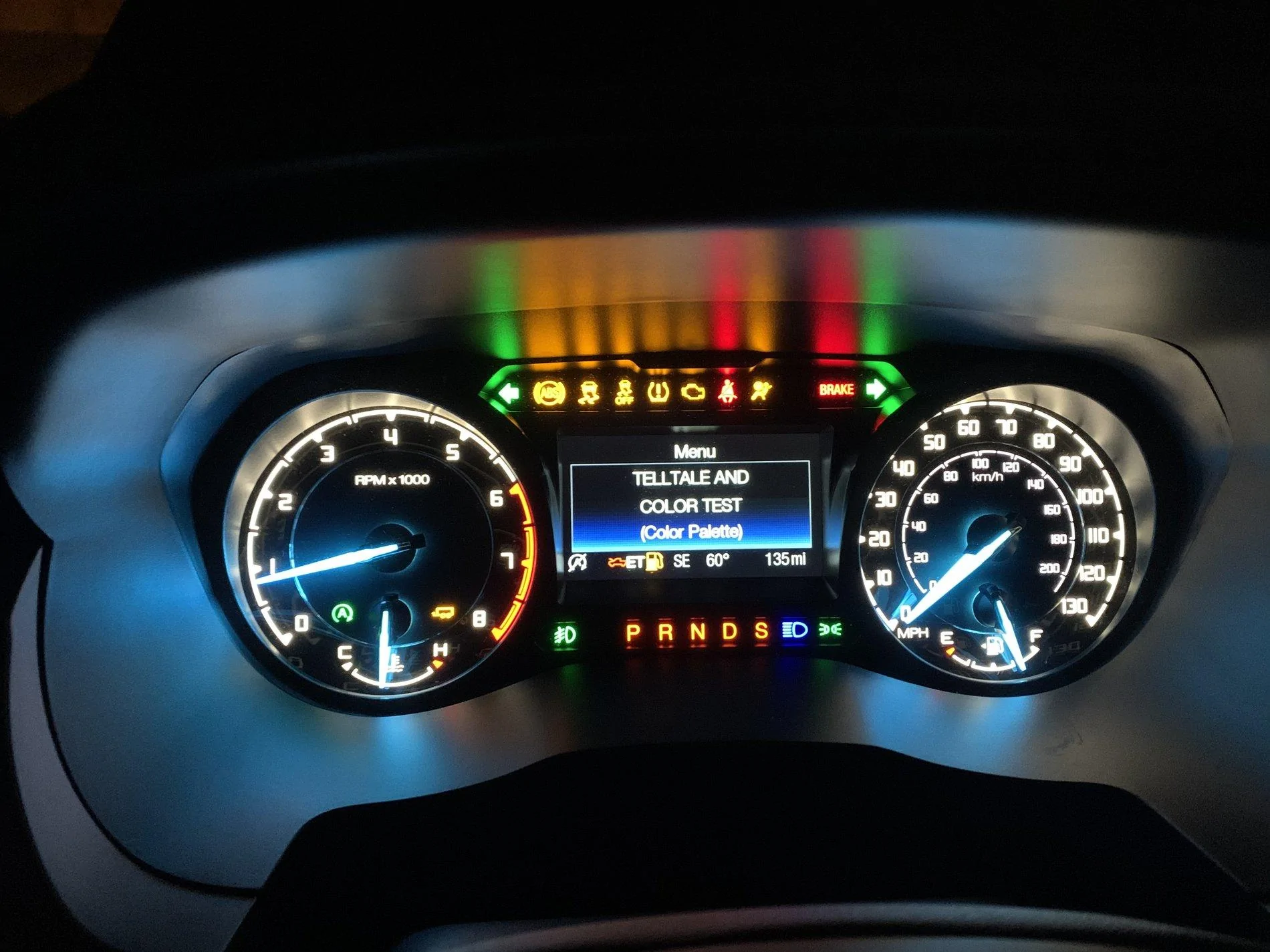
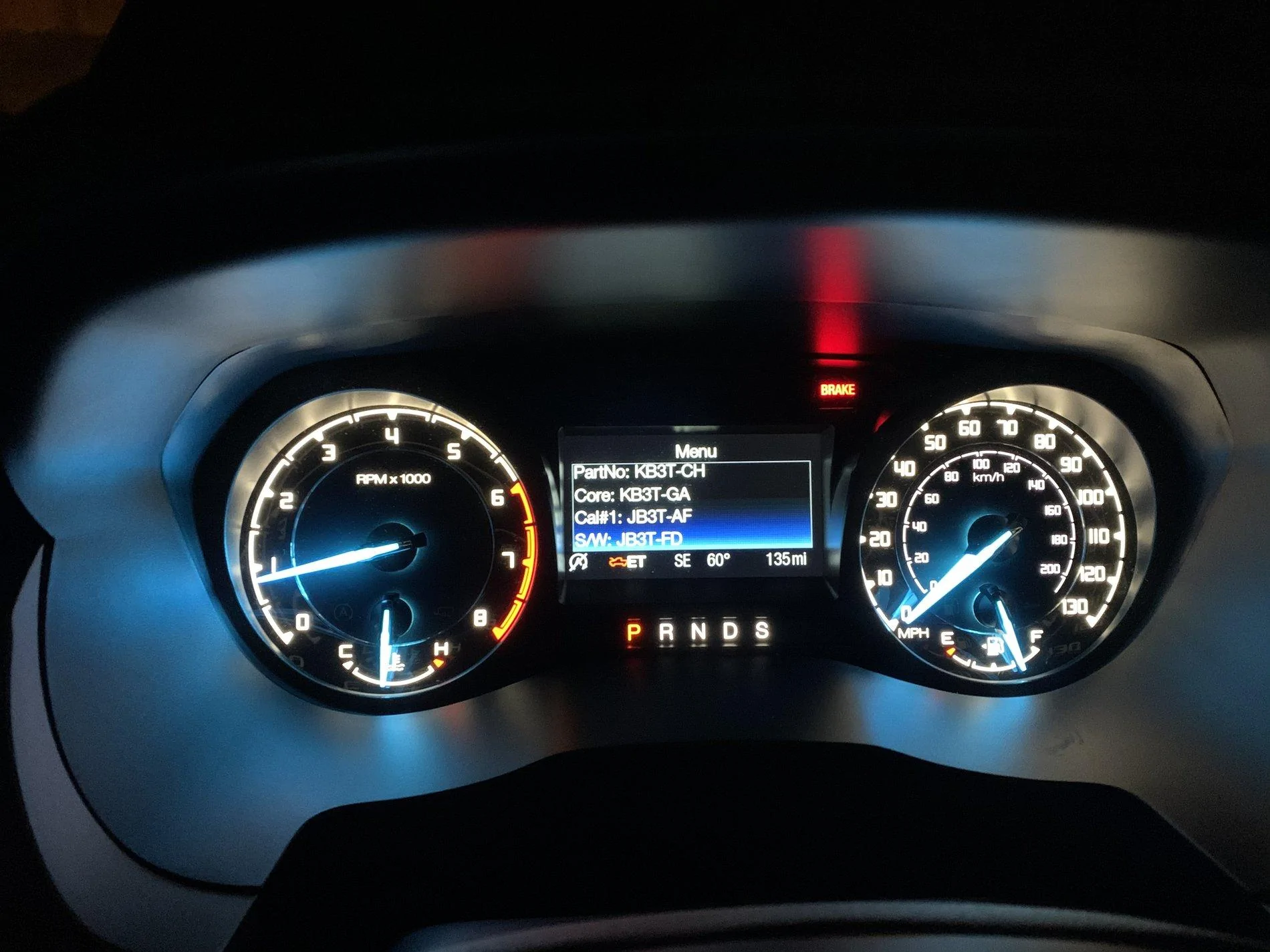
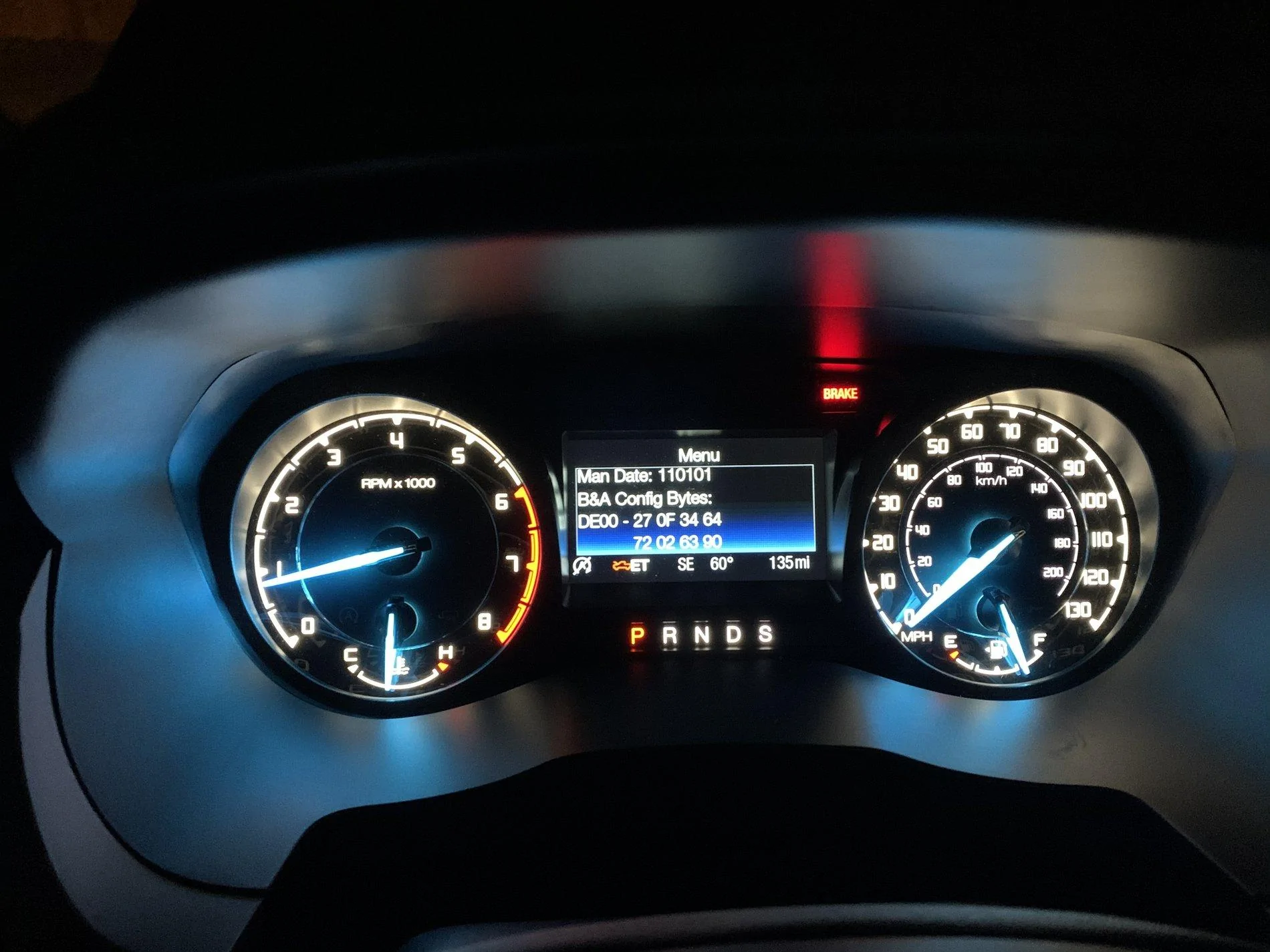
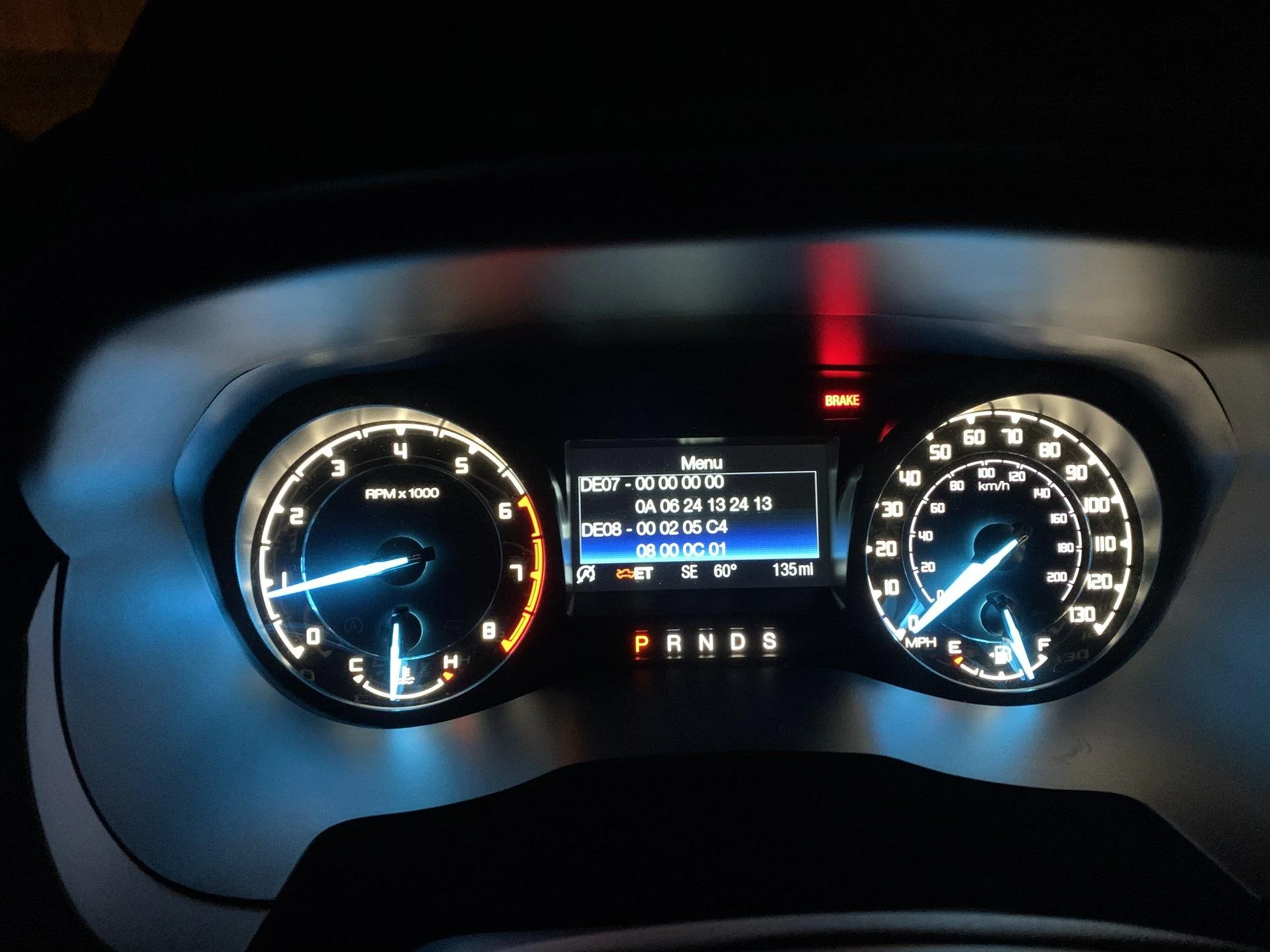
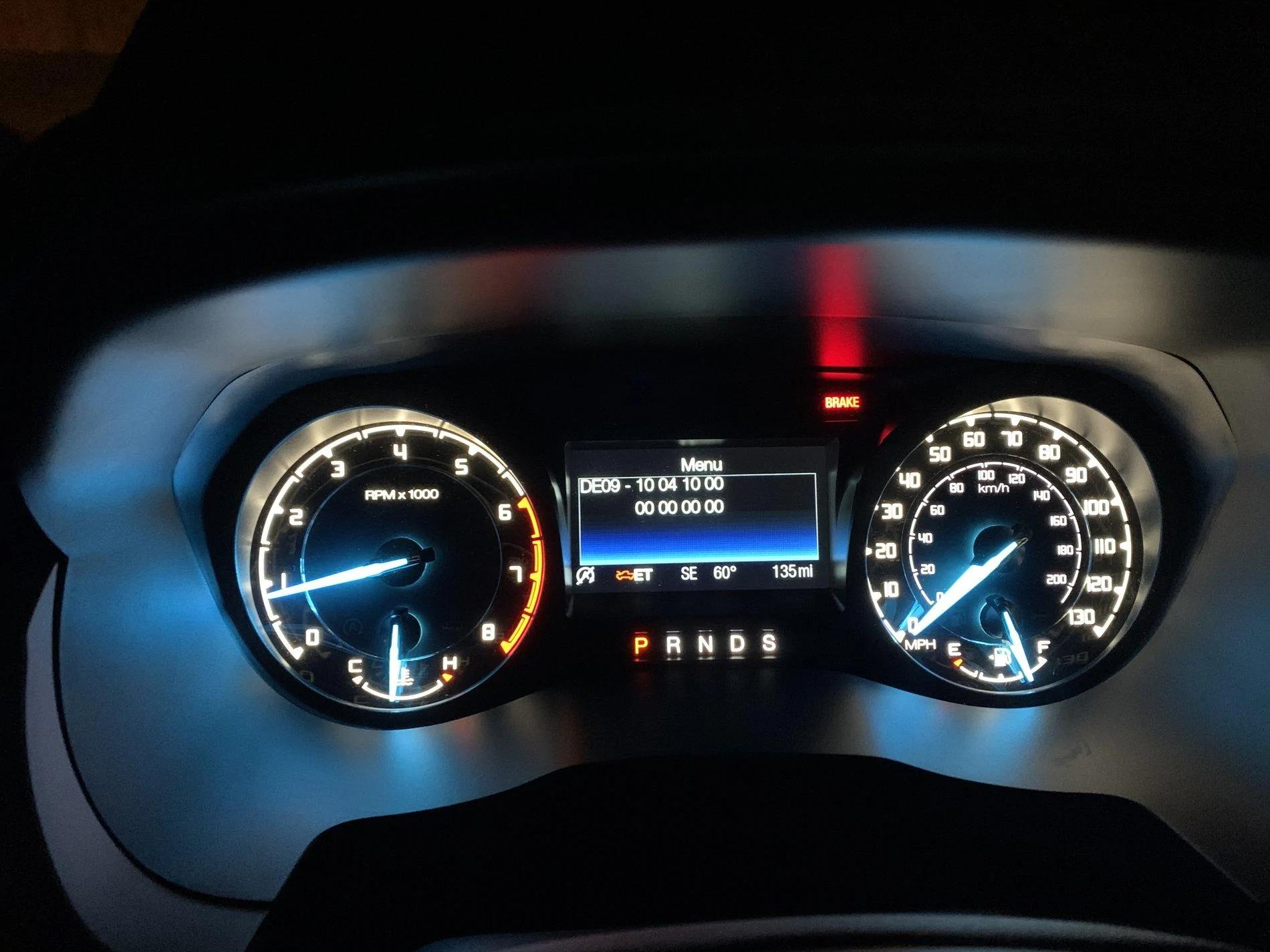
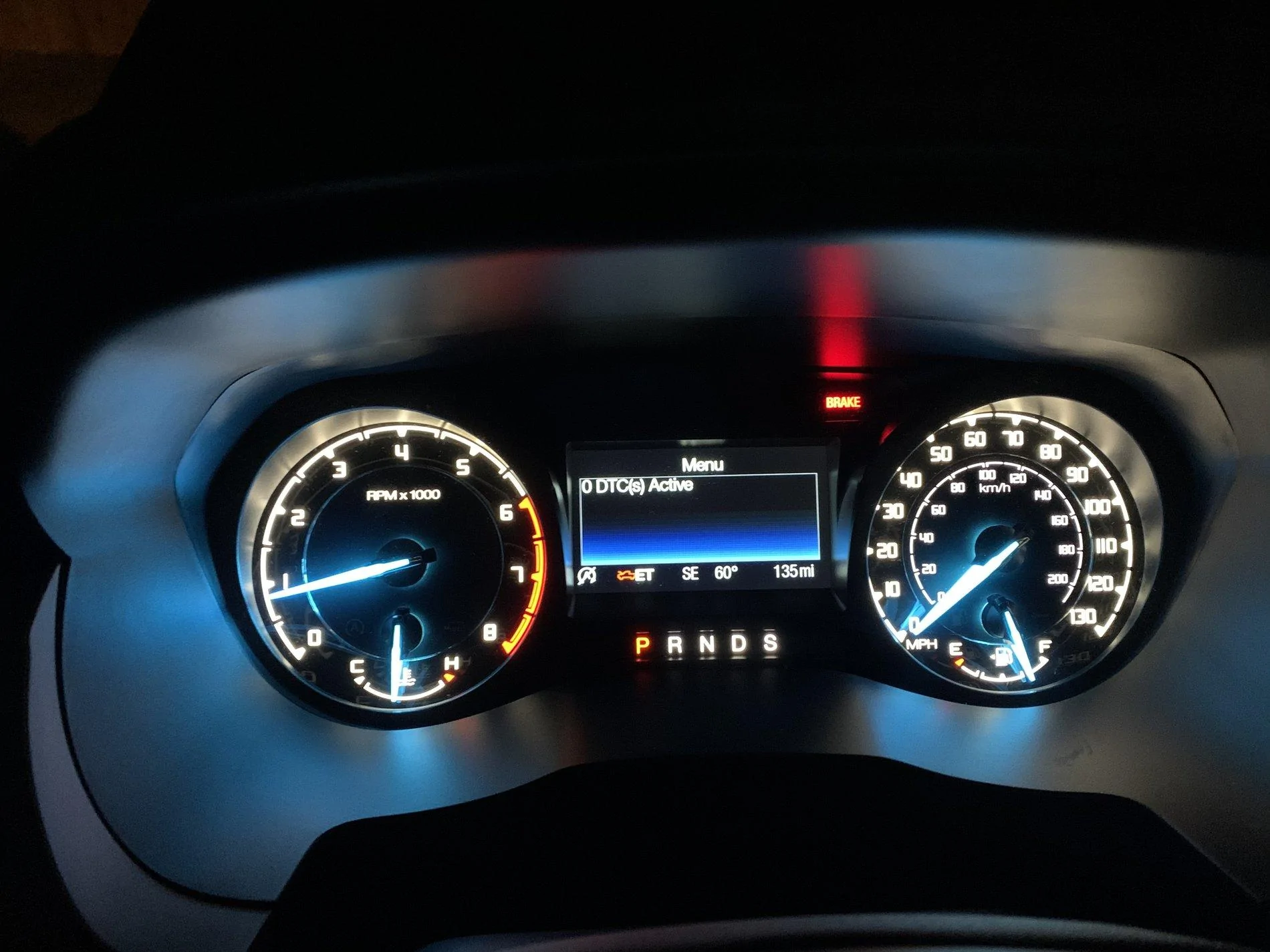
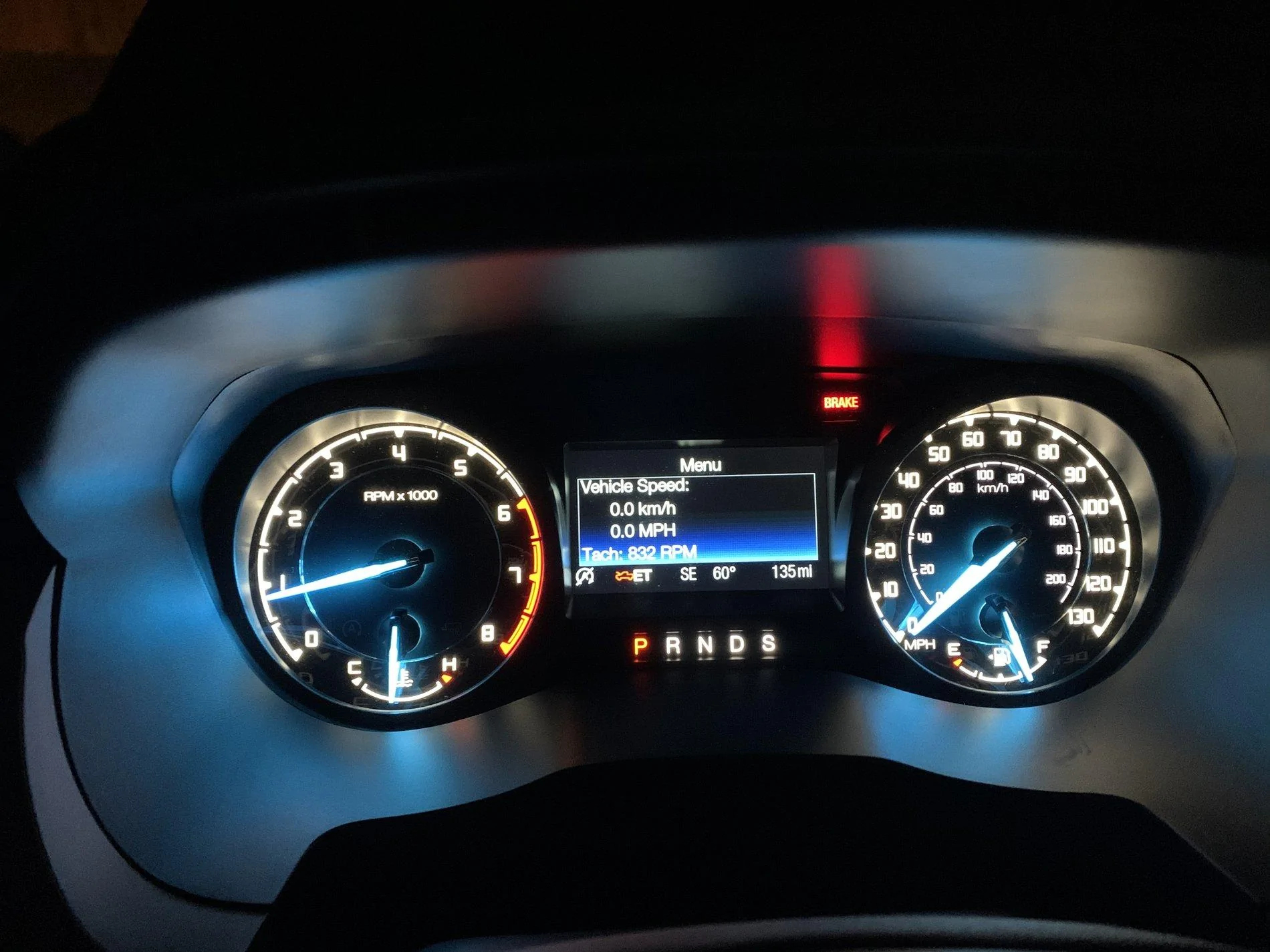
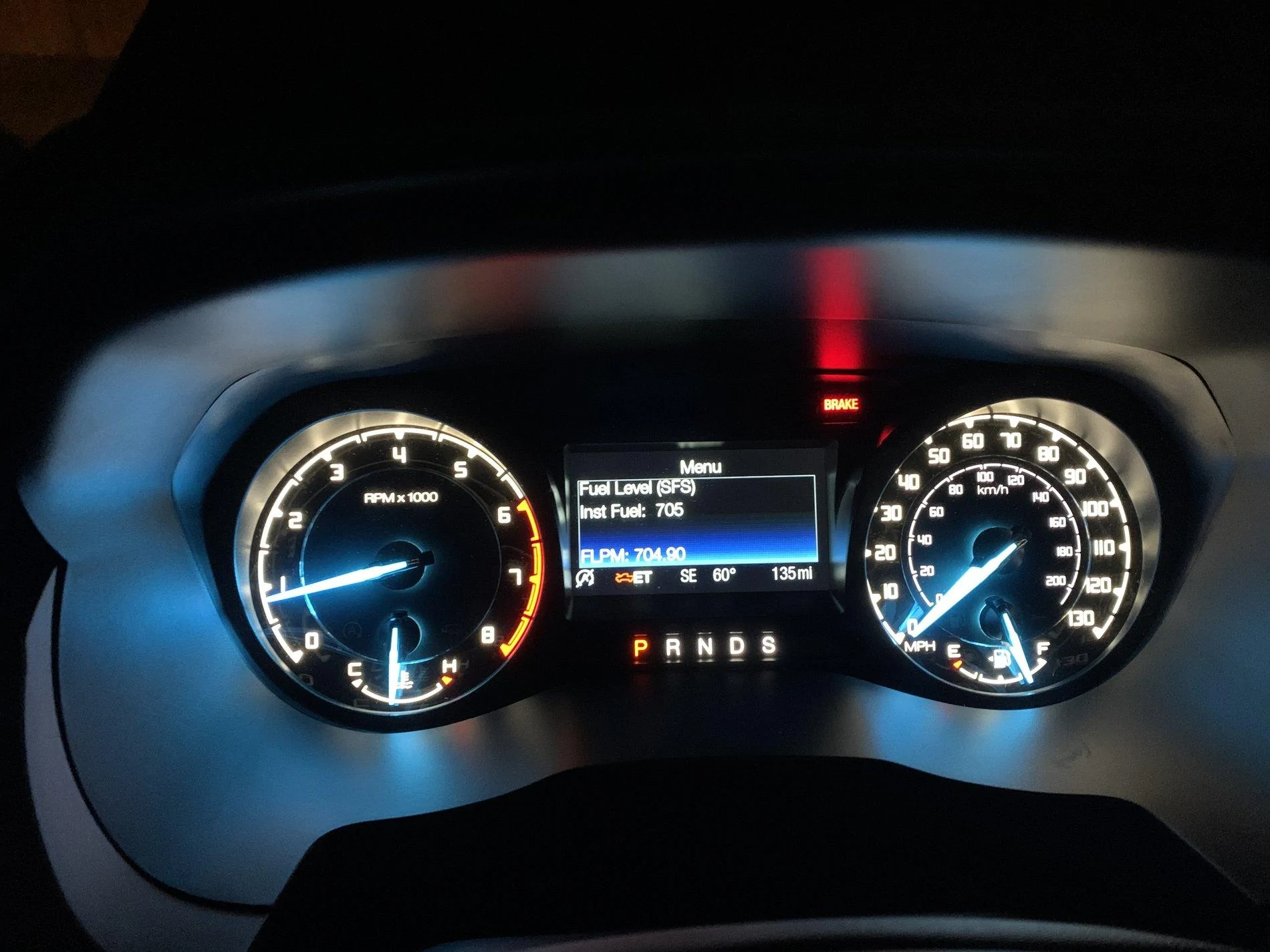
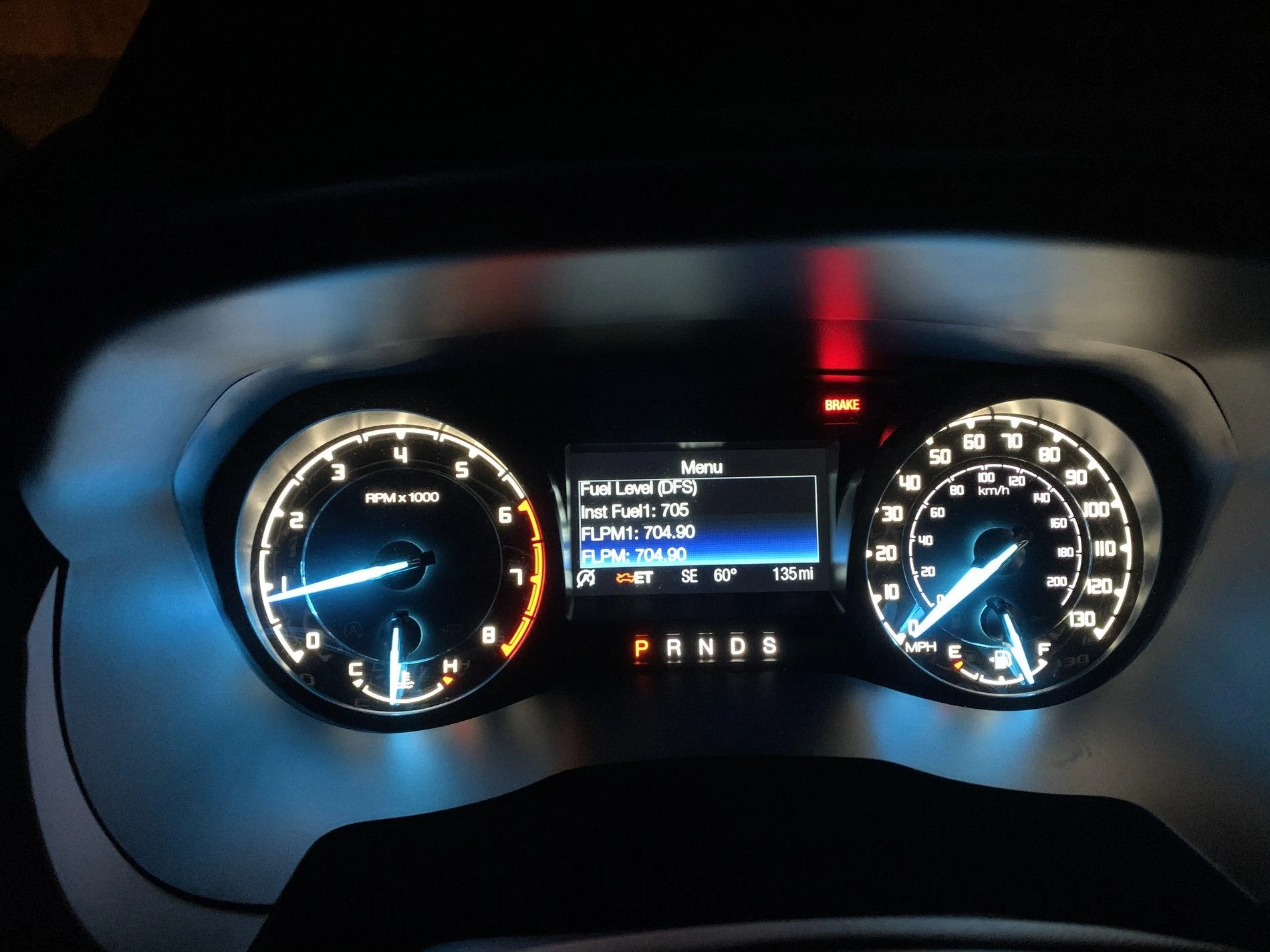
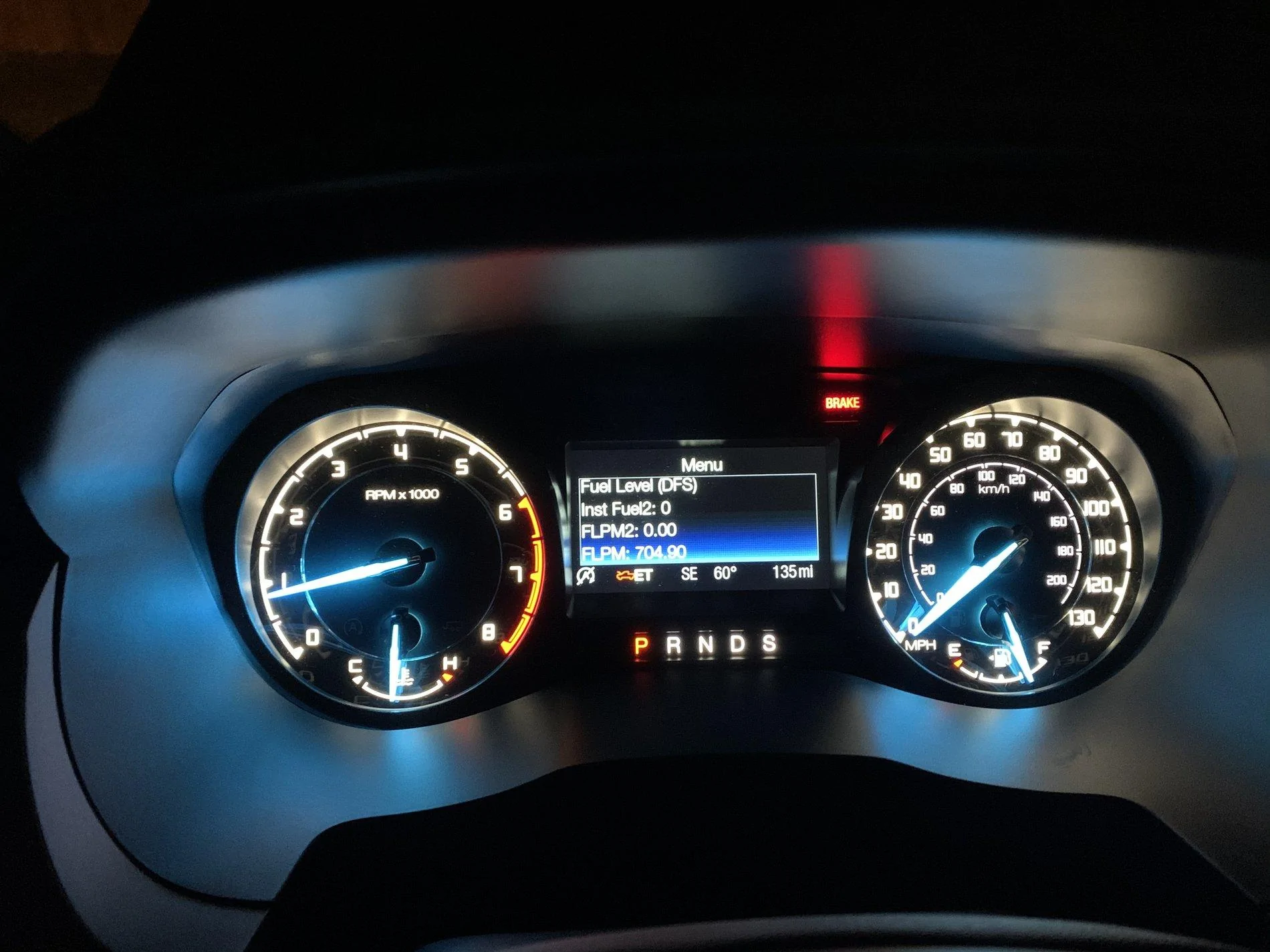
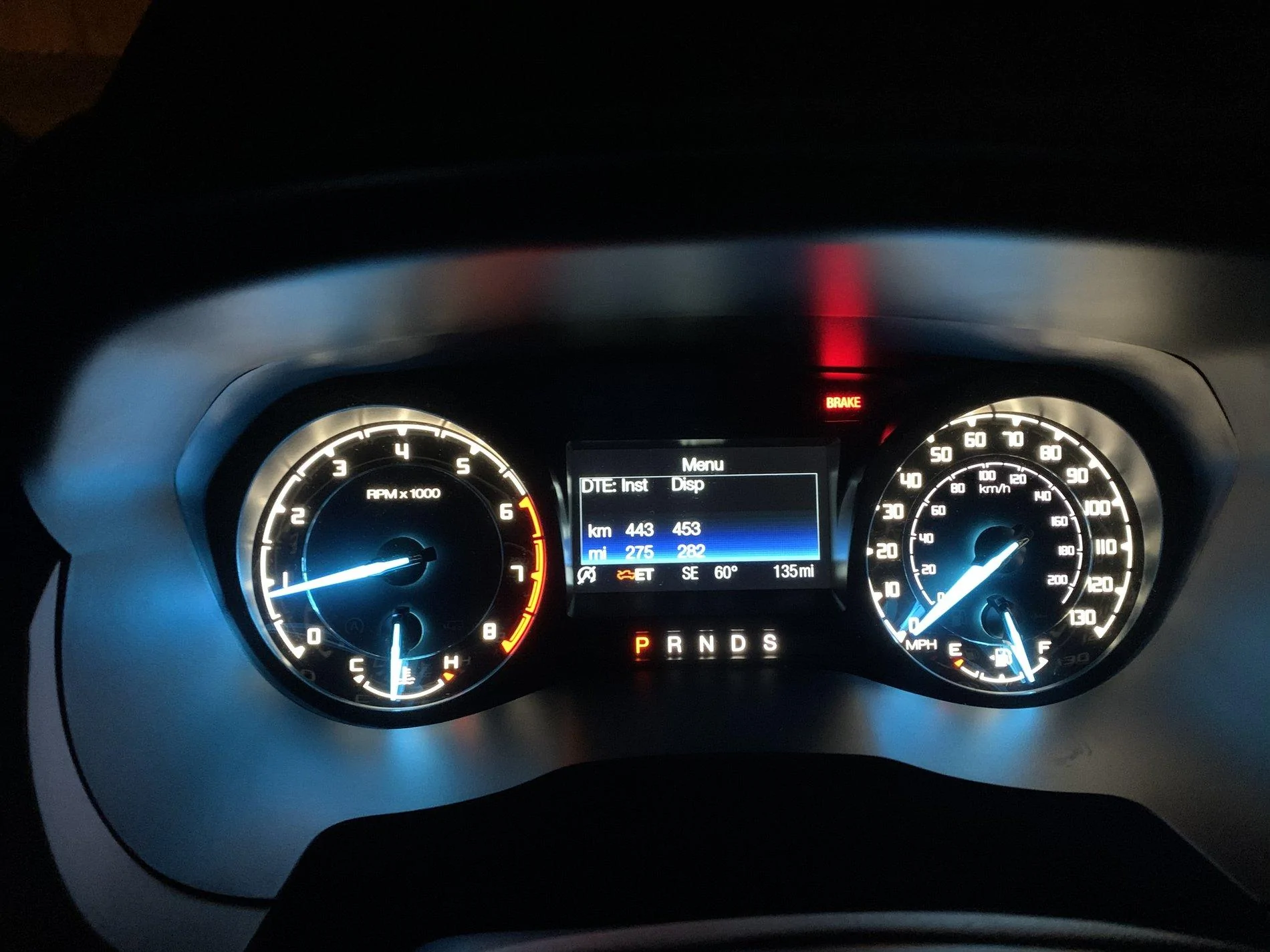
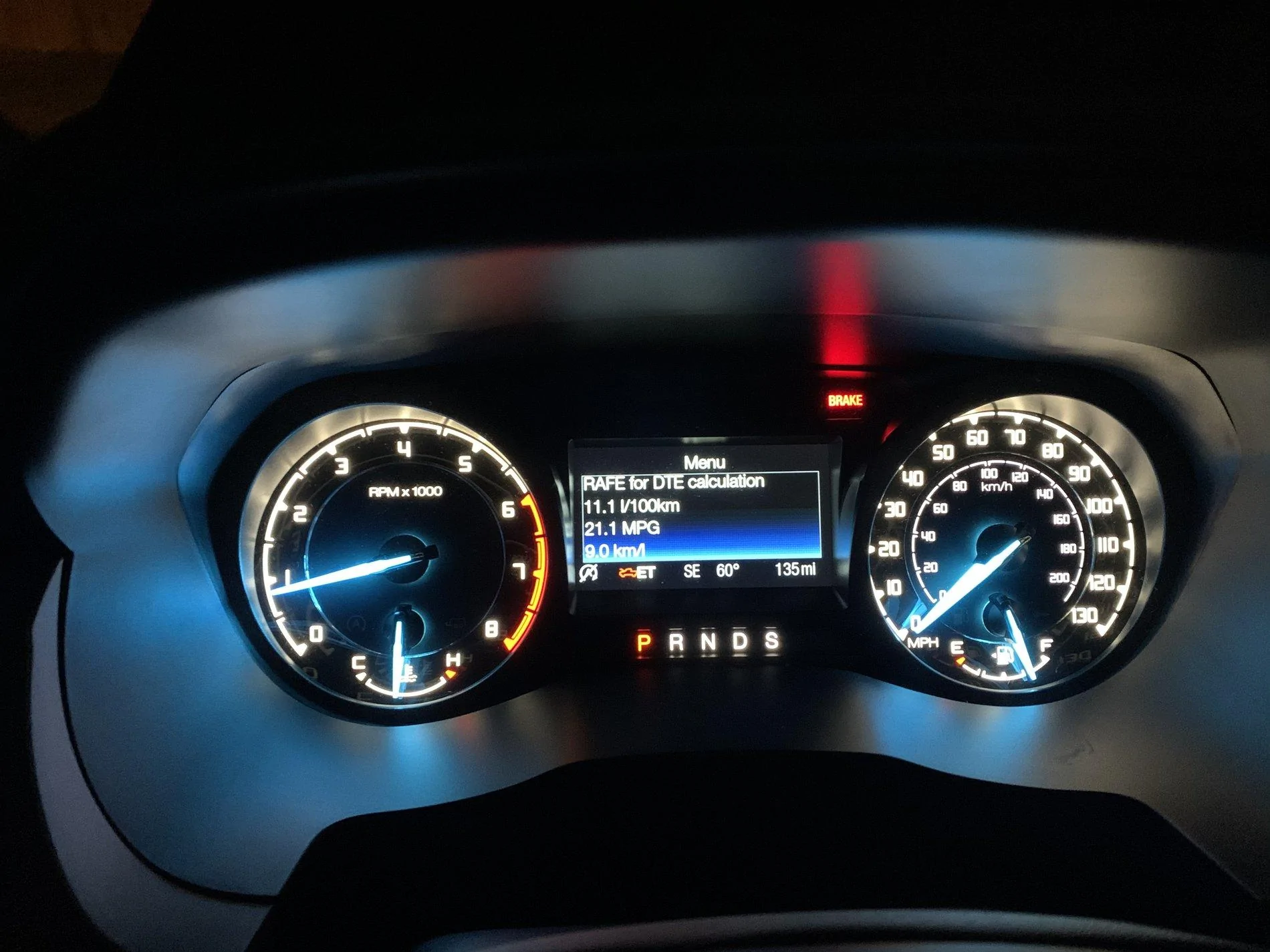
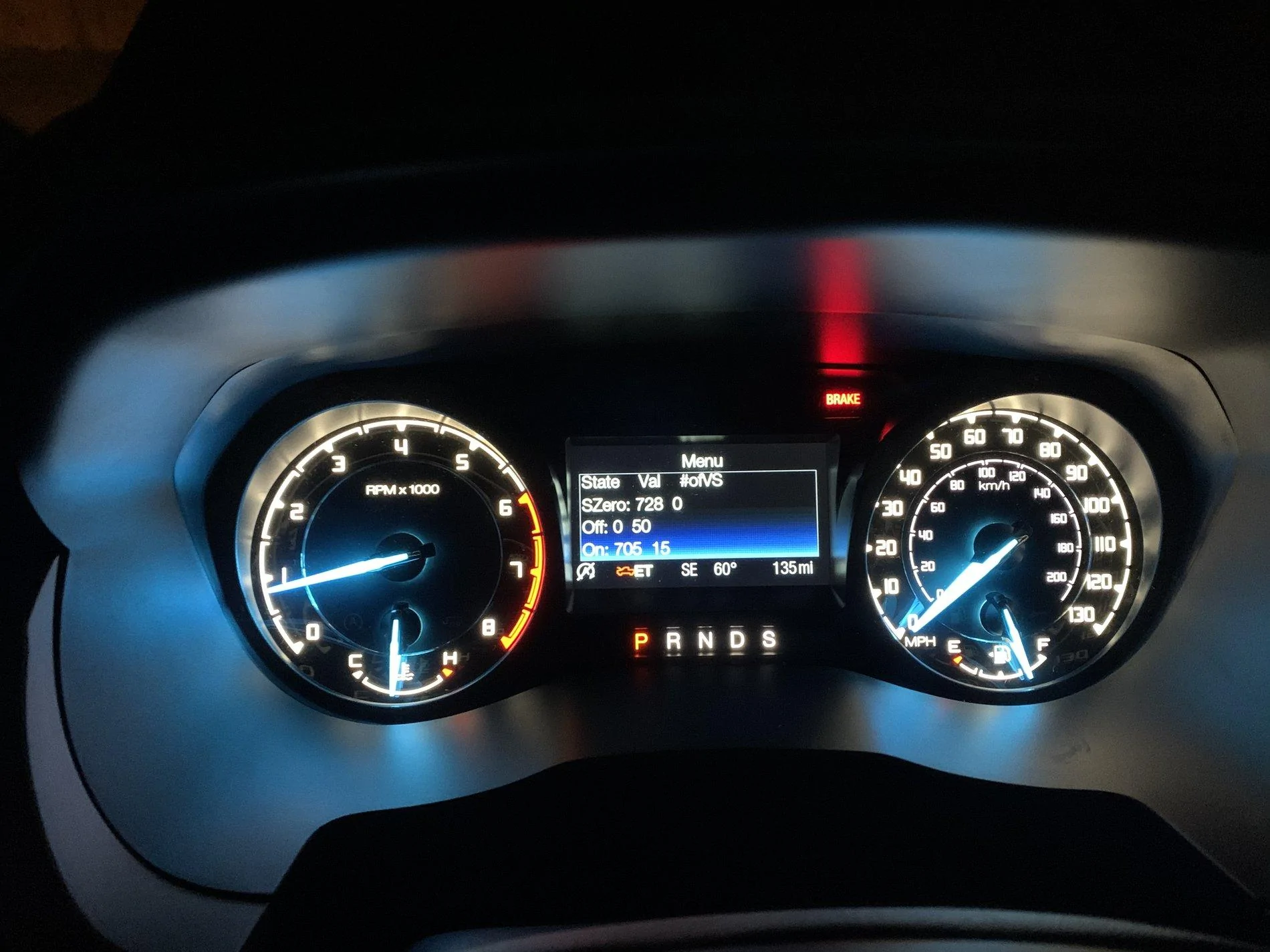
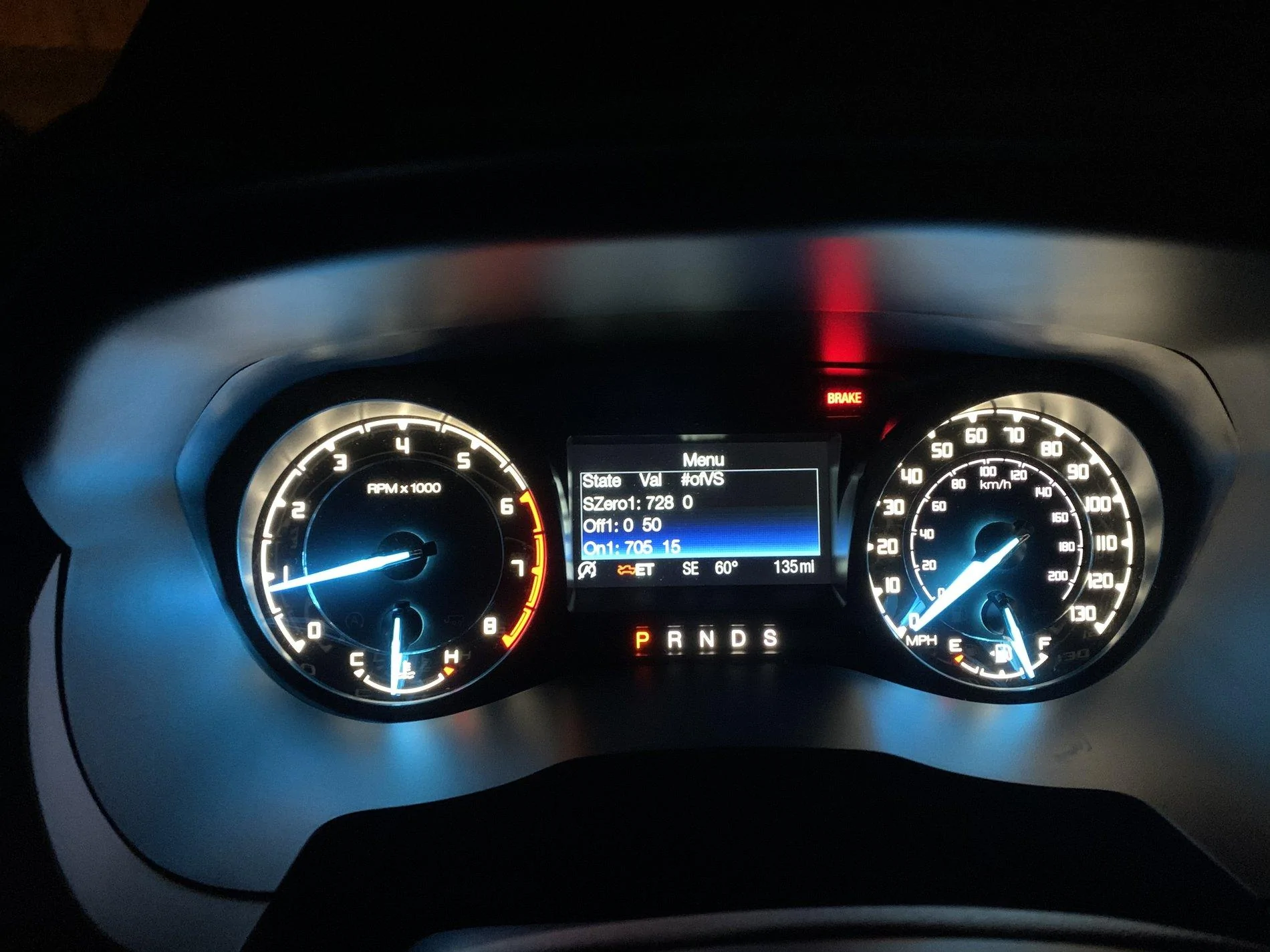
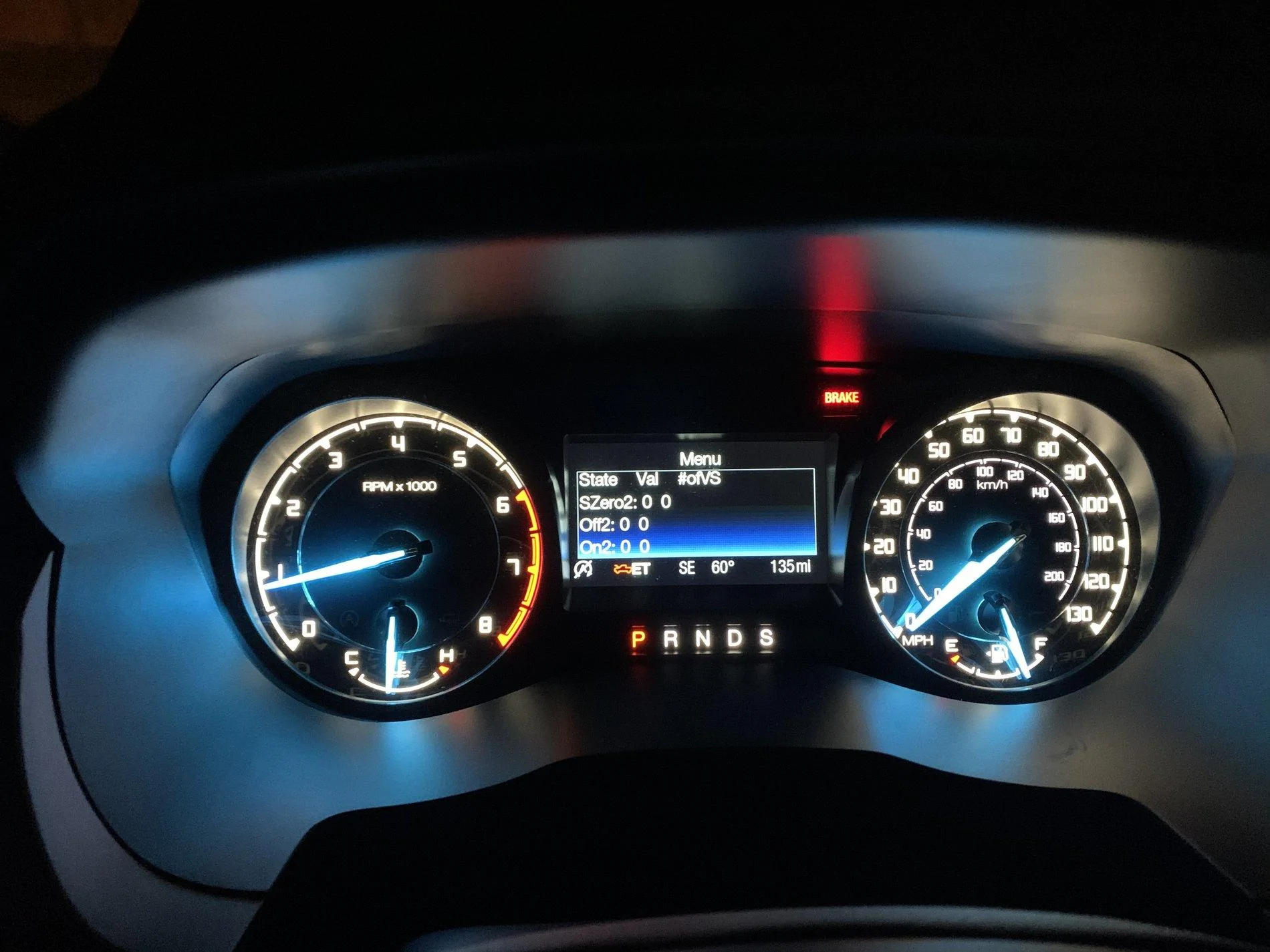
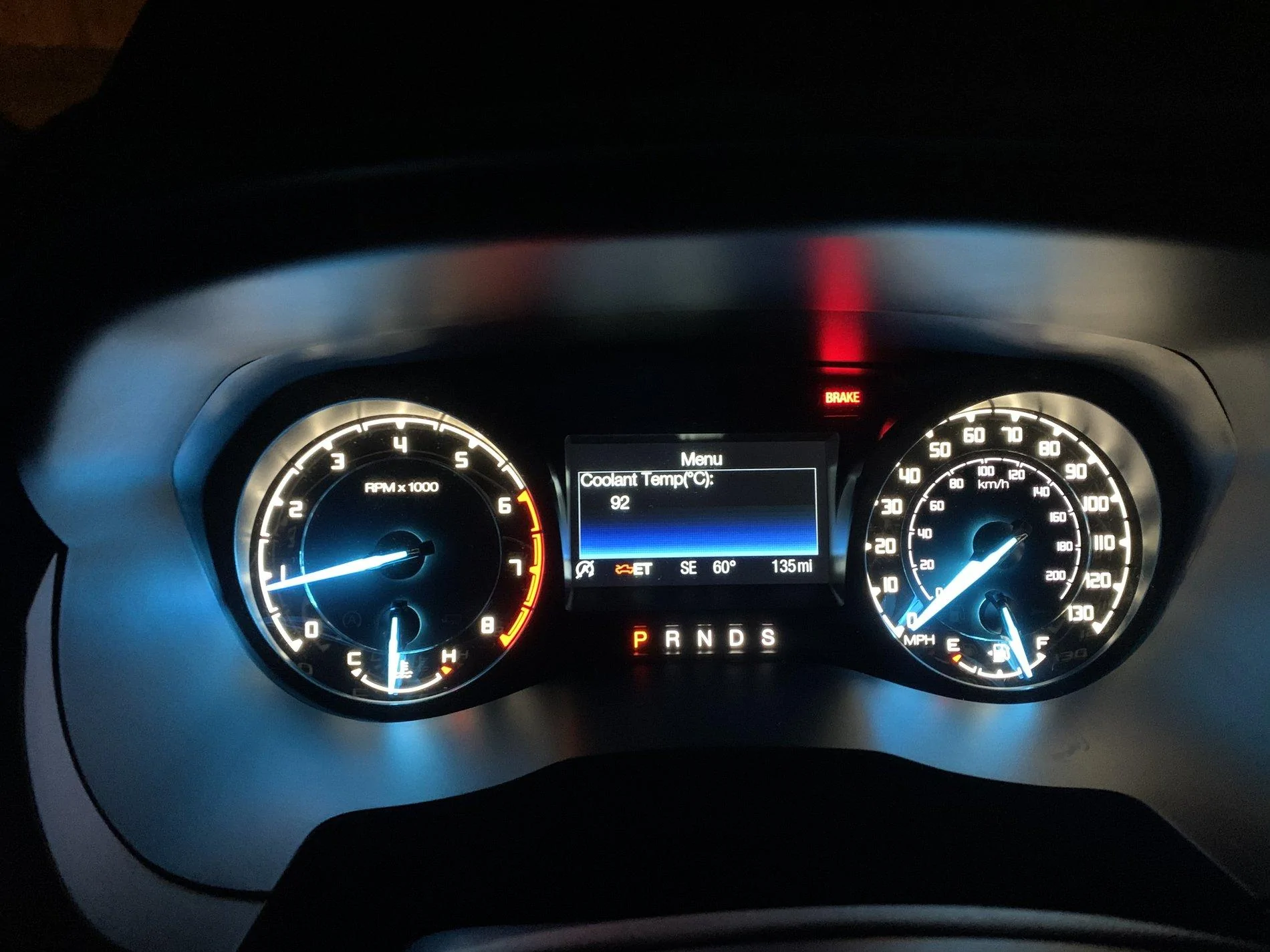
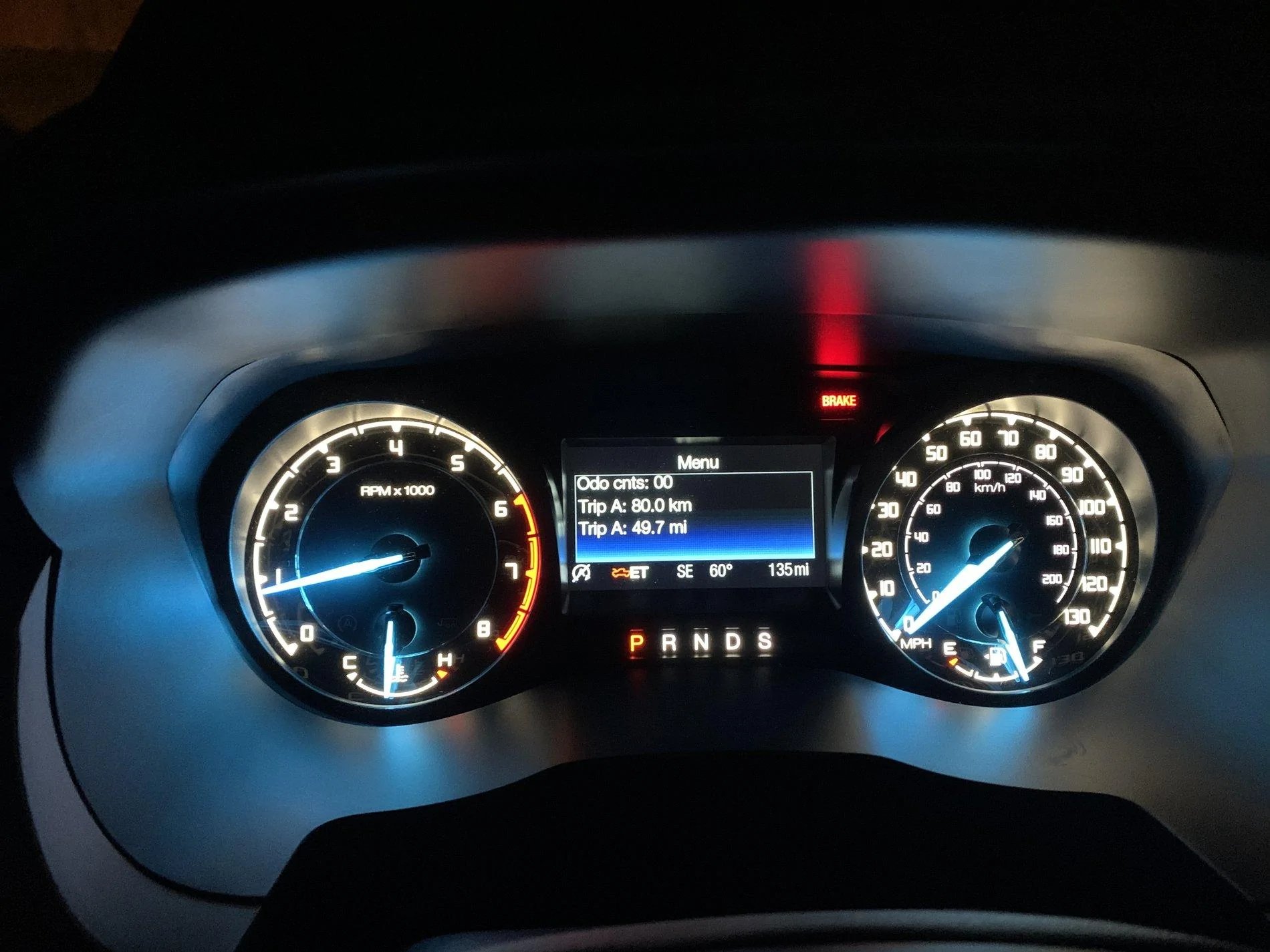
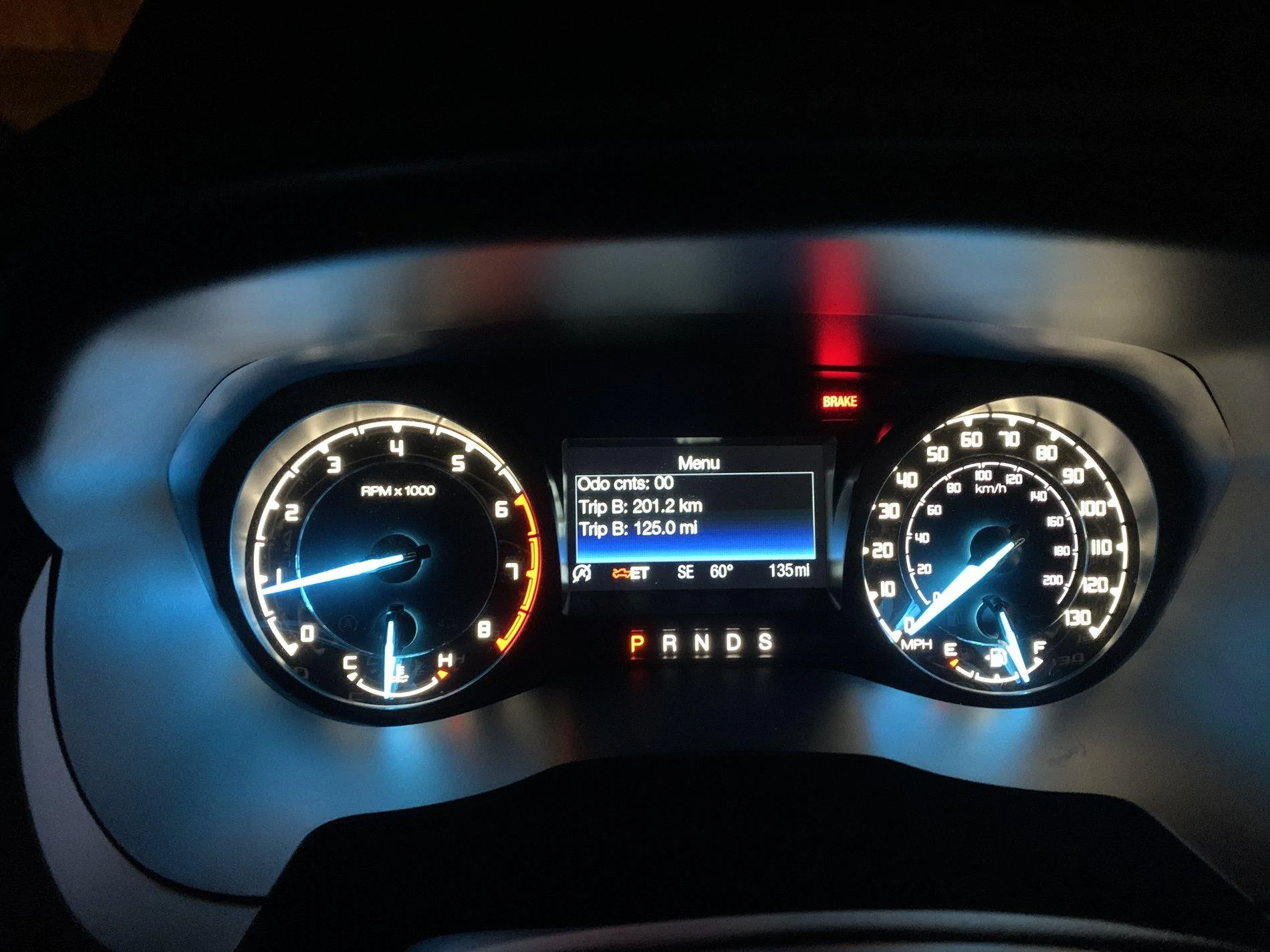
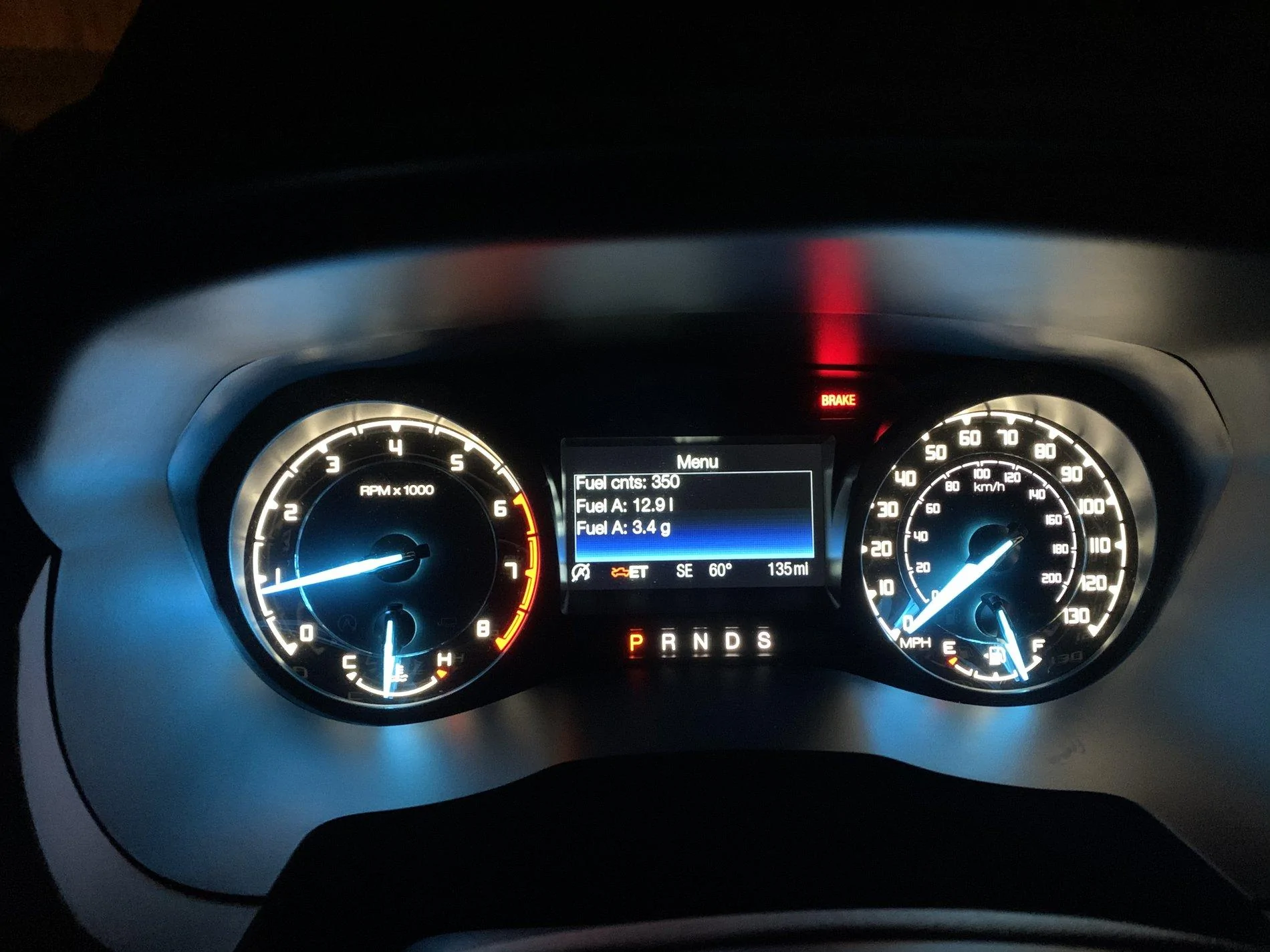
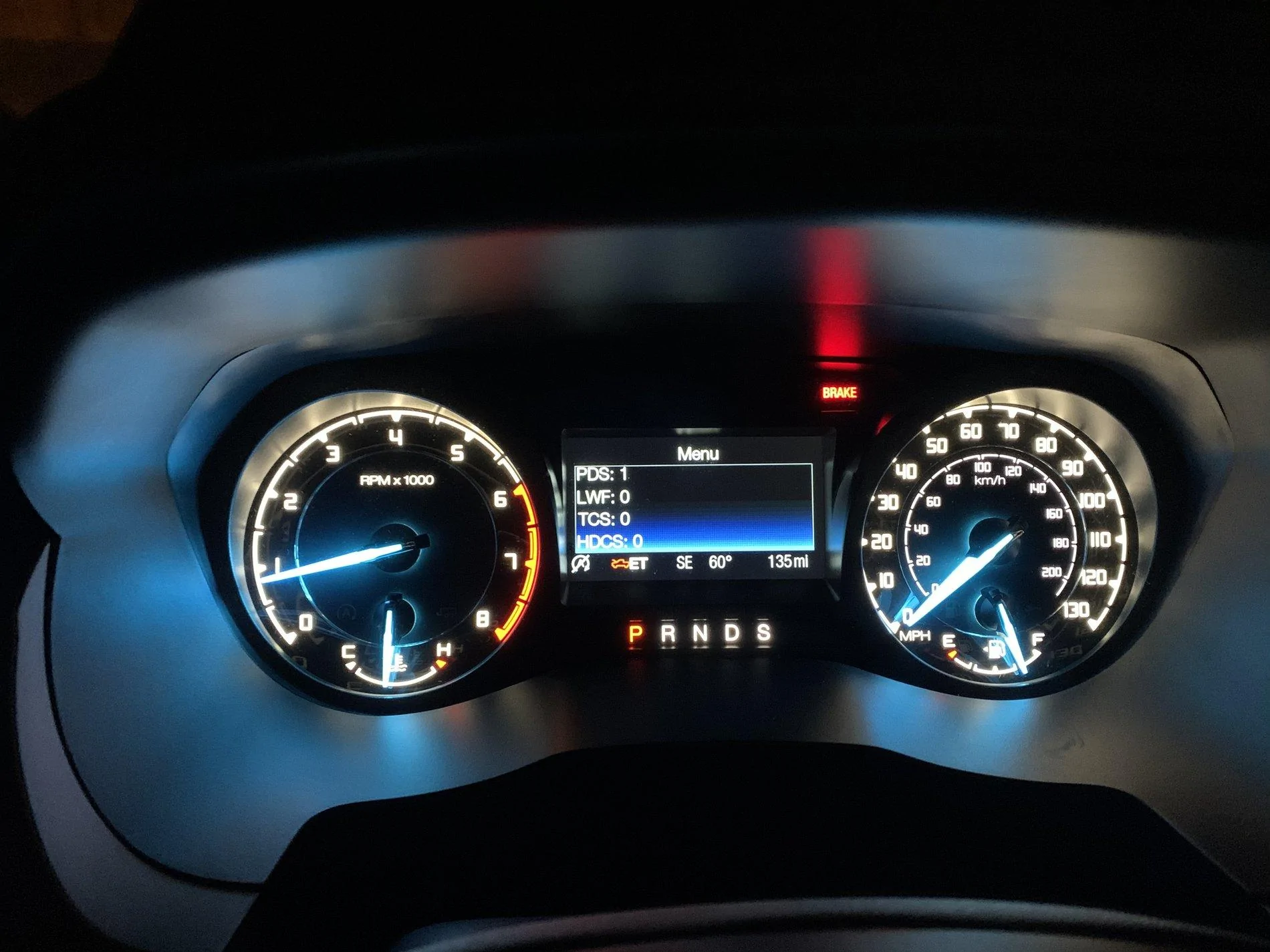
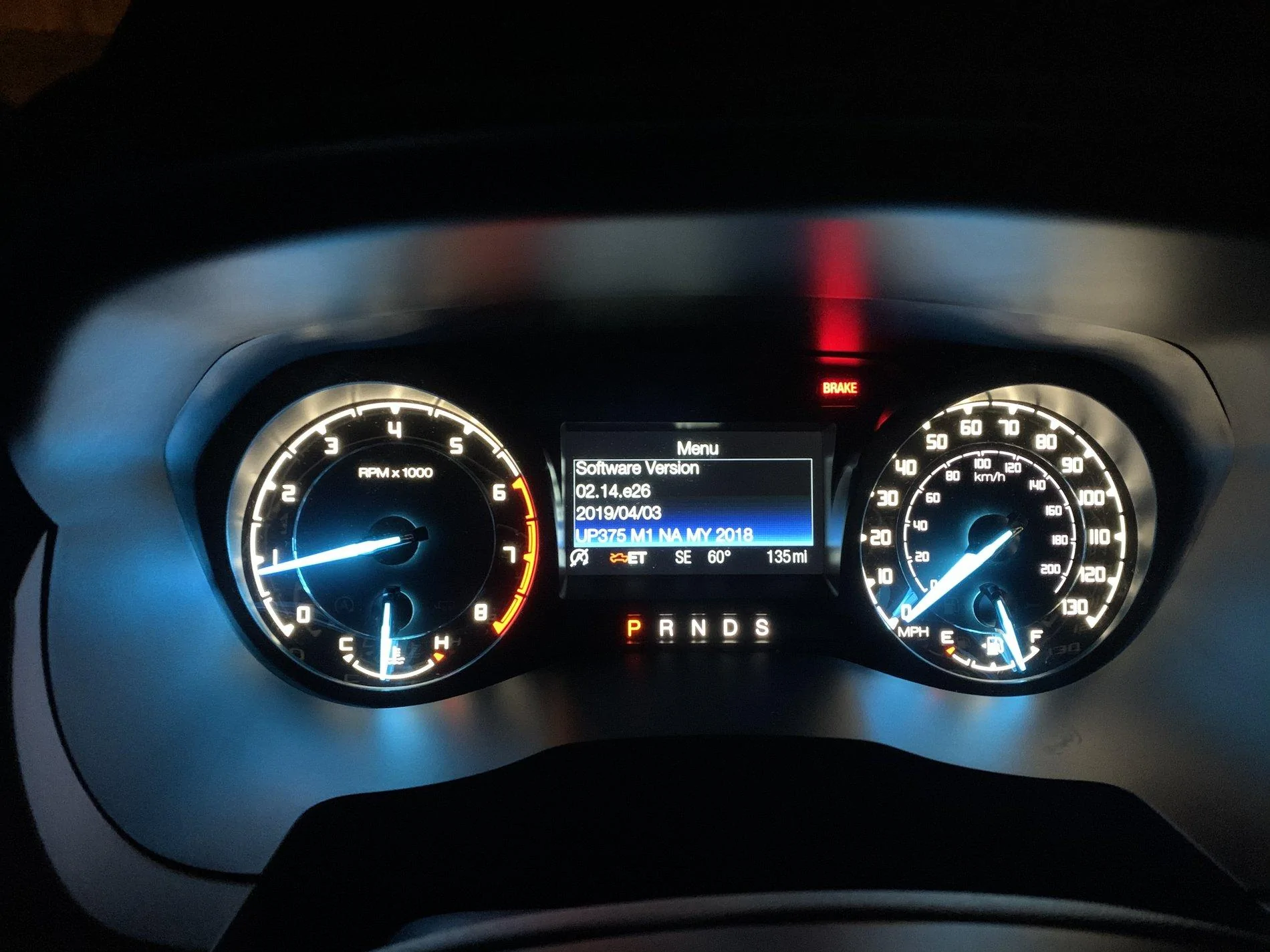
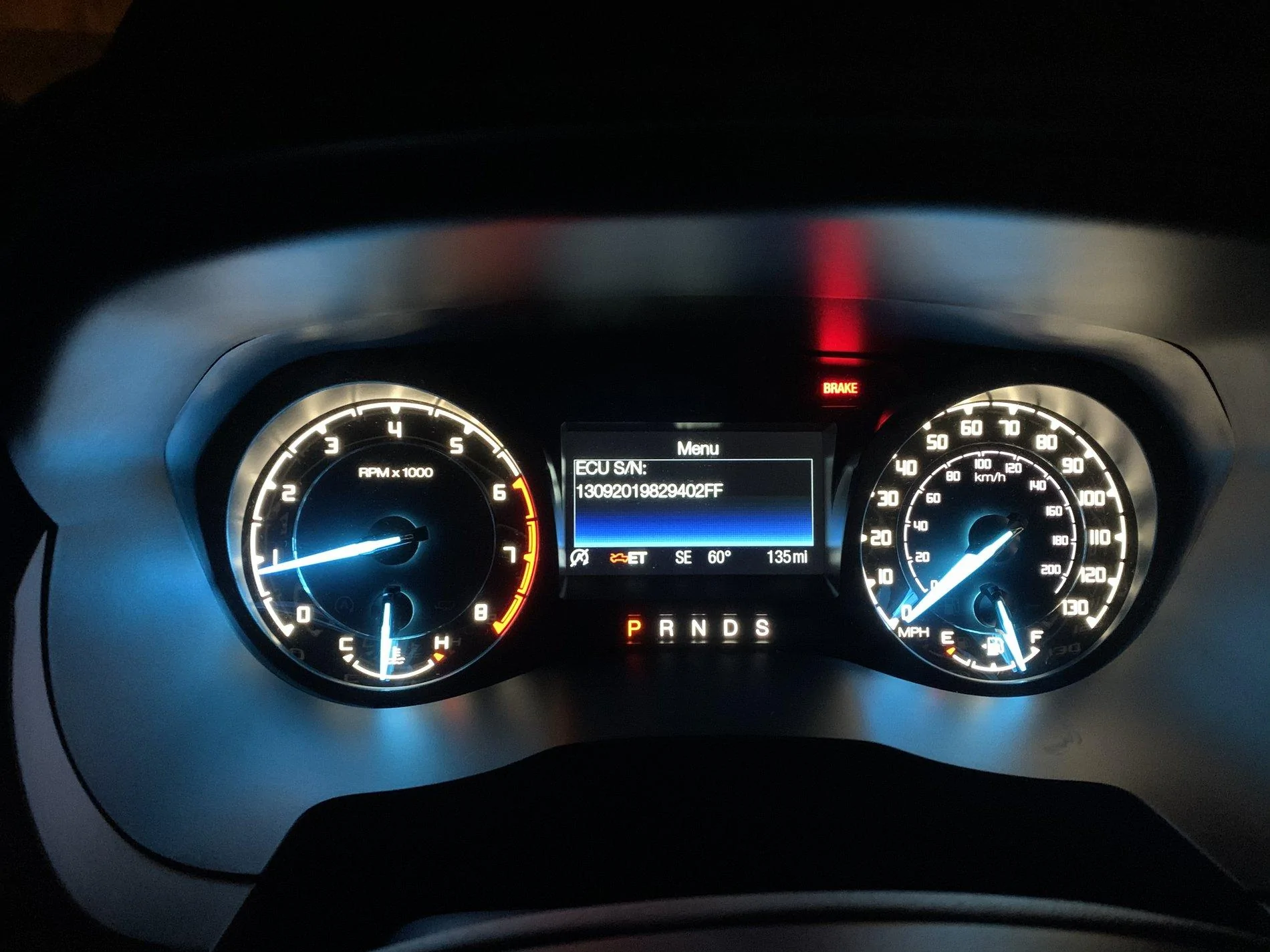
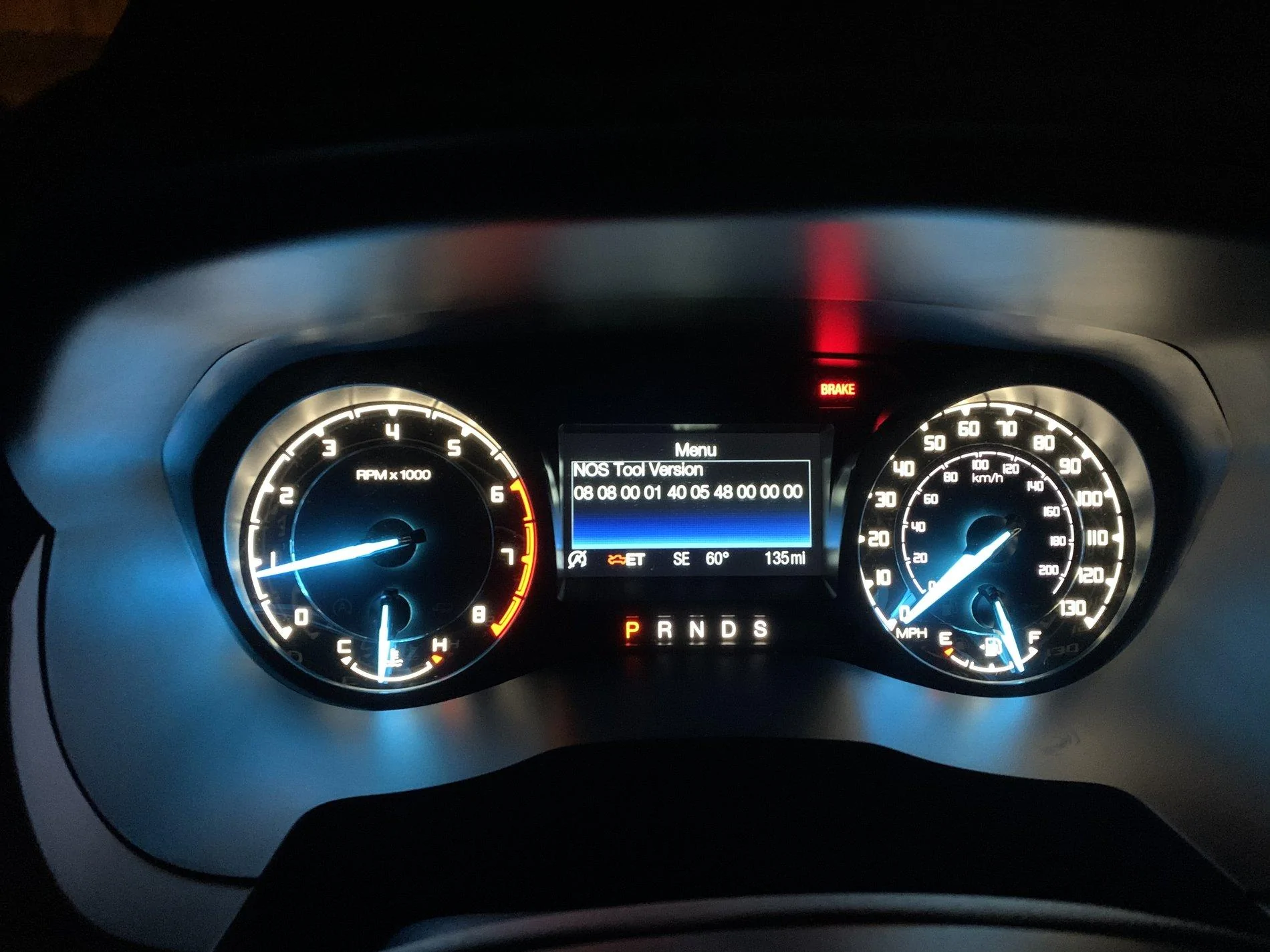
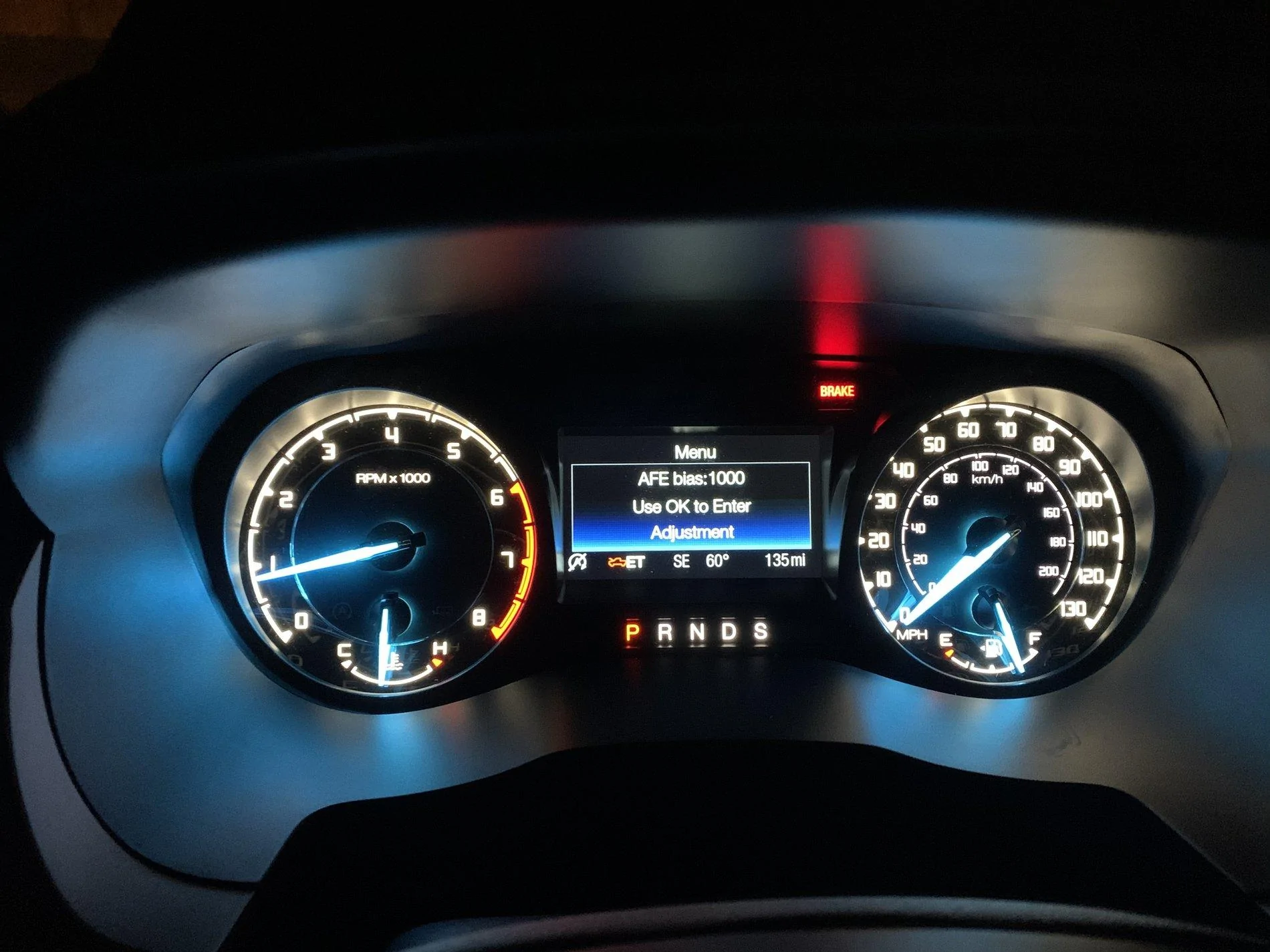
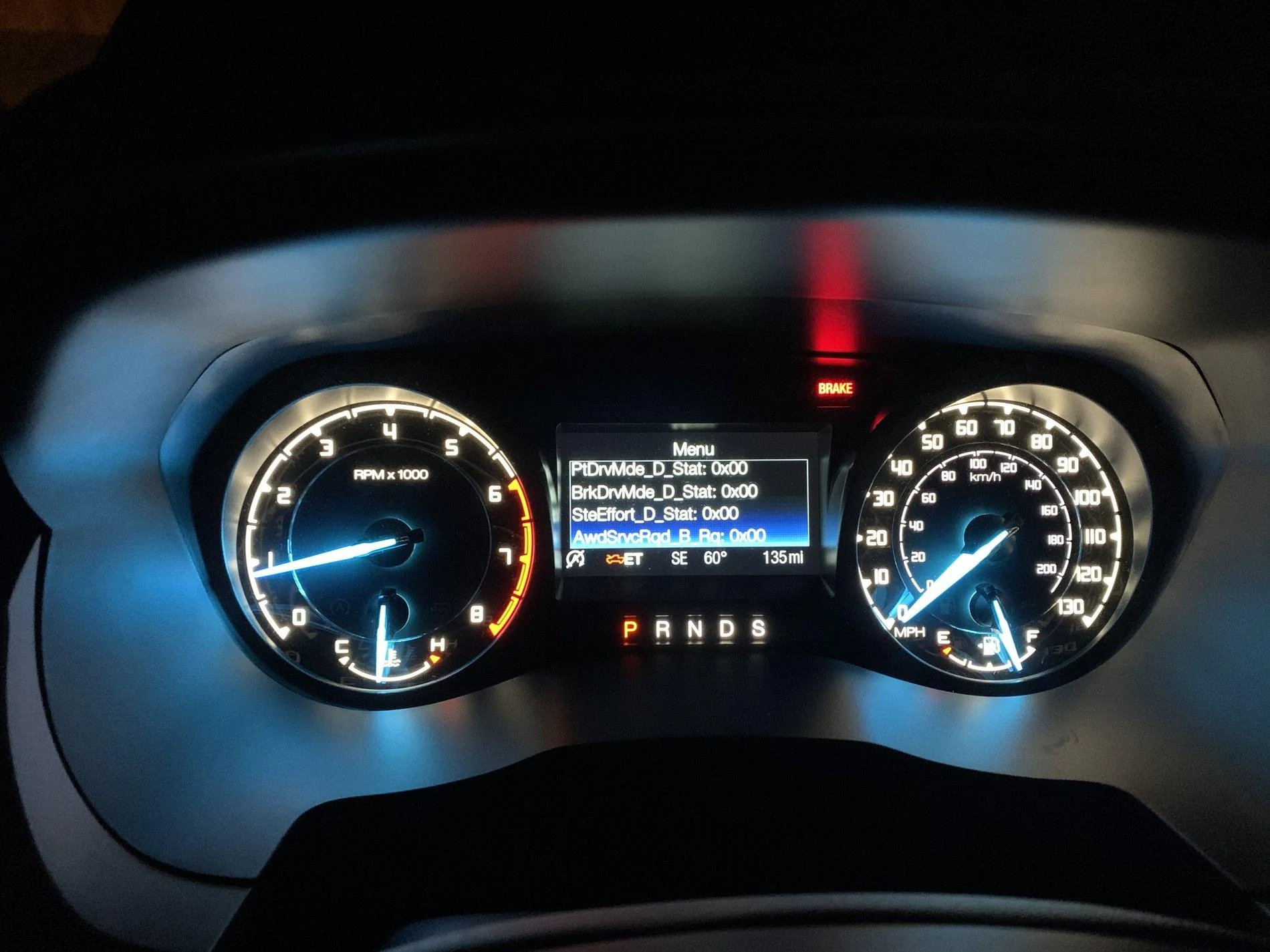
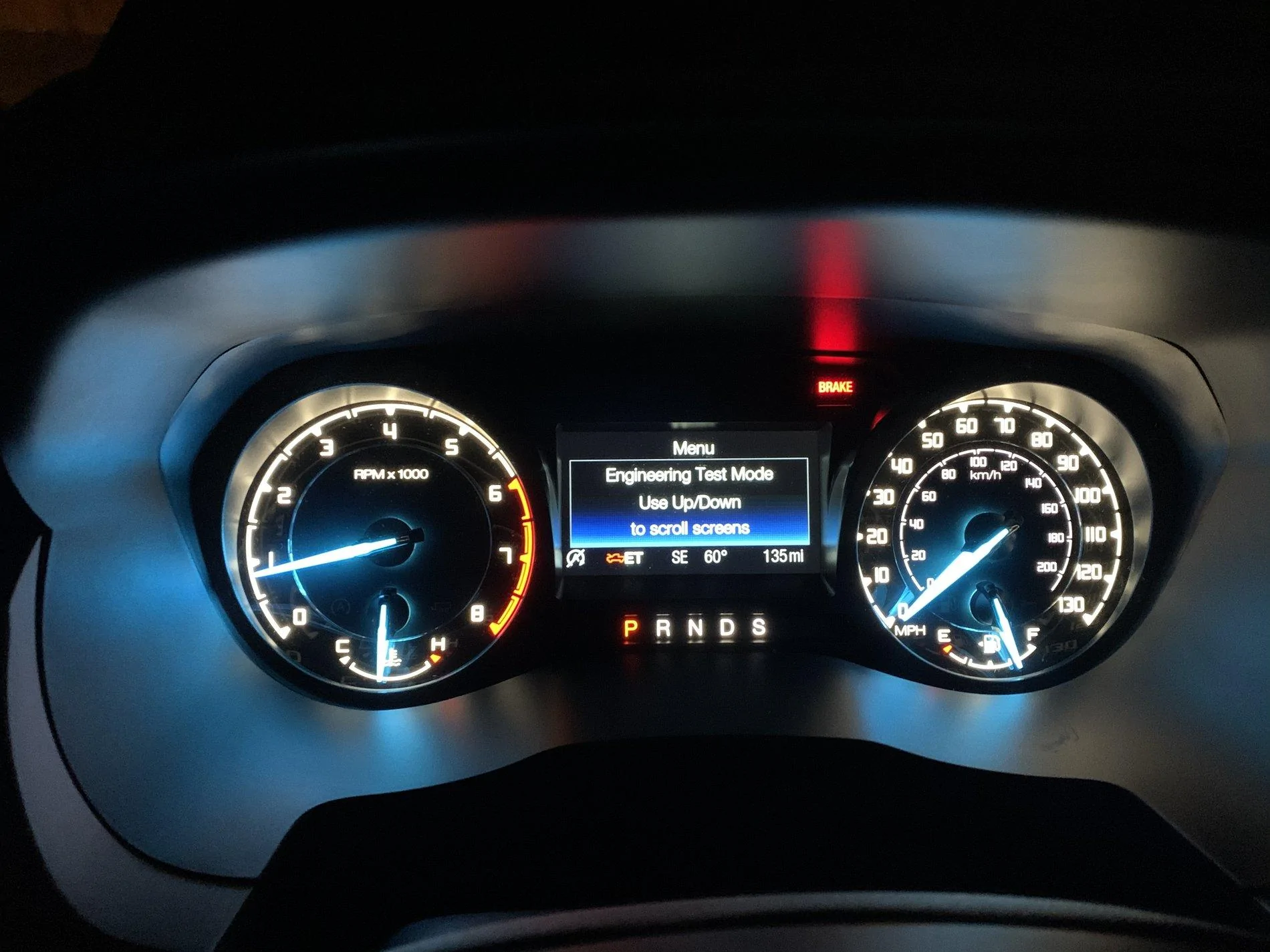
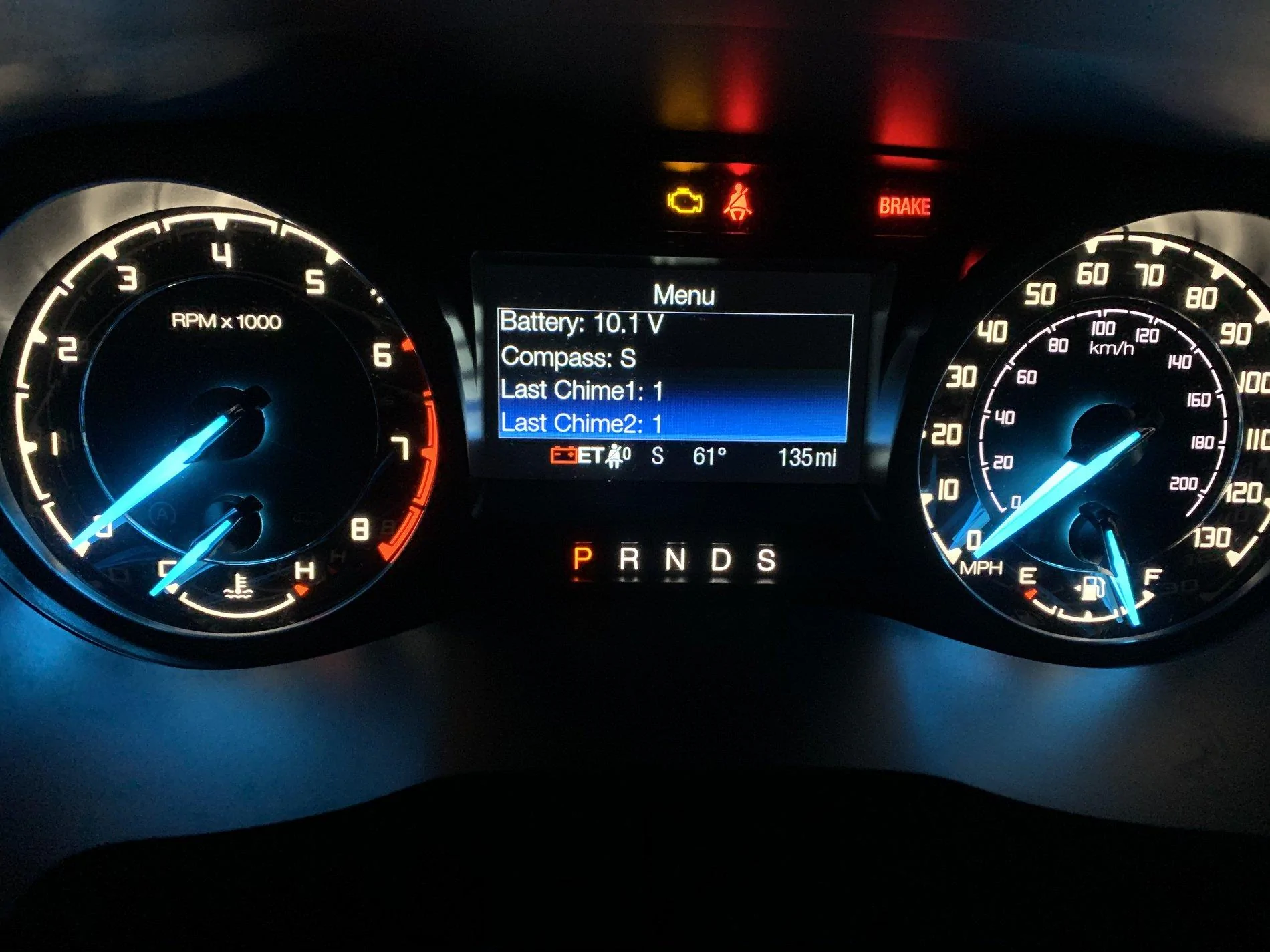
To enter engineering test mode:

If I missed it somewhere please delete or link!
To enter engineering test mode:
- Unlock truck, get in close door
- Press and hold OK on the left steering wheel button 10-15 seconds
- While holding OK insert key into ignition and turn to RUN
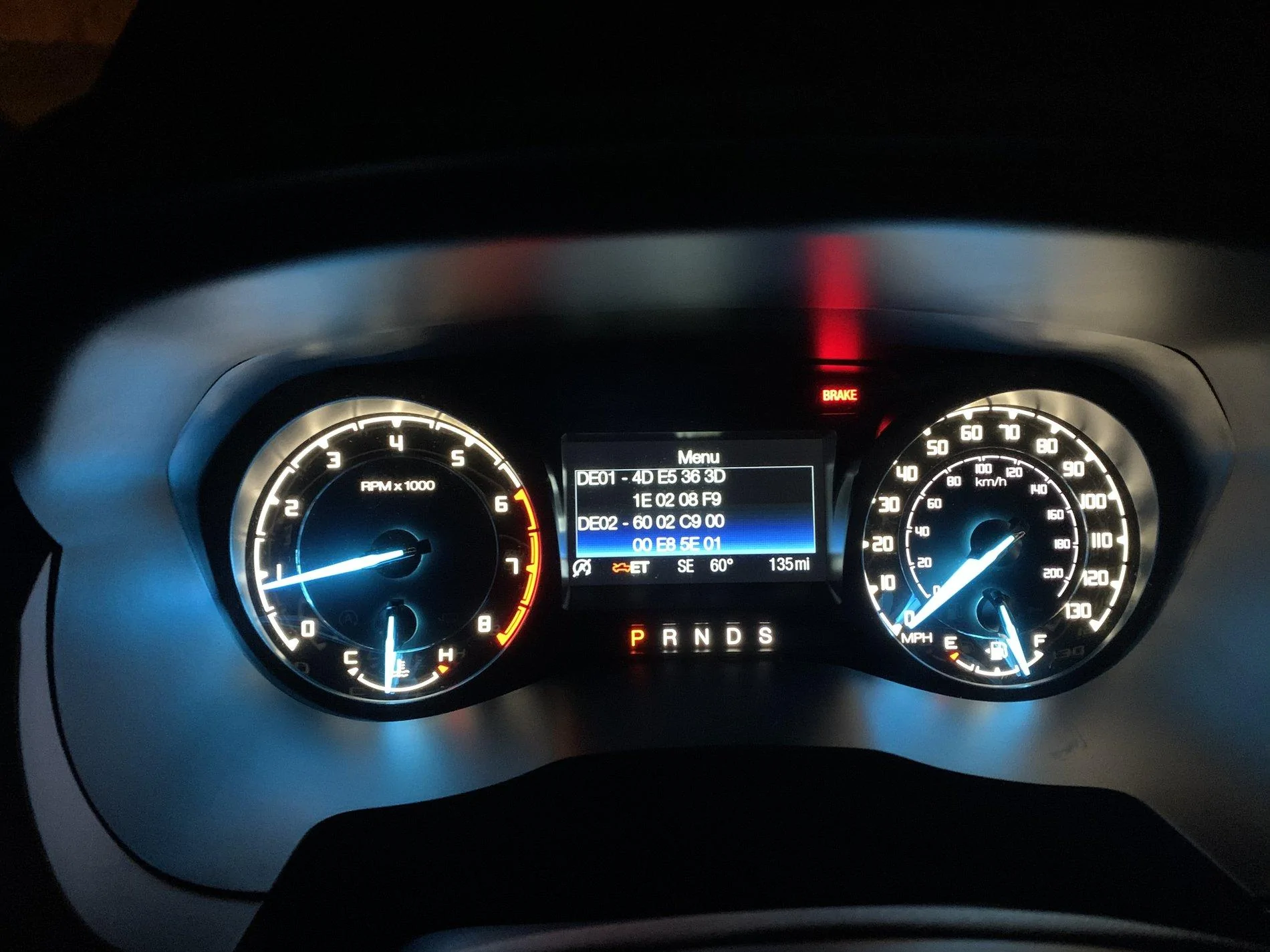
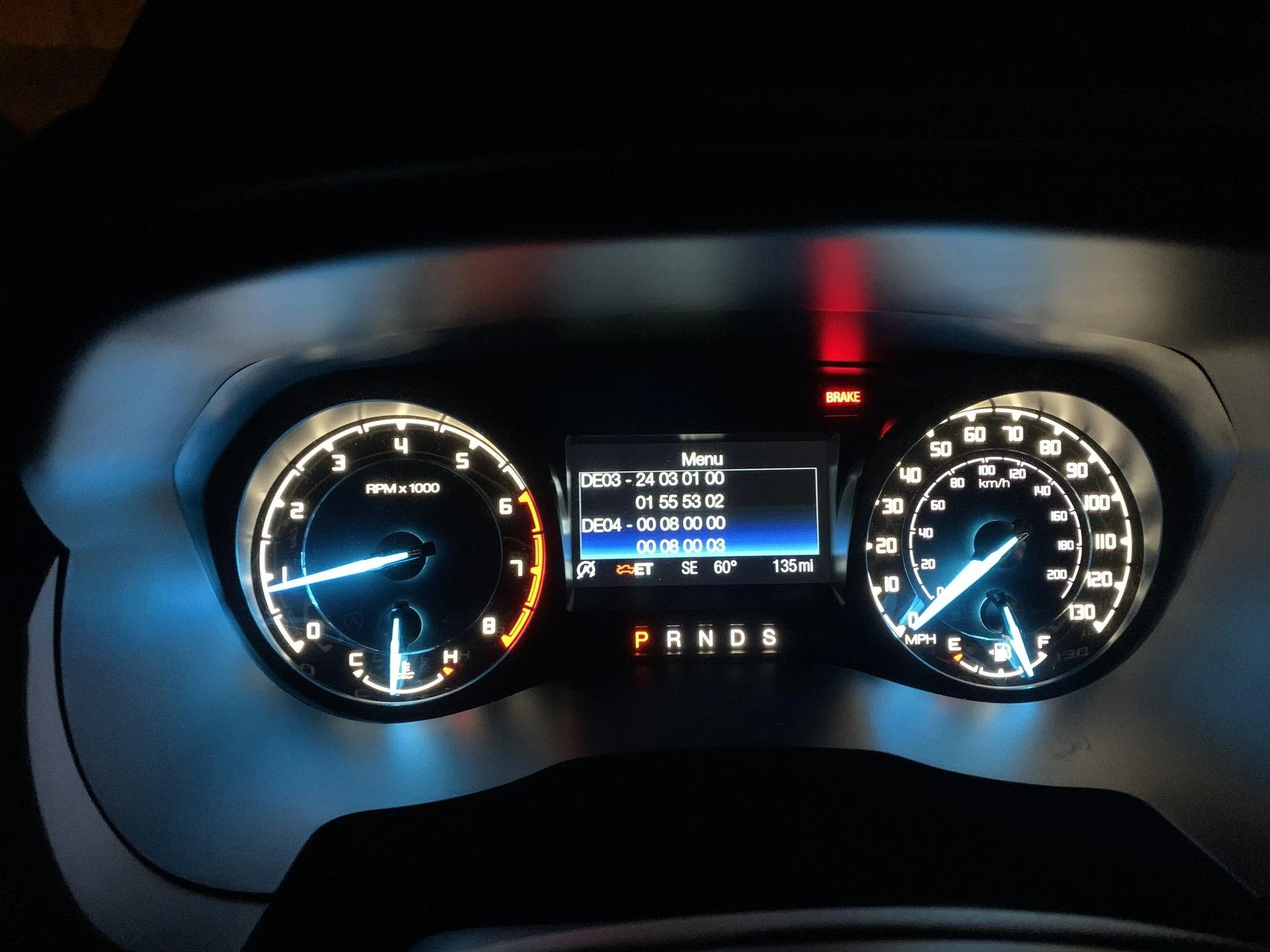
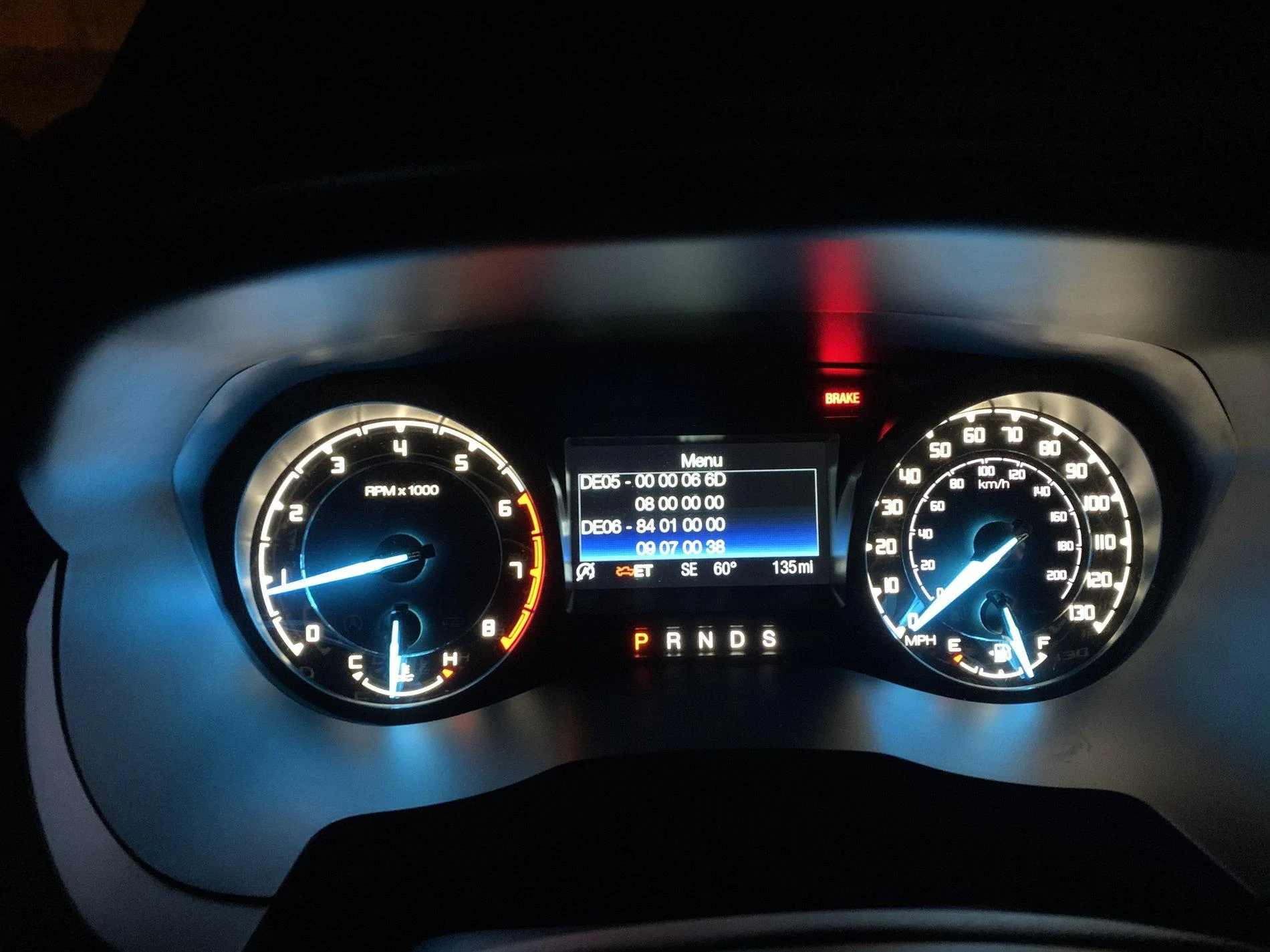
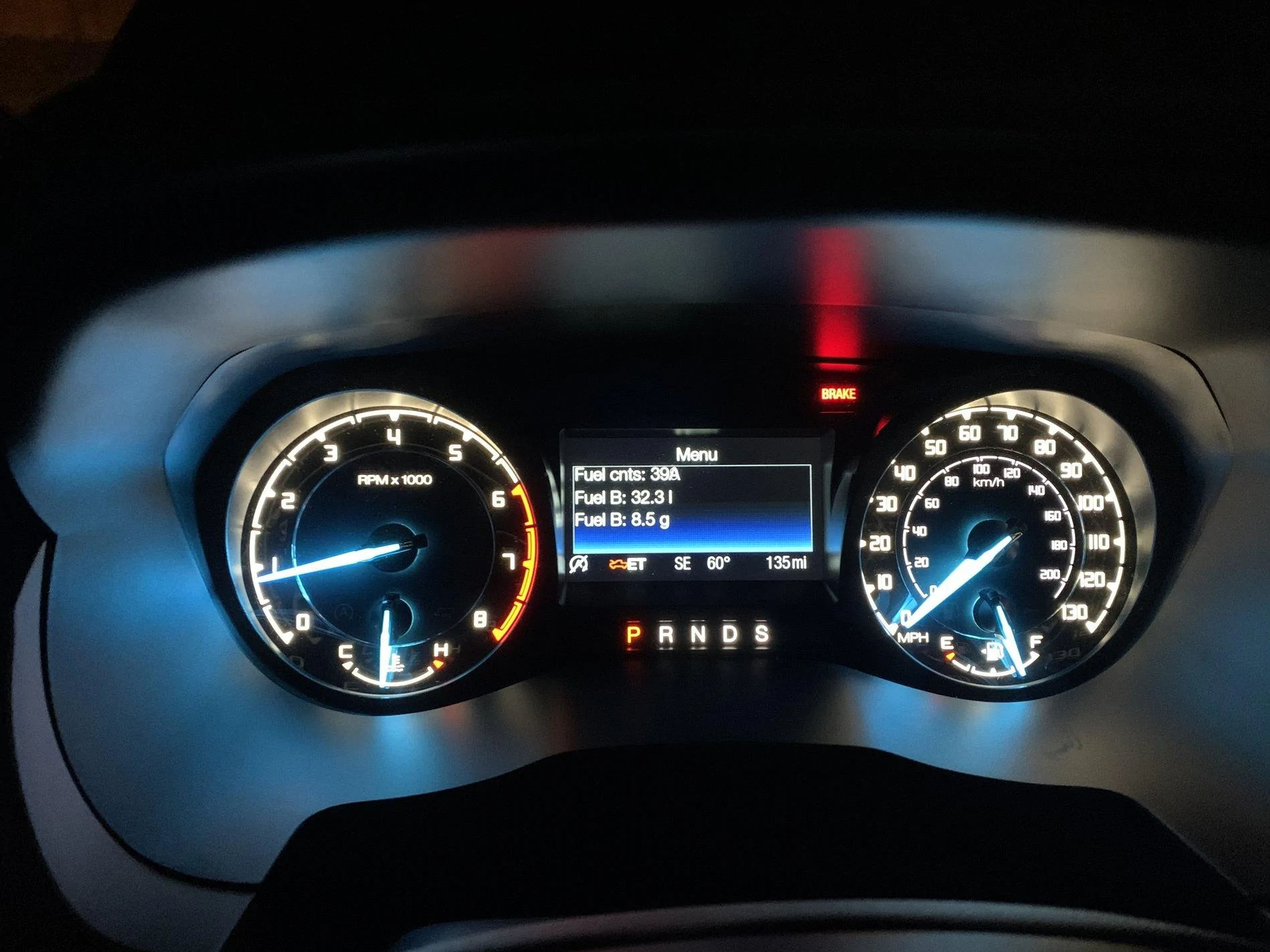
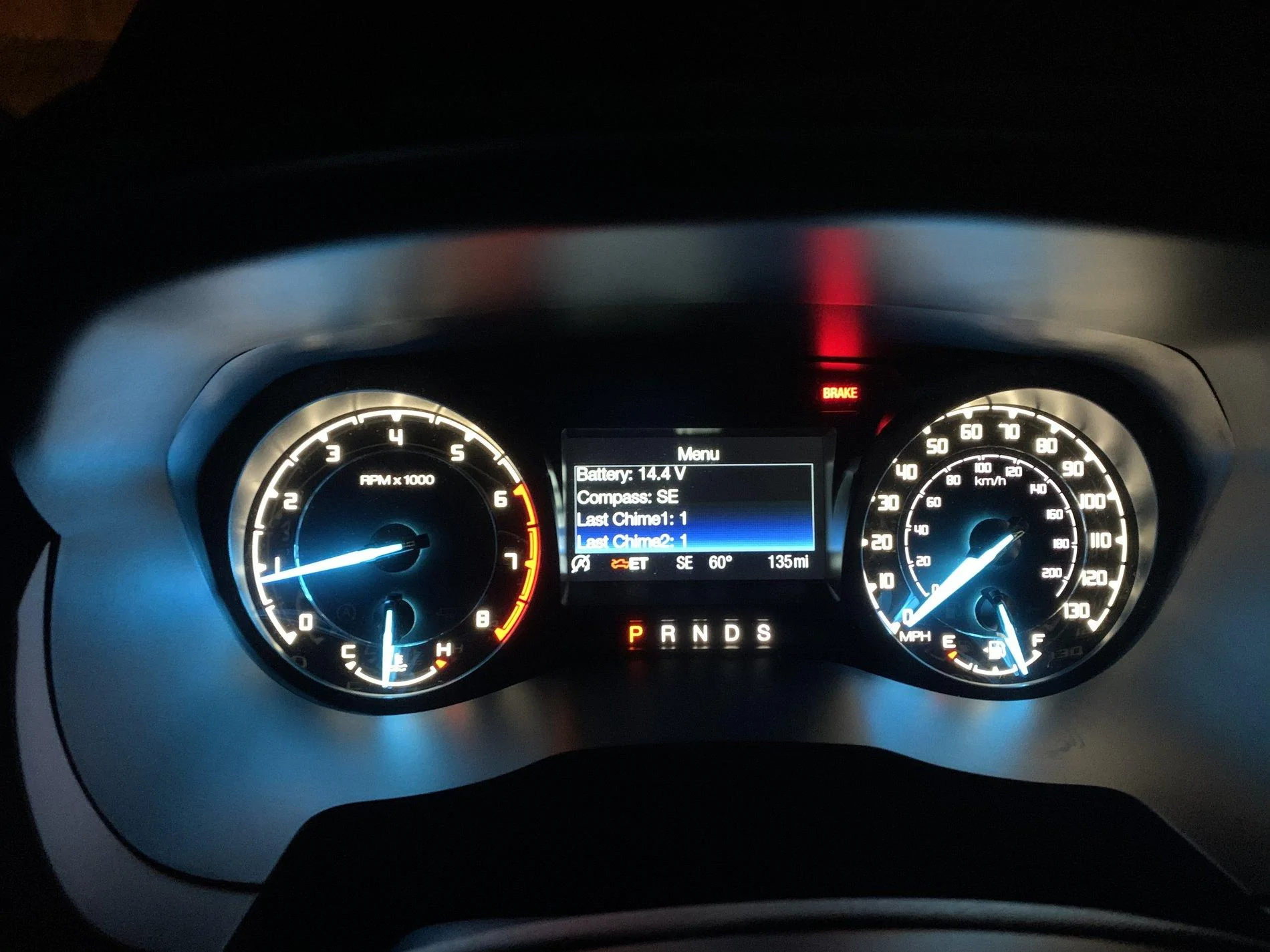
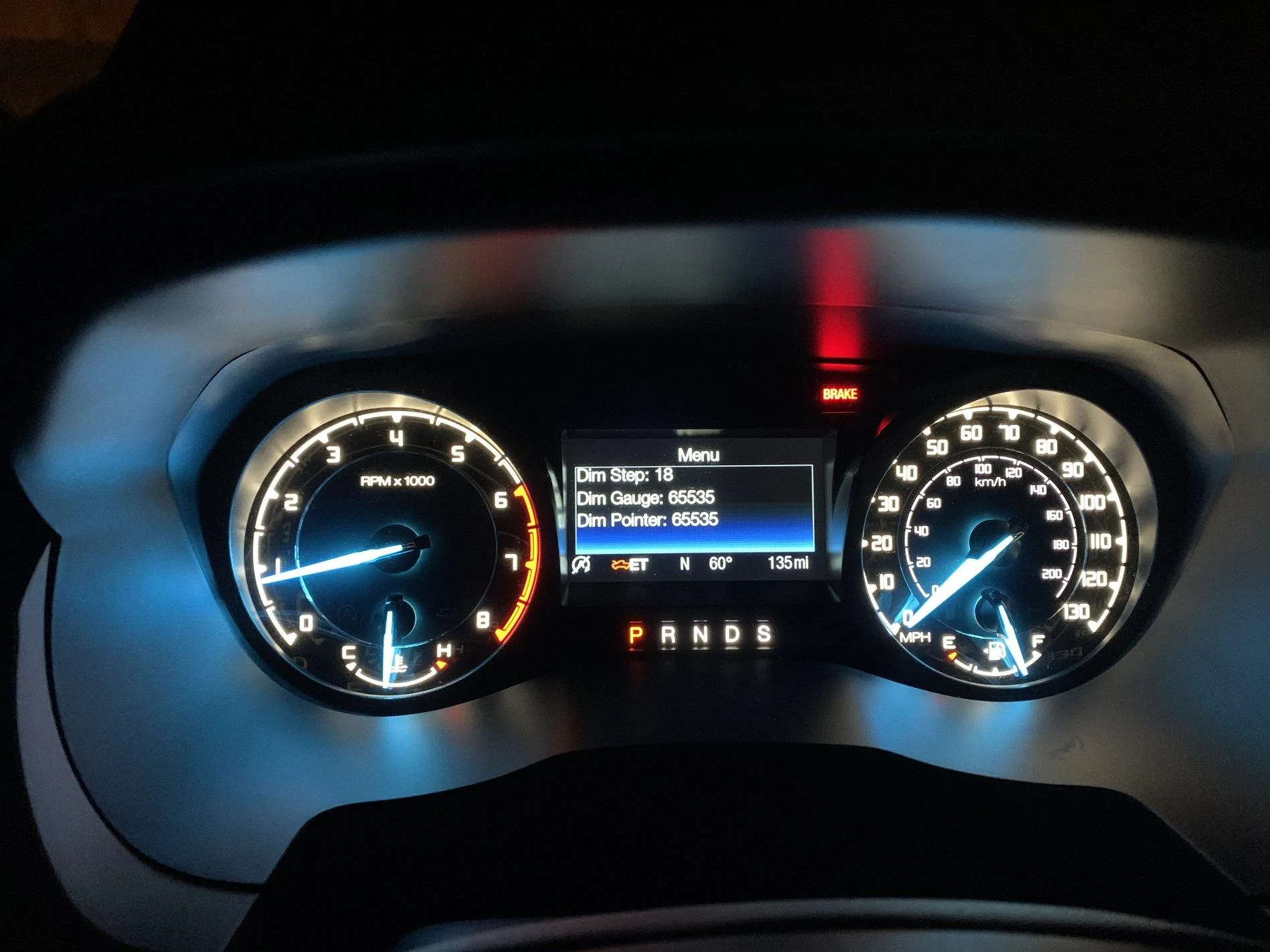
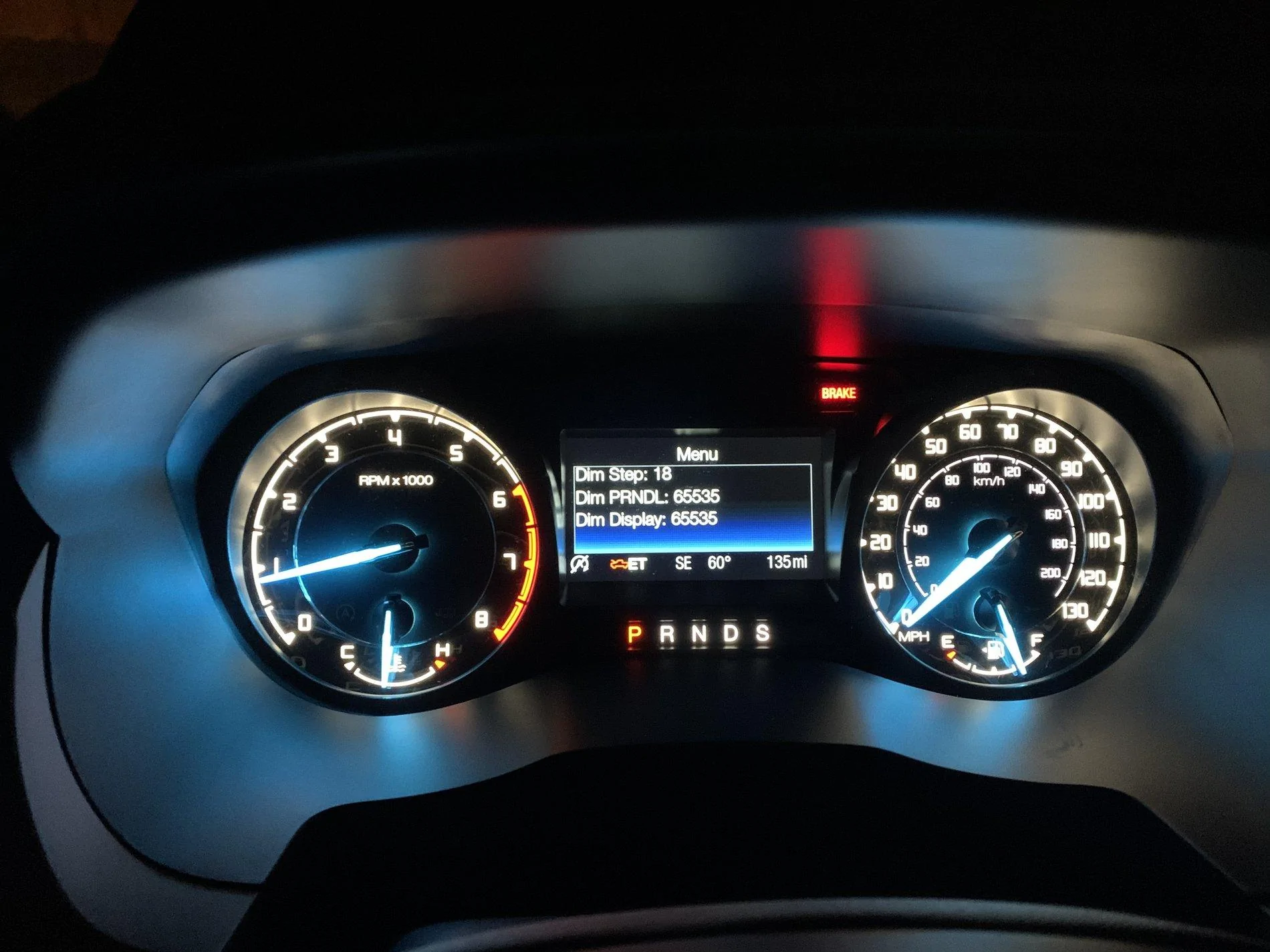
- You’ll see ET appear in your display — release ok button
- Use the up and down arrows to scroll through
- Battery charge
- Gauge sweep
- Fuel in tank
- Live rpm data if you started the truck
- Live fuel consumption if you started
- Various codes
- Other engineer stuff
Sponsored